
Quick answer: In Minecraft Java Edition 26.4 snapshots, you can turn a jukebox into a hands-off playlist player by placing one chest directly above it and filling that chest with music discs. The jukebox plays the discs in chest-slot order, skips empty slots and non-disc items, and cycles back to the start. It is an ideal soundtrack setup for long building sessions—but this is a testing-version feature, so check the version you are playing before you build around it.
For builders, the best quality-of-life upgrades are often the smallest ones. A jukebox has always been a fun finishing touch for a base, tavern, workshop, or multiplayer spawn, but changing records manually could interrupt a long session. The new chest-fed playlist makes background music much easier to manage without wiring together a redstone contraption.

How the Minecraft jukebox playlist trick works
The core setup is simple: place a single compatible chest directly on top of a jukebox, then put your music discs inside. In the official Java 26.4 Snapshot 4 notes, Mojang lists a regular chest, a trapped chest, and any copper chest variant as compatible playlist containers. The jukebox uses the discs in that container as its queue.
Tracks play in the order of the chest's inventory slots. Empty slots and ordinary items are skipped, and after the last available disc, playback loops back to the first one. When a track ends, the jukebox exchanges the disc it was playing for the next disc in the chest. Ejecting the current disc can also skip to the next available track.
How to set up a set-and-forget jukebox playlist
- Choose the location. Put the jukebox where you want the music to be heard—inside a workshop, near a storage hall, or in the center of a base lounge.
- Place one chest directly above it. Use a regular chest, trapped chest, or a copper chest variant supported by the snapshot. The chest must sit directly above the jukebox.
- Collect your music discs. Add the tracks you want to hear during your build. Music discs are individual items, so plan the playlist around the discs you actually own.
- Arrange the slots in playback order. Put your opening track first, then arrange the rest of the discs in the order you want them to play. Avoid adding filler items unless you intentionally want the jukebox to skip over them.
- Start building. Once the chest is stocked, let the jukebox handle the transitions. If you want to skip the current song, eject the playing disc and the next available track should start.

Arrange your chest like a real playlist
Think of the chest as a tiny playlist editor. Put calm tracks near the beginning if you usually start with planning and decorating, save higher-energy favorites for big construction pushes, and finish with a track you do not mind hearing again when the playlist loops. Because the jukebox follows slot order, organizing the chest before you start can save you from rearranging it mid-build.
For a large base, you can also give each room its own mood: a mellow playlist for a library, a lively set for a tavern, or a short loop for a workshop. Keep the setup easy to access so you can swap the discs when your project changes. Remember that the feature plays discs in the chest; it does not turn the chest into a general-purpose music player for arbitrary audio files.
Best uses for long builds and multiplayer bases
- Survival megabases: Keep a soundtrack going while you place blocks, sort storage, or work through a large interior.
- Creative building worlds: Set up a playlist before detailing a city, castle, or landscape so you do not have to stop to change records.
- Server spawn areas: Add music to a welcome hall or community lounge, then arrange the discs to fit the space's atmosphere.
- Role-play builds: Use separate jukebox-and-chest setups in a tavern, shop, library, or theater to give each room a distinct feel.
Common mistakes to avoid
- Putting the chest beside the jukebox: For this feature, the compatible container needs to be directly above the jukebox.
- Using a double chest: The official snapshot notes describe a single chest or supported single-container variant. Use one chest for the simplest reliable setup.
- Expecting empty slots to pause playback: Empty slots and non-music-disc items are skipped, so they do not create breaks between tracks.
- Assuming every Minecraft version has it: The playlist feature was introduced in Java 26.4 Snapshot 4. Snapshot features can change before a full release, and Bedrock availability should be checked against its own current Preview notes.
- Building it into your only survival world without a backup: Mojang warns that testing versions can corrupt worlds. Use a copied world or a separate test installation when trying snapshots.
Does the jukebox playlist work in the latest Minecraft release?
The chest-fed playlist was documented in Minecraft Java Edition 26.4 Snapshot 4, published October 13, 2026. As of October 27, 2026, Mojang has also published later 26.4 snapshots, but snapshot notes are not the same as a full stable-release announcement. Check the launcher and the latest official changelog before relying on the feature in a long-term world.
For the official details, read Mojang's Snapshot 4 changelog and the official jukebox explainer. You can also browse our Minecraft News blog for more Minecraft tips and update guides.
Frequently asked questions
Can a chest automatically play multiple music discs in Minecraft?
In Java 26.4 snapshots with jukebox playlists, yes. Put a compatible single chest directly above a jukebox and fill it with music discs. The jukebox cycles through the discs in inventory-slot order.
Do the discs play in the order I place them?
They play in chest-slot order, not simply in the order you collected them. Arrange the slots deliberately, and remember that empty slots and non-disc items are skipped.
Can I use a trapped chest or copper chest?
The official Java 26.4 Snapshot 4 notes list a regular chest, trapped chest, and any copper chest variant as supported containers for the playlist feature.
How do I skip a song?
Eject the currently playing disc from the jukebox. The playlist behavior described in the snapshot notes advances to the next available disc.
Is this available in every edition?
Do not assume so. The cited feature is documented for Java Edition 26.4 snapshots. Check official Bedrock Preview notes separately before expecting the same behavior there.
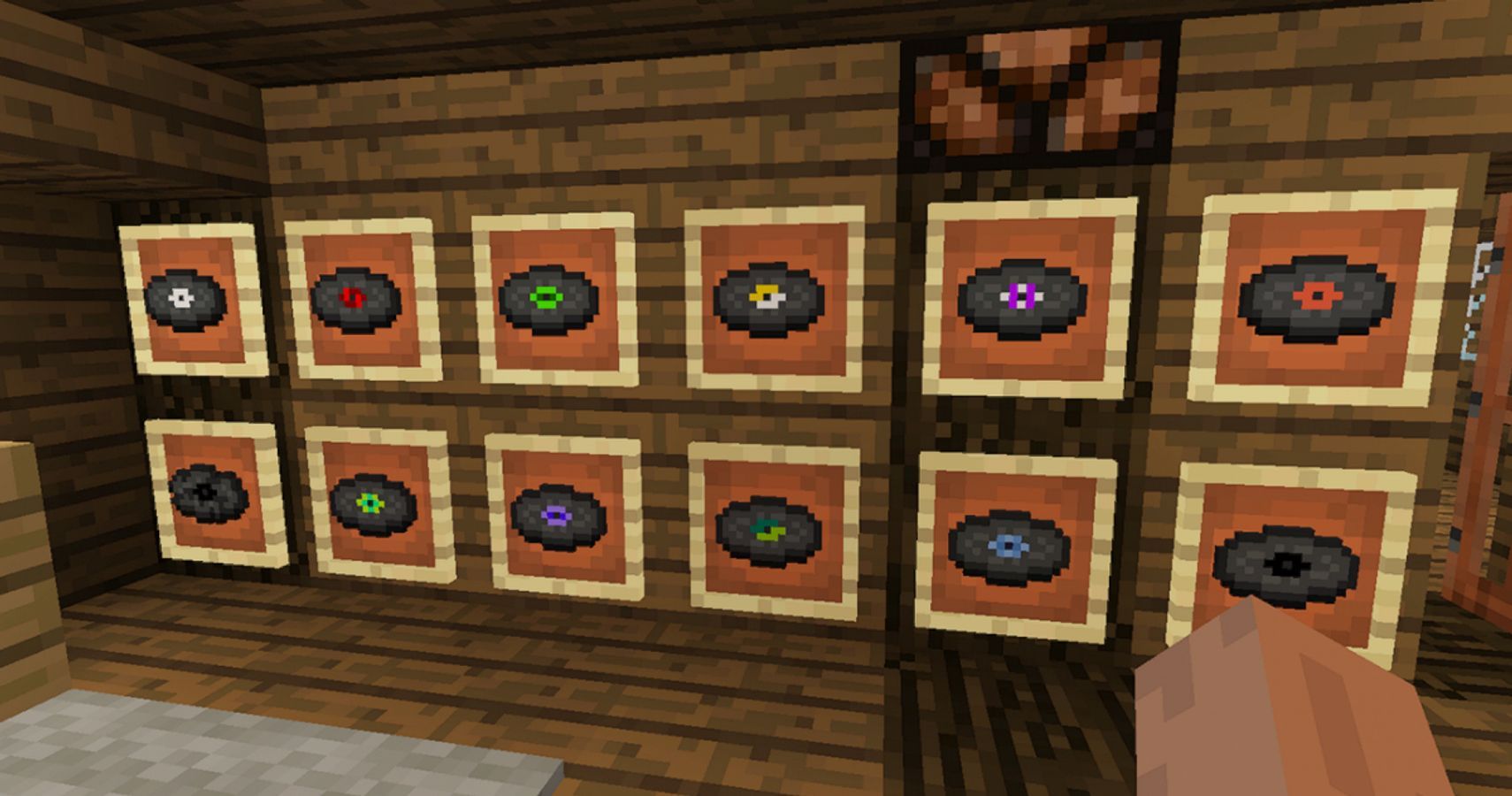
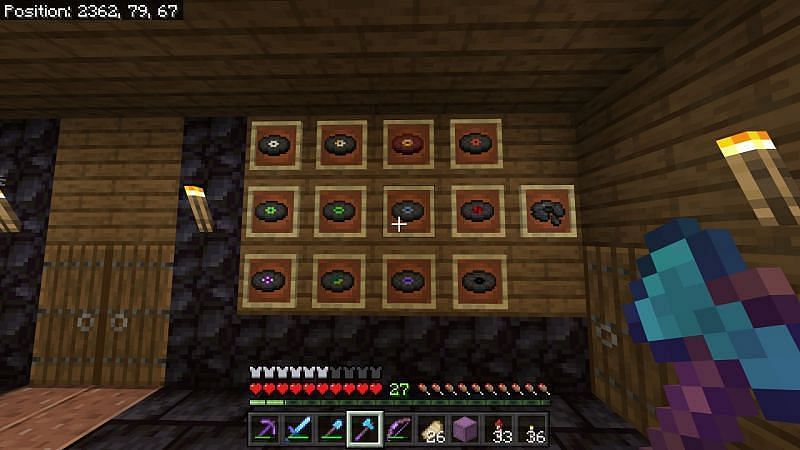
Written by Shivam Das. Feature status and mechanics can change while Minecraft snapshots are in testing. The images above are illustrative Minecraft builds and music-disc displays, not screenshots claiming to show the exact new chest-playlist interface.