Quick answer: Dress To Impress’s Halloween 2026 update adds expanded avatar customization, including more makeup choices and hairstyle options. The key shopping rule is to check each item in the live game: some looks and customization tools are available to everyone, while certain cosmetics, sets, passes, and extra slots may require in-game cash, seasonal currency, VIP access, or Robux. A preview image alone does not prove an item is free.
Updated October 17, 2026 · By Shivam Das
Dress To Impress (DTI) players are heading into Halloween looking for two things: fresh ways to build a standout look and a clear answer about what they can unlock without spending Robux. The 2026 seasonal update brings new and refreshed cosmetics alongside expanded hair and makeup customization. But “new in the update” does not automatically mean “free for every player.”
This guide separates what is supported by current update coverage from what players should verify directly in the game. Item availability, prices, and unlock requirements can change with patches, so the live item description is the final check before you spend currency.
What’s new in Dress To Impress makeup and hairstyles?
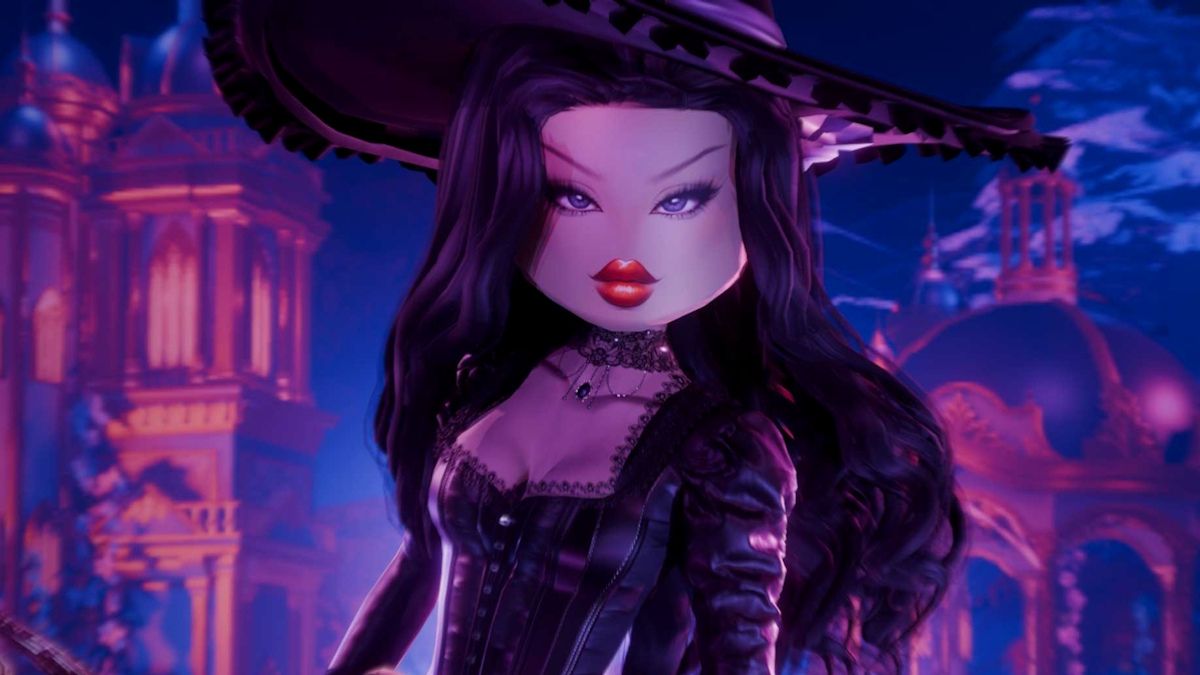
Coverage of the Halloween 2026 release describes an expanded makeup selection, more hair choices, and a refreshed customization interface. The hair menu groups styles into categories such as feminine, masculine, bangs, curly, straight, wavy, updo, locs, braids, and afro. Hair can be recolored at styling stations, making it easier to coordinate a hairstyle with a costume rather than restarting an entire look.
Update coverage also reports that the eye-makeup selection reaches option 295. That number refers to the selection shown in coverage; it should not be read as 295 brand-new Halloween eyes. The Haunting Beauty set has also received a visual rework, but players should inspect the in-game listing to see its current availability and cost.
What is free, and what may cost Robux?
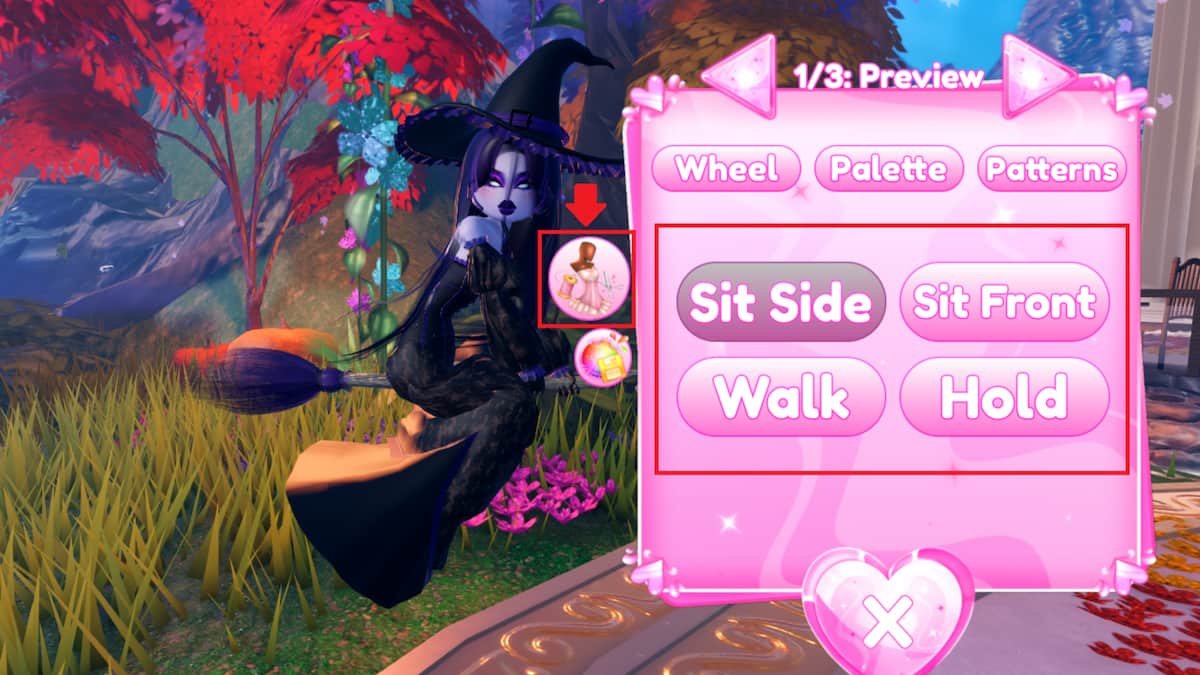
Use the item’s own listing instead of guessing from a teaser. A cosmetic can be promoted as part of a seasonal update while still belonging to a paid set, a pass, a currency shop, or a quest reward. Likewise, a free makeup preview does not mean every hairstyle or outfit shown in the same promotional campaign is free.
- Free or standard customization: Check the default salon options and any item marked as available to all players. The exact free selection can change after updates.
- In-game cash: Some items or customization extras may be bought with earned game cash. Check the currency symbol and the amount shown beside the item.
- Seasonal currency: Event shops can use a limited-time currency. Confirm the amount needed and whether the activity that earns it is currently available.
- Pass, VIP, or Robux purchases: Special sets, passes, VIP perks, and additional customization slots may require a paid unlock. Read the listing carefully before confirming a purchase.
- Quest or code rewards: If an item is advertised as a quest or code reward, verify the requirement in the official game or developer announcement. Do not assume an old code or past-season quest still works.
How to check an item before spending currency
- Open Dress To Impress through the official Roblox game page: Play Dress To Impress on Roblox.
- Visit the relevant salon, dressing booth, seasonal shop, or pass screen.
- Select the exact makeup, hairstyle, set, or slot you want.
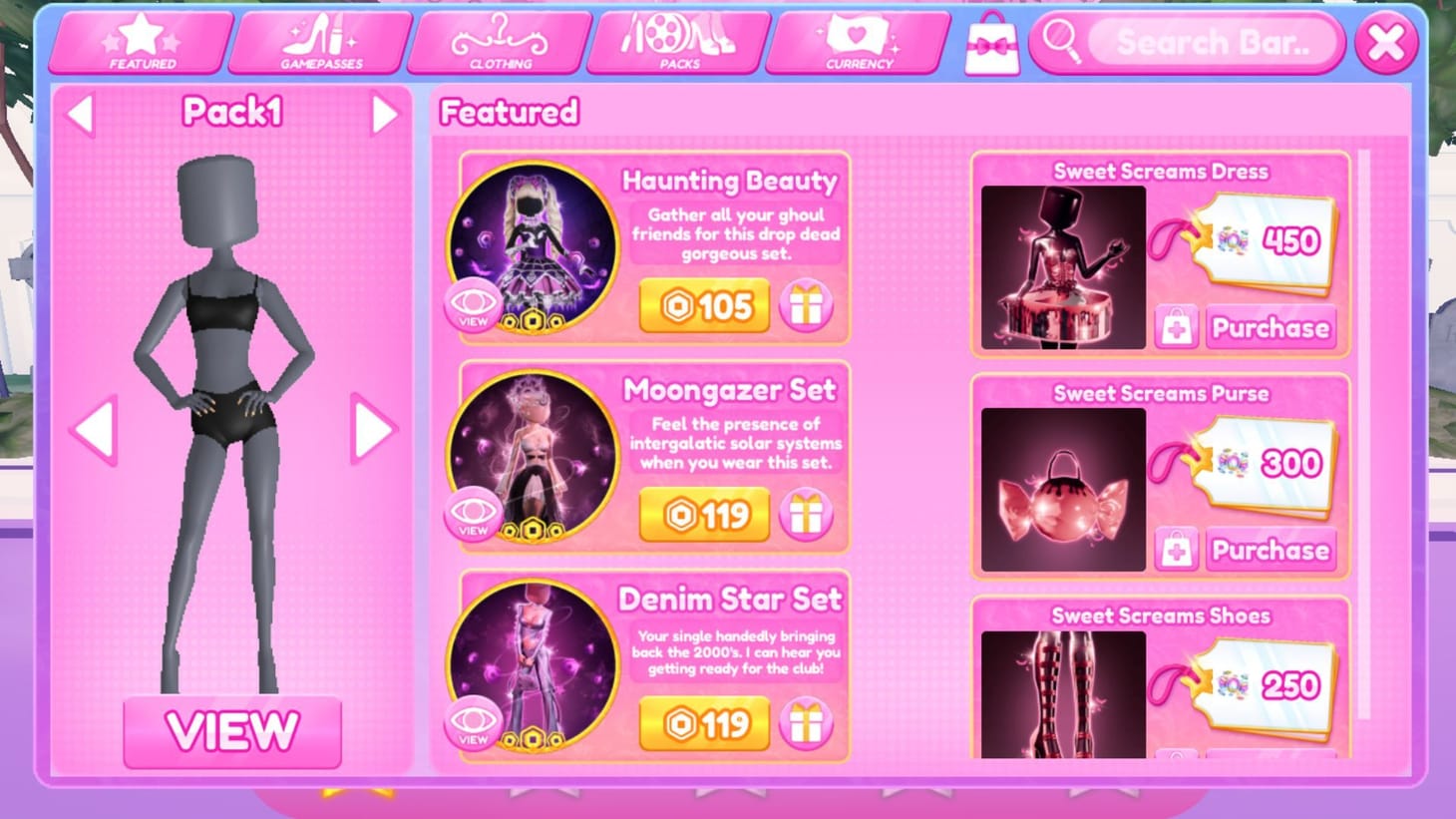
- Look for the displayed price, currency icon, VIP label, pass requirement, or quest condition.
- If the listing is unclear, back out without buying and check the official developer announcements before spending Robux.
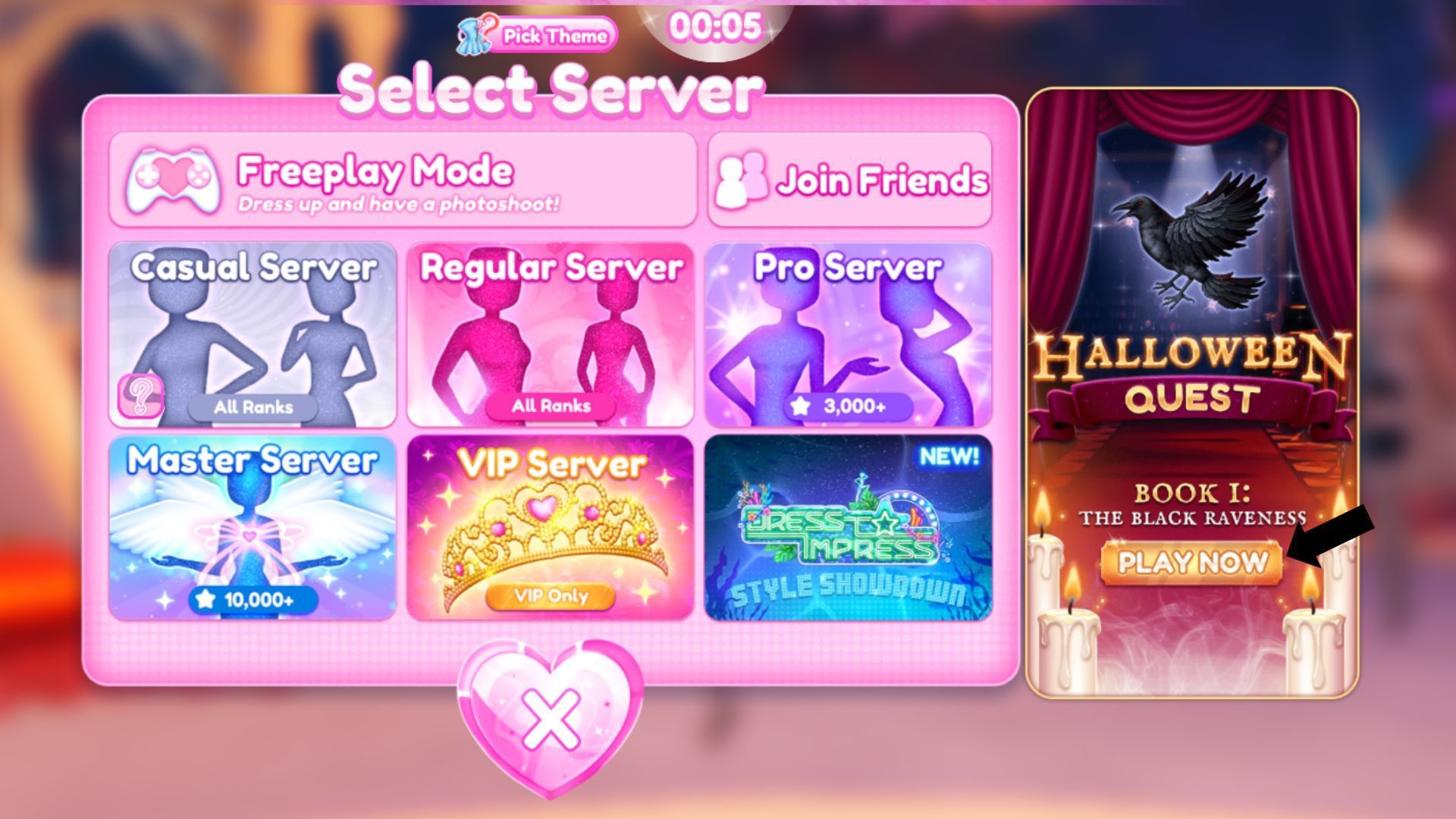
This quick check matters most when a promotional post shows several items together. The image may include free options beside paid cosmetics, and an item’s appearance alone cannot establish its unlock method.
Makeup and hairstyle combinations worth trying
For a polished Halloween look, start with one focal point rather than layering every dramatic option at once. A bold eye with a simpler lip can make a costume readable from the runway; a strong lip and restrained eye design can work better with detailed headwear. For a gothic or witch-inspired outfit, coordinate the hair silhouette with the hat or headpiece before adjusting smaller accessories.
For fantasy, fairy, or storybook looks, try a softer makeup palette and use hair color to connect the face to the outfit. If your avatar’s costume already has elaborate patterns, use a cleaner hairstyle so the overall design does not become visually crowded. These are styling suggestions, not claims that a particular combination unlocks a reward.
Official Halloween update video
The developer Q&A below is useful background on the Halloween plans. For final prices and current unlock conditions, rely on the live game rather than assuming every preview detail is unchanged.
Official game: Dress To Impress on Roblox. Official community: Dress To Impress Group.
Frequently asked questions
Are the new Dress To Impress hairstyles free?
Not every hairstyle should be assumed free. Check each style in the live salon or dressing booth; availability may depend on the item, set, pass, currency, or other unlock requirement.
Are the new makeup looks free in the Halloween 2026 update?
Some free makeup looks were previewed by the developers, but that does not mean every cosmetic in the Halloween update is free. Confirm the exact look in the live game before planning around it.
How can I tell if a DTI item costs Robux?
Open the item listing and check its currency symbol, price, and any VIP or pass label. Do not rely only on screenshots or social posts, which may show multiple types of rewards together.
Does the 295 eye selection mean 295 new Halloween makeup looks?
No. Current coverage describes the eye selection reaching number 295; that is not the same as confirming 295 new Halloween additions.
Where should I check for the latest DTI cosmetic information?
Start with the official Roblox game page and the official Dress To Impress community. Verify prices and unlock conditions in the live game because seasonal content can change.
Bottom line
Dress To Impress’s Halloween 2026 update gives players more ways to customize makeup, hair, and seasonal outfits, but the free-versus-paid distinction is item-specific. Check the current listing, read the unlock requirement, and only spend Robux when the displayed price and reward are clear. That approach is more reliable than assuming a teaser or a past-season guide reflects the live shop.
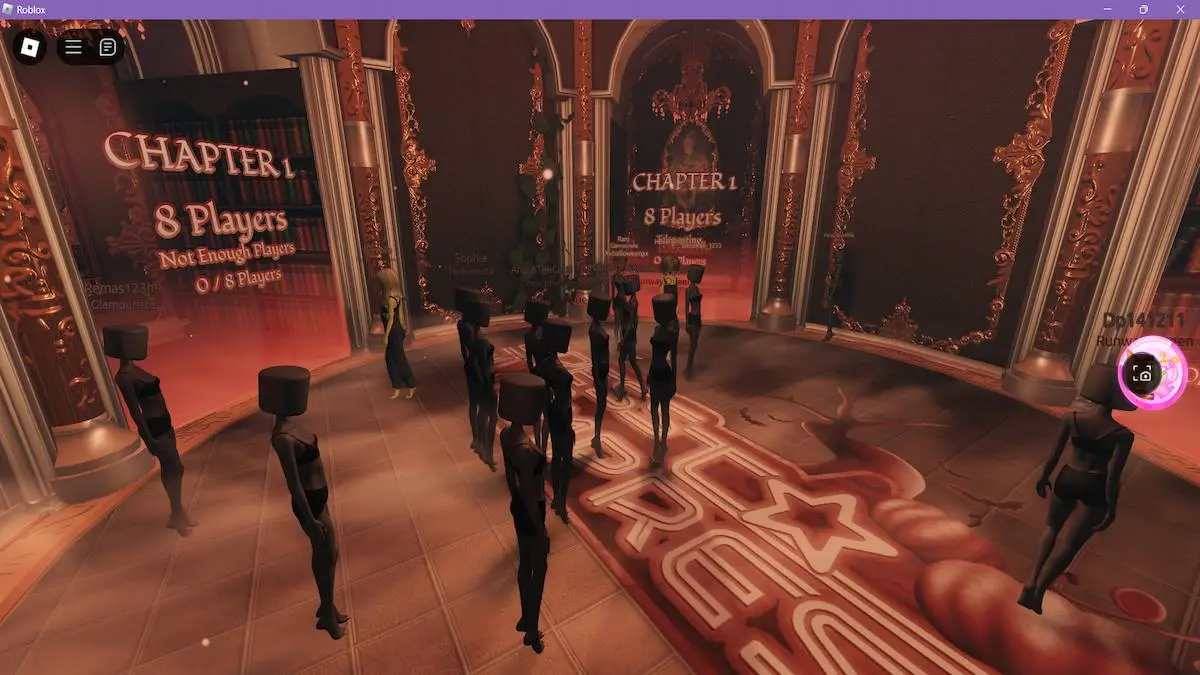
Editorial note: Images marked as historical are from earlier DTI seasons and are included for visual context, not as proof of specific 2026 items. Image credits are linked at each image.