

Some Roblox Halloween rewards are easy to miss because they are tied to one experience, a limited-time quest, or a newly updated server. “Server-only” does not always mean a private server: sometimes it means the newest version of a game must be running. As of October 21, 2026, check the live game description and in-game claim prompt before investing time in a reward.
Quick answer: Start with the official Family Zone Halloween quest for the free Duck-O-Lantern. If an event is missing in Elemental Powers Tycoon, rejoin a fresh server: the game description specifically flags its new UGC event as “ONLY IN NEW SERVERS.” Availability and stock can change, so verify the reward in-game.
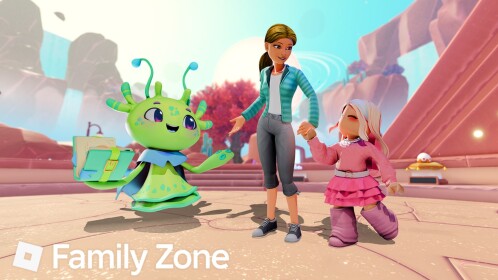
1. Family Zone: Check the Duck-O-Lantern quest
The official Family Zone description says players can earn the free Duck-O-Lantern by finding Nerba, searching for hidden ducks, and completing the quests. Its current description gives a November 4 deadline; use that official date rather than relying on third-party guides that show a different cutoff.
- Open the official Family Zone game page.
- Join the experience and start the Halloween quest from Nerba.
- Complete each objective and make sure the game registers it.
- Return to the claim prompt when the game says the reward is unlocked.
2. Elemental Powers Tycoon: Join a newly updated server
The current Elemental Powers Tycoon description calls out a new UGC event and explicitly says “ONLY IN NEW SERVERS.” An older server instance may not have loaded the updated event interface.
- Leave the current instance and rejoin from the game’s main page.
- Check the latest patch notes and the in-game event interface.
- Follow only the requirements displayed by the game itself.
- If the event still does not appear, try another fresh server and check the creator’s official group for updates.
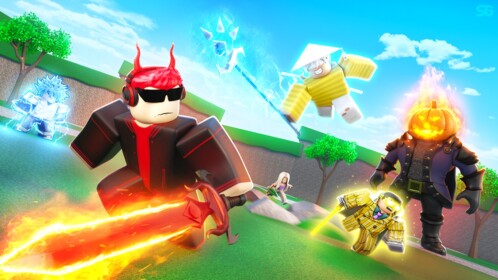
3. BBC Wonder Chase: Check round-based limited UGC
The official BBC Wonder Chase Halloween experience description advertises limited UGC rewards tied to collecting ghosts and finishing its lobby obby. It also says players must stay in the top 200 at the end of a round to claim the listed reward. That makes the result round-dependent: completing the course alone may not be enough.
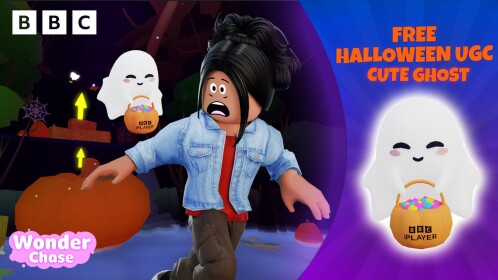
4. Spooky Tycoon: Watch the stated start date and threshold
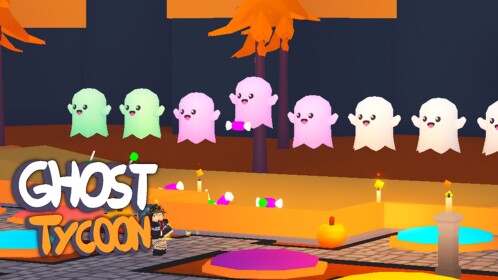
The Spooky Tycoon page advertises a free limited UGC reward for players with more than 1,000 ghosts, with a stated start of October 28 at 2 p.m. Eastern. On October 21, that advertised start is still in the future, so do not assume the reward is claimable yet. Recheck the experience on or after the stated start time.
5. Beware of offers that have already sold out
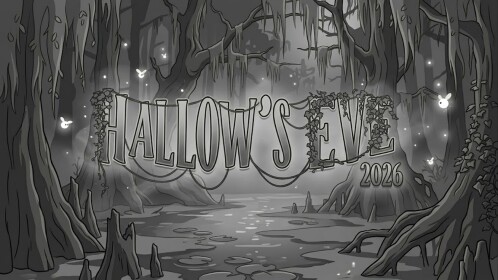
Not every Halloween-themed experience still has a claimable item. The current Hallow’s Eve description says its free UGC rewards have sold out. Old videos may continue circulating after a reward is gone, so confirm stock and the claim prompt before following a guide.
How to avoid fake “private server” claims
- Never pay Robux or share your password to “unlock” a free item.
- Do not install browser extensions or download external tools to claim UGC.
- Do not assume a private server is required unless the official game instructions say so.
- For server-version issues, rejoin the official experience and look for the latest update.
- Limited stock can run out even when old posts still say “free.”
Official pages to check
- Family Zone — official Roblox experience
- Elemental Powers Tycoon — official Roblox experience
- BBC Wonder Chase — official Roblox experience
- Spooky Tycoon — official Roblox experience
- Roblox Support: All About Gift Items
Bottom line: Start with Family Zone’s Halloween quest, refresh Elemental Powers Tycoon into a new server if its event is missing, check the placement rule in BBC Wonder Chase, and wait for Spooky Tycoon’s stated start time. Treat every free-UGC offer as unconfirmed until the live experience shows the reward and its requirements.
Related Roblox guide: The Hollow Day 1 priority list for casual players.
