Updated October 27, 2026: If you are trying to collect free Roblox Halloween items before they disappear, start with events that have the earliest clearly listed end dates. The biggest confirmed deadline to keep on your calendar is Roblox’s official The Hollow event: its live finale is scheduled for October 31, but Roblox says players can continue collecting rewards until noon Pacific Time on November 2, 2026. Other game-specific Halloween events can close sooner, and their timers may differ by experience or region.
Quick answer: Check the in-game event timer first, claim any rewards already unlocked, and prioritize the earliest verified deadline. Do not assume every Halloween event ends on October 31—or that an event’s end date and its reward-claim deadline are the same.
1. The Hollow: Keep November 2 on Your Calendar
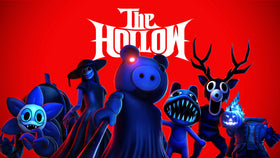
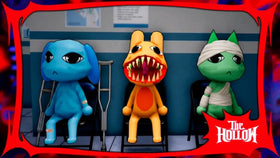
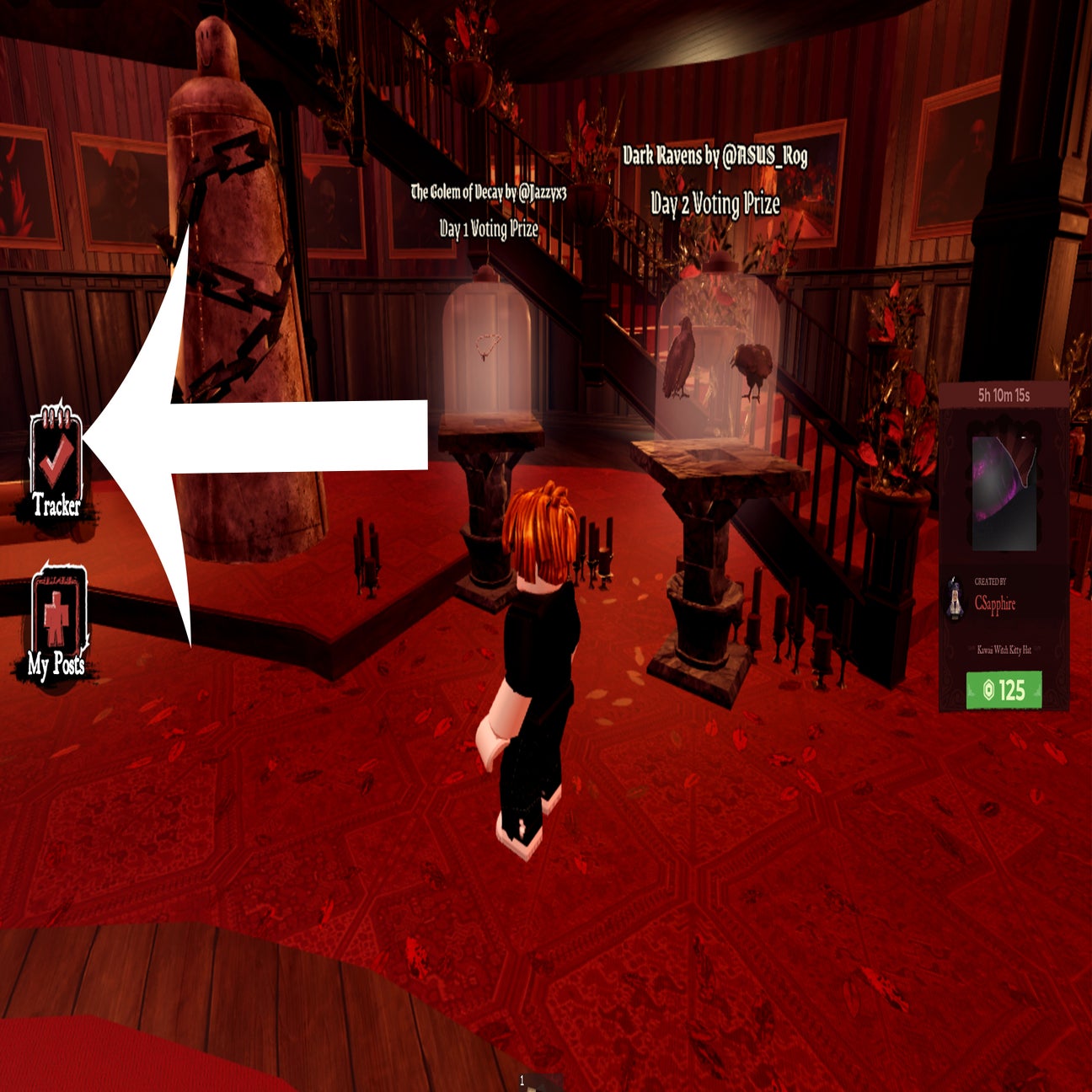
Roblox’s official newsroom announcement says The Hollow began October 22, 2026, features nine horror-themed nights and a live finale on October 31. The key detail for reward hunters is that the collection window remains open until noon PST on November 2. That gives players time after the finale to finish collecting eligible rewards, but it is not a reason to wait until the final hours.
Open the official The Hollow experience, check the current quest and reward requirements, and claim anything the game marks as available. Roblox says quests award exclusive UGC and other rewards; it does not say that every item has the same requirement.
2. Check Shorter Game-Specific Halloween Events First
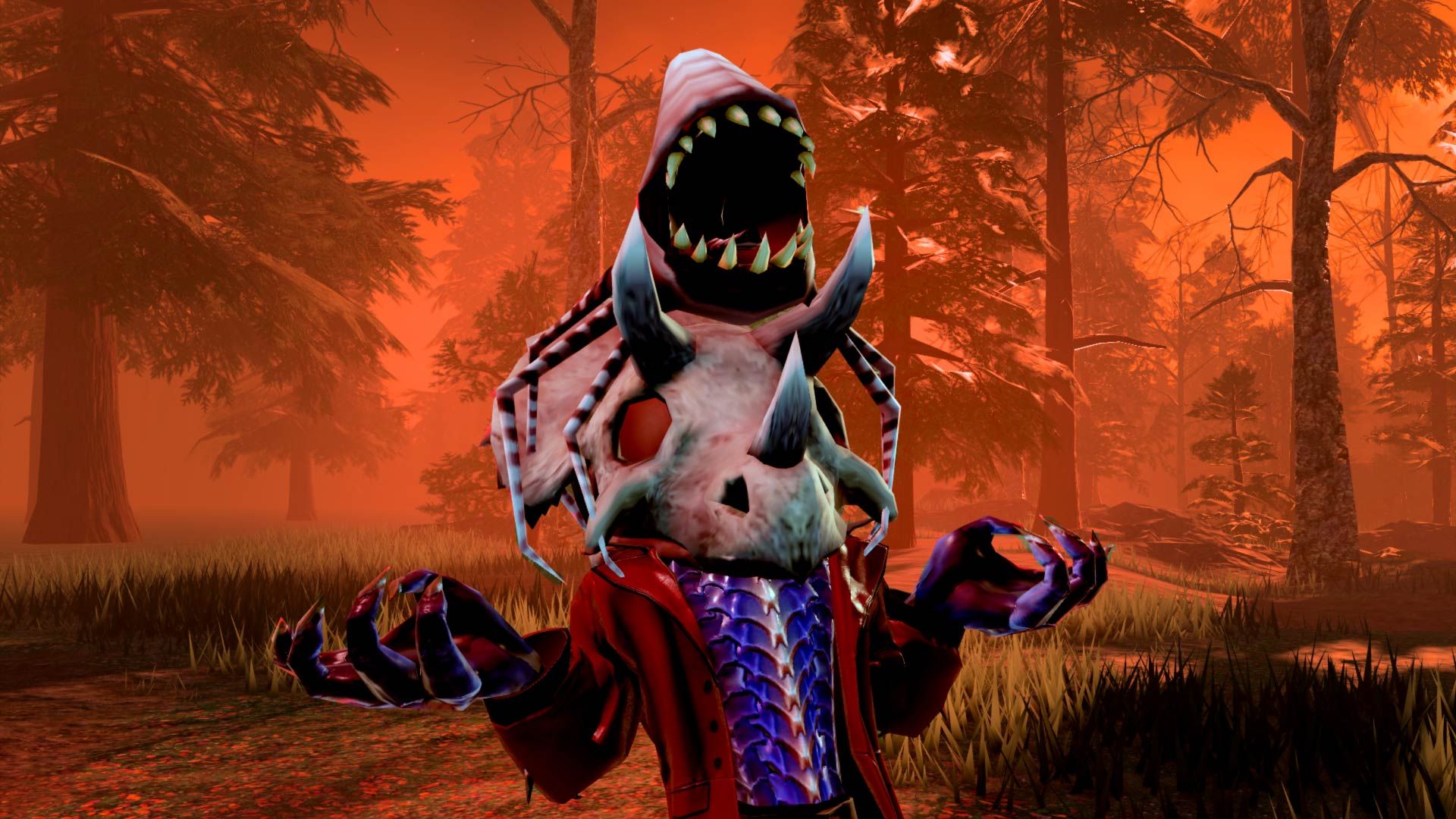
Roblox has many independent experiences, and their Halloween updates do not share one universal deadline. Event calendars recently listed some experiences with late-October end dates, including a Halloween Season event in +1 Loot To Forge and Halloween Part 1 in +1 Tongue Escape. Calendar listings can change, so treat those as prompts to verify—not as a guarantee that every reward remains available until the listed closing time.
For each game, open its event panel or update description and record three separate things: the event’s end time, the last time rewards can be claimed, and whether any reward requires a separate quest, currency or login streak. If the game does not clearly publish a claim deadline, assume the reward may become unavailable when the event closes and prioritize it over longer-running events.
3. Adopt Me! and Bloxburg: Check the Live Event Boards
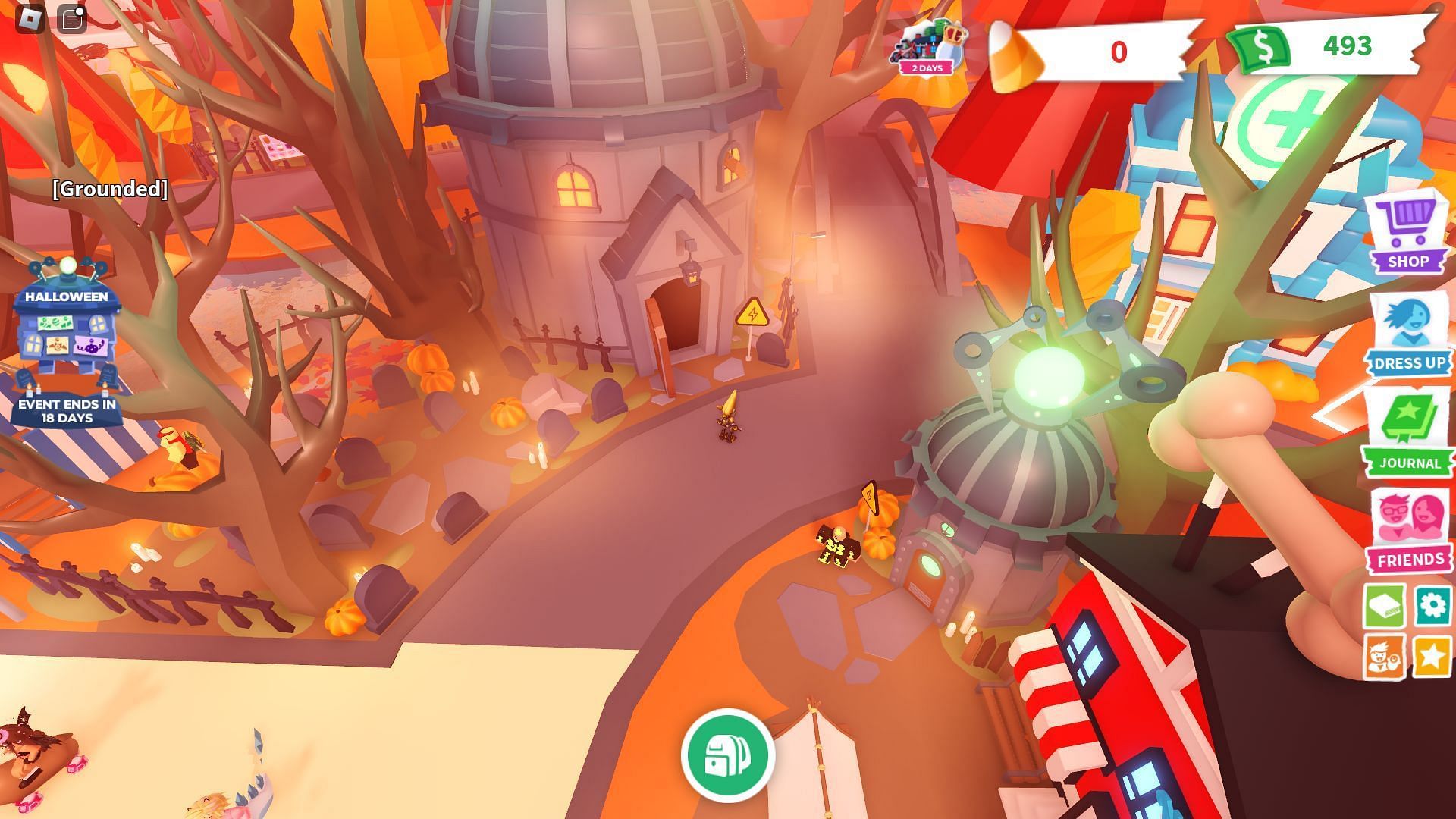
Roblox’s announcement also points players toward seasonal Halloween activities in Adopt Me! and Welcome to Bloxburg. These are separate experiences, so their minigames, pets, personal rewards and group rewards can have different requirements and end dates. The useful move is to check each game’s current event board rather than relying on an old video or last year’s guide.
In Adopt Me!, review the active seasonal activity and any reward track before spending event currency. In Bloxburg, look for the current Pumpkin Panic or Ghost Hunt details and whether a reward requires personal progress or participation with others. If a reward is already unlocked, claim it immediately rather than leaving it in a menu until the last day.
4. A 10-Minute Checklist Before You Log Off
- Open The Hollow and check which quests or rewards are still incomplete.
- Claim unlocked items now; do not leave them waiting in a reward menu.
- Check the event board in each Halloween game you play, especially anything showing an October 28–31 end date.
- Spend event-only currency before the game’s published deadline if the rules say it expires.
- Confirm the item appears in your Roblox inventory or the experience’s reward screen.
- Take a screenshot of any unclear timer and check the experience’s official description or developer announcements.
What Not to Assume
Do not assume a Roblox-wide event calendar guarantees every game-specific item is free, permanent or claimable until the event’s final listed date. Marketplace cosmetics may cost Robux, and some experiences use separate quest tracks. Roblox’s official Hollow announcement confirms the general event window and that quests award rewards, but the exact steps for individual items should be checked in the relevant experience.
For official details, read the Roblox newsroom announcement for The Hollow and open the official event experience for the current in-game requirements. For other games, use their own event boards and developer announcements.
Frequently Asked Questions
When do The Hollow rewards stop being collectible?
Roblox says rewards can be collected until noon Pacific Standard Time on November 2, 2026. The live finale is on October 31, but the reward window continues afterward.
Do all Roblox Halloween events end on October 31?
No. Roblox experiences are operated separately and can use different event schedules. Check the timer and claim rules in each game.
Are all Halloween rewards free?
No. Some quests offer rewards, while Halloween Marketplace items may be paid. Read the item and event requirements before spending Robux or event currency.
What should I claim first?
Claim rewards that are already unlocked, then prioritize the event with the earliest verified deadline. The Hollow’s official reward-collection deadline is November 2, but a separate game may close sooner.
How can I avoid losing a reward?
Check the event timer, finish the listed quest, redeem the reward in-game, and verify that the item or progress appears in the expected inventory or tracker.
Editorial note: Dates and event references were checked against Roblox’s October 21, 2026 newsroom announcement and event listings available on October 27, 2026. Independent game timers can change; verify them in-game before relying on a deadline.