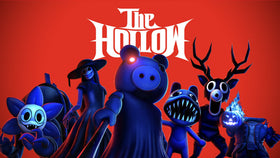
Quick answer: If your Floor 6 relic or reward seems missing in Roblox’s The Hollow, confirm you completed the full escape back to the elevator, check the correct Roblox avatar inventory category, verify the related badge, and refresh your inventory display. These checks help narrow down the problem, but Roblox has not confirmed a universal fix for every missing-item report.
Updated October 27, 2026 · By Shivam Das
Finishing a dark maze and escaping with the relic should be the satisfying part. If the reward is not where you expected, do not immediately replay the entire floor. Work through these checks first: they help separate a run that may not have registered from an accessory that is simply difficult to locate.

1. Confirm that the relic run actually finished
Solving the cauldron is not necessarily the final step. Current walkthroughs describe the Floor 6 objective as finding the Animal Hospital room, reading the three-color recipe above the cauldron, adding matching ingredients in that order, picking up the relic, and returning to the elevator while avoiding the Mimic. If you left before the escape completed, the run may not have registered.
Ask yourself: did you pick up the relic, make it back to the elevator, and return to the hub? If you were caught or disconnected on the way back, retry the full objective rather than repeating only the cauldron puzzle. The room and recipe can vary, so follow the instructions displayed in your own run instead of copying a fixed route.

2. Check the correct Roblox inventory category
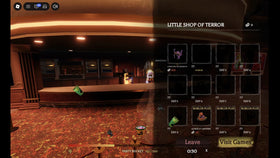
“Inventory” can mean the items shown inside the event, your Roblox badges, or avatar accessories. If you are looking for the wearable Floor 6 reward, open Roblox’s Avatar Editor and check the appropriate accessory category rather than relying only on the in-game hub screen. Search for The Amazing Liquefactive Bighead if that is the reward you earned.
Owning an accessory and wearing it are different states. An item may be in your account without appearing on your avatar until you equip it.

3. Verify the Floor 6 badge separately
Check the official Roblox badge page for The Amazing Liquefactive Bighead. A badge is a useful clue, but it is not the same as seeing the wearable accessory in your avatar inventory.
- Badge and accessory both missing: Revisit the run-completion steps. Confirm the relic reached the elevator and the hub returned you successfully.
- Badge present, accessory missing: Refresh the Avatar Editor and search the relevant category. If it remains missing, save screenshots of the badge and inventory before contacting Roblox Support.
- Accessory present but not visible on your avatar: Open the Avatar Editor, equip the item, and check whether another outfit setting is affecting the look.

4. Refresh the display before replaying the floor
Close and reopen the Avatar Editor, then refresh Roblox or rejoin the experience if the reward display still looks stale. This is a basic troubleshooting step, not a guaranteed fix: no official source confirms that rejoining resolves every Floor 6 inventory issue. Check your badge and avatar inventory again after refreshing.
If the item is still missing, note the approximate time you completed the run, whether you escaped with the relic, and whether the badge was awarded. Screenshots of the completed run, badge status, and inventory view can help when contacting Roblox Support. Never share your password or security codes.
Official post and event context
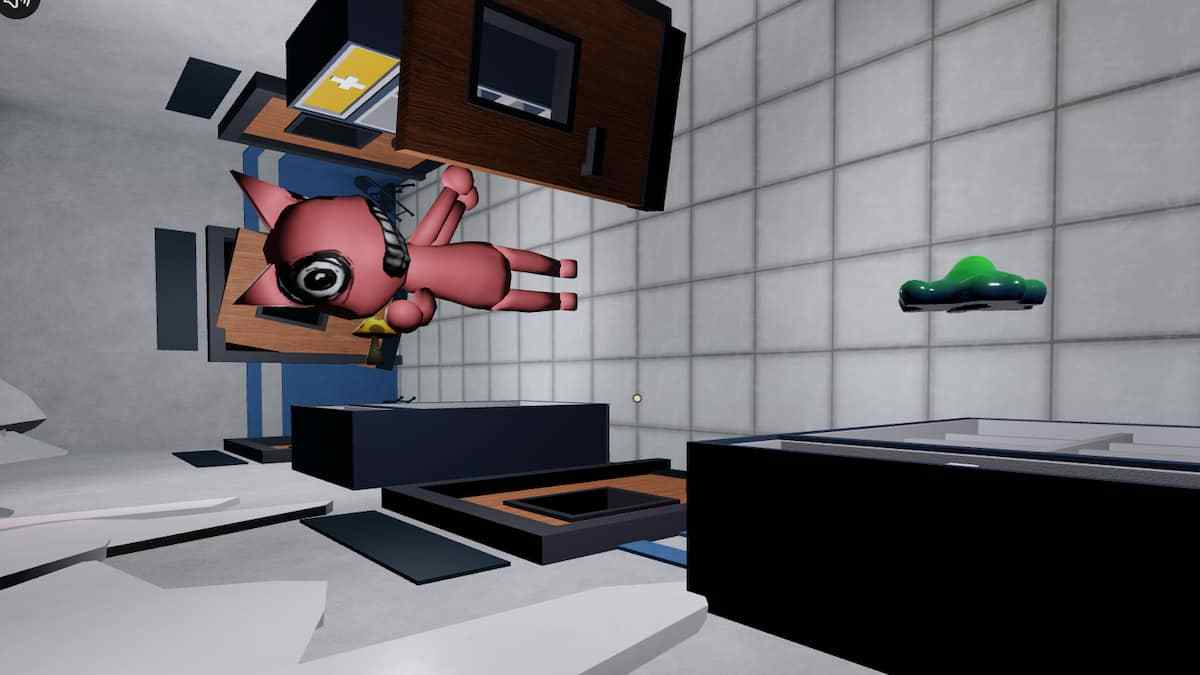
Roblox’s official account announced the Floor 6 monster as the Mimic from Animal Hospital. That post provides event context; it does not document a universal inventory fix.
Check Roblox’s official event update for The Hollow Floor 6 context.
— Roblox (@Roblox) October 27, 2026
What not to assume
Player guides describe the reward route, but Roblox has not published a confirmed universal fix for every case of a missing Floor 6 item. Avoid third-party “inventory repair” sites, free-Robux offers, or anyone asking for your login. Use Roblox’s own experience, Avatar Editor, badge page, and Support channels.
Related Roblox The Hollow guides
- Roblox The Hollow Floor 6 Glitch: Protect Your Progress Before Rejoining
- Roblox The Hollow Floor 6 Guide: Get the Free Amazing Liquefactive Bighead
- Roblox The Hollow Floor 6 Cauldron Recipe: How to Solve Your Lobby’s Puzzle
Frequently asked questions
Why is my Floor 6 relic not showing in Roblox inventory?
Confirm you completed the full escape with the relic and returned to the elevator. Then check the correct avatar accessory category and verify whether the related badge appears on your account.
Does solving the cauldron automatically finish Floor 6?
Current walkthroughs say you must pick up the relic and return to the elevator to complete the run. Solving the recipe alone may not be enough.
What if I have the badge but not the accessory?
Refresh the Avatar Editor and check the appropriate accessory category. If the accessory remains missing, save screenshots of the badge and inventory and contact Roblox Support.
Should I repeat the whole floor immediately?
Not before checking the badge and avatar inventory. If the run did not register, retrying the full escape may be necessary; if the badge is present, investigate the inventory display first.
Is there a confirmed universal fix for the missing Floor 6 item?
No universal fix has been confirmed by Roblox. These are practical checks to narrow down whether the run, badge, or avatar inventory is the issue.
Author: Shivam Das