Updated October 26, 2026 · By Shivam Das
Quick answer: Roblox’s The Hollow features nine horror-game monsters, but the safest way to protect your final reward haul is to complete the objective shown in the live event hub, claim each earned item, and revisit quests before the reward window closes at 12 p.m. Pacific Time on November 2, 2026. Roblox’s newsroom confirms the nine-monster format and the deadline; it does not publish a complete day-by-day monster-to-date chart in its announcement, so verify the active floor in the game instead of trusting an undated schedule graphic.
Why the remaining monsters matter less than your claim checklist
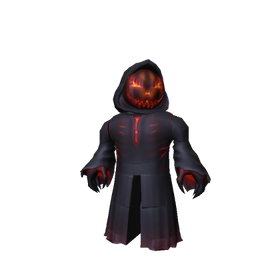
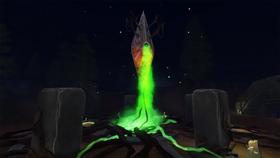
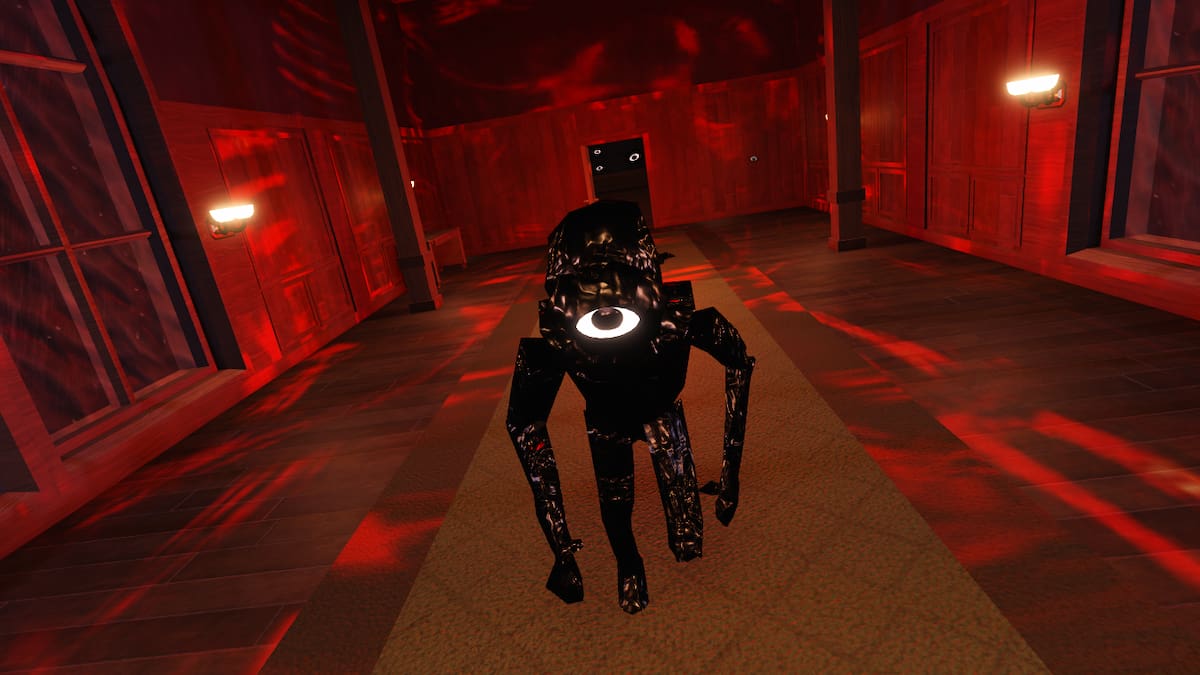
The Hollow is a shared survival event built around a new maze and monster appearing across nine days. Players search for clues, avoid the threat, and complete quests to earn exclusive avatar items and other rewards. That makes the remaining lineup useful for planning, but a monster name alone does not prove a particular item is available or that a quest has been completed on your account.
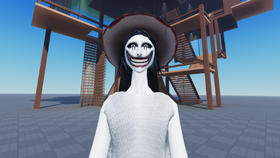
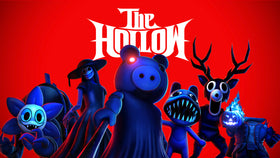
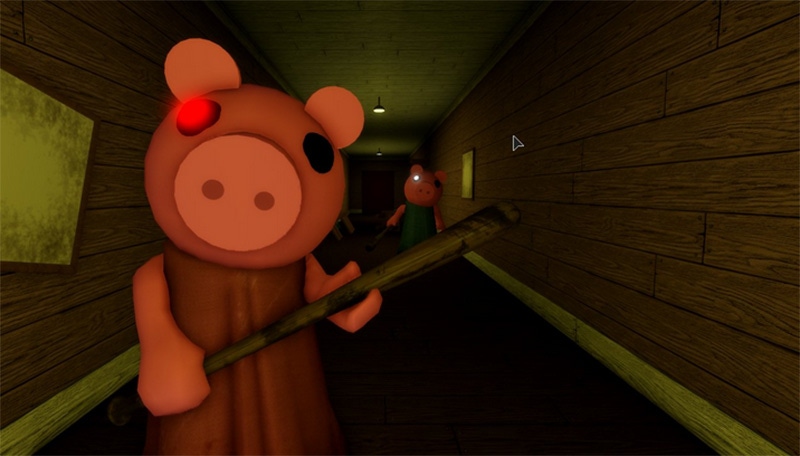
Roblox’s official announcement names The Deer from 99 Nights in the Forest, Seek from DOORS, Twisted Dandy from Dandy’s World, Piggy, The Inspector from Scary Shawarma Kiosk, Mimic from Animal Hospital, Biter from Demonology, Hiachi from The Mimic, and The Overseer from WARDEN. Treat that as the confirmed roster. Check the official The Hollow experience for the live objective and current event information.
The reward strategy: finish, verify, claim
1. Clear the objective the hub actually shows
When you enter, read the current floor or quest instructions before following a video. Search the maze for the required clues, complete its puzzle or objective, and return to the stated exit or elevator if the game asks you to. The event’s core loop is survival and clue-finding, not simply entering the hub or watching a creator stream.

2. Check the reward state before leaving
After completing a quest, look for an on-screen completion message, badge, inventory change, or claim prompt. If an item is not visibly registered, return to the objective and follow the in-game instructions rather than assuming that survival alone awarded it. Keep a short checklist of what you have actually claimed.
3. Separate free quest rewards from paid Marketplace items
Roblox distinguishes quest-earned avatar rewards from limited-time Halloween items sold on the Marketplace. Roblox Plus also has separate benefits, including early access to the hub when the event opened, an exclusive profile frame and background, and an item launcher. Do not mistake a paid Marketplace listing or a Plus perk for a free quest reward that every player can claim.

What the last stretch means for your schedule
Roblox says the live finale is planned for the morning of October 31, 2026. The reward collection window remains open until noon Pacific Time on November 2, 2026. Those are two different milestones: the finale is not the same as the final reward deadline. Because the United States changes from daylight time to standard time on November 1, use the Pacific time stated by Roblox for the November 2 cutoff.
For a practical plan, revisit the hub daily through the remaining monster cycle, complete any unfinished quest shown in participating experiences, and use the last claim window to check inventory. Avoid spending time on “secret codes,” guaranteed shortcuts, or reward names unless the live game or Roblox itself confirms them.

Official sources and related guides
- Roblox Newsroom: The Hollow Halloween survival event — the official event format, named monsters, finale window, and reward deadline.
- Roblox Developer Forum announcement — the same announcement in Roblox’s developer community.
- Vervado’s guide to the nine monsters and what is confirmed.
- How many free UGC items can you still get if you start The Hollow today?
Frequently asked questions
When is the final deadline to collect The Hollow rewards?
Roblox says players can continue collecting rewards until noon Pacific Time on November 2, 2026. Check the active experience for any item-specific steps.
How many monsters are in The Hollow?
Roblox’s official announcement names nine monsters from nine horror experiences. The announcement confirms the roster and nine-day format, but the live hub is the best place to verify what is currently playable.
Does seeing a monster guarantee a free UGC item?
No. Roblox says players earn exclusive UGC and other rewards by completing quests. Follow the objective and verify that the reward registers in-game.
Do I need Roblox Plus to get all quest rewards?
Roblox describes Plus-specific perks separately from quest rewards. Check the requirement shown for each item; do not assume every free quest reward requires a subscription.
Does watching a creator livestream automatically award an item?
Roblox’s announcement says creators will livestream from The Hollow, but it does not say that simply watching a stream automatically grants every reward. Follow the instructions displayed in the event.
Where can I verify the current monster or quest?
Open the official The Hollow experience and check its current in-game instructions. Treat screenshots and schedule charts without a date or official source as unverified.
Editorial note: This guide separates Roblox’s official event details from information that requires a live in-game check. If Roblox updates the event or the deadline, this article should be refreshed.