For U.S. Roblox players · Updated October 27, 2026 · By Shivam Das
Quick answer: A midnight clock change is not proof that The Hollow’s ticket quests have reset or can pay out twice. The meaningful change is what your live hub shows: a newly available objective, a badge waiting to be redeemed, or a changed item in the Little Shop of Terror. Check the quest panel and your ticket balance before repeating a run.
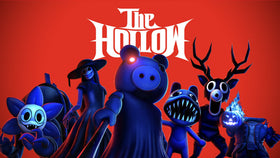
Roblox’s official event announcement confirms that The Hollow rotates through nine daily mazes and monsters, with its live finale on October 31 and reward collection available until noon Pacific on November 2. It does not promise that every partner-game quest refreshes at midnight in every U.S. time zone. That distinction matters if you are trying to farm tickets efficiently instead of replaying completed tasks.
What actually changed after the reset?
Separate three systems that can look like one reset: the daily event content, the partner-game objective list, and the ticket redemption panel. A new avatar item or maze appearing does not automatically mean a previously claimed partner quest has become repeatable.
- Daily content: The event is designed to introduce a new maze and monster during its nine-day run.
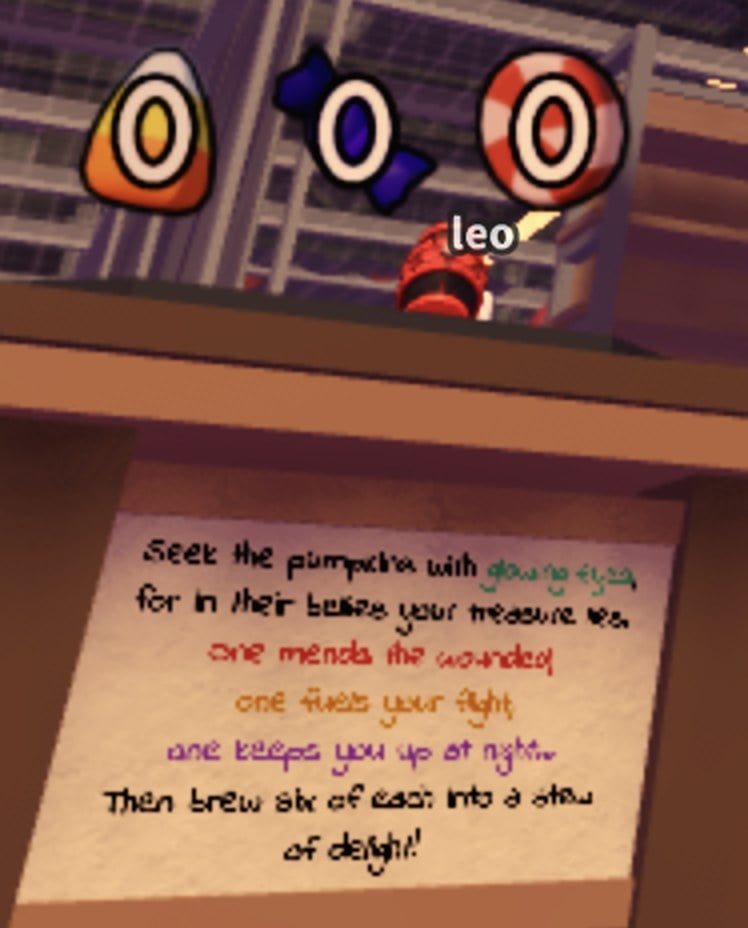
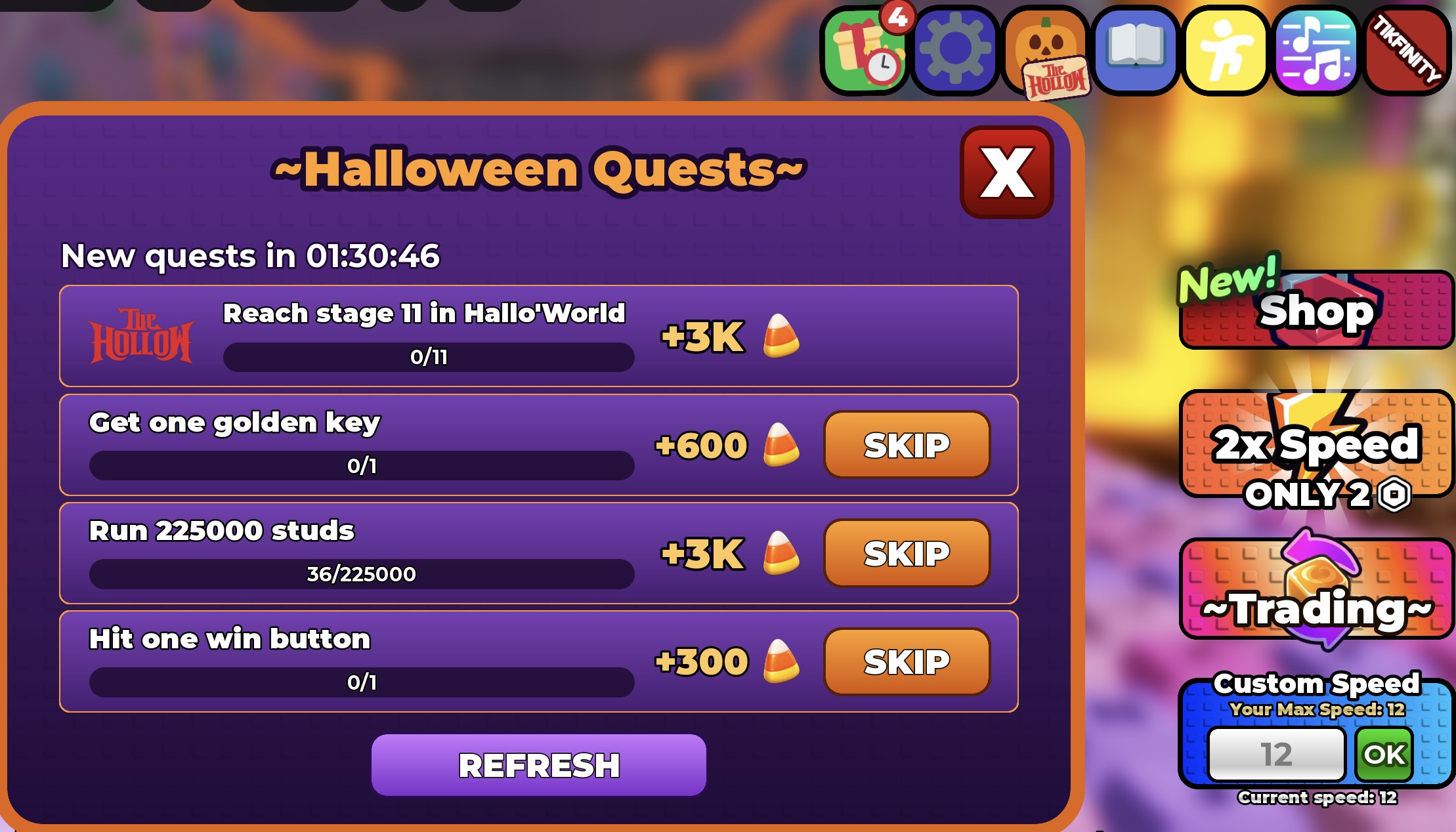
- Partner objectives: Open Visit Games from inside The Hollow and inspect each tile and objective. Do not rely on a screenshot from an earlier day as a live list.
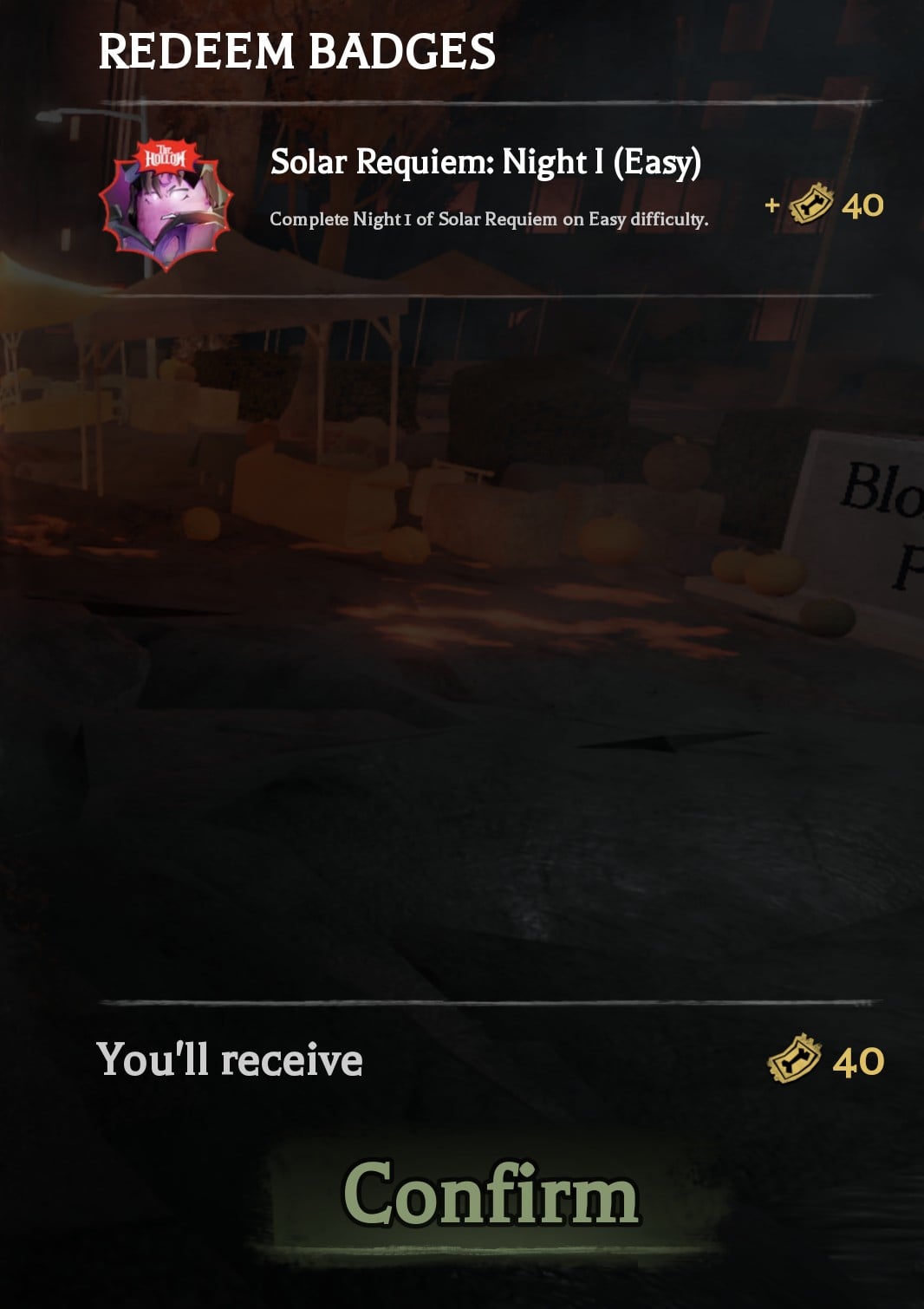
- Badge redemption: Finishing a partner objective may award a badge in that game; the tickets are then claimed after returning to The Hollow and opening Redeem Badges.
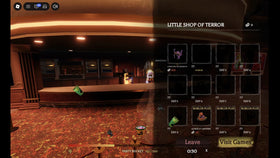
- Shop rotation: Check the current item card and displayed price. A newly revealed item changes what you may want to save for, but it does not prove a ticket payout has reset.
The safest ticket-farming check, step by step
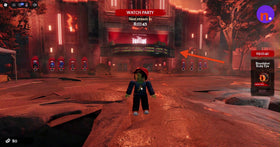
- Start in the event hub. Open The Hollow through the official Roblox experience, then open the ticket counter and select Visit Games.
- Read the live objective before teleporting. Confirm the task text and any progress counter. If it still says completed, do not assume replaying it will pay again.
- Finish the task and check for its badge. A partner game’s own currency or reward is not necessarily a Hollow ticket reward.
- Return to The Hollow. Open Redeem Badges, inspect the badge name and ticket amount, and press Confirm only when the expected reward is shown.
- Verify the balance changed. Note your ticket total before and after redemption. If it does not increase, re-open the panel once and check the badge status rather than repeatedly grinding the same objective.
- Re-check the shop. Compare the live item cost with your confirmed balance before spending. Prices and newly revealed avatar items can change during the event.
Are tickets resetting at midnight Eastern or Pacific?
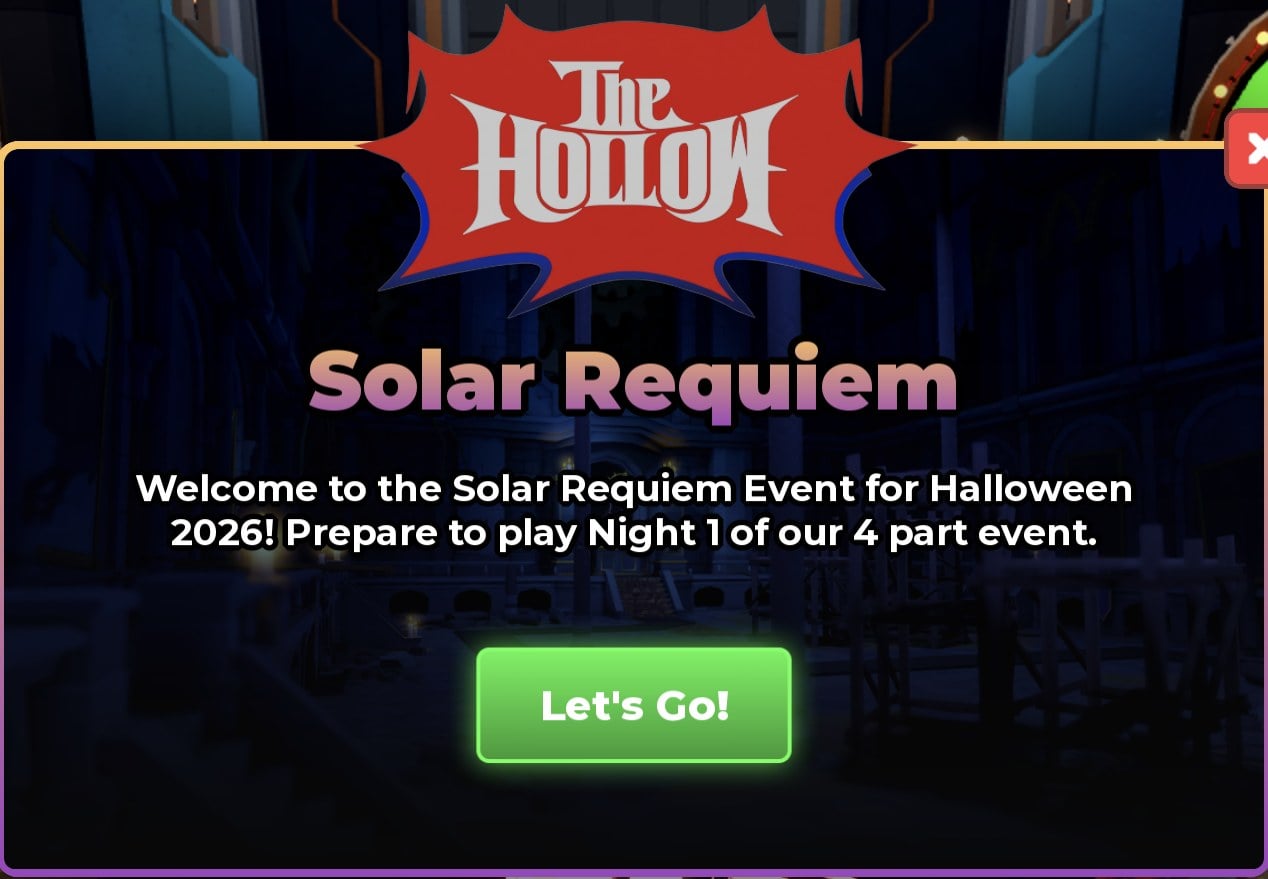
There is no confirmed universal midnight reset time for The Hollow ticket quests in Roblox’s official announcement. Midnight Eastern, Central, Mountain, and Pacific are different moments, and your local device clock alone is not evidence that an objective is eligible to pay again.
Use the live interface as the source of truth. If a fresh objective appears after the event updates, complete it and confirm the reward. If the tile still shows a completed task or the redemption panel has no new badge, move on to another available objective instead of trusting an unverified “double tickets overnight” claim.
Which objectives should you prioritize?
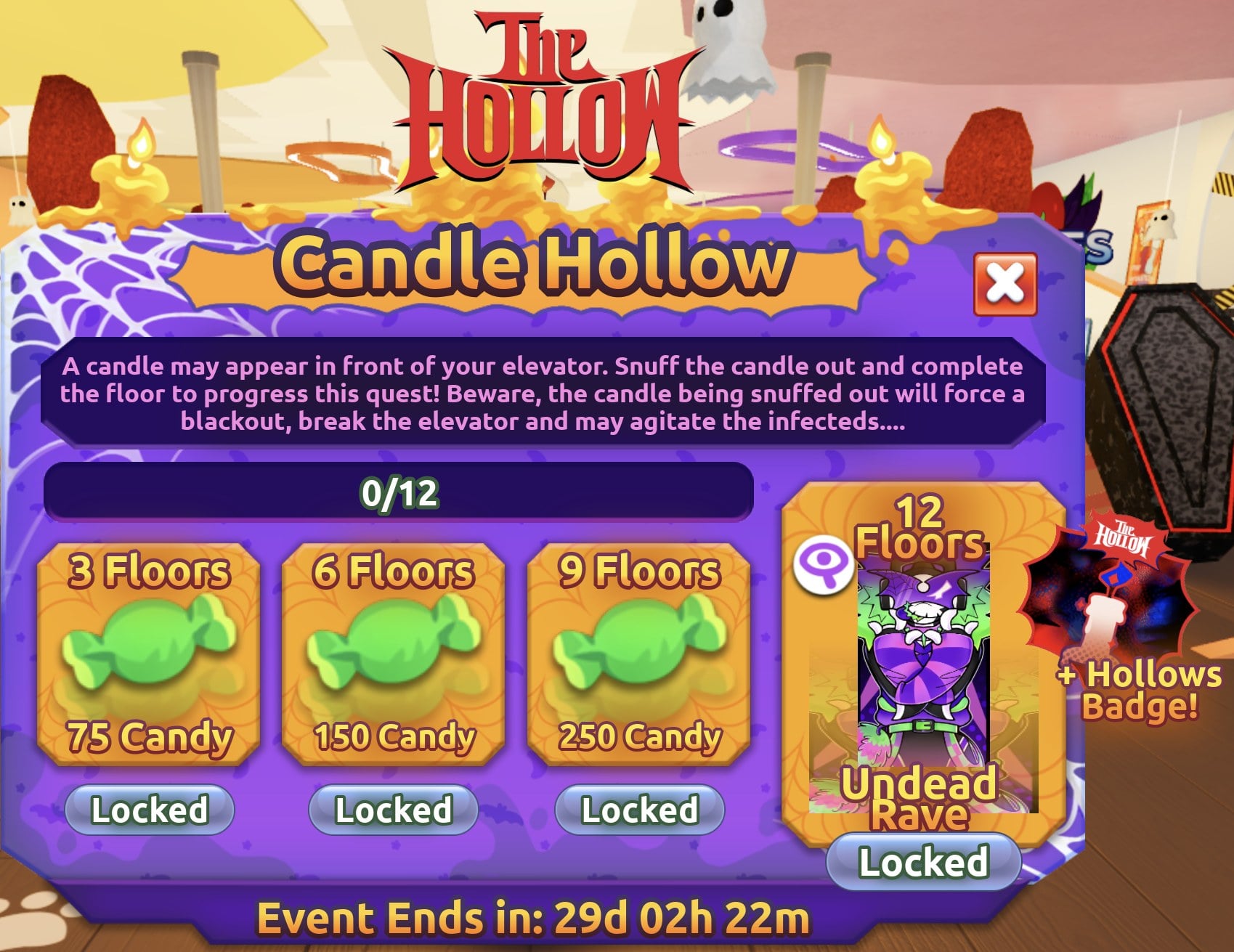
Prioritize objectives that are visibly available, have a clear progress counter, and can be completed reliably with the time you have. If an objective is vague, missing from the in-game panel, or appears to belong to a partner game’s separate Halloween event, do not count on it for Hollow tickets until the Hollow-branded task and redemption badge are visible.
- First: Complete an available, clearly tracked objective you have not claimed.
- Second: Redeem any confirmed badge waiting in the hub; unclaimed rewards are easy to overlook after teleporting between experiences.
- Third: Compare ticket costs before buying. One objective’s displayed reward is a better planning baseline than a rumor about an overnight multiplier.
- Last: Repeat a completed task only if the live game clearly resets its progress or presents a new eligible objective.
How to confirm a ticket payout actually landed
The strongest evidence is the in-game balance, not a creator clip or a social post with no timestamp. Before completing a task, note your current balance. After returning to The Hollow, open Redeem Badges, check the reward amount, confirm it, and look at the counter again. If the balance is unchanged, capture the badge state and task screen for your own records, then rejoin the hub or check Roblox’s official support guidance before spending more time on the same route.
What is confirmed—and what is still unverified?
| Claim | Status | What to do |
|---|---|---|
| The Hollow adds daily maze and monster content during its event run. | Confirmed by Roblox. | Check the hub for the current day’s content. |
| Reward collection remains open until November 2 at noon Pacific. | Confirmed by Roblox. | Do not leave reward claims to the last minute. |
| Every ticket quest resets at midnight in each U.S. time zone. | Not confirmed by Roblox. | Trust the live objective and progress state. |
| Replaying a completed quest automatically pays again. | Not guaranteed. | Look for a fresh objective or a newly redeemable badge. |
| Every partner objective always pays the same amount. | Not guaranteed by the available evidence. | Read the amount shown in the live panel before planning purchases. |
Related Roblox The Hollow guides
For reward budgeting, read our guide to how many tickets to target before the October 31 finale. For reports about unusual payouts, see the verified list of partner-game ticket reports—and keep reported observations separate from guaranteed event rules.
Frequently asked questions
Did The Hollow ticket farming change after midnight?
The event’s available objectives and shop rotation can change as it progresses, but Roblox has not confirmed a universal midnight reset that makes every completed quest pay again. Check your live objective list and redemption panel.
Can I farm the same partner quest twice?
Do not assume so. Repeat a quest only when the live game shows a fresh or eligible objective, and verify the badge and ticket balance after the run.
Where do I claim partner-game tickets?
Return to The Hollow and open Redeem Badges. Confirm the badge and ticket amount shown, then check that your ticket counter increased.
When does The Hollow reward collection close?
Roblox’s official announcement says players can continue collecting rewards until noon Pacific Time on November 2, 2026. The live finale is scheduled for October 31, but that is not the stated end of the reward-collection window.
Sources
- Roblox Newsroom: The Hollow Halloween survival event — official event structure and reward deadline.
- AllThingsHow: Partner-game quest objectives and ticket rewards — dated observations of quest prompts and redemption.
- AllThingsHow: How to earn tickets and check the shop — published walkthrough of the ticket interface.
- The Hollow on Roblox — official event experience.
Editorial note: This guide distinguishes Roblox’s official event dates from third-party walkthrough observations. The embedded images are credited reference screenshots from the linked walkthrough, not screenshots captured from this article’s author’s own live session. Check the live in-game panel because tasks, reward amounts, and item availability may change.
Posts by Roblox