
Quick answer: Missing Night 5 does not automatically mean you have lost every chance to earn The Hollow rewards. Roblox confirms that its 2026 Halloween event runs across nine nights and that players can continue collecting rewards until noon Pacific time on November 2, 2026. However, Roblox’s public announcement does not explicitly promise that every missed floor will always remain replayable. Open the official event hub, check the elevator and quest board, and confirm which floors and reward prompts are currently available before assuming a missed reward is recoverable.
Updated October 26, 2026 · U.S. audience · By Shivam Das
Missing a night can feel like the whole event is slipping away, especially when a limited-time avatar item is the reason you logged in. The useful distinction is between missing a scheduled night and missing the final reward-claim deadline. The Hollow’s live finale is planned for October 31, while Roblox says reward collection continues until noon Pacific time on November 2. That gives players a final claim window after the finale, but it should not be mistaken for a guarantee that every unavailable quest can be reopened.
This guide separates official event facts from player reports, then gives you a practical recovery checklist. If the live hub contradicts a third-party guide, trust the current in-game prompt first.
In this guide: What missing Night 5 means · How to check for catch-up access · How to recover rewards · Badge troubleshooting · Deadline planning · FAQs
What happens if you miss Night 5 completely?
Roblox’s official announcement describes The Hollow as a nine-night, platform-wide survival event. A different monster appears each day, players search a maze for clues and evade the monster, and quests can earn exclusive UGC and other rewards. The announcement names the nine featured horror-game characters, but it does not provide a full public rulebook explaining whether every previous floor stays open after its scheduled night.
That means the most accurate answer is conditional: check whether the missed floor or its quest is still accessible in your live event hub. If the elevator or event board lets you enter it, complete the objective and follow the claim instructions. If it is not available, do not assume that replaying a related game or earning an unrelated badge will automatically grant the missed Hollow reward.
- You missed the scheduled session: Open The Hollow and look for the floor, quest, or reward prompt you missed.
- You completed the quest but did not claim the item: Return to the hub and inspect the relevant reward pedestal or claim screen.
- You earned a badge but the hub does not recognize it: Rejoin the hub, check the badge and item status, and try again before repeating a long quest.
- The floor or item is unavailable: Check the current official event instructions and support channels. The published November 2 deadline is a reward-collection cutoff, not proof that every missed challenge can be replayed until then.
How to check your catch-up options
- Open the official experience. Use The Hollow by Roblox Presents. Avoid lookalike pages asking you to log in outside Roblox.
- Inspect the elevator and event board. Look for a floor selector, active quest, previously completed objective, or a reward that is waiting to be claimed.
- Read the exact requirement. Some event rewards are tied to quests in participating experiences, so a floor clear and a separate game quest may not be interchangeable.
- Check your badge inventory. If the task appears complete, verify whether the corresponding badge was awarded. Then return to the hub to see whether it needs to be converted, redeemed, or claimed.
- Test a short step before replaying everything. Rejoin the hub or revisit the reward screen first. If the event still does not register your progress, capture the error and check official support discussions.
Do not rely on a screenshot from an earlier night as proof that the same floor is currently open. The event is live, and community walkthroughs can become outdated as the hub changes.
Five recovery moves that can save time
1. Separate the floor challenge from the reward claim
Finishing a challenge, receiving a badge, and claiming an avatar item can be separate steps. Check each one. If you already earned the badge, avoid repeating the entire experience until you have checked the event hub’s claim screen and your Roblox inventory.
2. Rejoin the hub if progress looks stuck
Players have reported badge and reward-registration problems during The Hollow. These are community reports, not confirmation that every player is affected. If a reward does not appear, leave and rejoin the hub, inspect the quest status again, and give the inventory a moment to refresh. If the issue persists, document the badge, item name, and what the game showed.
3. Prioritize rewards you can still verify
Make a short list of the items you want most. For each one, note the exact requirement shown in the hub, whether you have completed it, and whether the item is already in your inventory. This prevents spending an hour repeating a quest when the remaining problem is a claim step—or chasing an item that is not currently available to your account.
4. Use community guides as leads, not guarantees
A creator video can help explain a puzzle, but check its upload date and whether it shows the same floor. Prefer a continuous gameplay clip with the objective visible over a cropped image with no context. If the route or reward differs from the live game, follow the live game.
5. Plan around the real deadline
Roblox says players can continue collecting eligible rewards until noon Pacific time on November 2, 2026. The live finale is planned for October 31. Do not leave all reward claims to the final minutes: check the item prompts early enough to troubleshoot a missing badge or registration error.
Event visuals: understand what you are looking at
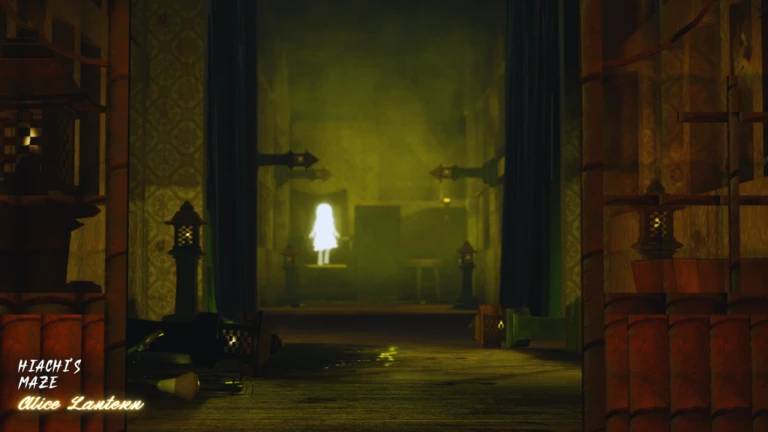
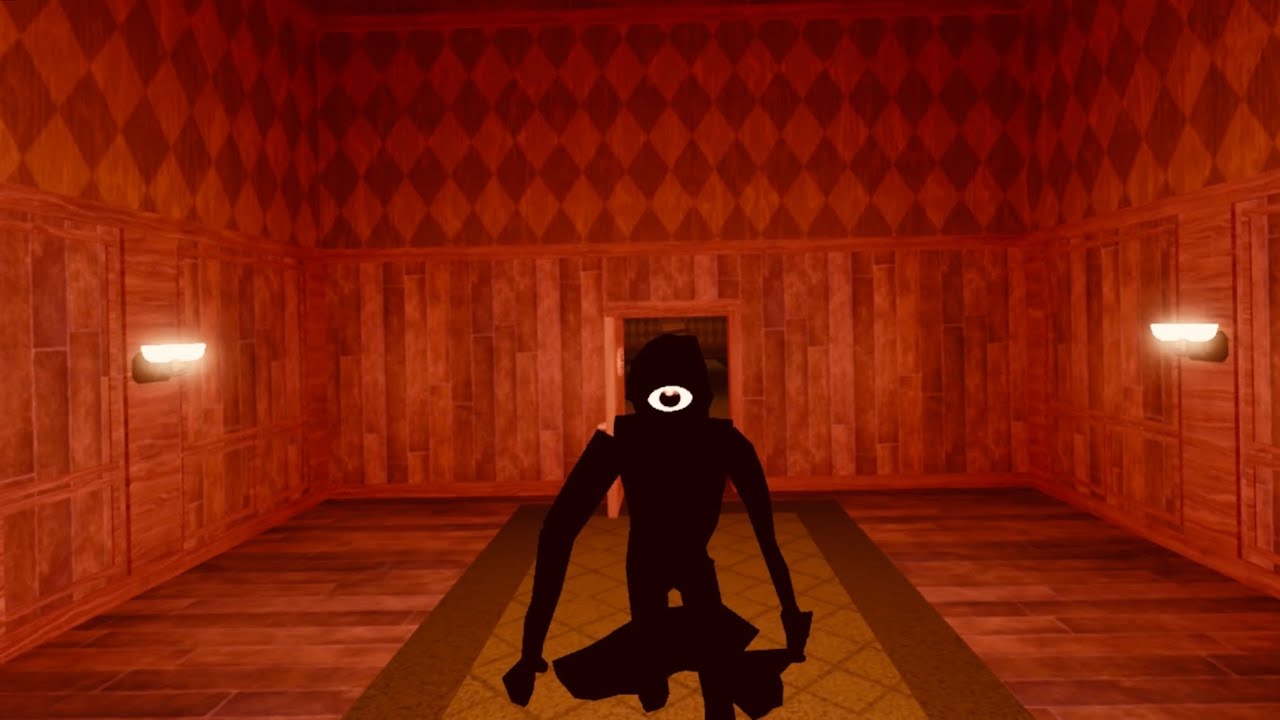
These five sourced images show related Roblox horror-game environments and characters. They are visual context for the games represented in The Hollow—not screenshots proving that a particular Night 5 floor is open, and not evidence of a specific reward claim.

What players are reporting about event progress
Community discussions have included reports of badges not appearing in the hub or rewards failing to register after a quest. Individual posts cannot prove how widespread a bug is, but they are a reminder to verify the badge and claim status before replaying a lengthy challenge.
The Roblox event The Hollow won't read my badges and give me my items from r/RobloxHelp
Read the discussion as player-reported troubleshooting context, not an official Roblox support answer. For event-wide facts, use the official Roblox Newsroom announcement and the live event hub.
Night 5 catch-up checklist
- Open The Hollow from the official Roblox page.
- Check whether the missed floor, quest, or reward screen is currently available.
- Confirm whether the relevant task is complete and whether its badge appears.
- Return to the hub and follow any separate claim prompt.
- Check your avatar inventory before repeating the challenge.
- If progress is missing, rejoin once, document the issue, and consult official support rather than using third-party “claim” tools.
- Leave enough time before the November 2, 2026, noon Pacific reward cutoff to resolve problems.
Official links and related reading
- Roblox Newsroom: The Hollow Halloween survival event — event structure, featured monsters, finale, and reward deadline.
- Play The Hollow on Roblox — check the live hub for current availability and quest requirements.
- Roblox Developer Forum: reported event ticket and item issues — community troubleshooting context.
- Related guide: Best Free Hollow Items for Simple, Clean Roblox Avatar Looks.
- More Roblox event guides.
Frequently asked questions
Can I still get The Hollow rewards if I miss Night 5?
Possibly, if the relevant floor or quest remains accessible and the reward is still eligible. Roblox confirms that reward collection continues until noon Pacific time on November 2, 2026, but its public announcement does not explicitly guarantee that every missed floor can be replayed. Check the live hub.
Does the November 2 deadline mean I can replay every night until then?
No such guarantee appears in Roblox’s public event announcement. The date is the announced reward-collection cutoff. Floor access and quest availability should be verified in the live experience.
What should I do if I earned the badge but did not receive the item?
Rejoin The Hollow, check the badge status, return to the reward screen, and follow the claim instructions. If the issue persists, record the item and badge details and consult official Roblox support or the relevant Developer Forum thread.
Is Roblox Plus required to catch up?
Roblox’s announcement describes Plus benefits such as early hub access and event-themed perks. It does not say that Plus is required for every quest or for every catch-up attempt. Follow the eligibility information shown for the specific reward.
When is The Hollow finale, and when do rewards stop?
Roblox says the live finale begins on October 31, 2026, and players can continue collecting eligible rewards until noon Pacific time on November 2, 2026. Those are separate milestones.
Can a YouTube or social-media guide guarantee that a reward will work?
No. Community videos can help explain gameplay, but they may show an earlier build or a different objective. Confirm the requirement and claim state in the live game before relying on a guide.
Editorial note: This article distinguishes official Roblox statements from community reports. The five images are sourced visual references to related Roblox games and characters, not verified Night 5 screenshots or proof of reward eligibility. Floor access and individual claim steps should be checked in-game.
Author: Shivam Das
Article URL: https://shivam-das-5.myshopify.com/blogs/roblox/what-happens-if-you-miss-night-5-completely-hollow-catch-up-options
