
By Shivam Das | October 28, 2026
Minecraft now has a native Nintendo Switch 2 version, and one of the biggest practical questions is whether it gets you into a world faster than the original Switch edition. Early side-by-side footage suggests the answer is yes—but the numbers need context. A community comparison published in February 2026 reported about 72 seconds on the original Switch versus under 13 seconds on Switch 2 for creating and loading a new world. That is a striking result, but it came from a pre-release-era comparison, not an independently controlled test of the final October 2026 retail build.
The new version launched on October 27, 2026. A recent review from Nintendo Life also reports significantly faster load times and chunk generation compared with the previous generation, while noting that performance can still dip in demanding scenes. Mojang has not published an official load-time benchmark with a fixed world, save file, and repeatable timing protocol. So the most useful conclusion is: Switch 2 appears meaningfully faster, but treat viral stopwatch numbers as one test—not a guaranteed result for every world.
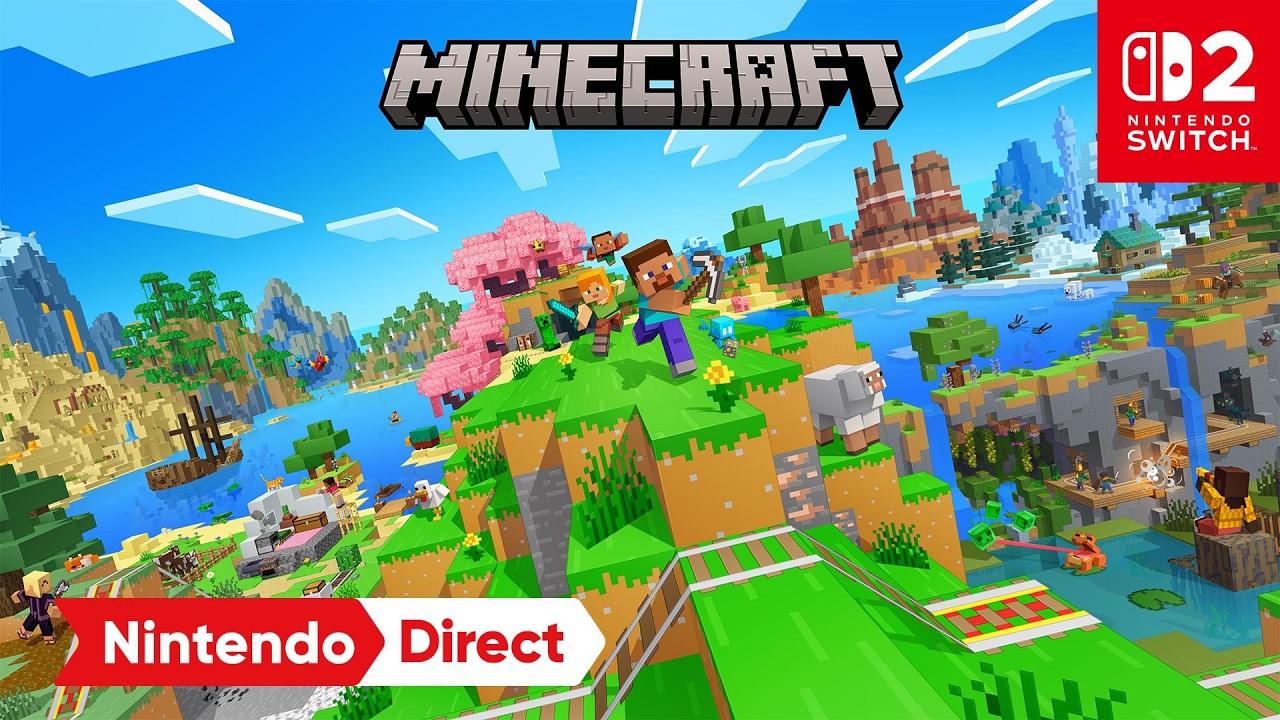
The side-by-side numbers: what was actually reported?
| Test result | Original Switch | Switch 2 |
|---|---|---|
| New-world loading in a community video | About 72 seconds | Under 13 seconds |
| Difference implied by those figures | At least about 59 seconds saved; the Switch 2 result is more than 5.5 times faster if the reported times are taken at face value. | |
| Official Mojang benchmark for the final retail build | No official matched stopwatch figures published in the sources reviewed for this article. | |
Important: the 72-second and under-13-second figures come from a third-party video that describes a same-version, same-settings comparison during the Switch 2 testing period. It is useful as a real-world example, but it is not a Mojang benchmark, and the test predates the retail release. We cannot assume the final build, every save, or every microSD configuration will reproduce those exact numbers.
Source: Nintendozer’s Minecraft Switch vs. Switch 2 loading comparison. For the retail release, see Nintendo Life’s Switch 2 review and Mojang’s October 27 launch announcement.
Why the native Switch 2 version matters
There is an important distinction between running the original Switch edition on Switch 2 through backward compatibility and installing the native Switch 2 version. The native release is built to take advantage of the newer hardware and adds Vibrant Visuals, including directional lighting, volumetric fog, dynamic shadows, and water reflections. Those are official feature changes, not just a faster console running the old software.
Mojang’s launch announcement also confirms that existing Nintendo Switch worlds can be carried over to Switch 2. That makes the upgrade more practical for players with established survival saves, although transferring a world does not make every loading operation identical: a fresh world, a large established save, a busy base, and a new area generating chunks are different workloads.

Loading a world is not the same as loading new chunks
Players often use “load time” to describe several different delays. That can make two reports sound contradictory when they are measuring different things.
- Launching the game: time from selecting Minecraft until the main menu appears.
- Opening an existing save: time from selecting a world until the player can move and interact.
- Creating a new world: time spent generating the initial terrain and entering the world.
- Generating new chunks: delays when exploring unfamiliar terrain, flying quickly, or moving into an area that has not been loaded yet.
- Returning to a cached area: may be faster because some nearby terrain is already in memory.
A console can improve initial world loading while still stuttering when a player rockets across unexplored terrain or detonates a large amount of TNT. Community reports about the Switch 2 beta described faster returns to worlds but also occasional chunk-streaming delays and heavy simulation slowdowns in stress tests. These are player reports, not a guarantee that every user will see the same behavior.
What the latest retail review says
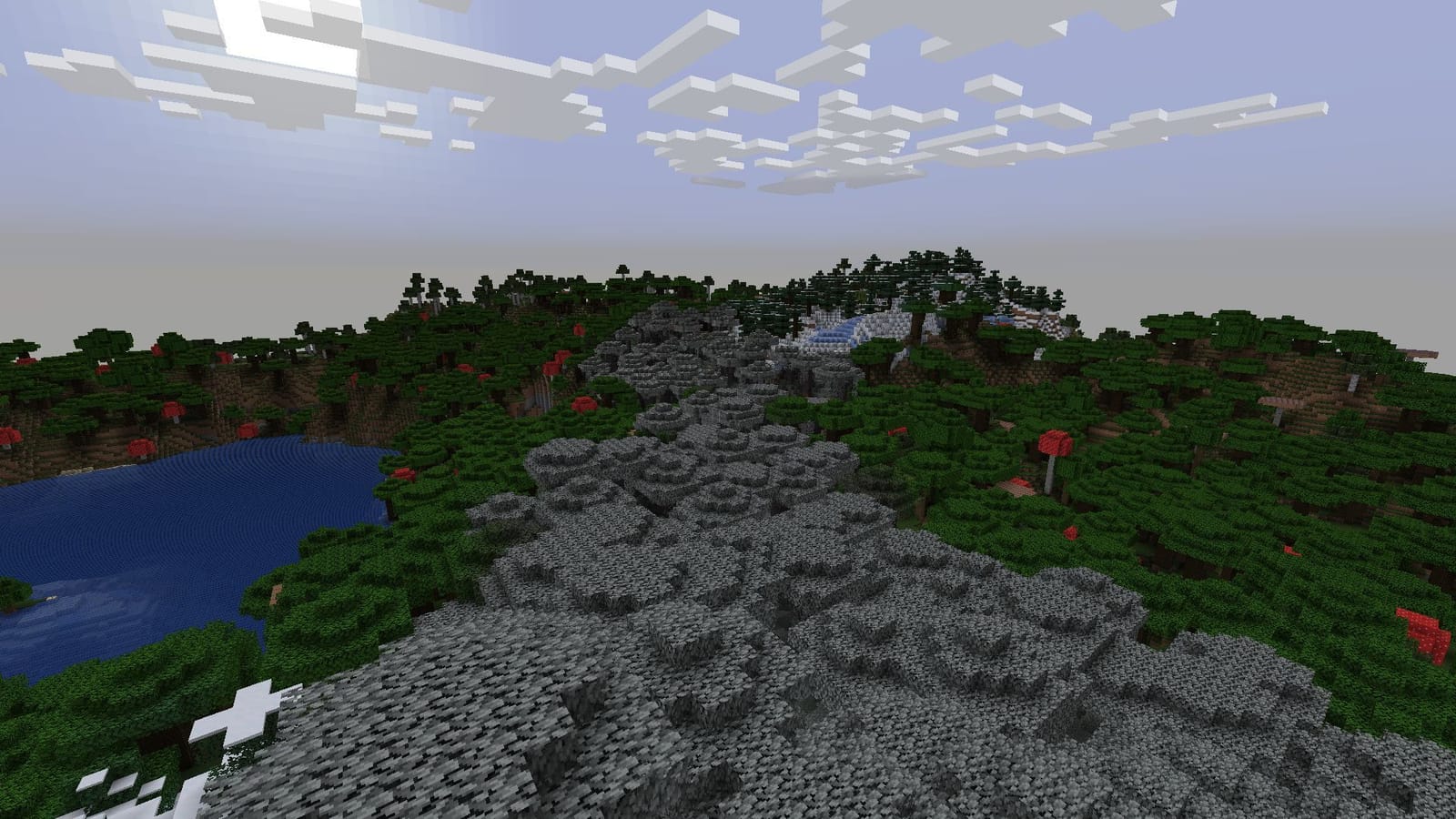
Nintendo Life’s review of the native Switch 2 release describes load times and chunk generation as significantly faster than on the previous generation. The same review says the game targets 60 frames per second in its standard presentation, but can drop frames in some situations; selecting a more visually ambitious mode can bring performance closer to 30 fps. Those observations support the idea that the new version is a substantial upgrade, while also showing why “faster” does not mean “no slowdowns.”
These are review observations rather than a published stopwatch table. Until a repeatable test records the same world, save size, storage, graphics mode, and number of attempts on both retail versions, it would be misleading to present one exact number as the official loading-time improvement.
Read the review: Minecraft (Switch 2) — Nintendo Life.
How to compare your own consoles fairly
If you own both systems, you can get a more useful result for your setup with a simple test. You do not need specialist equipment—just a timer and consistent conditions.
- Use the same kind of test. Decide whether you are measuring game startup, an existing world, or a new world. Do not compare different operations.
- Keep the game version in mind. Compare the original Switch edition with the native Switch 2 version and write down the version shown on each console.
- Use the same save when possible. For an existing-world test, transfer or use the same world on both systems. Record the approximate world age and whether the area is familiar.
- Keep the setup consistent. Test both systems in handheld mode or both docked. Avoid comparing one console after a fresh restart with another after it has been suspended for days.
- Repeat at least three times. Record every result and calculate the average. A single run can be affected by background activity, cache state, or an unusually slow generation event.
- Separate first load from repeat load. Record the first launch after restarting separately from later attempts. Cached data can make later runs faster.
- Use a clear finish line. For world loading, stop the timer only when the player can move and interact—not merely when the loading screen disappears.
- Record graphics settings. Vibrant Visuals and other quality options can affect performance, so note the mode rather than assuming every setting is directly comparable.
What can make your own load times slower?
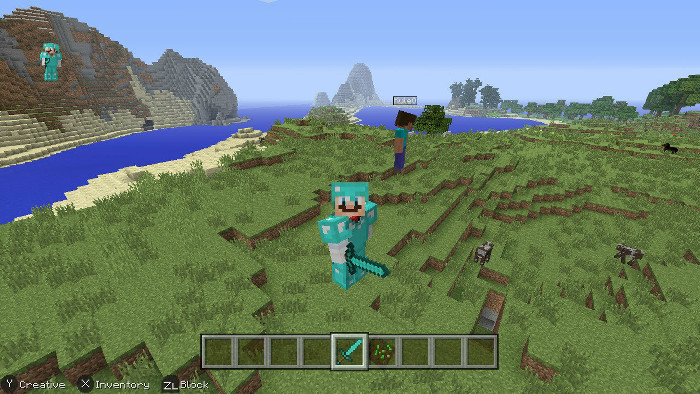
Even on the same console, results can vary. Large saves with lots of explored terrain, heavy farms, many entities, add-ons, resource packs, or a world being opened after a long session may behave differently from a brand-new test world. Storage conditions and whether the game is being resumed or launched from scratch can also change the experience.
If your Switch 2 still takes a long time to open Minecraft, start with basic troubleshooting before assuming the hardware is defective:
- Restart the console fully rather than only suspending the game.
- Check for the latest game update.
- Test a small new world and compare it with your established save.
- Check available storage and keep enough free space for the game and its data.
- If the software freezes or closes unexpectedly, follow Nintendo’s official Minecraft troubleshooting steps.
Nintendo’s support guidance specifically recommends restarting the console for Minecraft lag, long loading times, and crashes. See Nintendo Support: General Troubleshooting Issues (Minecraft).
Does faster loading mean you should upgrade?
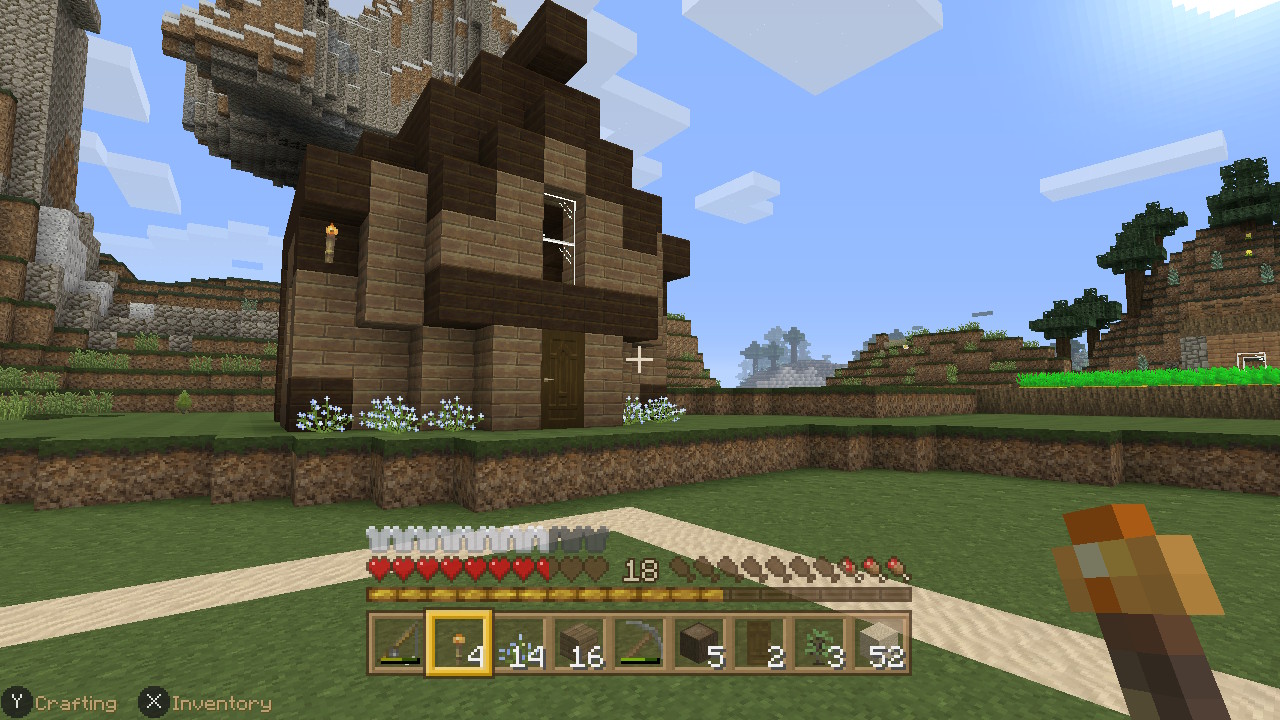
If loading delays are one of your biggest frustrations, the native Switch 2 edition has encouraging evidence behind it: early side-by-side footage reported a large new-world loading improvement, and a current retail review independently describes loading and chunk generation as significantly faster. The native version also adds Vibrant Visuals and the Nintendo-exclusive Super Mario Mash-Up Pack.
But the decision should not rest on a single viral number. If you mainly play split-screen, note that Vibrant Visuals is unavailable in split-screen and some Marketplace content. If you already own Minecraft digitally on the original Switch, Mojang says the Switch 2 Standard Edition upgrade is free in most regions during the offer period from October 27, 2026, at 9 a.m. PT through January 31, 2027, through Nintendo eShop. Regional exceptions apply, so check the official offer details before upgrading.
Official upgrade information: Play Minecraft on your Nintendo Switch 2 today and Nintendo’s Minecraft Switch 2 listing.
Frequently asked questions
How much faster does Minecraft load on Switch 2?
A community video reported about 72 seconds on the original Switch and under 13 seconds on Switch 2 for creating and loading a new world. That is an early test result, not an official benchmark of the final retail build, so your times may differ.
Has Mojang published official Switch versus Switch 2 loading-time numbers?
The official launch information reviewed for this article does not provide a matched stopwatch benchmark. Nintendo Life’s retail review describes loading and chunk generation as significantly faster but does not publish a comparable time table.
Will every Minecraft world load in under 13 seconds on Switch 2?
No such guarantee exists. The under-13-second result came from one reported new-world test. Existing saves, world complexity, first-load conditions, and other factors can change results.
Are world loading and chunk generation the same thing?
No. Opening a save gets you into a world, while chunk generation happens as the game creates or loads terrain around you. The new version can improve one operation without eliminating every delay during exploration.
Can I move my original Switch worlds to Switch 2?
Yes. Mojang and Nintendo say existing Nintendo Switch worlds can be carried over to the native Switch 2 version. Follow the official transfer instructions and keep a backup of important saves.
Does Vibrant Visuals slow down Minecraft?
Graphics settings can affect performance. A recent review notes that a more visually ambitious mode can bring frame rates closer to 30 fps in some conditions. Vibrant Visuals is also unavailable in split-screen and certain Marketplace content.
Bottom line
The evidence points to meaningfully faster Minecraft loading on Switch 2, but the honest headline is not “every world loads in 13 seconds.” A community comparison reported roughly 72 seconds versus under 13 seconds for one new-world test; the current retail review confirms faster loading and chunk generation in qualitative terms. Neither source establishes a universal official benchmark. If you want a number for your own setup, time the same operation on both systems several times, keep settings consistent, and separate fresh-world loading from chunk generation. That gives you a result you can actually trust.
Sources
- Nintendozer — Minecraft on Nintendo Switch 2 loading-time comparison
- Nintendo Life — Minecraft (Switch 2) review
- Minecraft.net — Switch 2 launch and world-transfer details
- Nintendo — Minecraft for Nintendo Switch 2
- Nintendo Support — Minecraft loading and performance troubleshooting
Method note: The 72-second and under-13-second figures are attributed to a third-party pre-release-era video and are not represented as independently reproduced or officially certified results. Image captions identify illustrative platform/gameplay imagery; the images are not evidence of benchmark measurements.