

Quick answer: There is historical community documentation of Biter and other Demonology ghosts getting stuck or moving idly because of pathfinding problems, but we could not independently verify a new wave of reports from October 23, 2026. Players encountering Biter in Roblox’s The Hollow should treat the issue as an unconfirmed current report unless they can reproduce it and share a clip or server details.
With The Hollow now live, players are paying closer attention to the monsters brought in from participating horror games. Demonology’s Biter is one of the event’s recognizable faces, but a scary encounter and a confirmed pathfinding bug are not the same thing. Here is what is documented, what remains unverified, and how players can report a useful example.
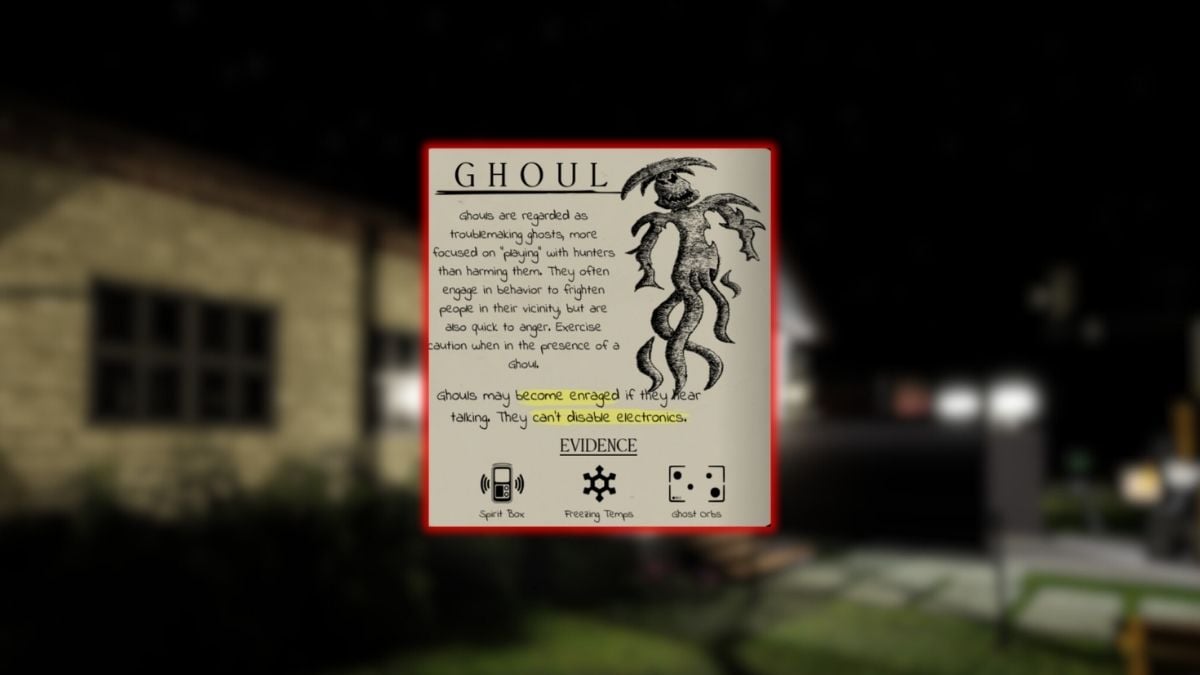
Are Biter pathfinding problems being reported live today?
We could not confirm a fresh, independently verifiable cluster of player reports dated October 23. The Demonology community wiki’s confirmed-bugs page has previously documented ghost pathfinding issues, including entities getting stuck or moving without making progress. That supports the fact that pathfinding trouble has occurred in the game before; it does not prove that a new incident is happening today or that The Hollow itself is affected.
That distinction matters. A single ghost standing still may be an isolated AI state, a blocked route, a delayed animation, or a player’s connection issue. A repeatable bug needs more evidence: the same location, similar behavior across attempts, and a recording that shows what happened.

Why a ghost can appear stuck
Pathfinding systems calculate routes around obstacles and move an NPC through waypoints. Roblox’s own creator documentation explains that routes can fail or become blocked when a world changes, when an agent cannot fit through a passage, or when a path request exceeds technical limits. That is general engine guidance, not proof that any specific Biter encounter has this cause.
- Blocked route: A doorway, corner, prop, or changed environment may prevent an NPC from following its intended path.
- Repeated idle movement: The entity may appear to walk in place or repeatedly try the same route.
- Instance-specific behavior: If it happens in one server but not another, capture both outcomes before concluding that the issue is widespread.
- Event versus source game: The Hollow is a shared event hub. A behavior seen in the hub should not automatically be attributed to a bug in the original Demonology experience.
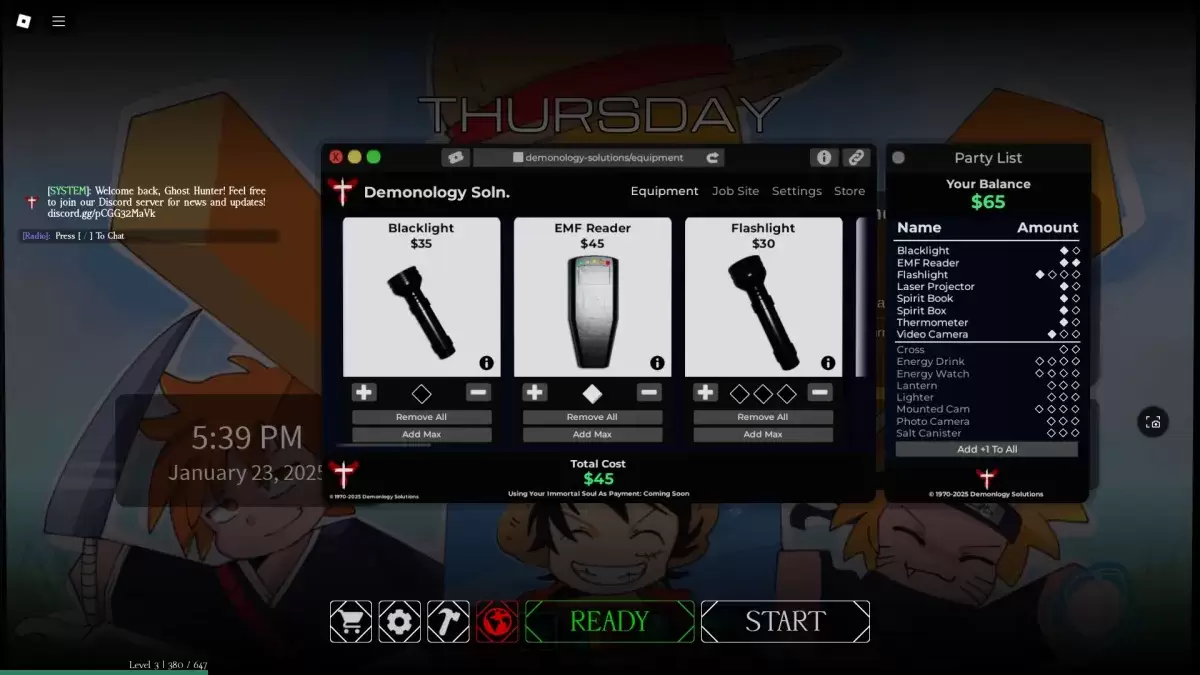
What players should try before reporting it
- Record a short clip showing Biter’s position, the surrounding walls or doorway, and the movement that appears stuck.
- Note the experience name, server or event area, device, approximate time, and whether other players saw the same behavior.
- Leave and rejoin once to check whether the behavior repeats in a fresh instance.
- Compare the result with another player’s recording. Avoid treating one clip or a rumor as proof that thousands of accounts are affected.
- Send the clip through the game’s official support or community-reporting route, and include steps that another player can follow to reproduce it.

Video: Demonology gameplay context
The following video is included for game context, not as evidence of a newly confirmed Biter pathfinding incident.

What we know—and what we do not
Documented: Demonology community documentation has listed ghost pathfinding problems in the past, and Roblox’s developer documentation explains general reasons NPC routes can fail.
Not verified for today: We could not confirm that Biter pathfinding is newly broken on October 23, that the issue is spreading across The Hollow servers, or that thousands of players are affected. No live player count or report total is claimed here.
Players can open the official Demonology Roblox page and check the Roblox Creator Hub pathfinding documentation for background. Historical community bug notes are available on the Demonology confirmed-bugs wiki page.
FAQ
Is Biter pathfinding definitely broken today?
Not based on the evidence we could verify. Past pathfinding issues are documented, but a new incident on October 23, 2026, remains unconfirmed.
Does a stuck Biter mean Roblox is down?
No. A single in-game NPC issue does not establish a platform-wide outage. Check Roblox Status and see whether other experiences are affected before drawing that conclusion.
What evidence makes a bug report useful?
A short, unedited clip, the exact area, time, device, experience name, and repeatable steps are more useful than a text-only claim that a monster is stuck.
Can this article confirm the bug is fixed?
No. We have not verified a new incident or a specific fix for today. This article separates earlier documented behavior from claims that still need current evidence.
Reporting note: This article distinguishes historical documentation from unverified current reports. It will need updating if developers or multiple independently verifiable player reports confirm a new incident.






