Limited-time cosmetics are easy to miss when a game runs multiple seasonal systems at once. In Dress To Impress, the Halloween event includes its own pass, seasonal activities and shop items, while the Roblox-wide The Hollow crossover has separate quest rewards and a separate collection deadline. That means “the event is ending” is not enough information to decide what to claim first.
This guide prioritizes the fastest safe checks: identify which reward track contains the item, confirm its actual requirement, collect anything already unlocked, and verify that it appears in your account before leaving. Dates and reward availability can change, so use the live game interface and official event listing as the final check.
Which deadline matters: November 2 or November 7?
Two clocks matter for players checking limited items this week:
- November 2, noon Pacific: Roblox’s The Hollow event announcement says reward collection remains available until this time. This matters for eligible crossover rewards claimed through The Hollow hub.
- November 7, 8:00 a.m. Pacific: Current event trackers list the DTI Halloween event as running until this time. Treat it as the current schedule, not a promise that every individual item or quest will remain claimable until the final minute.
Do not assume that an item earned in a crossover quest is the same as a seasonal shop item or a Baddie Pass reward. They can use different claim methods and deadlines.
For the most reliable schedule, review the official Dress To Impress Roblox experience and the game’s live event board. The community-maintained DTI event tracker currently lists the Halloween event through November 7, while Roblox’s The Hollow announcement gives the November 2 reward-collection cutoff.
The fast claim path for busy players
1. Identify the reward track first
Open DTI and look at the item’s source: Halloween Collection Baddie Pass, seasonal currency shop, quest reward, or The Hollow crossover. Write down the exact item name and the requirement shown on screen. This avoids spending time farming Candy Corn when the item actually needs pass XP or a completed quest badge.
2. Claim already-unlocked rewards before grinding
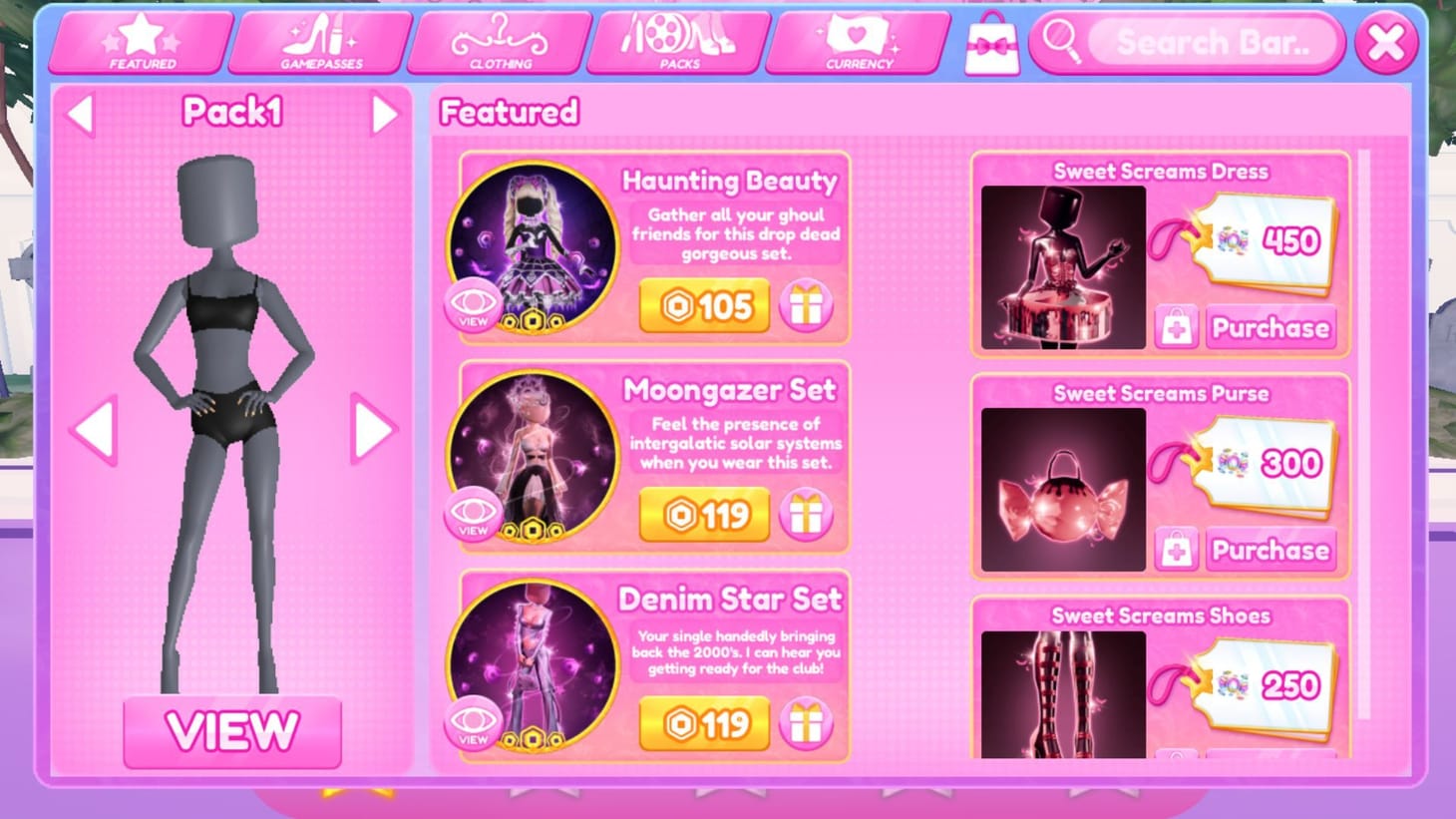
Open the pass or reward panel and inspect every unlocked tier. If a reward has a Claim button, collect it now. Do not assume rewards automatically transfer to your inventory. After claiming, reopen the panel once to make sure the reward state changed.
3. For pass rewards, focus on XP—not the wrong currency
DTI’s Halloween Collection pass and seasonal Candy Corn are separate progression systems. If your target sits on a pass tier, prioritize the pass’s displayed XP tasks and regular runway rounds. If the target is in a Candy Corn shop, complete the activity or task that the current interface says pays Candy Corn. Avoid guides that mix the two systems together.

4. For The Hollow crossover items, verify the badge and claim location
If the item is tied to The Hollow, complete the specific DTI quest and check that the required badge is awarded to your Roblox account. Then return to The Hollow hub and interact with the item’s displayed claim point. A completed quest and a claimed cosmetic are not always the same step. Do this before the published November 2 collection cutoff rather than waiting for the last hour.
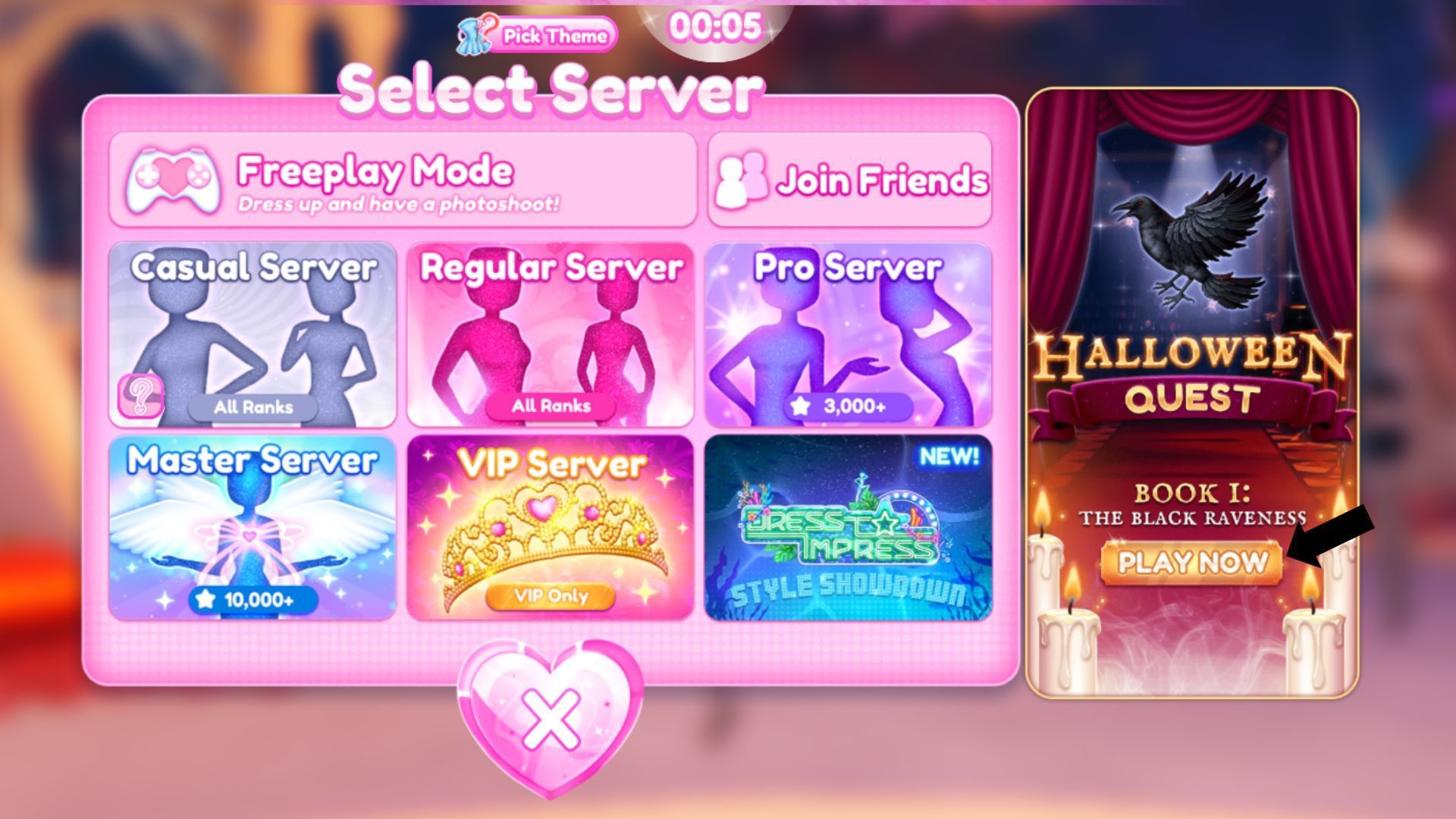
5. Verify the item in your inventory
After claiming, leave the reward screen and check the relevant wardrobe, dressing booth, or Roblox avatar inventory. Search by the item’s exact name if the interface supports it. If the item is not visible, wait briefly, refresh the relevant screen, and rejoin once before repeating a long quest. These are sensible troubleshooting checks, not guaranteed fixes for every inventory delay.

What to do if a limited item seems missing
- Confirm you completed the exact quest or reached the exact pass tier.
- Check whether the reward needs a separate Claim or interaction step.
- Verify the required badge on your Roblox profile, if the reward is badge-gated.
- Refresh the wardrobe or inventory and rejoin one time.
- Capture the item name, quest state, and any error message before contacting the game’s official support/community channels.
A screenshot from a fan guide is not proof that an item is still available or that its deadline has changed. Some guides retain old prices, old event layouts, and previous-year cosmetics. Use old screenshots only to recognize interface patterns—not to make decisions about current eligibility.
Five-minute checklist before you log off
- Check the exact item name and the reward track it belongs to.
- Claim every reward already unlocked.
- Complete the shortest remaining requirement for the item you actually want.
- For The Hollow rewards, finish the quest and claim from the displayed location before November 2 at noon Pacific.
- For DTI Halloween content, re-check the live event board; current trackers list November 7 at 8:00 a.m. Pacific as the season end.
- Confirm the item is visible in the appropriate inventory or wardrobe.
Frequently asked questions
Are all Dress To Impress limited items ending on November 2?
No. November 2 at noon Pacific is the published reward-collection cutoff for The Hollow event. The DTI Halloween event is separately listed through November 7, 2026, at 8:00 a.m. Pacific. Individual items can have their own requirements, so check the live item panel.
Should I farm Candy Corn or Baddie Pass XP first?
Choose based on the reward’s location. Candy Corn is seasonal shop currency; Baddie Pass tiers use pass progression. The item panel should tell you which system matters.
Does finishing the quest automatically put the reward in my inventory?
Not always. Some crossover rewards require a badge plus a separate interaction at a claim point. Follow the current in-game instructions and verify the item after claiming.
What if I completed everything but the item is missing?
Recheck the requirement and claim step, refresh the inventory or wardrobe, and rejoin once. If it remains missing, save screenshots of the item, badge, and quest state so you can report the issue with specific evidence.
Sources and live checks
- Roblox: The Hollow Halloween Survival Event — official event details and reward-collection window.
- Bloxodes: Dress To Impress events — current Halloween event schedule listing.
- Dress To Impress Wiki: 2026 update log — community-maintained update history.
- RBLXGuide: Halloween 2026 guide — community overview of the seasonal update.
Bottom line: Do not spend your last session farming blindly. Identify the reward track, claim what is already unlocked, finish the exact requirement, and verify the item. The safest move is to claim crossover rewards before November 2 and keep checking the live DTI event board for any item-specific changes.