

For U.S. Roblox players · Updated October 21, 2026
Quick answer: Roblox says The Hollow opens to the public at 2 p.m. Pacific Time on Thursday, October 22, 2026. Active Roblox Plus subscribers can enter the hub at noon PT. In your first 10 minutes, confirm you are in the official event, read the live quest requirements, learn one safe landmark or route, and verify that any completed objective actually registers before moving on.
This is a practical launch checklist, not a promise that every server will behave perfectly. Roblox has confirmed a shared survival hub with a new monster appearing each day for nine days, maze exploration, clues, quests, exclusive UGC and a live finale on October 31. The event’s reward-collection window continues until noon Pacific on November 2. Follow the live in-game instructions if they differ from any preview guide.

Before the clock hits 2 p.m. PT
- Sign in early. Open Roblox through the official app or website, check that your connection is stable, and close downloads or streams that may compete for bandwidth.
- Check account access. Roblox says The Hollow is available to eligible Roblox or Roblox Select account holders ages 9 and older in most regions; age and access rules can vary by region.
- Know your start time. Public access is scheduled for 2 p.m. PT on October 22. For reference, that is 3 p.m. Mountain, 4 p.m. Central and 5 p.m. Eastern. Roblox Plus subscribers are scheduled for noon PT, two hours earlier.
- Do not pre-trust reward links. Use Roblox’s own event entry and Marketplace listings. Never give a third-party site your password, verification code or session cookie.
Your first 10 minutes: minute-by-minute plan
Minute 0–2: verify the event and read the objective
Once you enter the event, pause long enough to confirm that the experience is the official Hollow hub linked from Roblox’s announcement or event listing. Read the objective text and any reward conditions shown on screen. Do not assume a familiar character, a portal, or a Halloween decoration automatically means a task counts toward Hollow progress.
If the hub is slow to load, avoid repeatedly clicking purchase or claim buttons. Give the experience a moment, check for a status message, and retry only when the interface responds.
Minute 2–4: identify one landmark and one route
Pick a clear landmark—an entrance, sign, bridge, lit structure or other feature that is easy to recognize—and remember how to return to it. If the maze offers a map or clue prompt, use the actual in-game instructions rather than an old map from a different Roblox Halloween event. The layout may change as the event progresses.
Minute 4–7: follow clues without splitting up blindly
If you are playing with friends, assign simple roles: one person watches the objective text, another keeps track of landmarks, and the group stays close enough to regroup. Share clue locations in plain language instead of sprinting in different directions. If a monster appears, prioritize the instructions and survival mechanics shown in the live experience over assumptions based on its original game.
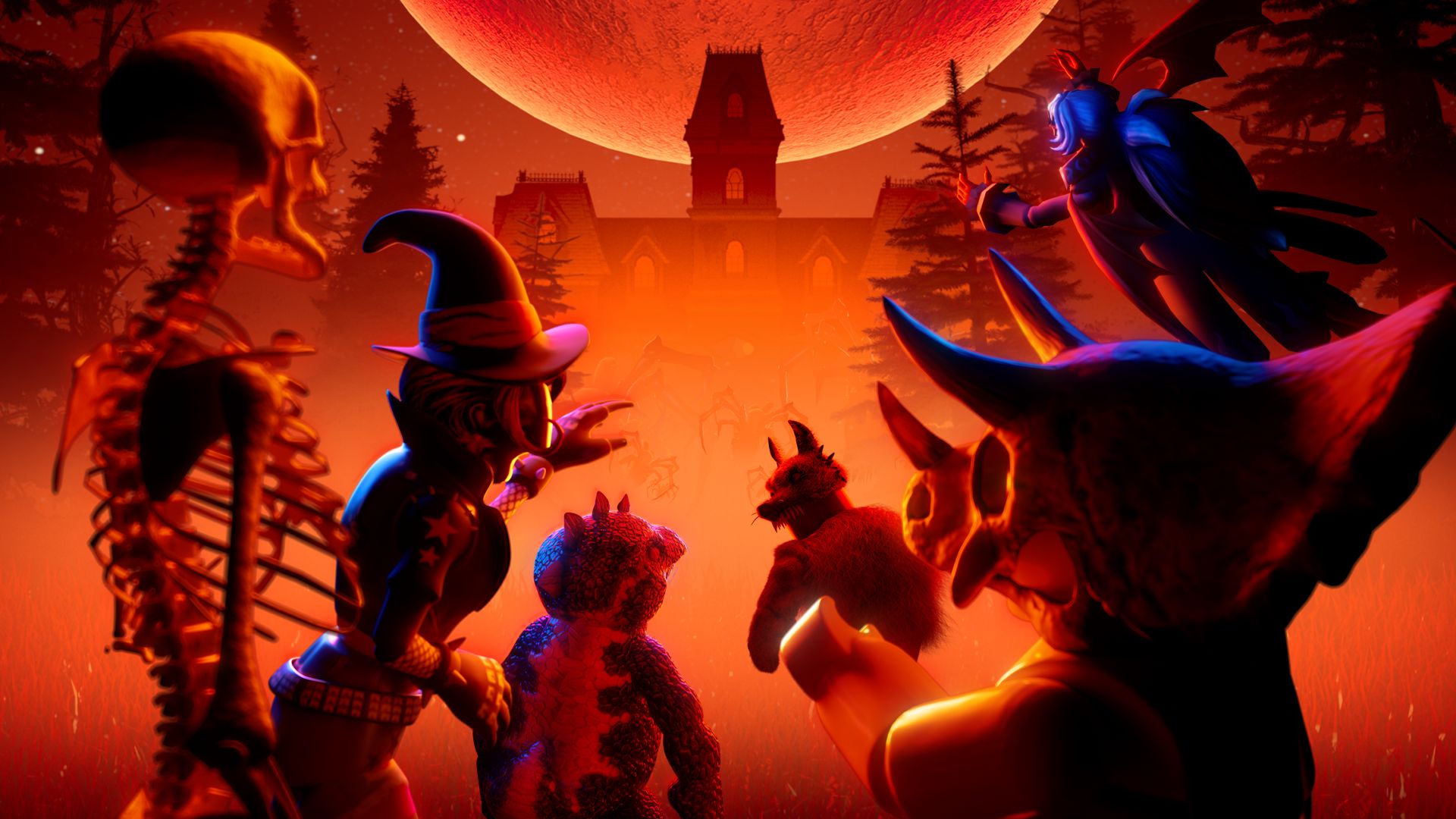
Roblox has announced nine familiar horror characters across nine nights, including Seek from DOORS, The Deer from 99 Nights in the Forest, Twisted Dandy from Dandy’s World, Piggy, The Inspector from Scary Shawarma Kiosk, Mimic from Animal Hospital, Biter from Demonology, Hiachi from The Mimic, and The Overseer from Warden. That lineup does not mean each character behaves exactly as it does in its original experience.
Minute 7–10: confirm progress and choose your next task
Open the event quest or reward panel again. Check whether the objective shows as completed, whether a reward needs a separate claim, and whether the next task is available. If progress did not register, read the condition carefully before repeating the same route. Take a screenshot of unclear requirements for your own reference, but do not treat another player’s screenshot as proof that your account has completed a task.
If the hub is crowded, slow or temporarily unavailable
Do not assume a queue, loading delay or error means you have lost a reward. Check for an official Roblox status update, retry after a short pause, and avoid leaving and rejoining repeatedly if the game warns that doing so may affect your session. If you cannot enter, use the time to read the confirmed event rules or prepare a short list of the rewards you actually want.
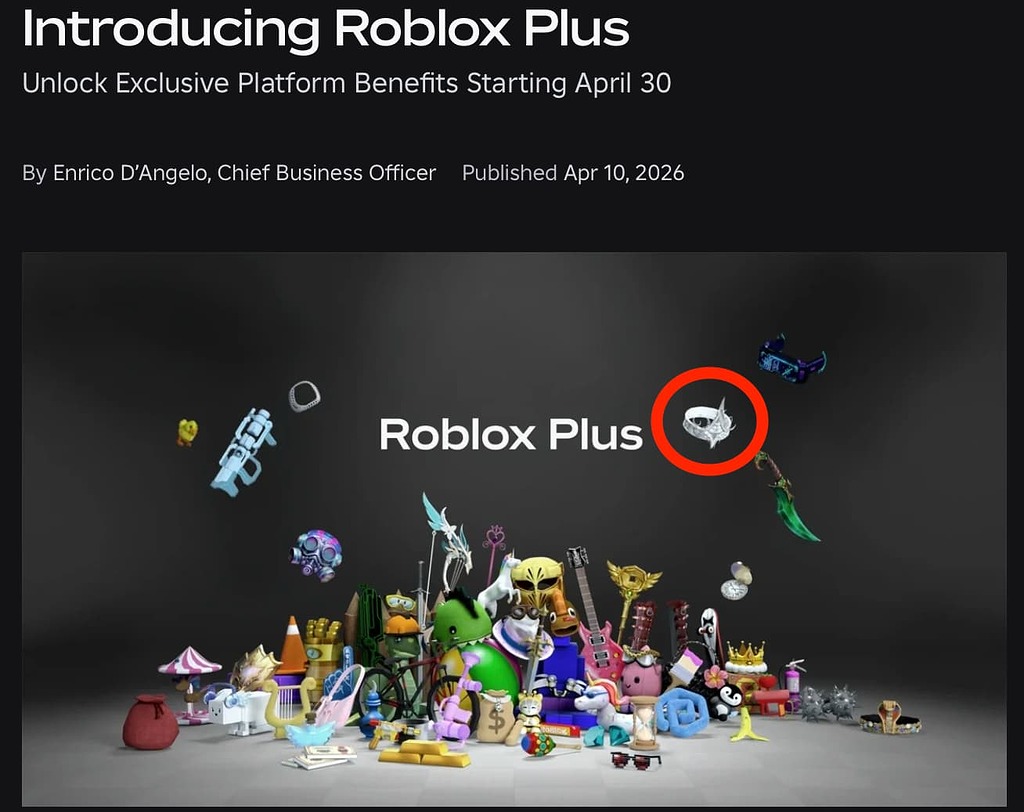
Roblox Plus subscribers have announced early access at noon PT, but early entry is not a guarantee of zero lag, exclusive access to every quest, or better reward odds. Free players can plan to enter at the public opening and focus on the objectives visible in the hub.
Common launch-day mistakes to avoid
- Following an unverified walkthrough: the first live maze or quest can differ from older event layouts.
- Assuming every reward is free: check the individual quest and Marketplace listing before spending time or Robux.
- Leaving before progress saves: revisit the objective panel and confirm completion when possible.
- Trusting “free Robux” offers: avoid external reward generators, downloads and sites asking for credentials.
- Trying to complete everything immediately: choose one clear task first, then decide whether to continue, explore or take a break.
For more launch planning, read our The Hollow first-30-minutes priority guide, our Day 1 queue survival guide, and our one monster night vs. all nine guide.
Frequently asked questions
What time does Roblox The Hollow go live?
Roblox’s official announcement says public access begins at 2 p.m. Pacific Time on October 22, 2026. Active Roblox Plus subscribers can access the hub at noon PT.
What should I do first in The Hollow?
Verify that you are in the official event, read the live objective, learn one recognizable landmark, and confirm your first task registers before moving on.
Do I need Roblox Plus to play The Hollow?
Roblox’s announcement describes early access and extra profile and gifting features for active Plus subscribers, but it does not say that Plus is required for the public event. Check the live access rules for your region.
How long can I claim The Hollow rewards?
Roblox says players can continue collecting rewards until noon Pacific Time on November 2, 2026. Check the live event for any item-specific requirements or earlier deadlines.
What if the server crashes or progress does not save?
Check for an official status update, wait briefly before retrying, and inspect the quest panel when you get back in. Do not enter account credentials on outside sites that promise to restore progress or grant rewards.
Source: Roblox’s official announcement of The Hollow. Historical images in this guide are clearly labeled and are not presented as The Hollow 2026 gameplay screenshots.






