

Updated October 17, 2026. Roblox Halloween updates can be confusing when countdowns and clips refer to different games or different weeks. Before chasing a reward in Grow a Garden, confirm the exact experience, read the live event timers and check what is actually available in your server.
Third-party guides report a Ghoul Garden Halloween window through October 25 and an update window on October 17. These are reported schedules, not a live-server confirmation; check the official Grow a Garden Roblox experience before relying on the timing.
Quick answer: what should you do first?
- Open the correct game; Grow a Garden and Grow a Garden 2 are different experiences.
- Check the event hub and countdowns in your own server.
- Complete short limited-time quests before routine farming.
- Inspect rotating shops before spending event currency.
- Do not treat old screenshots or viral clips as proof that an item is currently available.
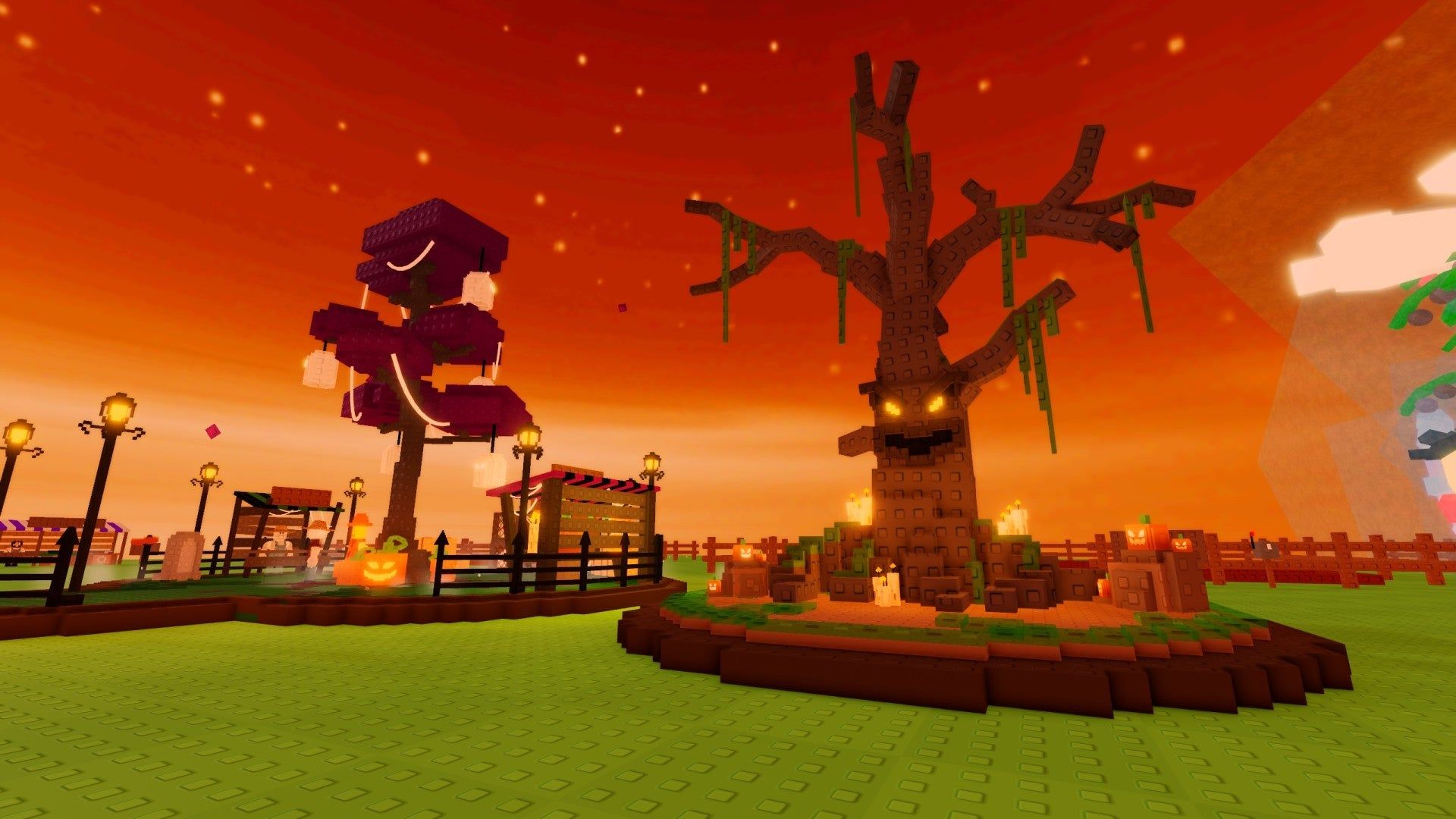
How to use your first few minutes in Ghoul Garden
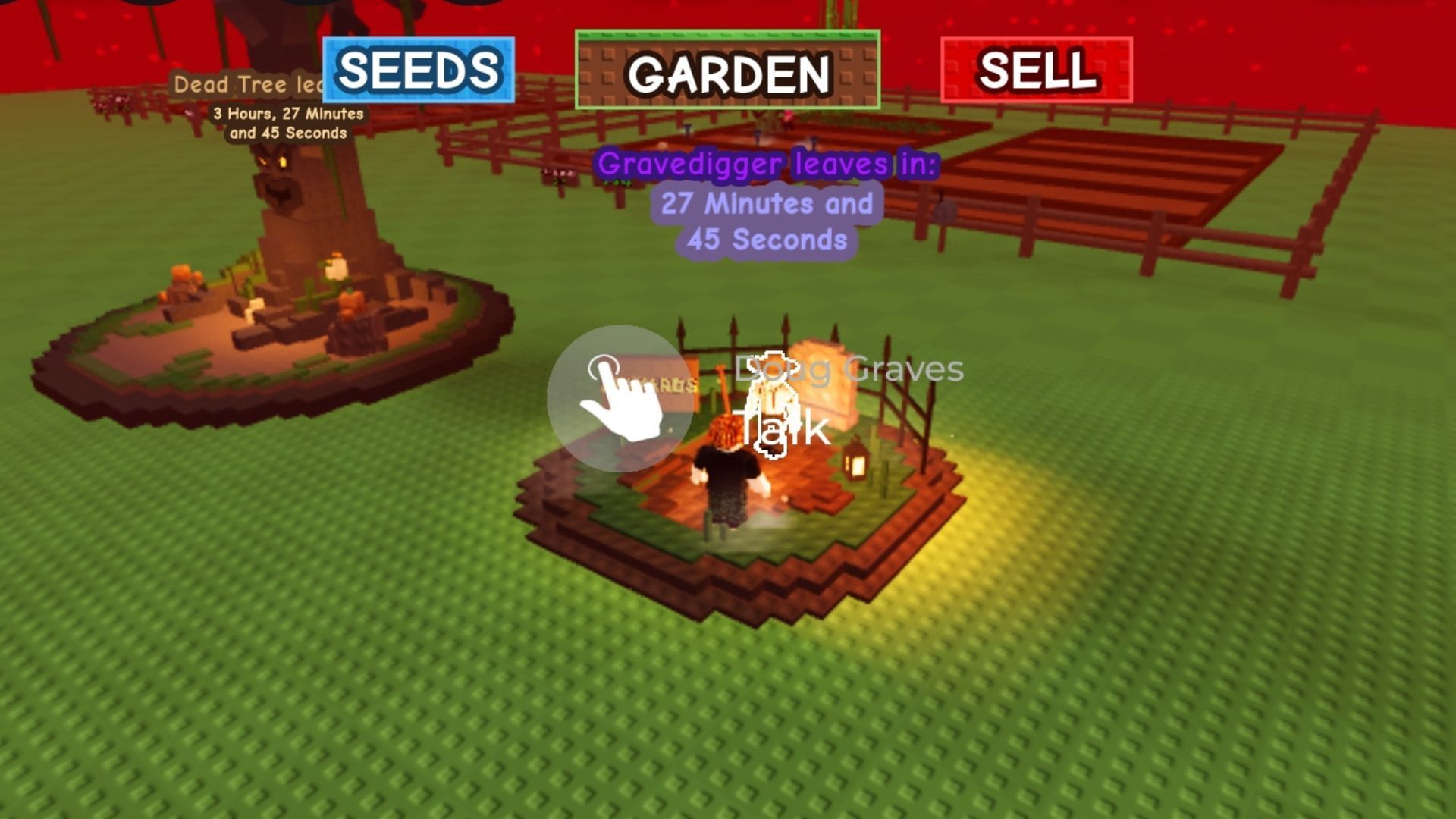
Locate the event hub and read every visible timer. Event guides describe rotating Halloween Market stalls and a Witch’s Cauldron contribution loop, but stock, rewards and cooldowns can change. If a shop is empty or an NPC is missing, check the timer and server state instead of assuming the event has ended.
When currency is limited, do not spend it on the first item you see. Compare usefulness, rarity and whether the reward is time-limited. Collectors may prioritize exclusive items; players focused on progression should check which quest or contribution is most useful in their own session.
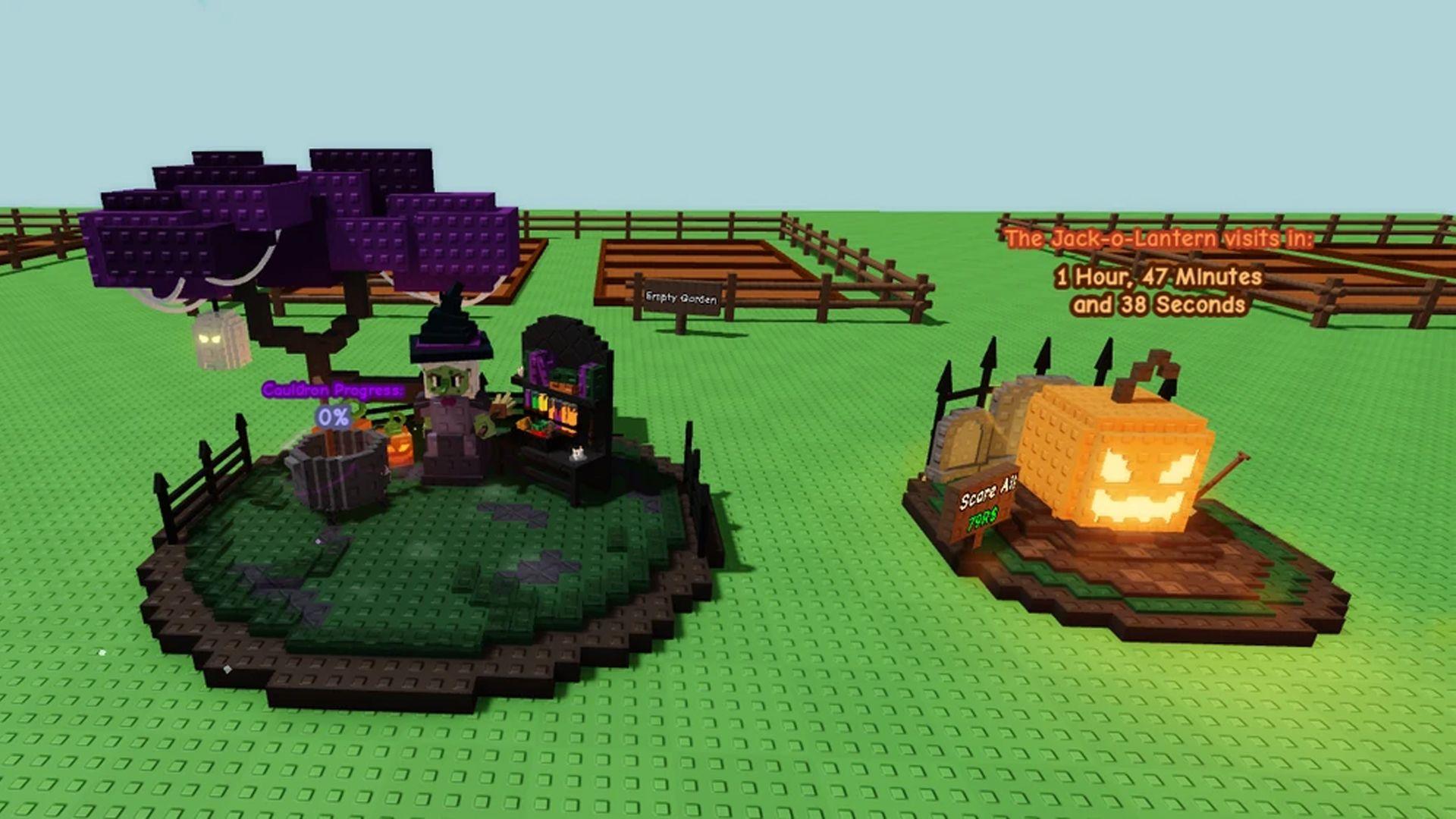
Reported timing for U.S. players
A guide published October 17 reports an update window beginning at 8:30 p.m. UTC, equivalent to 4:30 p.m. Eastern and 1:30 p.m. Pacific during U.S. daylight-saving time. Treat that as a reported schedule, not a guarantee. The countdown and announcements inside the official experience are the best final check.
If you are logging in later in the day, inspect the event hub, finish short quests, check the rotating shops once and return while timers reset. Avoid trading or purchasing based only on a social post that does not show the game name and date.
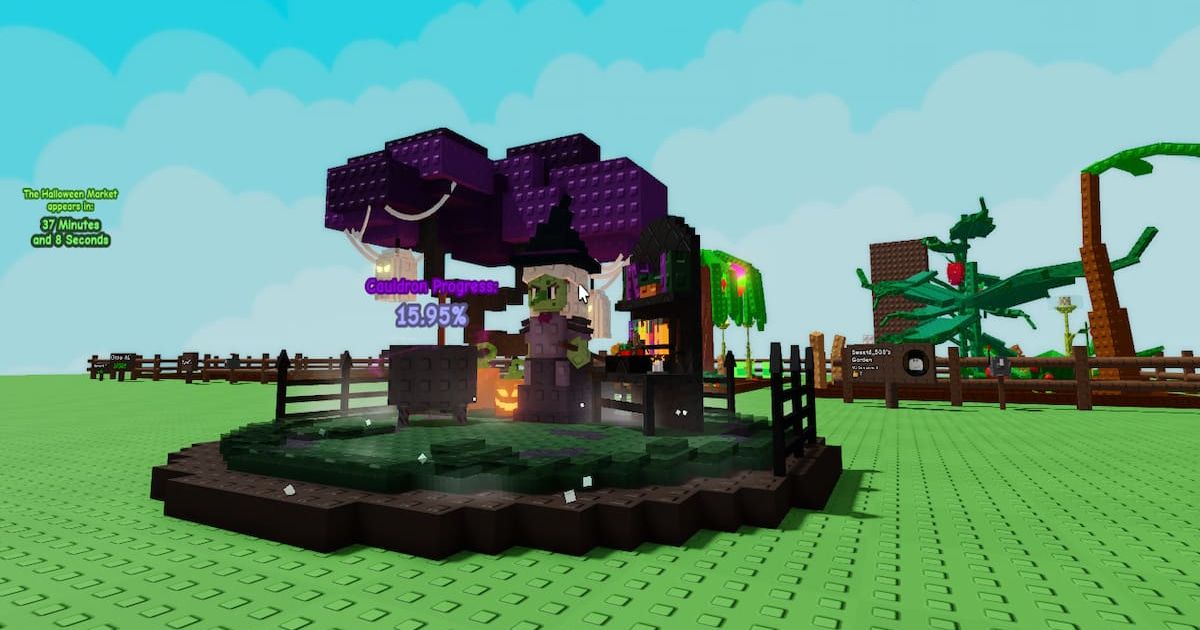
How to avoid mixing up Grow a Garden and Grow a Garden 2
Halloween thumbnails can look similar across Roblox experiences. Compare the exact game title, guide date and named mechanics with the experience you opened. A guide to an older event can explain background mechanics, but it does not prove that the same feature is live now.
Be careful with clips promising a specific pet, seed, mutation or reward. Check the item in-game and include the original post date when sharing information with friends.
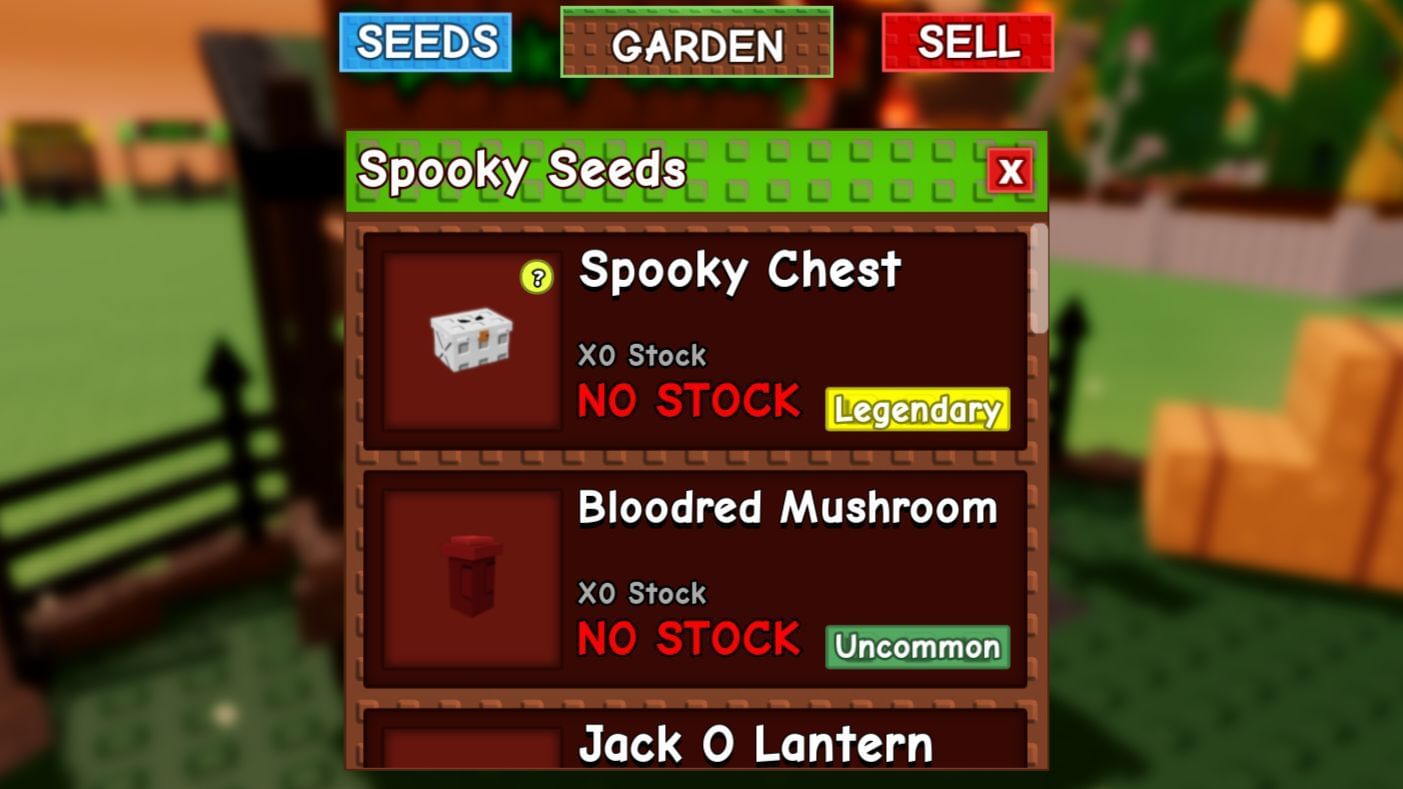
Other late-day Halloween starts: a practical checklist
Roblox games use separate event hubs and countdowns, so one start time does not apply to every experience. Check each game’s official page and in-game announcement separately. If a countdown has passed but the event is missing, try a fresh server and confirm the game has updated before assuming the event is unavailable.
Community posts can flag possible changes, but treat them as leads rather than official confirmation. Players are discussing Halloween details in the Grow a Garden community; verify claims in-game.
Frequently asked questions
Is Ghoul Garden live on October 17, 2026?
Third-party guides report an October 17 update window, but this article cannot independently inspect a live Roblox server. Confirm through the official experience and in-game countdown.
What time does the reported update start in the United States?
The reported 8:30 p.m. UTC time converts to 4:30 p.m. Eastern and 1:30 p.m. Pacific during U.S. daylight-saving time. Treat it as a reported schedule, not a guarantee.
What should I prioritize?
Check timers, complete limited-time quests, inspect rotating shops and verify rewards before spending event currency.
Can old guides confirm this year’s rewards?
No. Older guides and screenshots provide context but cannot prove current stock or availability. Verify rewards in the live game.
Where can I verify the event?
Start with the official Grow a Garden Roblox experience, then check the event hub and server announcements.
Reporting note: Event schedules, inventory and shop stock can change without notice.






