

Updated October 17, 2026. If you joined Grow a Garden late for the Ghoul Garden Halloween event, you have not necessarily missed the useful part. The smart move is to verify what is live in your own server, then spend your first session on limited-time tasks and rotating rewards instead of trying to complete everything at once.
Quick answer: open the official Grow a Garden experience on Roblox, check the event hub and its timers, complete any short event activity that is available, and compare shop rewards before spending Candy Corn or other event currency. Published guides report an October 17 update window and an event period extending toward October 24, but the in-game countdown is the final check for your server.
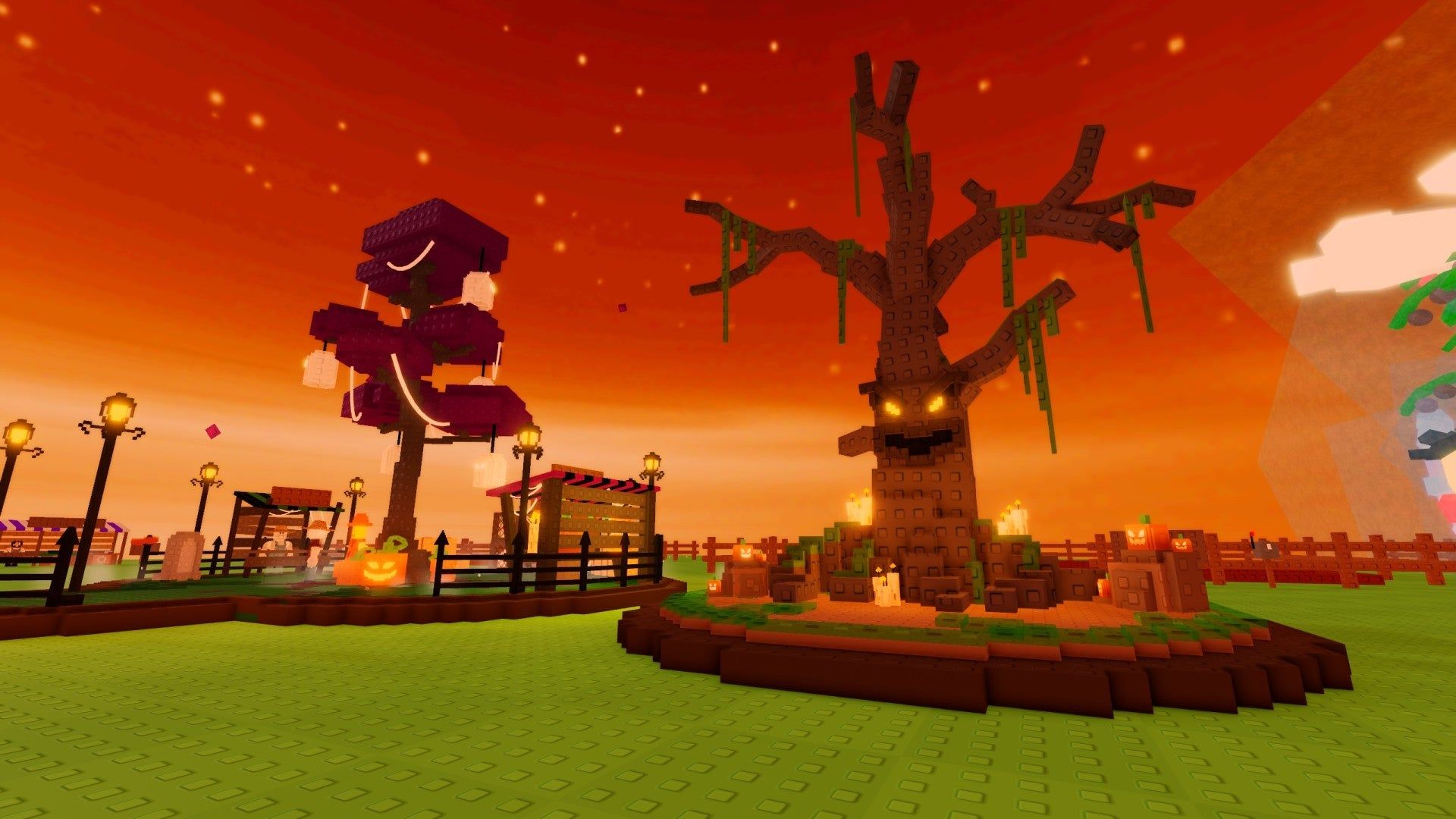
What late starters should do first
- Confirm the exact experience. Open the official game page and make sure you are not following a guide for a different Roblox experience or an older event phase.
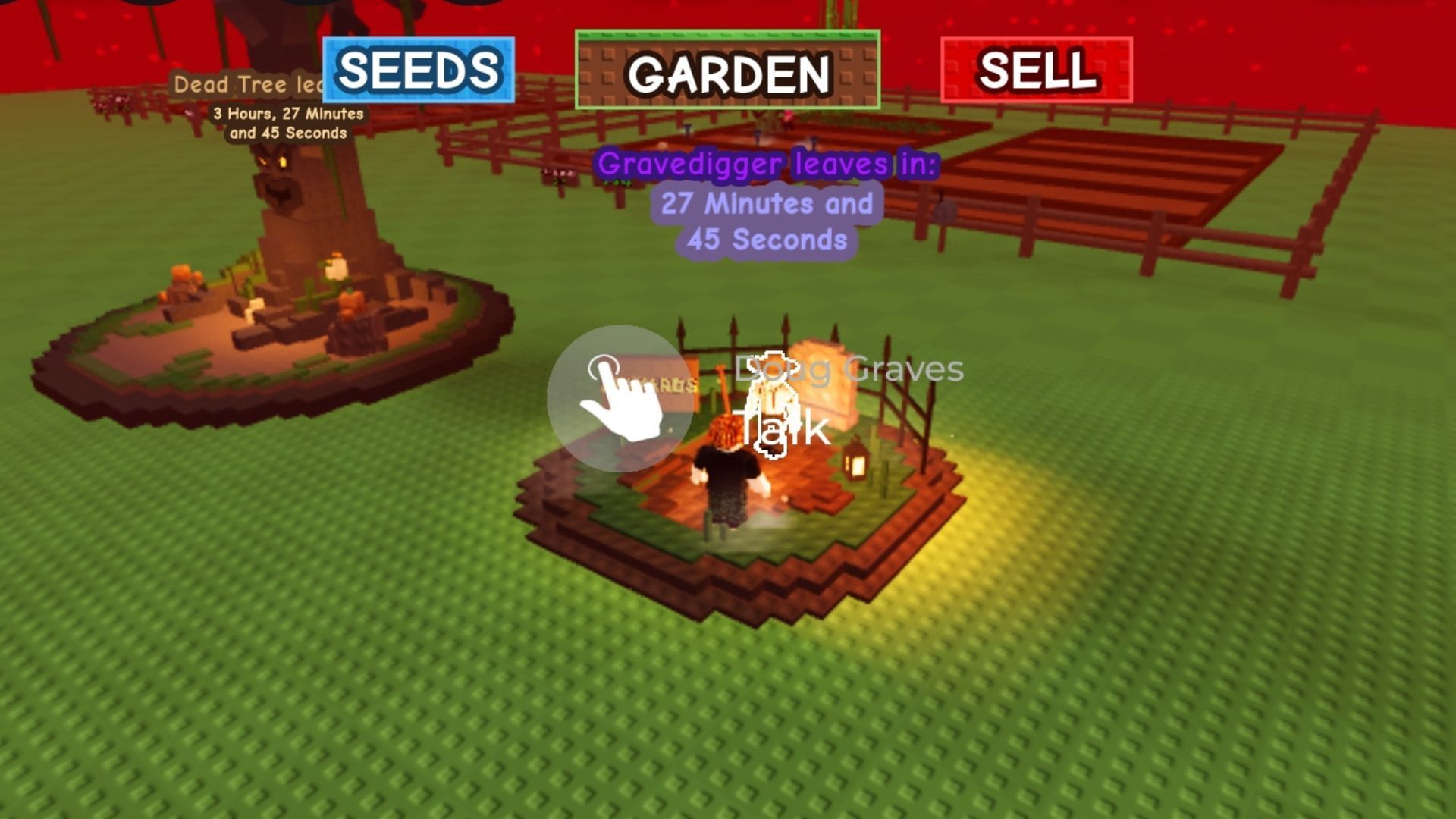
- Read the event timers. Check the hub, NPCs and rotating shops in your current server. A thumbnail or old clip cannot confirm that a reward is still available.
- Complete short, limited-time tasks first. If an event quest has a visible timer, prioritize it over routine farming that can wait.
- Inspect the reward list before spending. Compare the reward’s usefulness, rarity and time limit. Collectors may value exclusives differently from players who want faster progression.
- Return when a rotation changes. If the event uses timed shop stock or cooldowns, note the displayed timer rather than guessing when the next refresh will happen.
Ghoul Garden timing: what is confirmed and what is reported?
The official Roblox experience page lists a Ghoul Garden Halloween event entry for October 17. A third-party report published that day gives an update window beginning at 8:30 p.m. UTC, which converts to 4:30 p.m. Eastern and 1:30 p.m. Pacific during U.S. daylight-saving time. Treat that clock time as a reported schedule, not a promise that every server will update at the same second. If you are joining later, check the live game and its visible timers rather than relying on a countdown copied from another time zone.
Some event guides describe a Halloween Market with rotating stalls, a Witch’s Cauldron contribution loop and other limited-time activities. These details can change as updates roll out, so use the event interface in your session to confirm what is actually available before planning a route.
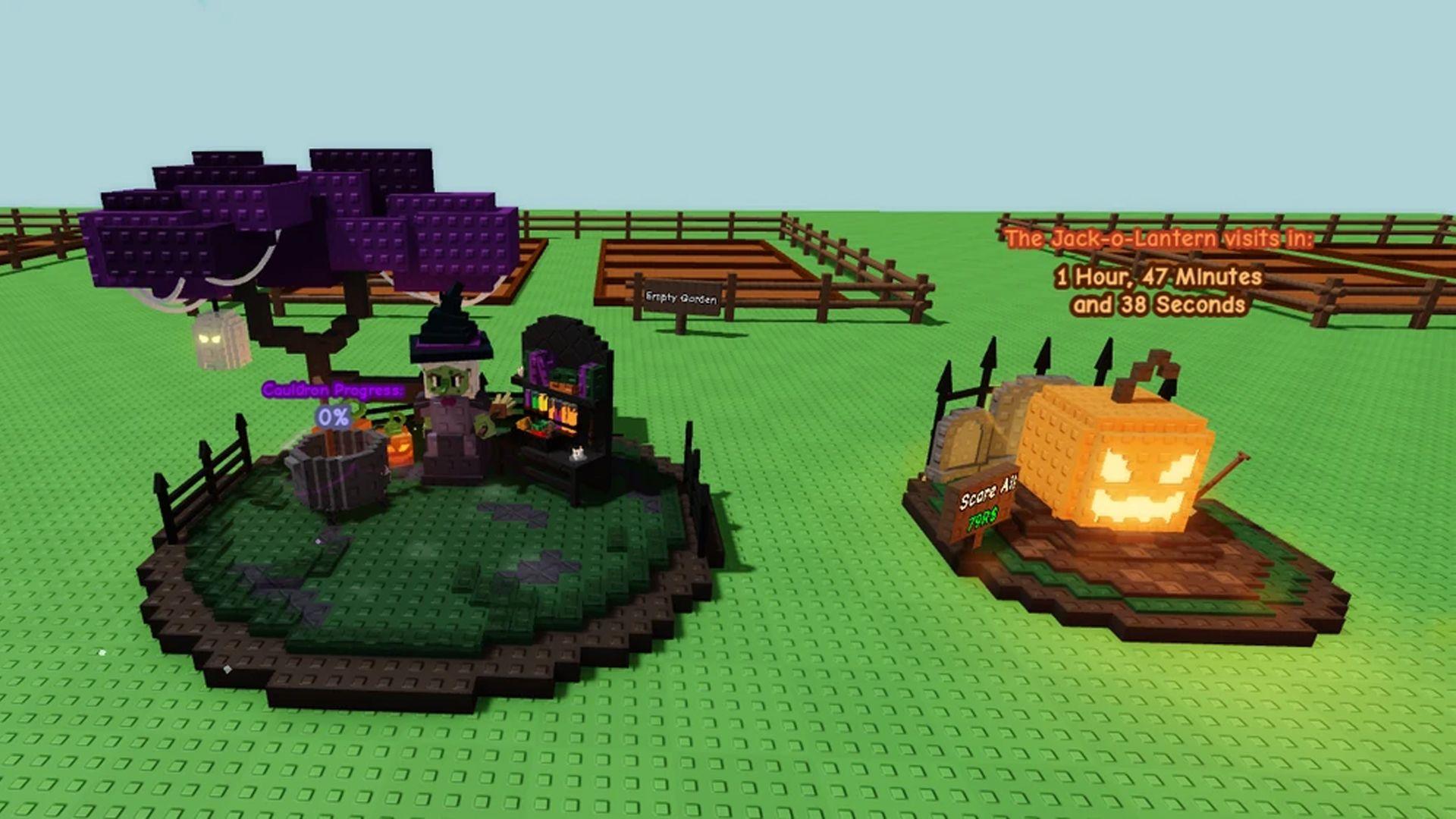
How to get more value from a short session
Late starters often lose time by wandering between activities without checking timers. Start at the event hub, identify the shortest available quest and inspect the current shop stock. If a reward requires a contribution, compare the cost with the reward you actually want. Do not spend rare items just because a guide says they are useful; event economies and player priorities differ.
Keep a simple checklist: event task completed, shop stock reviewed, currency balance checked, and next timer noted. If a station is missing, switch to a fresh server only after confirming the event should be available. Rejoining repeatedly without checking the official page or update status can waste more time than it saves.
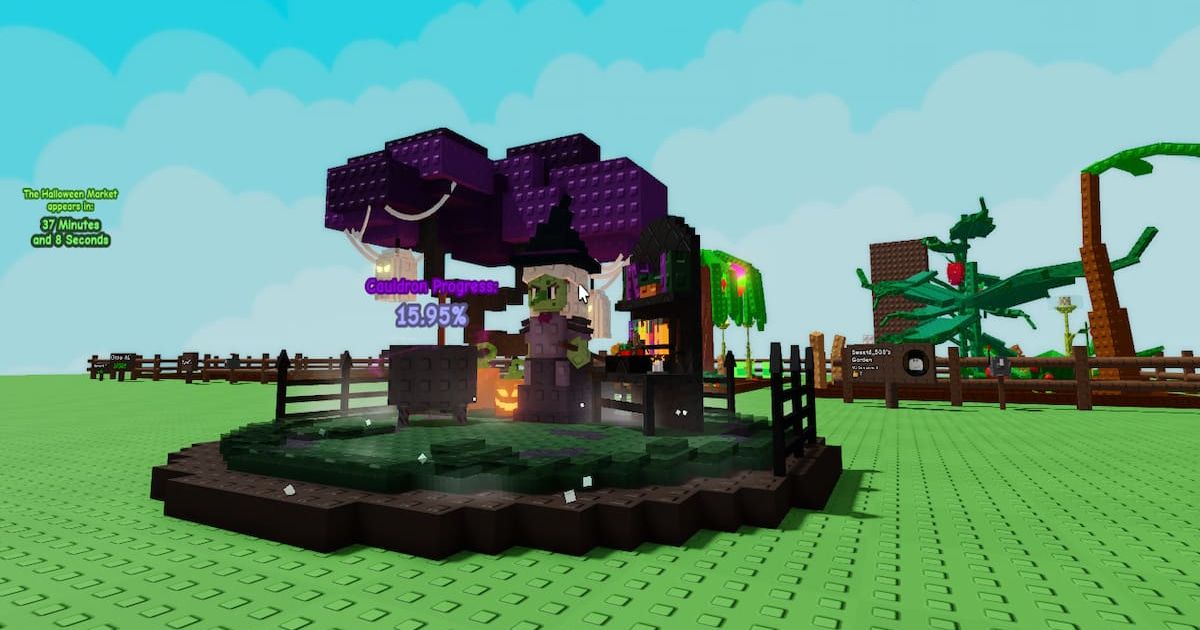
Watch out for old screenshots and mixed-up game guides
Halloween events use similar colors, pumpkins and spooky props, so images can be misleading without a date and game title. Check the name of the experience, the article’s publication date and the specific item or mechanic shown. An older screenshot can explain the event’s history, but it cannot prove today’s stock, reward odds or availability.
Be especially cautious with posts promising a guaranteed pet, seed, mutation or unusually high reward. Look for footage that shows the game interface and current date, then verify the claim yourself. Community posts are useful leads, not official confirmation.
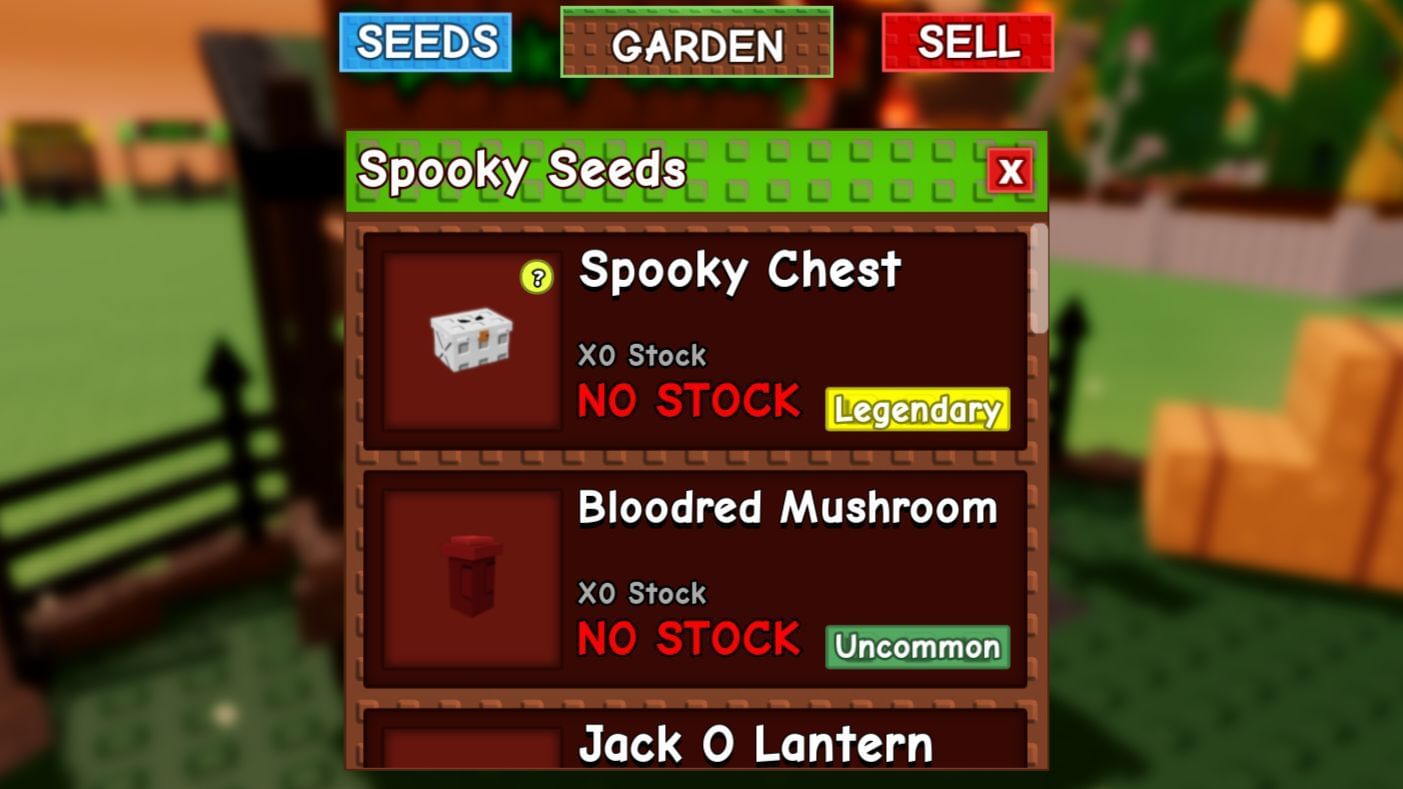
Community update: use posts as leads, then verify
Players are sharing Halloween-event observations in the Grow a Garden community discussion on Reddit. Community reports can help you spot a possible change, but details may be incomplete or server-specific. Confirm rewards and mechanics inside the official game before spending time or currency.
Late-start results: a realistic plan for U.S. players
If you only have 10–15 minutes, verify the event, complete one short timed activity and inspect the shop. With a longer session, return to the event hub after checking cooldowns and choose the next task based on the reward you want. This approach will not guarantee a rare drop, but it reduces the chance of missing a limited-time task because you spent the whole session farming something permanent.
For related Roblox Halloween coverage, browse the Vervado Roblox guides, including our Halloween event priority checklist and guide to free Roblox Halloween rewards.
Frequently asked questions
Is Ghoul Garden available on October 17, 2026?
The official Grow a Garden Roblox page lists a Ghoul Garden event entry for October 17. Check the event hub and timer in your current server for live availability.
What time did the reported update start in the United States?
A report gave 8:30 p.m. UTC, equal to 4:30 p.m. Eastern and 1:30 p.m. Pacific during U.S. daylight-saving time. Treat this as a reported schedule, not a guarantee for every server.
What should a late starter prioritize?
Confirm the correct game, check timers, finish short limited-time tasks, review rotating shops and save currency for rewards you actually want.
Can an old screenshot confirm current rewards?
No. Older screenshots are useful for context, but they do not establish current shop stock, drop rates or event availability.
Where should I verify the event?
Start with the official Grow a Garden Roblox experience and verify the event interface inside the game.
Reporting note: Event timings, shop stock and rewards can change. This guide distinguishes reported schedules from what a player can verify in their own server.


