

Updated October 17, 2026 · For U.S. players · By Shivam Das
Quick answer: Put events with the earliest verified end windows first. As of October 17, the most urgent checks are the reported Creatures of Sonaria Halloween Week 2 window ending October 19, followed by the Halloween activities in 99 Nights in the Forest and Grow a Garden, both currently listed through October 24. RIVALSWEEN and Dress To Impress are listed into November, while FischFright 3 is listed through November 9. These are published event windows, not guarantees that every shop, quest, or reward closes at the same minute—confirm the countdown inside each game before you spend Robux or skip another event.
Roblox does not have one platform-wide Halloween timer. Each experience runs its own event, and a game’s event end date may differ from the final day to claim a particular reward. This checklist ranks what to inspect first, explains what to save, and helps U.S. players avoid losing progress to an outdated countdown.

Roblox Halloween events to check first
The dates below are based on published event listings and recent coverage checked on October 17, 2026. Developers can change schedules, so use the live experience page and in-game countdown as the final check.
| Priority | Experience | Currently reported window | What to do first |
|---|---|---|---|
| 1 | Creatures of Sonaria — Halloween Week 2 | Reported through October 19 | Check the current event board and finish any limited sub-species objective you can verify in-game. |
| 2 | 99 Nights in the Forest — Halloween: Trick or Treat | October 17–24 listing | Open the event area, complete visible objectives, and spend event currency before the listed window ends. |
| 3 | Grow a Garden — Ghoul Garden | Next update listed for October 24 | Check the event timer, finish available tasks, and review the next-update notice before deciding what to grind. |
| 4 | RIVALS — RIVALSWEEN | Listed into November 7 | Start daily tasks and event quests; check the shop for currency that may not carry over. |
| 5 | Dress To Impress — Halloween | Listed into November 7 | Review quests, seasonal currency, passes, and any limited cosmetics you actually want. |
| 6 | Fisch — FischFright 3 | Listed through November 9 | Check event NPCs, limited bestiary progress, and any reward requirements shown in the current game. |
Important: The date for Creatures of Sonaria is reported by current event roundups rather than confirmed here from an in-game countdown. Treat it as the first item to verify—not proof that every reward disappears on October 19.
1. Creatures of Sonaria: verify the October 19 window first
Because the reported Halloween Week 2 window is the earliest on this list, check it before committing to a long grind elsewhere. Open the experience, inspect the event board, and look for any countdown tied to the exact sub-species, mission, or currency you want. A general event end date does not always tell you when an individual reward stops being obtainable.
Do not rely on a reposted screenshot alone. If the game’s current UI shows a different date, follow the live in-game information and capture a screenshot for your own reference.
2. 99 Nights in the Forest: finish visible Trick or Treat objectives
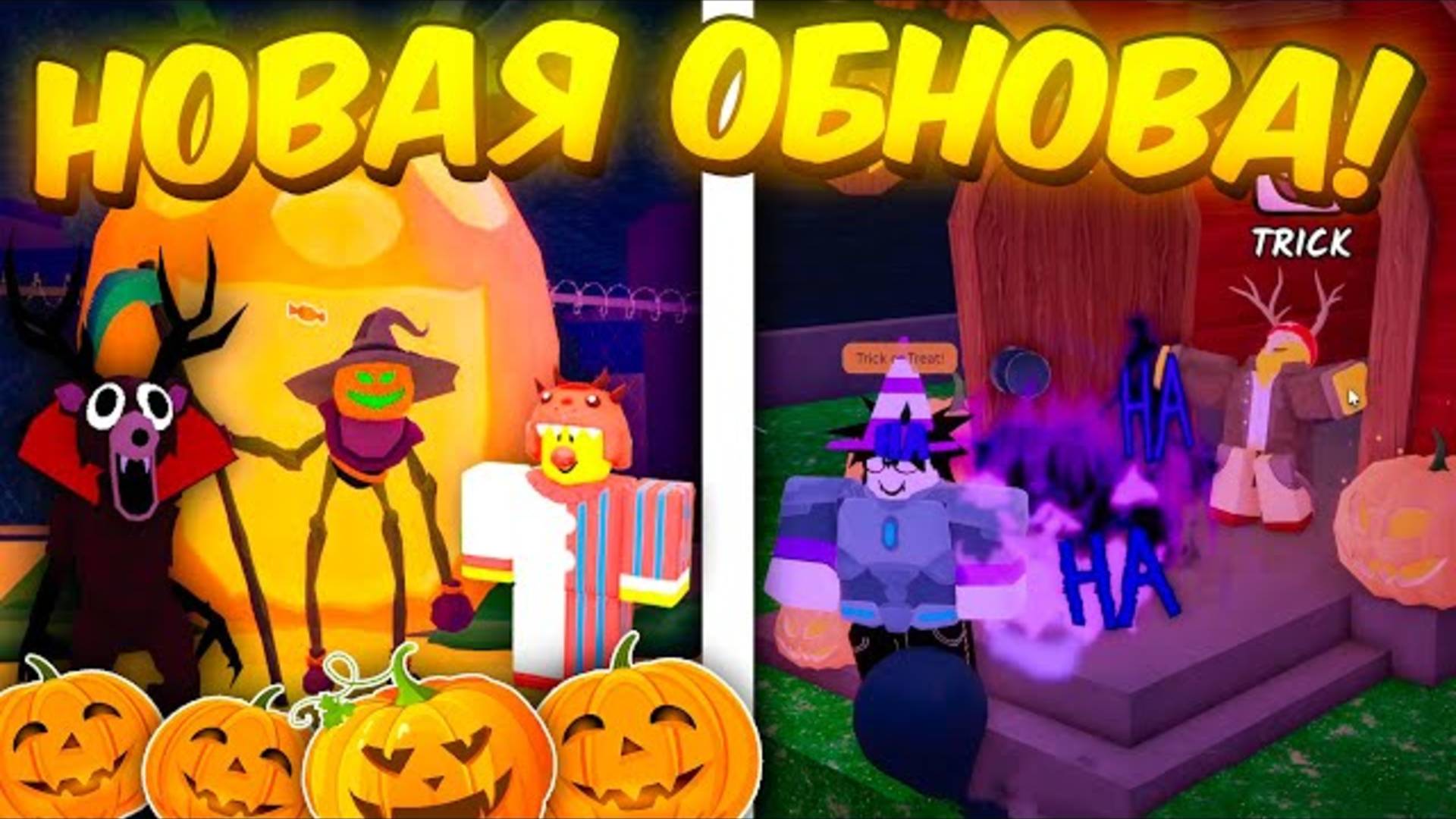
The current event listing describes a Trick or Treat update with a Halloween lobby, a mysterious figure, decoration objectives, candy collection, a Halloween shop, and a Trick or Treater class. Prioritize objectives that the live game actually presents to your account. If a reward has a claim button, claim it and confirm that it appears in your inventory before leaving.
- Check the event NPC and follow the prompts currently shown.
- Collect available candy and review the Halloween shop before spending.
- Complete decoration or door objectives that are visible in your server.
- Check whether a reward is already claimed; do not repeat a task without a reason.
Official experience page: 99 Nights in the Forest on Roblox.
3. Grow a Garden: check the Ghoul Garden timer
Grow a Garden’s Ghoul Garden rollout is listed ahead of another update on October 24. That makes the event timer more useful than social posts repeating an old schedule. Check what is available in your server, finish time-limited tasks first, and avoid assuming that every Halloween item will vanish when the next update arrives.
Before spending Robux, compare the item’s cost with the time left and whether it is a permanent unlock, a temporary boost, or an event-only purchase. If the game does not state that an item is exclusive or expiring, do not treat that as confirmed.
4. RIVALSWEEN: daily tasks before optional grinding
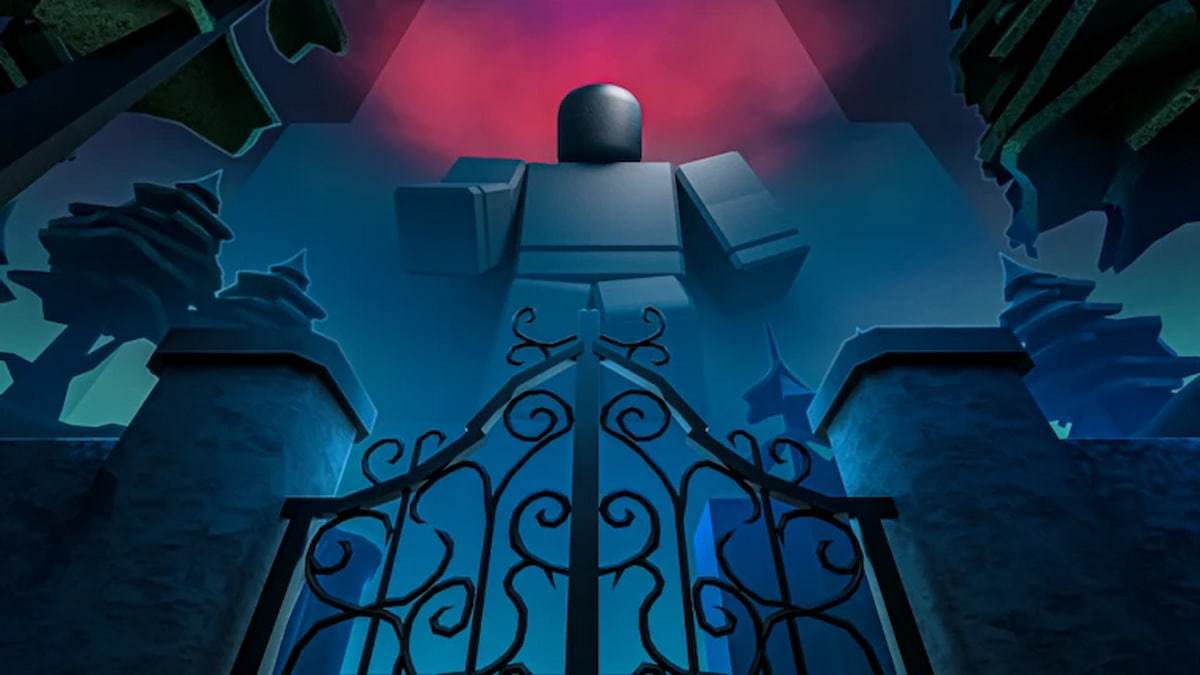
RIVALSWEEN is listed from October 17 into November 7, so it is less urgent than the October 19 and October 24 windows. Still, start with daily tasks and event quests because they can be the most efficient way to make progress. Check the event shop and countdown before assuming candy or other event currency carries over.
Current coverage of the 2026 event describes a Spooky Event Hub and limited-time challenges. Unlock requirements and reward details can change with patches, so verify them in the live game rather than following an older walkthrough.
Official experience page: RIVALS on Roblox.
5. Dress To Impress: separate limited quests from optional cosmetics
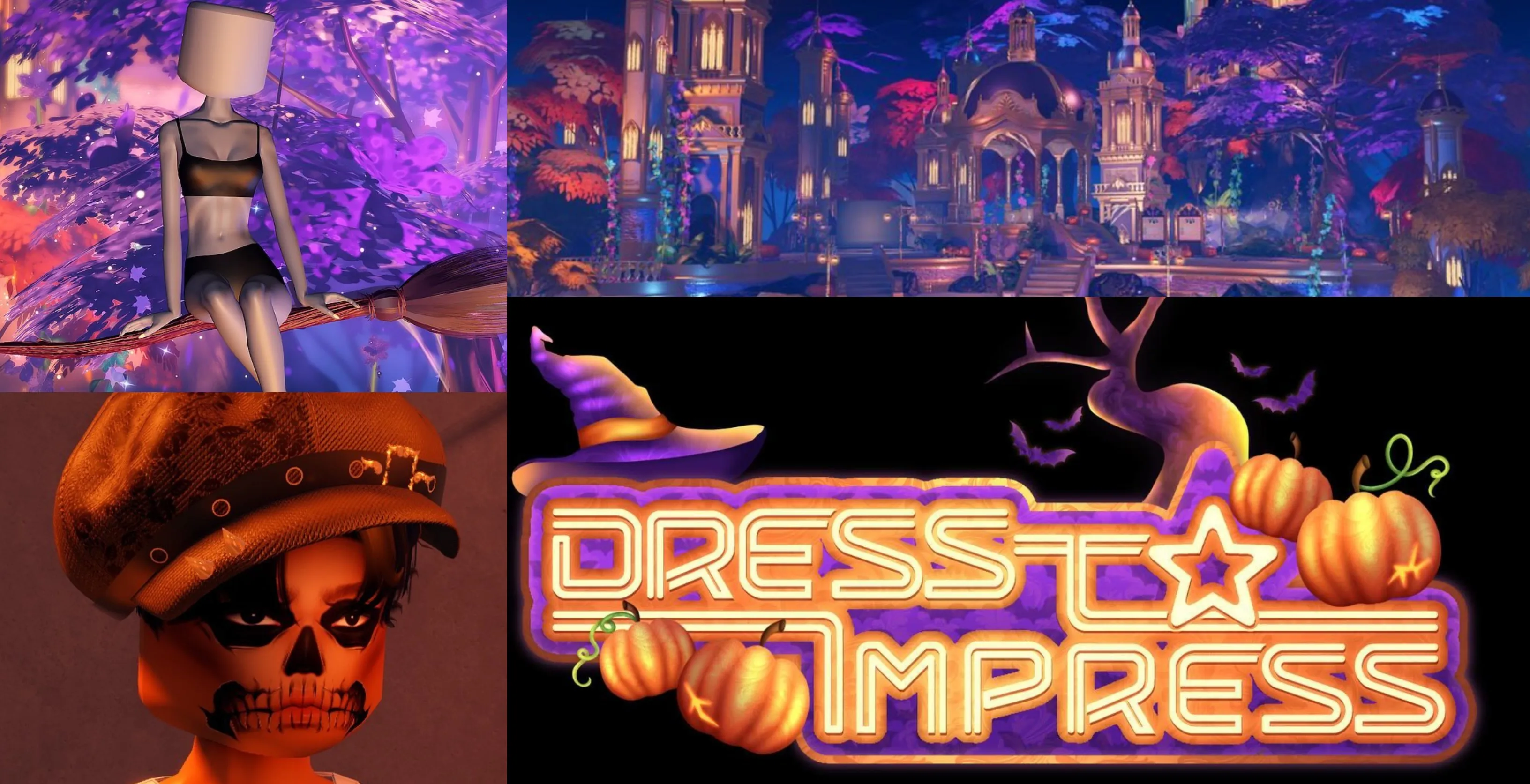
The Halloween event is currently listed into November 7, so U.S. players do not need to panic-buy every cosmetic on the first night. Check the main quest, any seasonal currency, and the event shop. Complete limited quests before spending time on optional styling challenges if the quest rewards matter more to you.
For purchases, check whether a pass is permanent, whether a cosmetic is free or paid, and whether the item is actually limited. Avoid social posts that promise free Robux or ask for account credentials to unlock an outfit.
Explore the official Roblox search for Dress To Impress.
6. FischFright 3: use the extra time to finish specific goals
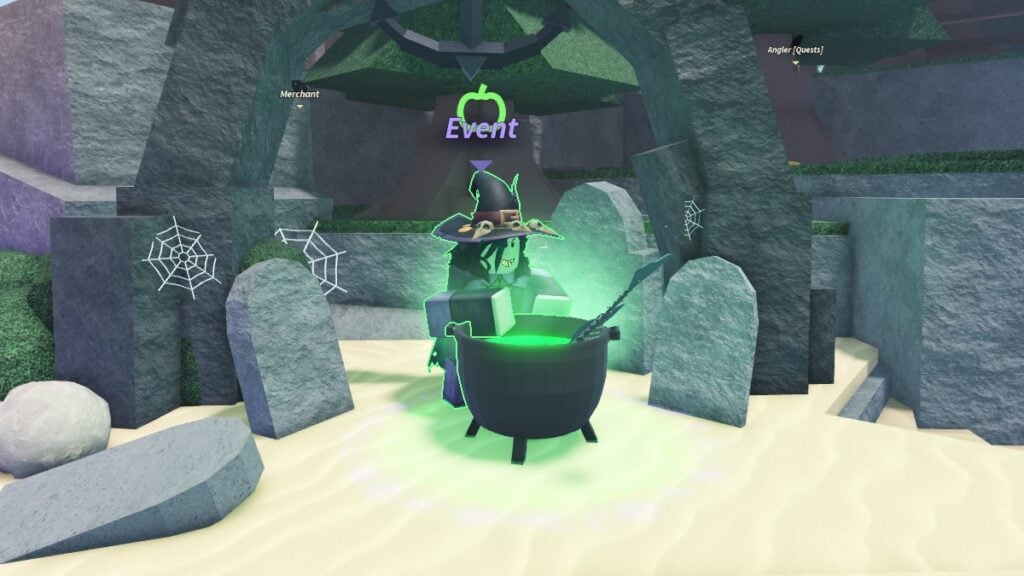
FischFright 3 is currently listed through November 9, which gives players more runway than the earliest events on this checklist. Make a short goal list—such as a specific bestiary entry, NPC quest, or reward shown in the current event—and track progress rather than fishing without a target. Confirm each requirement in the live game because past Halloween events may use different items or quest steps.
Official Roblox search: find Fisch on Roblox.
A practical 20-minute checklist for U.S. players
- First 3 minutes: Open each game’s event board and read the live countdown.
- Next 5 minutes: Claim completed rewards and check your inventory.
- Next 7 minutes: Work on the earliest-expiring confirmed objective—starting with the reported October 19 window.
- Final 5 minutes: Spend event currency only if the game says it expires, and save screenshots of unclear requirements.
If you only have one play session, choose one event with a reward you genuinely want rather than trying to complete six games at once. The best priority list is the one based on your own remaining quests and the timers visible in your account.
How to tell a real deadline from a rumor
- Strongest evidence: a countdown or notice inside the live game, or the developer’s current official event listing.
- Useful supporting evidence: a dated developer announcement or a recent, clearly attributed update post.
- Weak evidence: an old screenshot, an unsourced countdown, or a social post that does not link to the game or developer.
Never share your password, browser cookies, or verification code to claim an event reward. Roblox rewards should be claimed through the experience or official Roblox systems—not through third-party “free Robux” pages.
Related Roblox Halloween guides
- Roblox Halloween Weekend Final Checklist
- Best Order to Play Today’s Major Halloween Events
- Best Order to Play Roblox Halloween Events If You Only Have Two Hours
- What Happens After the October 17 Halloween Events?
Frequently asked questions
Which Roblox Halloween event should U.S. players check first?
Check the reported Creatures of Sonaria Halloween Week 2 deadline first because it is listed through October 19. Confirm the exact timer in the game before assuming a particular reward expires then.
When does 99 Nights in the Forest Halloween end?
The current event window is listed for October 17–24, 2026. The live game’s timer and official event listing should be checked for changes and reward-specific deadlines.
Does every Halloween reward disappear when an event ends?
Not necessarily. Some rewards or shops may have separate claim windows, and a scheduled event end does not prove that every item becomes unavailable at the same moment. Check the exact reward notice.
When does RIVALSWEEN end?
Current listings place RIVALSWEEN into November 7, 2026. Check the in-game countdown before relying on that date for a last-minute purchase or quest.
Is it safe to use third-party links that promise free Halloween rewards?
No. Do not enter your Roblox password, session cookies, or verification codes on third-party reward sites. Use the official Roblox experience and the game’s own reward interface.
Editorial note: Event dates and reward availability can change after publication. This guide distinguishes reported schedules from details that players should verify in the live game.


