

Quick answer: Roblox makeup can look different from one avatar head to another because the fit depends on each head's geometry, UV layout, and cage quality. Roblox designed its makeup system to adapt across supported avatar heads, but the platform's creator guidance says creators should test designs on the heads they intend to support. For players, the best way to judge a look is to try it on the actual head they use—not rely on a thumbnail alone.
Roblox's Avatar Makeup category launched in March 2026, letting players mix and match eye, lip, and face makeup, with optional eyebrows and eyelashes. In October, Roblox also introduced in-experience creation tools that let participating experiences offer custom makeup creation directly on an avatar. Those updates make fit and previewing more important than ever.
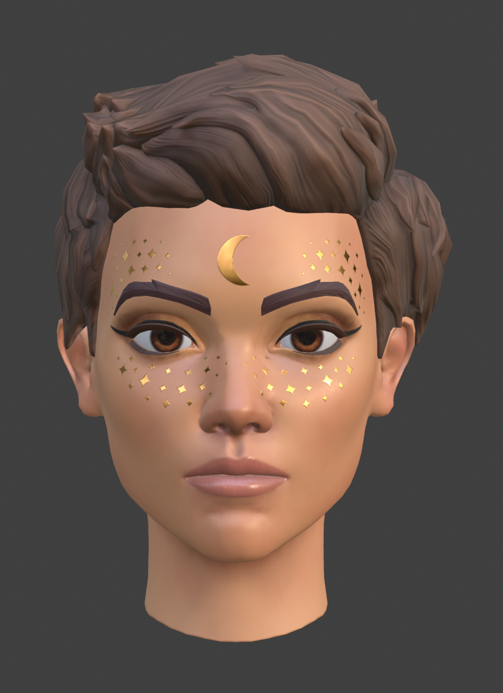
Why the same Roblox makeup can look different on different heads
The short version is that a makeup item is not simply a sticker placed identically on every face. Roblox makeup uses specialized texture layers for areas such as the eyes, lips, and face. The system uses information about where facial features sit on a head to help makeup fit across supported avatars. But head meshes and their cages are not all identical, so a design can stretch, shift, or look less crisp on some older or unusual user-generated heads.
Roblox's developer guidance notes that fit quality depends on the underlying head cage. Its creator forum announcement has also explained that some older UGC heads with arbitrary cages or low-resolution meshes can produce smearing. That is a technical fit issue—not proof that a makeup item is broken or that a particular head is universally incompatible.
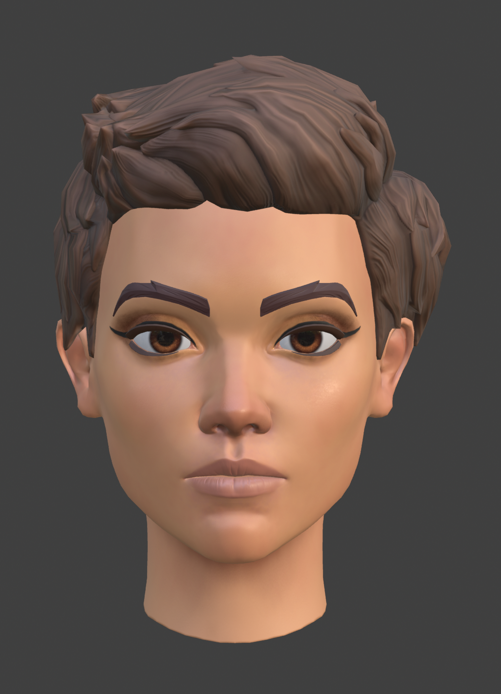
What to compare when testing a makeup look
- Eye alignment: Check whether eyeshadow, liner, or decorative marks sit naturally around both eyes.
- Lip placement: Look for color spilling beyond the mouth or appearing uneven when the avatar changes expression.
- Cheek and face coverage: Blush, face paint, and larger designs can reveal stretching more clearly than a small accent.
- Head shape: Try the exact head you normally wear, including any custom or older UGC head.
- Lighting and animation: Rotate the avatar and check the look in different lighting and facial expressions instead of judging a single static thumbnail.
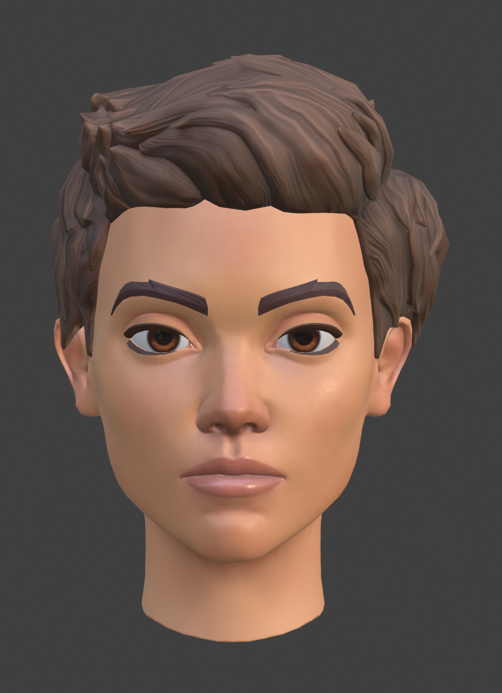
How to preview makeup on your own avatar
- Open Roblox and go to the Avatar or Customize area, or open the Avatar Marketplace to browse makeup items.
- Choose the makeup component or complete look you want to test.
- Apply it to your current avatar and inspect the eyes, lips, and face from the front and side.
- If you own more than one head shape, swap heads where supported and compare the same look again.
- Check whether the problem follows one particular head. If it does, the issue may be the head's geometry or cage rather than the makeup texture itself.
- For creator workflows, use Roblox's official templates and reference tools to test on different heads before publishing.
Players should remember that availability and behavior can vary by experience. Roblox Marketplace makeup is an avatar cosmetic system; that does not automatically mean every individual Roblox game has a separate in-game makeup editor. In-experience creation depends on the experience implementing Roblox's tools.
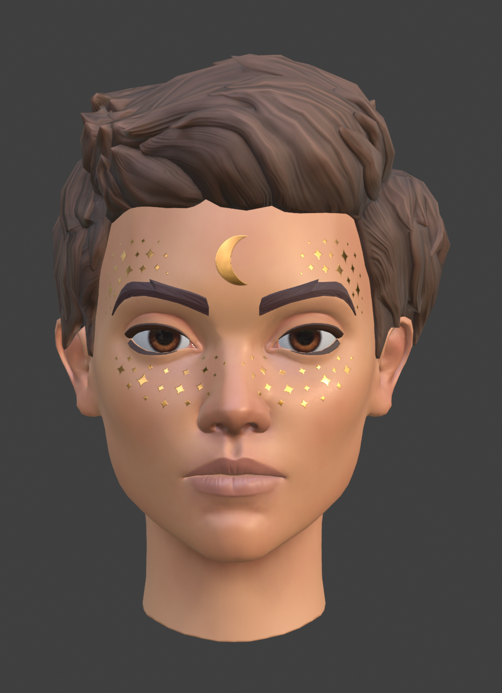
Can creators make one design work on every head?
The system is intended to make makeup portable across supported heads, but creators should not treat “works across the platform” as a guarantee of identical pixel-perfect results on every custom mesh. Roblox's own documentation provides templates and a reference game so creators can inspect their designs on different skin tones and body types. The official advice is practical: test the asset, check its fit, and adjust the cage or design when needed.
For makeup makers, Roblox's documentation also describes separate eye, lip, and face regions, with optional eyebrow and eyelash accessories. Marketplace makeup can include up to six total decal objects. These details matter because a layered look may need more testing than a single simple texture.

What changed in October 2026?
On October 15, Roblox announced in-experience makeup creation. Participating games can let players create, customize, and save makeup, eyelashes, and eyebrows from within the experience. Roblox says the workflow gives creators real-time visual feedback on their own avatar, addressing the uncertainty that can come from testing a design on a different head. The announcement also says that creations made through this in-experience flow are for personal use and cannot be sold or traded; this is distinct from general Marketplace creator workflows.
To read the primary sources, see the Roblox Creator Hub makeup guide, the in-experience makeup creation documentation, and Roblox's October 15 developer announcement.
Common mistakes to avoid
- Judging fit from the marketplace thumbnail alone.
- Assuming a smear or shift means the item is fake or unusable on every head.
- Testing only one head when publishing a makeup asset intended for a broad audience.
- Confusing Marketplace makeup with a custom makeup tool that exists only inside a specific experience.
- Assuming an in-experience creation can be resold or traded when Roblox's current guidance says those creations are for personal use.
Frequently asked questions
Does Roblox makeup work on every avatar head?
Roblox designed makeup to work across supported heads, but the visual result can vary. Head geometry, cage quality, and mesh resolution can affect fit, especially on some older or unusual UGC heads.
Why does my Roblox makeup look stretched?
The head's cage or mesh may be causing the texture to transfer unevenly. Test the same makeup on another supported head to see whether the issue is specific to one head.
Can I test makeup on different head shapes?
Yes, where your owned heads and the avatar editor support switching. Creators can also use Roblox's official templates and reference workflow to test makeup on multiple heads.
Can I use Roblox makeup inside every game?
Marketplace avatar makeup is designed for avatar customization, but separate in-experience creation tools require a game to implement the feature. A game's own cosmetic system may differ.
Can I sell or trade makeup I create inside a game?
Roblox's October 2026 guidance says makeup created through the new in-experience creation flow is for personal use and cannot be sold or traded. Check the official documentation for the specific creation method you use.
Where can I find official Roblox makeup instructions?
Start with the Roblox Creator Hub makeup documentation and the in-experience creation guide.
Bottom line: Roblox makeup is designed to adapt to supported avatar heads, but “adapt” does not always mean every custom head will display every design identically. Test the look on your own avatar, compare head shapes, and use Roblox's official creator resources if you're making makeup for others.
By Shivam Das






