

Updated October 24, 2026: Players have reported trouble joining or staying in Jujutsu Shenanigans around its Halloween update. The clearest distinction right now is between a game-specific maintenance window or client crash and a wider Roblox outage. Roblox’s public status page currently lists its main services as operational, but that does not rule out a problem limited to one experience, server build, device, or account.
Quick answer: There is no verified universal crash fix confirmed by the developer in the sources checked for this report. First check the live game page and Roblox status, then leave any older server and rejoin a fresh one. If the Roblox app itself closes, test a different experience and restart/update the app before reinstalling. Do not download unofficial “crash fix” files or share your login details.
What is confirmed about the crash reports?
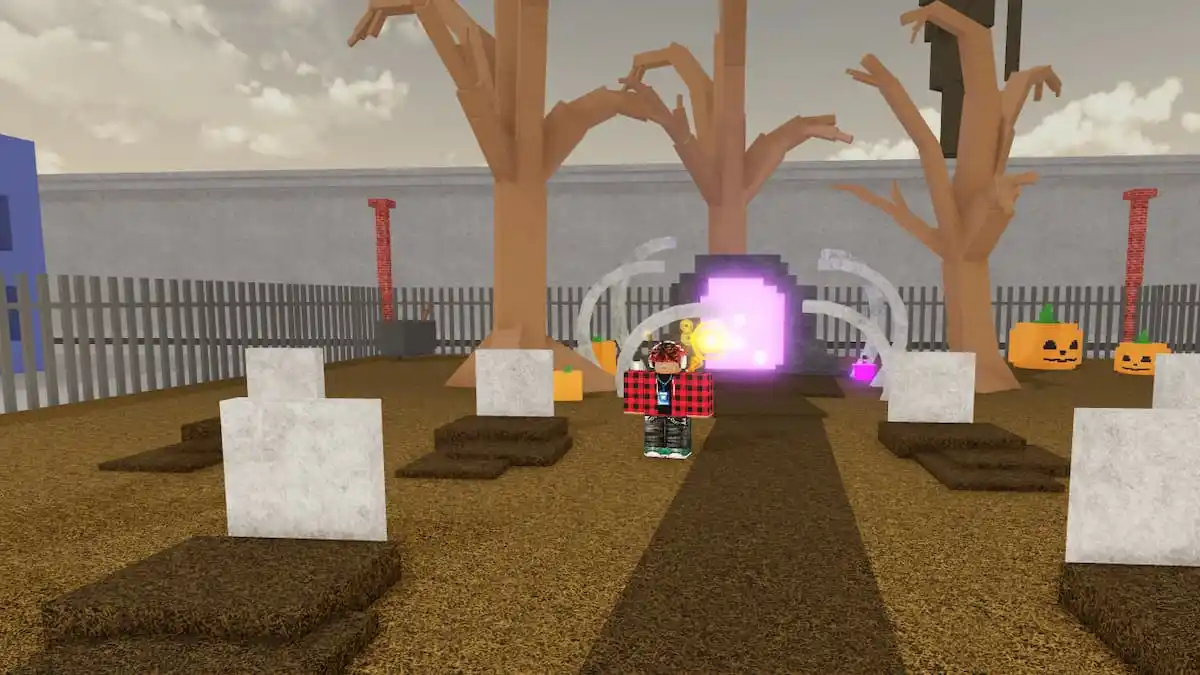
- The Halloween update was scheduled for October 23. The public event listing identifies the seasonal update as “Halloween Update” with the subtitle “Golden age of jujutsu.” The game is still the existing Jujutsu Shenanigans experience, not a separate download.
- Players did report maintenance and crashing. Community threads dated October 23–24 describe servers going down for maintenance and at least one player saying the game closed when they tried to join. These are real reports, but they do not establish that every player is affected or identify one confirmed root cause.
- Roblox’s platform status page currently says its services are operational. That is a platform-level signal, not a guarantee that every individual experience is healthy at every moment.
- A universal developer-confirmed fix is not established in the sources checked. We found no authoritative statement saying one setting, device change, or reinstall fixes every Halloween-update crash.
Primary checks: Jujutsu Shenanigans on Roblox and Roblox Status. Community reports are useful for spotting a pattern, but should not be mistaken for an official incident notice.

Try these steps in order
1. Check whether the issue is wider than one game
Open Roblox Status and then try another experience. If multiple games fail to load, the problem may involve Roblox, your connection, or the app. If only Jujutsu Shenanigans fails, a game-specific server or update issue is more plausible. This comparison is a diagnostic clue, not a definitive diagnosis.
2. Leave the old server and join again
If you were already inside the game before the update, exit fully and launch it again from the official experience page. Older server instances may not immediately match the current build. If the game page is marked for maintenance or the developer has disabled access, repeated rejoining will not force the update to finish.
3. Restart and update Roblox
Close Roblox completely, check for an app update, and reopen it. On PC, close any stuck Roblox processes before launching again. On mobile, force-close the app and restart the device if the client repeatedly exits. Avoid deleting local data unless you know your login details and have tried the simpler steps first.
4. Test the connection without risky workarounds
Switch between Wi-Fi and mobile data if available, or restart your router if other online games are also struggling. Temporarily pause downloads that consume bandwidth. Do not install third-party launchers, “FPS boosters,” modified clients, or files advertised as a Jujutsu Shenanigans crash patch; those are not verified fixes and can put your account or device at risk.
5. Record the exact failure before reporting it
Note your device, operating system, the approximate time, whether the app closes or shows an error code, and whether other Roblox games work. A screenshot or short recording can help support staff distinguish a server disconnect from a client crash. Never include passwords, authentication codes, or private account information.
How to tell a server issue from a client crash
| What you see | What it may suggest | Best first check |
|---|---|---|
| The experience says maintenance or does not let anyone join | Game-side maintenance or access being temporarily disabled | Refresh the official Roblox experience page and check developer announcements. |
| Only Jujutsu Shenanigans fails, while other games load | A game-specific server/build issue is possible | Leave the old server, wait briefly, and try again. |
| The Roblox app closes unexpectedly | Client, device, memory, or compatibility problem is possible | Update/restart the app and device; test another experience. |
| Several Roblox experiences fail at once | Platform, network, or app-wide issue is possible | Check Roblox Status and test your connection. |
These are troubleshooting clues, not official diagnoses. The same symptom can have different causes, and an update can expose a problem that only affects a subset of devices.
What community posts are saying
Players posted about maintenance and client crashes around the launch window. Community threads can help you compare symptoms, but comments may reflect different devices, server regions, or moments in the rollout. We have not treated individual comments as proof that the developer has confirmed a widespread outage.
What not to do while waiting for a fix
- Do not repeatedly reinstall the game if the public experience page indicates maintenance.
- Do not trust “instant fix” downloads, scripts, exploit tools, or unofficial launchers.
- Do not assume a video from an earlier Halloween event shows the current update’s bug or fix.
- Do not spend Robux to work around an access problem unless the developer has clearly explained the purchase and what it provides.
Frequently asked questions
Is Jujutsu Shenanigans down for everyone on October 24, 2026?
That is not confirmed. Community users reported maintenance and crashes, while Roblox’s overall status page currently lists services as operational. That combination is consistent with a game-specific issue or a problem affecting only some players, but it does not prove the exact cause.
What is the best first fix for the Halloween update crash?
Check the official experience page and Roblox Status, then fully exit and rejoin a fresh server. If the app itself closes, update and restart Roblox and test another experience. There is no verified one-step fix for every device in the sources checked.
Should I reinstall Roblox?
Try simpler steps first: close the app, update it, restart the device, and test another experience. Reinstalling may help with a damaged local installation, but it will not fix server-side maintenance and should not be presented as a guaranteed solution.
Where should I report a persistent crash?
Use Roblox’s official support channels and the developer’s announcement/community channels linked from the official game page. Include the device, error text, approximate time, and whether other experiences work. Keep passwords and authentication codes private.
Sources and reporting note
- Official Jujutsu Shenanigans Roblox page
- Roblox Status
- Community thread: maintenance reports
- Community thread: crash report
- Roblox Halloween update schedule, October 23–25, 2026
Editorial standard: This report separates observed community complaints from confirmed platform status. We will update the diagnosis only when an official developer notice or reproducible technical information supports it.






