

Updated October 18, 2026, for U.S. players. Roblox’s Halloween season is moving quickly, and The Hollow has been announced for October 22. Event calendars, screenshots, reward claims, and rumored game lists are circulating across social media. Treat a claim as confirmed only when Roblox or the relevant developer says it directly, then check the live experience before spending time or currency.
Quick answer: The Hollow has an announced date of October 22, 2026, but players should verify the exact launch time, participating games, quests, and rewards through official Roblox pages and developer channels. A game having its own Halloween update does not automatically prove it is part of The Hollow. Never share your password, verification codes, or account cookies to claim a reward.
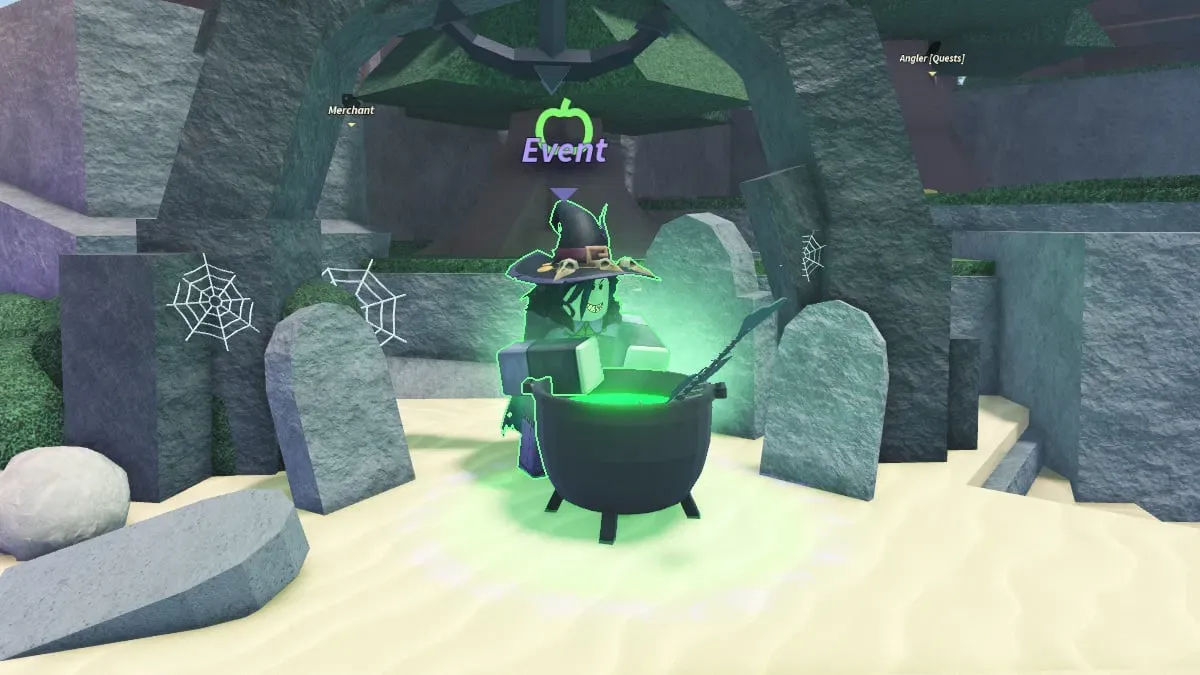
What is confirmed about The Hollow?
Roblox’s reveal teaser identifies The Hollow and displays October 22, 2026. The teaser establishes the event name and date, but it does not by itself provide a complete roster of participating experiences, a full reward catalogue, every quest step, or a precise opening time. Some gaming coverage has circulated an estimated 11 a.m. Pacific launch, but treat that as unconfirmed unless the official event page displays it.
Keep these categories separate when reading a post:
- Confirmed: stated on an official Roblox page or in a direct announcement from the relevant developer.
- Reported: attributed to a publication but not yet confirmed by the official source.
- Rumored: based on silhouettes, timing, fan discussion, or leaks. Do not plan around it as fact.

How to check whether a game is really part of the event
Open the Roblox event listing or the official experience page directly. Look for an explicit event link, a developer-published announcement, or instructions shown inside the live game. A Halloween-themed map, a matching release date, or a character that resembles a teaser silhouette is not proof of participation in a platform-wide event.
If a guide claims a specific game has a special quest, open that experience from Roblox itself and see whether the task is present. If the quest is missing, the information may be outdated, speculative, or about a separate game update.
Five red flags in viral reward posts
- “Free Robux” in exchange for a password. Never enter your password, two-step verification code, session cookie, or recovery information on a third-party reward page.
- A countdown that pressures you to act immediately. Urgency is not proof that an item or code is real.
- A code with no developer source. A fan post does not confirm that a code works or what it awards.
- A screenshot without a source or date. Old event images can be recirculated as if they show the current update. Find the original publisher and date.
- A download required to claim an item. Avoid unofficial tools and instructions that ask you to disable account protections.
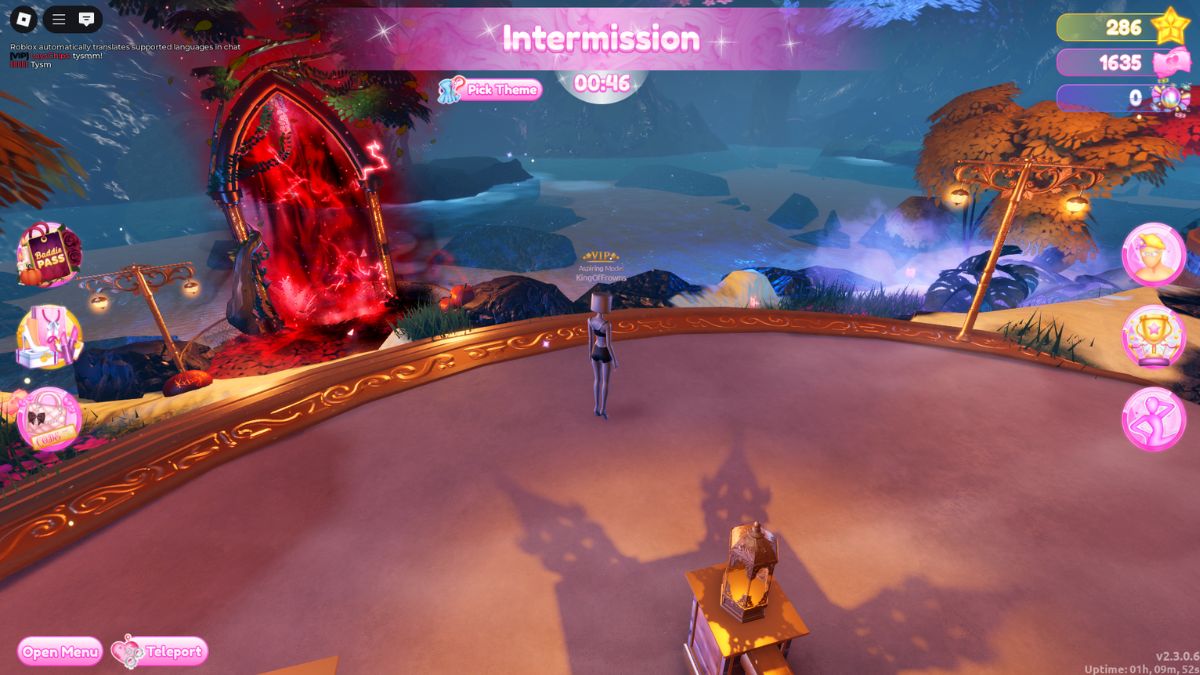
How to verify codes, rewards, and deadlines
- Open the official Roblox experience page from the Roblox app or website.
- Read the current description, event panel, and in-game quest instructions.
- Compare the claim with the developer’s official social account or announcement channel.
- Check the item name, requirement, expiry, and whether it is free or paid in the live interface.
- If a third-party guide conflicts with what the game shows, trust the live official instructions and recheck later.
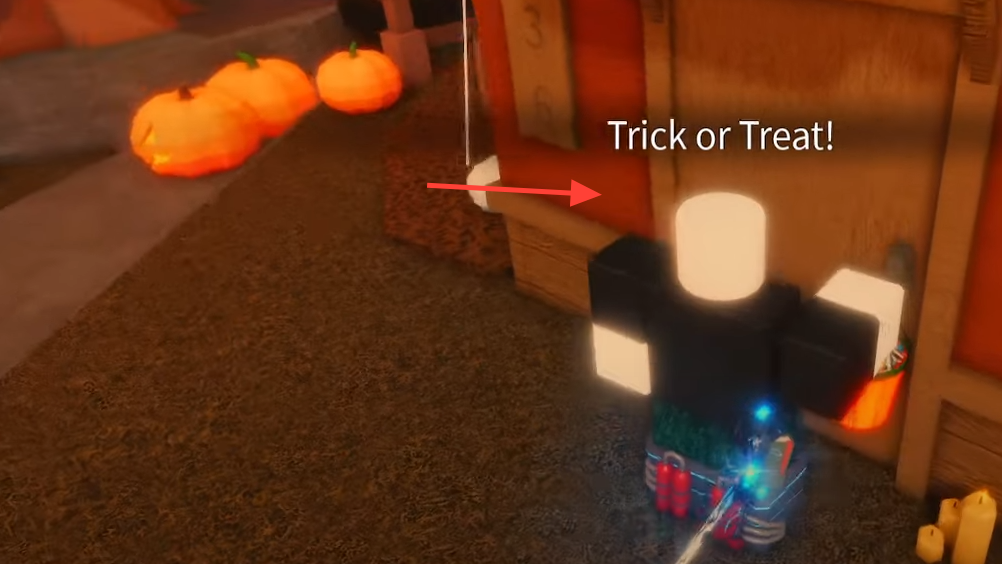
A game can run its own Halloween update while Roblox runs a separate platform event. A game-specific event date landing on the same day as The Hollow is not enough to prove that the game participates in The Hollow. Wait for an explicit link or developer statement.
What U.S. players should do before October 22
Save the official event page, favorite only the experiences you want to play, and check the event hub when it becomes available. If you plan to chase limited rewards, record the exact task and deadline shown in the game rather than relying on a copied checklist. If details change, prefer the newest official notice over older screenshots.
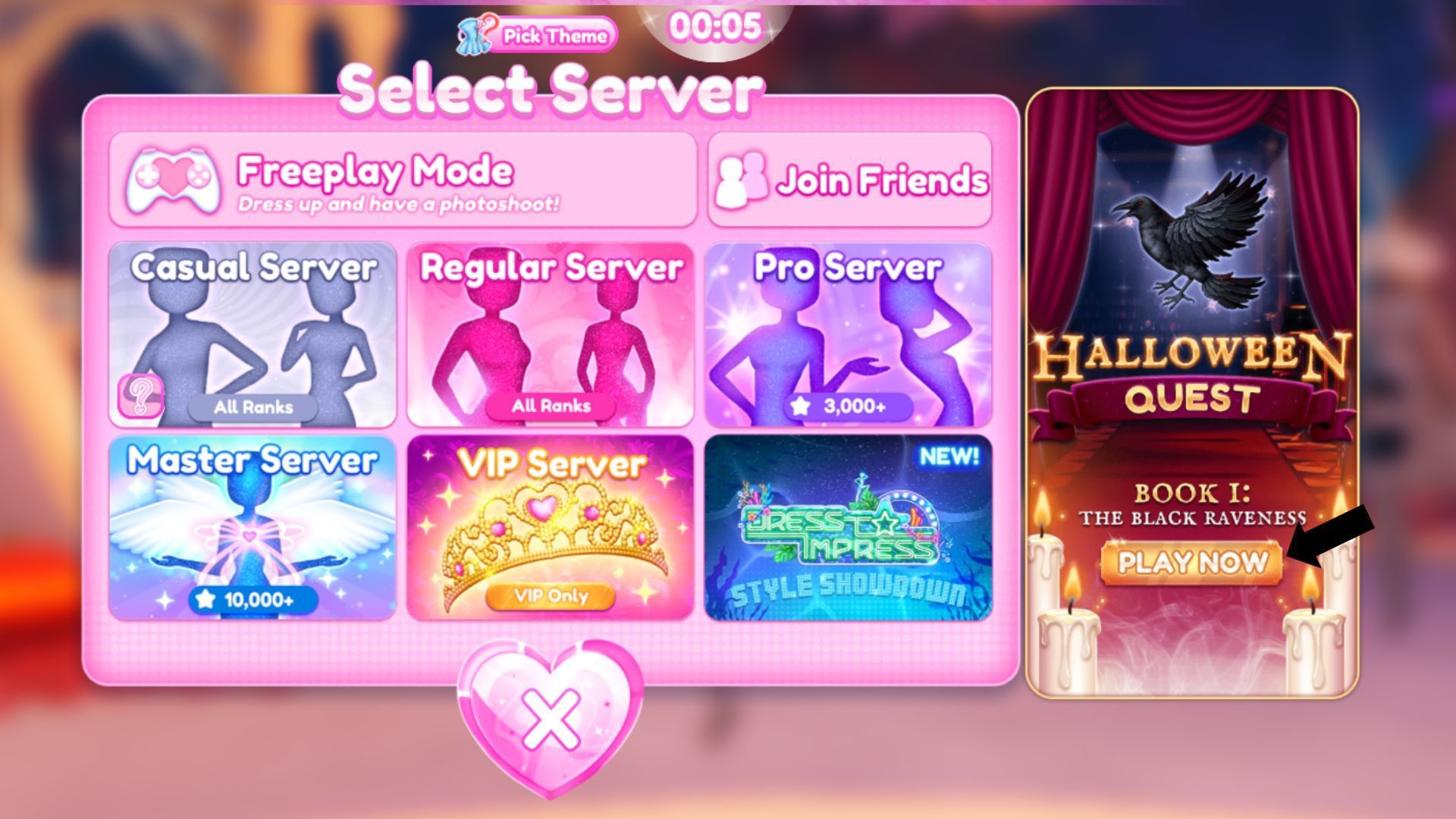
For more event planning, read our Roblox Halloween event calendar for October 18–24 and our five checks to make before claiming The Hollow rewards. Recheck the live game pages as launch approaches; details can change after publication.
Community discussion—not official confirmation
Players are discussing the October 22 announcement and possible participating games online. Community theories can be useful leads, but they are not a substitute for Roblox or developer confirmation. The discussion below is user-generated and should be read as community reaction, not an official event roster.
Roblox, The Hollow Event — community discussion from r/roblox
Frequently asked questions
When does Roblox The Hollow start?
The announced date is October 22, 2026. Confirm the exact opening time in the official Roblox event listing; the reveal date alone does not establish a launch hour.
Are all rumored games confirmed for The Hollow?
No. Treat a game as confirmed only when Roblox or that game’s developer explicitly identifies it as a participant. Similar timing, themed updates, and fan theories are not enough.
How can I tell whether a Roblox Halloween code is real?
Look for the code on the game developer’s official channel and redeem it only through the game’s normal interface. Do not provide account credentials to any website promising rewards.
Can old Halloween screenshots prove a 2026 reward?
No. Older screenshots explain how past events looked, but they do not prove that a specific 2026 item, quest, or reward has returned.
What should I do if a reward link asks for my password?
Close the page and do not enter your details. Use Roblox’s official website or app, and secure your account if you already shared credentials.
Editorial note: This guide separates the announced date from unconfirmed event details. Historical screenshots are labeled as such; they are not presented as current The Hollow gameplay. Author: Shivam Das.
Sources to recheck: Roblox Newsroom, Roblox official website, and the relevant developer’s official Roblox experience page.






