

Updated October 24, 2026. If you only have a little time to play this weekend, prioritize rewards with a real deadline instead of chasing every Halloween rumor. Roblox’s official platform-wide event, The Hollow, is live now, and its quest rewards can be collected until November 2 at noon Pacific time. Individual games are also running seasonal events, but their reward rules and closing times are separate.
Quick answer: Start with The Hollow by Roblox Presents, complete the active in-game objectives, and check the reward prompt before leaving. Then check the event board inside the specific games you already play. Roblox’s announcement does not publish an official promo code for The Hollow, so do not waste time on “Hollow codes” or free-Robux generators.
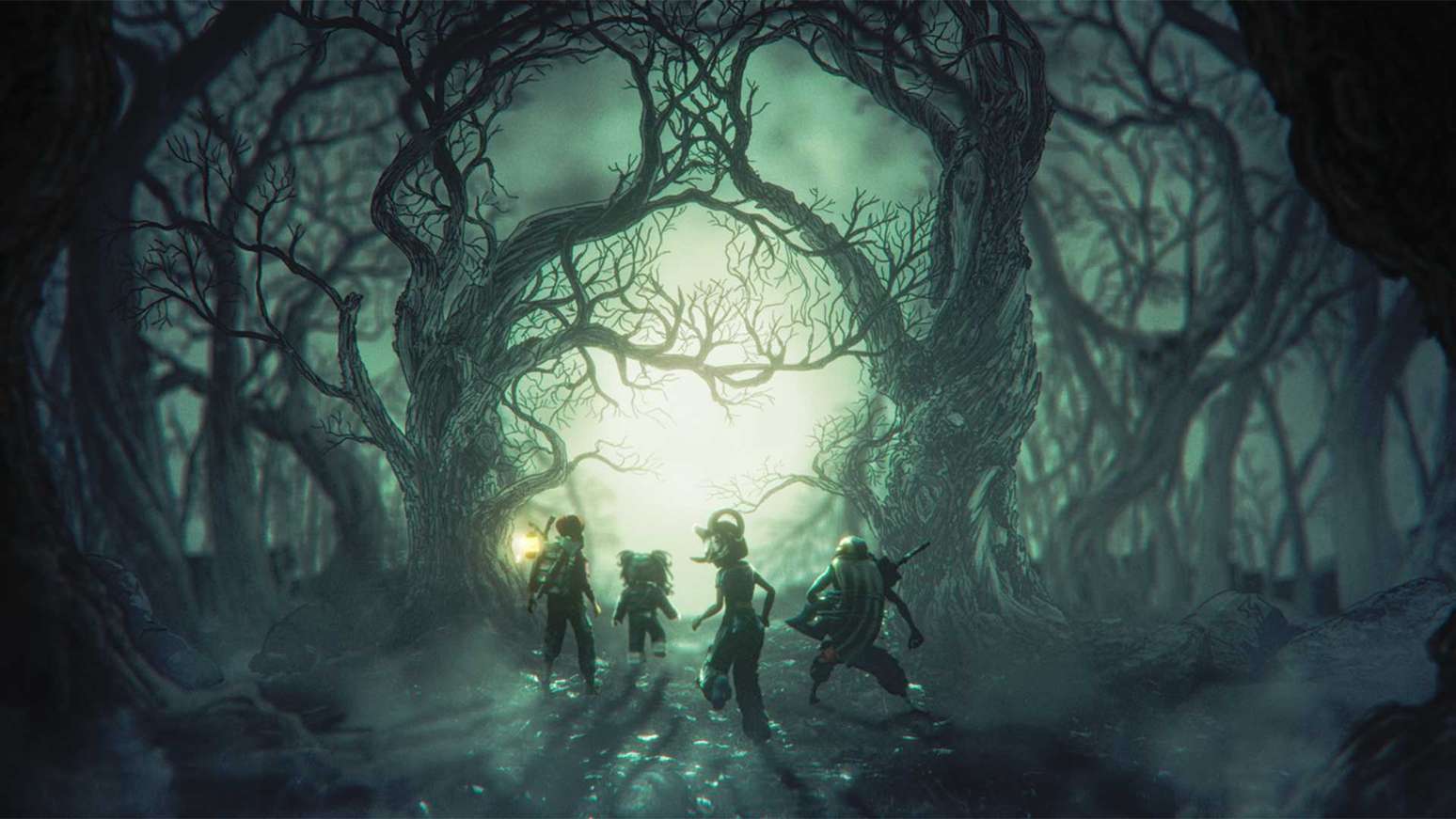
1. The Hollow: the biggest deadline to put on your calendar
Roblox announced The Hollow as a shared Halloween survival event featuring nine familiar horror-game monsters across nine nights. Players navigate a changing maze, search for clues, evade monsters, and complete quests in The Hollow and participating experiences to earn avatar items. Roblox says rewards remain collectible until November 2 at noon Pacific time; the live finale is scheduled for the morning of October 31. Read the official Roblox announcement for the confirmed schedule.
Open the official The Hollow experience. Once inside:
- Open the current objective or quest panel and read the full requirement before starting.
- Explore the active maze for clues and follow the game’s survival instructions.
- Finish the objective, then look for a reward notification or claim prompt.
- Check your Roblox avatar inventory or event/badge panel before assuming an item was added.
- Return on later event days to see which new objectives are available.
Important distinction: The Hollow hub is free to enter for eligible accounts, but not every Halloween-themed avatar item is free. Roblox separately says limited-time Marketplace items are for sale, while Roblox Plus has its own subscriber benefits. Do not mistake a paid Marketplace listing or a Plus-only perk for a free quest reward.
2. Check the nine featured horror games for linked quests
Roblox’s announcement names monsters from 99 Nights in the Forest, DOORS, Dandy’s World, Piggy, Scary Shawarma Kiosk, Animal Hospital, Demonology, The Mimic, and Warden. The event’s quest structure can send players into participating experiences, so check the current Hollow objective before launching a game independently.
Use this order if your session is short:
- First: complete a task explicitly shown in The Hollow quest panel.
- Second: visit the linked participating experience and complete the matching event objective.
- Third: return to the hub and verify that progress registered.
- Last: spend remaining time on optional badges or side challenges that do not show a limited-time reward.
3. Look for free rewards in individual Halloween updates
Not every Roblox Halloween reward belongs to The Hollow. Individual experiences run their own seasonal events, and the end date, currency, quest requirements, and free-versus-paid status can differ. Before grinding, open the game’s official Roblox experience page or in-game event board and look for three things: an end date, the exact free reward requirement, and whether the reward is limited by stock or a membership tier.
The Roblox events calendar overview lists separate activities across different experiences. Treat each listing as its own event rather than assuming The Hollow’s November 2 deadline applies everywhere. Check the individual game page for current status before committing time.
4. A 10-minute checklist before you log off
- Open The Hollow and read the currently available objective.
- Finish the clearest quest you can complete in one session.
- Use the in-game claim prompt and confirm the reward registered.
- Check your avatar inventory or relevant badge list.
- Write down the next deadline you see in each separate game.
- Skip any site asking for your password, cookie, or off-platform payment to “unlock” a free item.

What not to trust: fake codes and free Robux claims
Roblox’s official The Hollow announcement describes quest-based rewards; it does not publish a The Hollow redemption code. A third-party page may track codes for a separate game, but that does not make those codes valid for The Hollow. Never enter your password, browser cookie, or recovery information into a code generator. Use the official Roblox experience and its in-game instructions instead.
Frequently asked questions
When is the deadline for Roblox The Hollow rewards?
Roblox says players can continue collecting rewards until November 2, 2026, at noon Pacific time. The live finale is scheduled for the morning of October 31.
Are all Roblox Halloween items free?
No. The Hollow offers quest rewards, while some seasonal Marketplace items are paid and some perks are tied to Roblox Plus. Read the label and requirements before spending Robux.
Does The Hollow have an official redeem code?
No official The Hollow promotional code is listed in Roblox’s announcement. Follow the in-game quest system instead.
Do I need to finish every night at once?
No single-session requirement is stated in the announcement. The event adds a new maze over nine days, so check back regularly and verify the available objectives in the live hub.
Where should I start right now?
Open the official The Hollow experience, review the active quest, and claim any reward the game confirms. Then check the event board in your favorite Halloween games for separate deadlines.
Sources and further checks
- Roblox Newsroom: The Hollow Halloween survival event
- Official The Hollow experience on Roblox
- Roblox events calendar overview
Reporting note: Reward availability can change inside live games. This guide separates Roblox’s confirmed platform-wide schedule from individual events and item requirements that players must verify in each experience.






