

Quick answer: The fastest way to avoid Roblox Halloween scams is to ignore “free Robux” generators, never sign in through links sent in chats or social comments, and never share your password, browser cookies, two-step verification (2SV) codes, or backup codes. Open Roblox directly through the official app or by typing roblox.com yourself, then report suspicious messages.
Halloween is a busy time for game events, limited-time items, giveaways, and urgent-looking posts. That excitement is exactly what scammers try to exploit. Recent 2026 reporting has described Roblox-focused phishing campaigns, including fake sign-in pages circulated through social platforms. That does not mean every Halloween giveaway is fraudulent—or that Roblox has announced a platform-wide Halloween scam emergency—but it is a good reason to slow down before clicking.
Why Halloween makes scam messages feel more convincing
Seasonal events create urgency: a limited cosmetic, a special pet, a private server invite, or a reward that supposedly disappears tonight. A scammer may copy the language and look of a real event, then ask you to visit an unrelated website, complete a survey, install a file, or “verify” your account. The trick is not the Halloween theme itself; it is the request to hand over account access or leave Roblox for an untrusted destination.
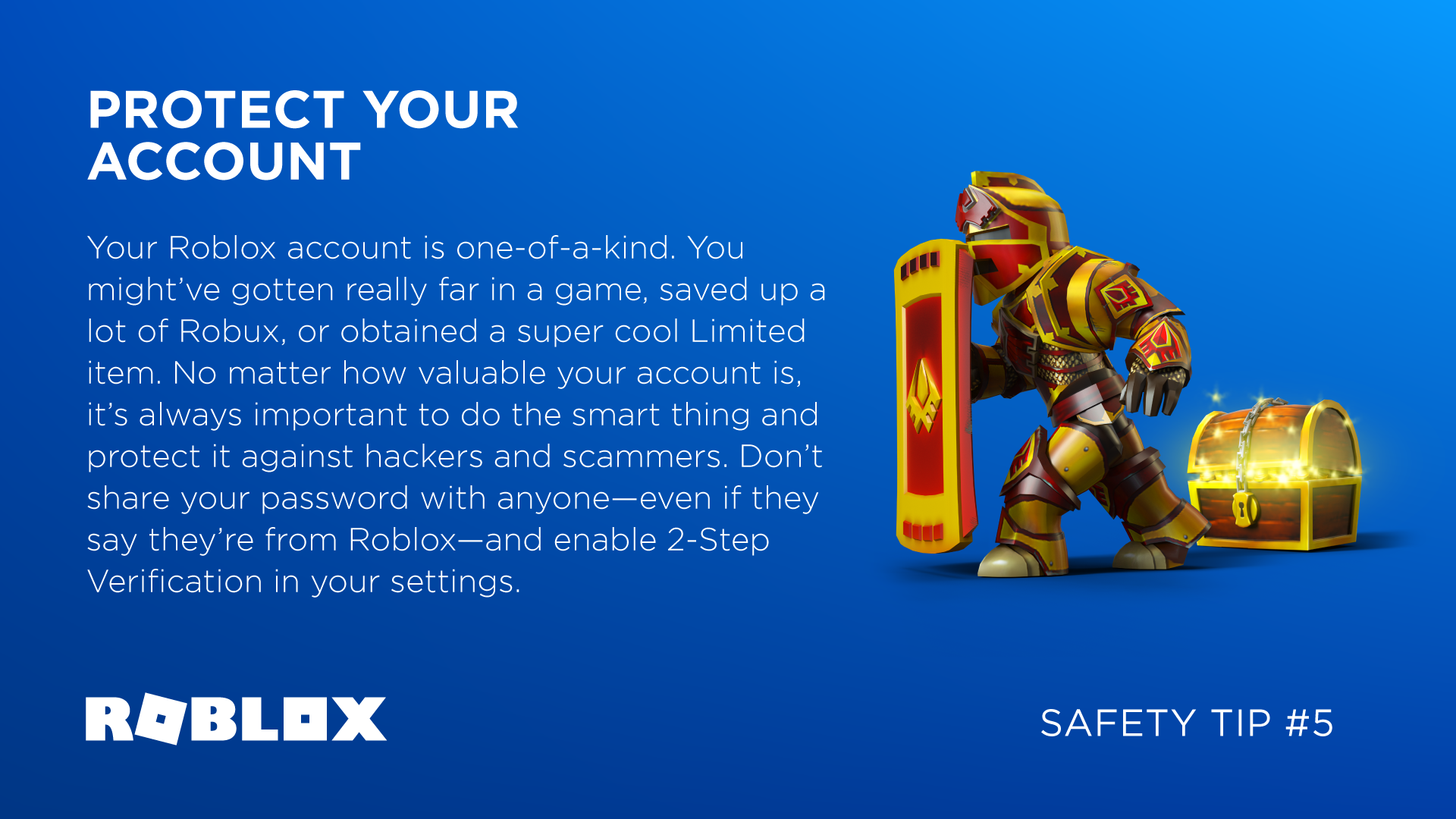
Roblox’s own guidance is clear: offers of free Robux, subscriptions, or valuable items through unofficial generators are scams. For broader context, see the platform’s Frauds & Scams guidance and its Free Robux or Subscription Generators help page.
7 red flags to spot in seconds
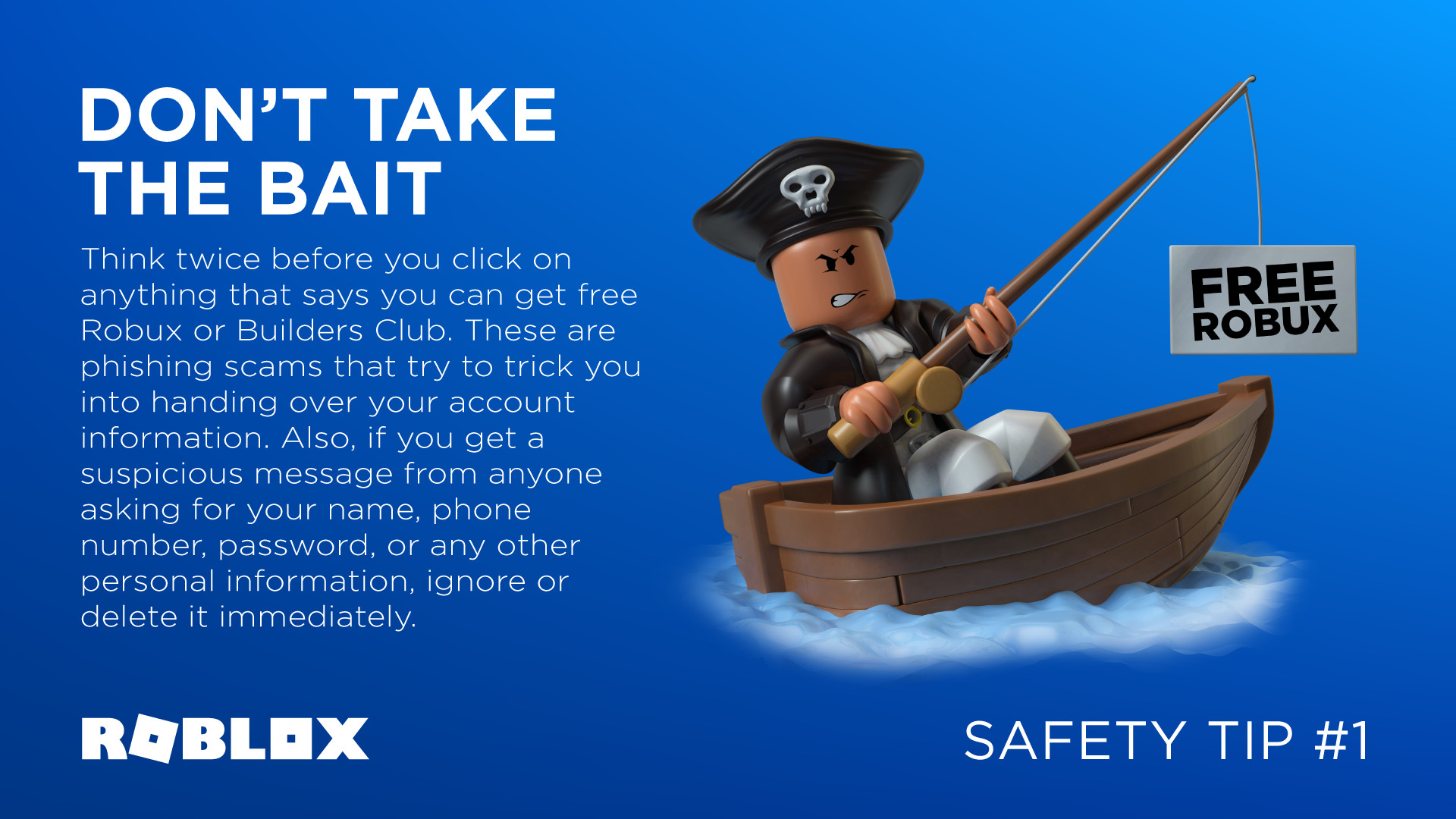
- “Free Robux” in exchange for a login. No third-party generator can legitimately create free Robux for your account. Treat “claim now” pages as unsafe.
- A link that takes you away from Roblox. A familiar logo does not prove a website is real. Check the actual domain, not just the words shown in a message.
- Requests for a password, cookie, PIN, or code. Never send these to another player, a giveaway host, or someone claiming to be support. A 2SV code and browser cookie can be as sensitive as a password.
- Pressure and countdowns. “Only 2 minutes left,” “your account will be banned,” and “you were selected—verify now” are designed to make you act without checking.
- A fake staff or admin claim. Don’t trust a display name or avatar alone. Use Roblox’s official reporting tools if someone impersonates staff.
- Downloads or browser extensions to unlock a reward. Don’t install unknown executables, extensions, or “event tools.” They can expose your device or account.
- An unofficial trade or payment deal. Keep trades and sales inside Roblox’s supported features. Roblox says it cannot enforce off-platform deals.

What a fake Roblox login can look like
Phishing pages often imitate the real sign-in screen and may redirect you to the genuine site after collecting your details. That redirect can make the scam harder to notice. A recent report from The Guardian described Roblox players being lured by free-Robux promises through links shared on video and chat platforms. Another report from TechRadar covered research into phishing addresses and fake login pages. These reports describe specific findings, not a guarantee that every message or giveaway is malicious.

Before claiming a Halloween reward, use this 20-second check
- Did you open the official Roblox app or type the website address yourself?
- Is the reward announced through an official Roblox channel or the experience’s legitimate page?
- Does the offer ask for your password, cookie, 2SV code, backup code, survey completion, or a download? If yes, stop.
- Does the URL contain misspellings, extra words, strange characters, or an unfamiliar domain? Don’t sign in there.
- Can you find the same announcement without following the sender’s link? If not, skip it.
How to protect your account right now
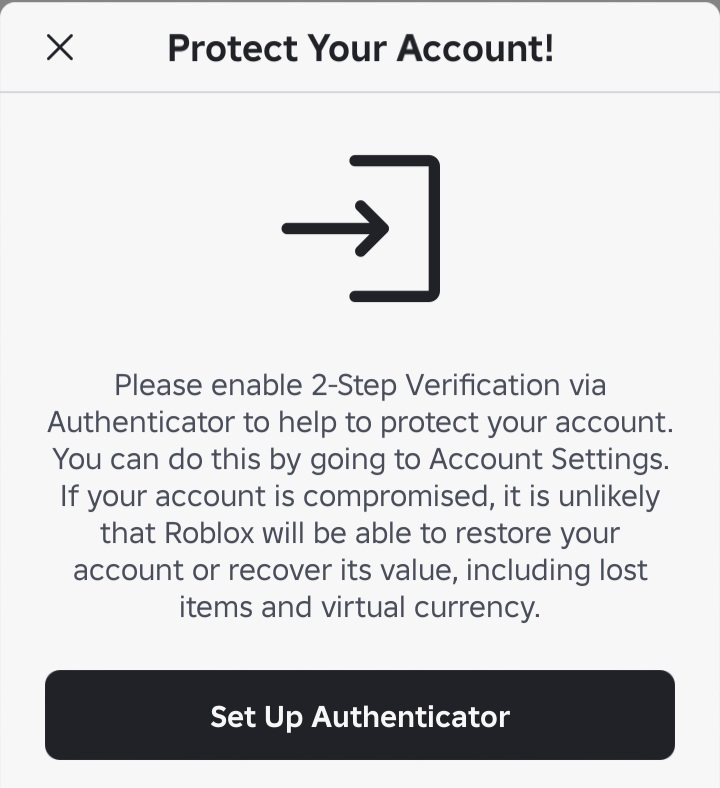
- Enable two-step verification or a passkey. Open Account Settings and review the Security or Login Methods options available to your account. Roblox recommends stronger verification options to reduce account-takeover risk.
- Use a unique password. Don’t reuse the password from email, social media, or another game.
- Protect recovery details. Keep your verified email current, store backup codes privately, and never share them in chats or screenshots.
- Review suspicious extensions and downloads. If you installed something from a scam page, remove it and scan your device before changing your password.
- Report the message or experience. Use Roblox’s Report Abuse options rather than arguing with the sender or reposting their link.
Roblox’s account-safety checklist explains these steps in more detail. For trade offers, read How to avoid trading scams.
If you already clicked or entered your details
Act quickly, but don’t panic. Open Roblox directly—not through the suspicious link—and change your password. Turn on two-step verification, sign out of sessions you don’t recognize if that option is available, and check your email and account settings for changes you didn’t make. Remove suspicious downloads or browser extensions and run a security scan. Then contact Roblox Support if you can’t access the account or notice unauthorized activity. Recovery of lost items or currency is not guaranteed, so prevention matters.
Frequently asked questions
Are free Robux websites real?
No. Roblox says offers of free Robux, subscriptions, or valuable items through unofficial generators are scams. Do not enter your credentials or complete surveys to claim them.
Can a Roblox staff member ask for my password or verification code?
No. Never share your password, browser cookies, 2SV codes, or backup codes with anyone claiming to be staff or support.
What if a friend sends me a Halloween reward link?
Their account may have been compromised, or they may have forwarded a link without checking it. Verify the event independently through official Roblox channels and don’t sign in through the message.
Where should I report a Roblox scam?
Use Roblox’s Report Abuse tools in the relevant message, user profile, or experience. If your account may be compromised, use the official Roblox Support page.
The bottom line
Halloween rewards should never require you to hand over account access. Ignore free-Robux generators, verify event announcements independently, keep trades on-platform, and protect your account with strong sign-in security. If a deal demands secrecy or immediate action, walk away and report it.
By Shivam Das






