

For U.S. Roblox players · Updated October 26, 2026 · By Shivam Das
Quick answer: If you are joining Roblox The Hollow after the event has started, open the official experience, follow the hub’s on-screen instructions, locate the theater elevator, and choose an available floor. Read the floor objective before entering the maze, solve the puzzle, collect its relic if required, and return safely to the elevator. The event’s reward window runs through November 2, 2026, at noon Pacific time, so new players still have time to check which rewards remain available.
Starting a live game event several days late can feel like everyone else has already learned the map, collected the best items and moved on. The Hollow is easier to approach if you ignore the pressure to catch up in one sitting. Treat it as a checklist: learn the hub, finish one objective, verify the reward, then decide what to do next. You do not need to understand every monster or every participating game before taking your first step.
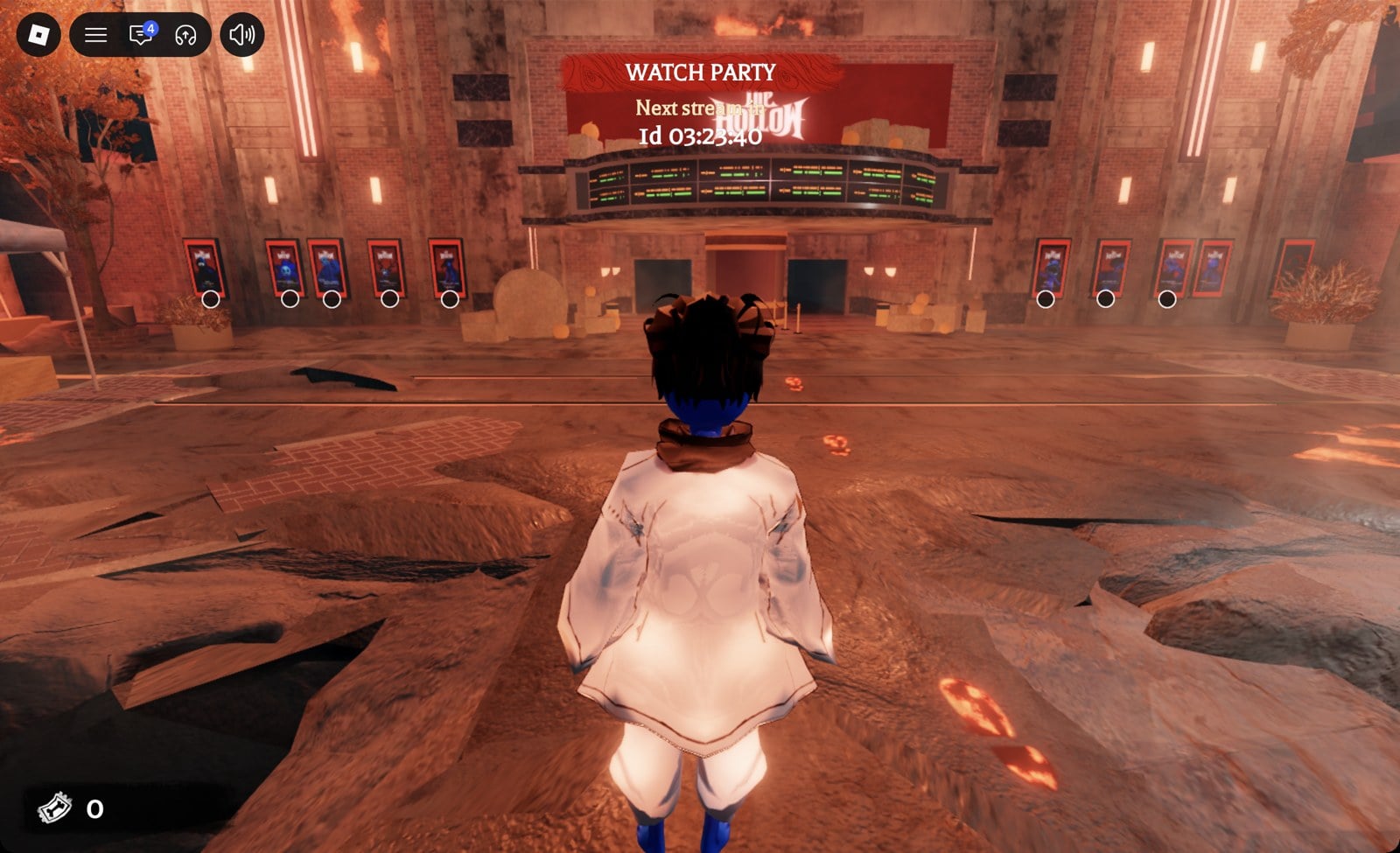
What is The Hollow, and can you still join?
Roblox describes The Hollow as a platform-wide Halloween survival event built around nine horror-game monsters appearing across nine nights. Players enter a shared event experience, explore mazes, look for clues, evade monsters and complete quests to earn exclusive UGC and other rewards. The official announcement says the event opened on October 22, has a live finale planned for October 31, and allows players to continue collecting rewards until noon PST on November 2.
That means October 26 is not automatically too late to start. However, do not assume every daily challenge, shop item or reward has identical availability. Check the event hub and the current objective on your account; the live game is the authority for which floors and quests you can access.
Read Roblox’s official The Hollow event announcement for the published schedule and event overview.
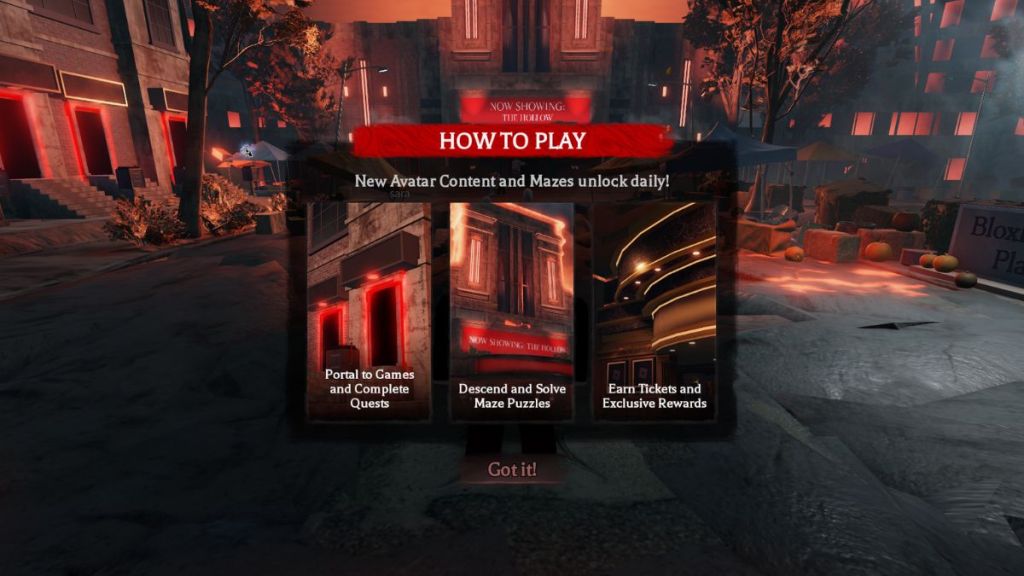
Step 1: Enter through the official Roblox experience
- Open The Hollow on Roblox and join using your normal Roblox account.
- Read the introductory card or on-screen instructions. If you dismiss the guide, look for a way to reopen instructions or read the in-game “How to Play” board.
- Follow the visible footprints, lights or signs toward the theater entrance. If your screen looks different from a guide, follow the live experience’s directions.
- Once inside, look around the lobby for the central route and the elevator area. Avoid clicking third-party links that promise instant badges, free Robux or automatic reward claims.
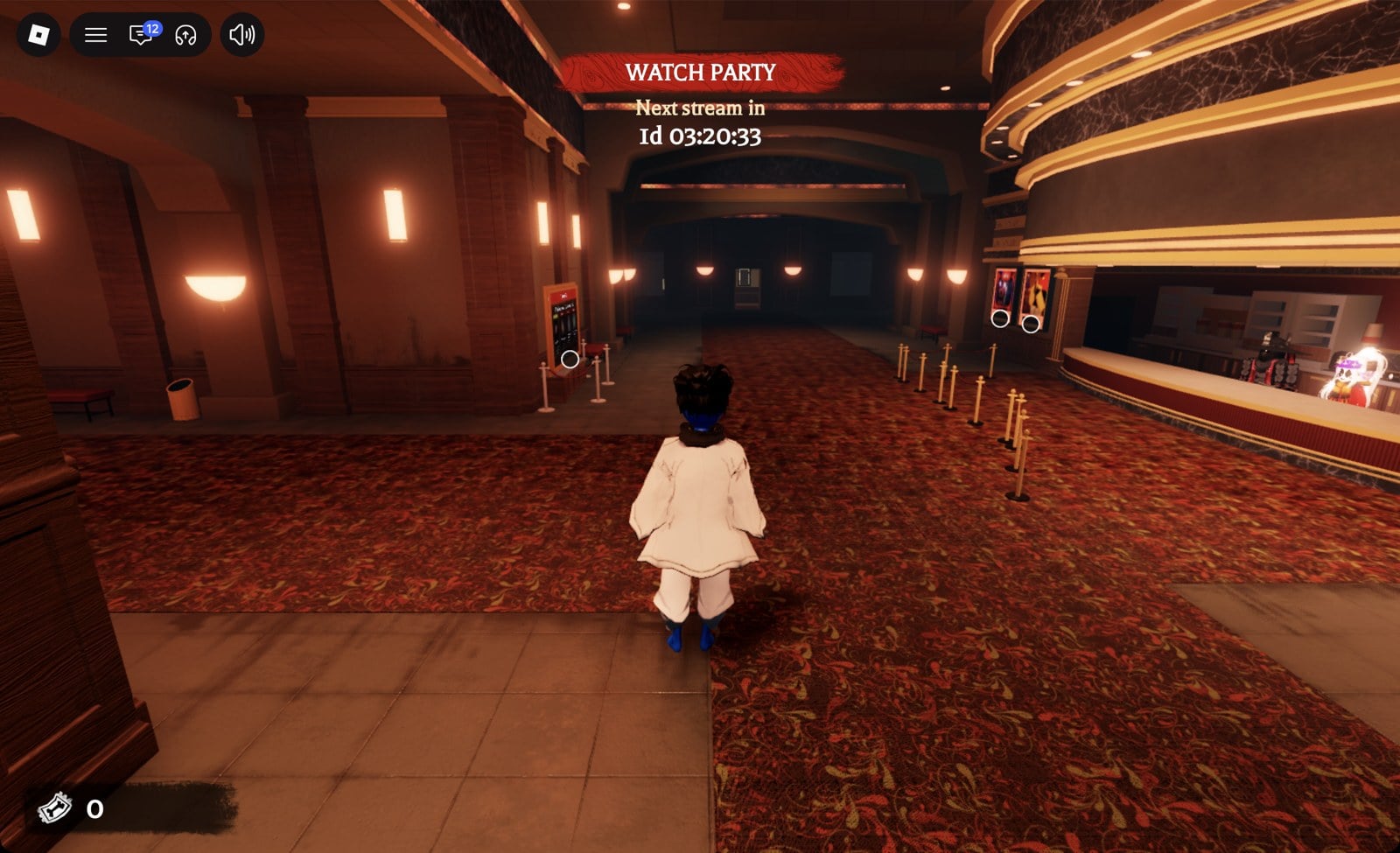
Step 2: Find the elevator and choose an available floor
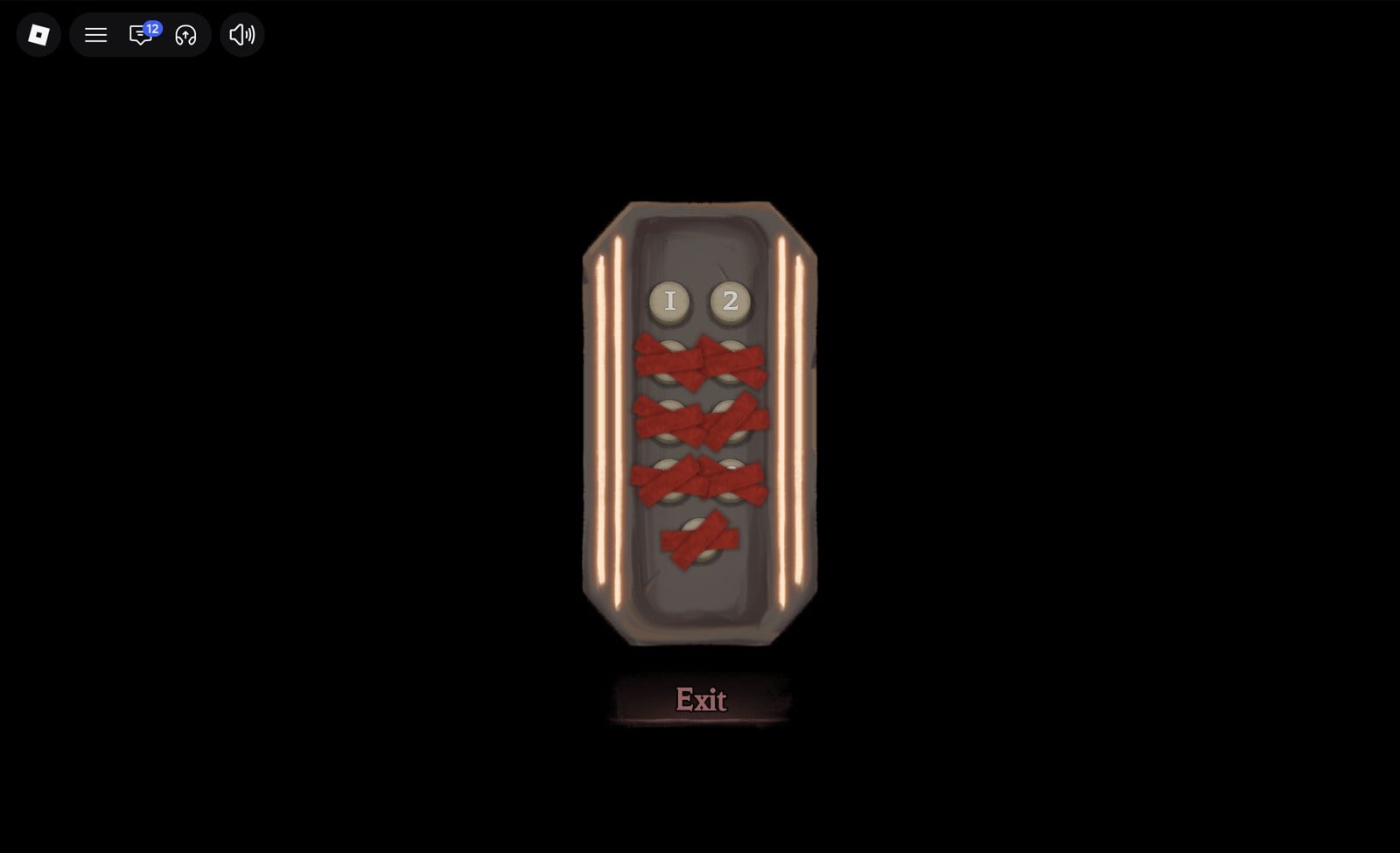
In the current layout described by AllThings.How, the theater’s right-hand entrance near the ticket booth leads into the cinema lobby. Continue down the carpeted hall toward the lit doorway at the far end to reach the elevator panel. The guide reports that the panel exposes floor buttons as they become available; your live panel may differ as the event progresses.
Before selecting a floor, read its number and any objective shown on the screen. If you are new, start with the earliest floor available to you when you want to learn the basic loop. If you are catching up and a later floor is available, you can try it—but do not assume a later floor will be easier or that another player’s map route will match your run.
Step 3: Learn the basic maze loop before chasing every reward
Most importantly, do not treat the maze as a race to run in a straight line. The basic event loop is to explore, find the required clue or puzzle room, complete the objective, collect the relic when the floor requires one, and get back to the elevator while avoiding the monster.
- Read the objective first. Some floors ask you to collect pieces; others use a pattern, symbols or interactive objects. A walkthrough for a different floor can waste time.
- Search systematically. Explore one branch at a time and use distinctive rooms, signs or doorways as landmarks so you do not repeat the same corridor.
- Watch the monster’s behavior. Keep moving when danger is close and avoid stopping in exposed corridors to study a guide.
- Finish the escape. Solving the puzzle may not be enough. If the objective requires a relic, collect it and return to the elevator before checking your reward.
- Verify completion. Back in the hub, check the event tracker, badge or inventory. If the reward did not appear, reread the objective rather than repeating random steps.
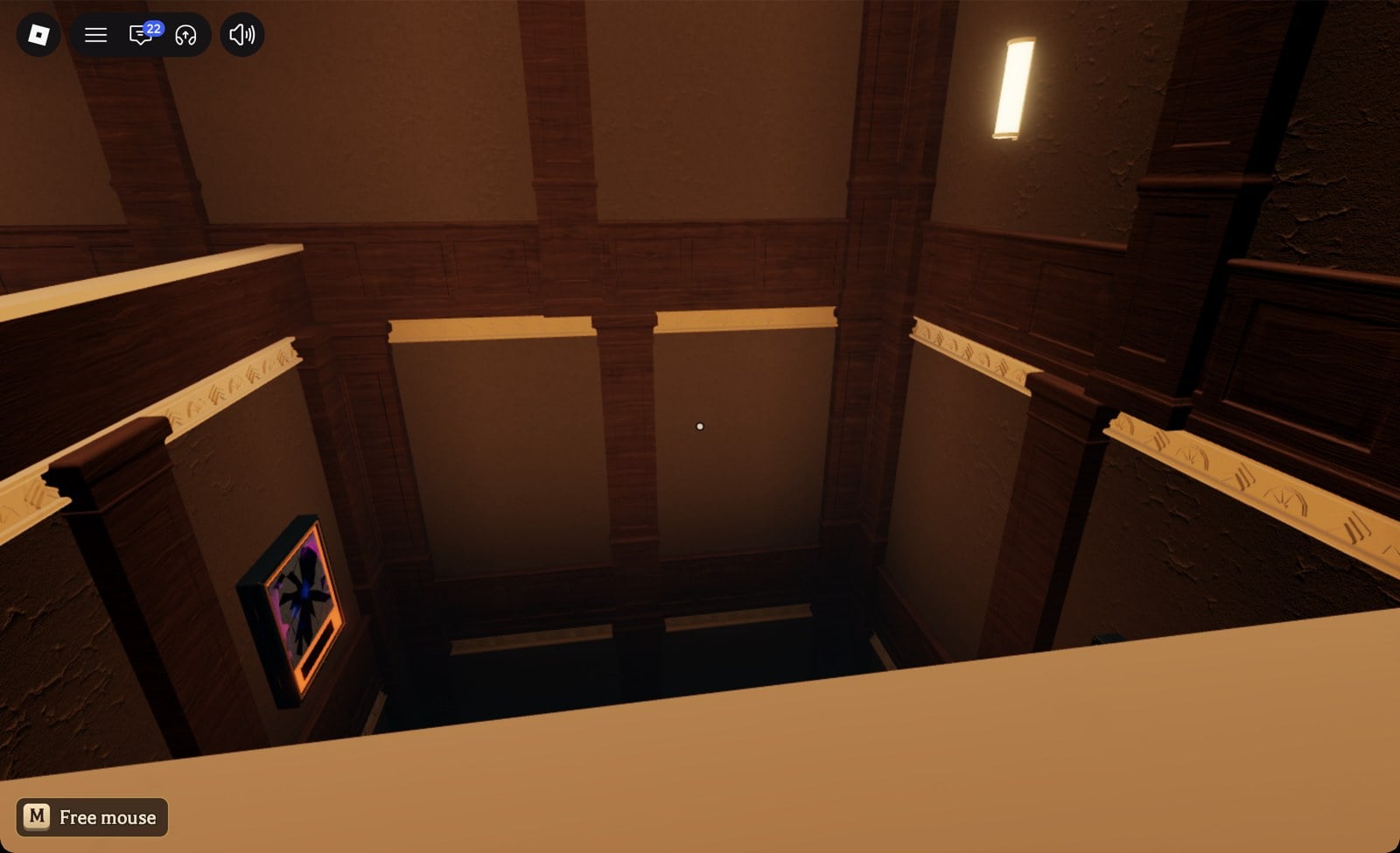
Step 4: Choose a manageable catch-up plan
Trying to complete every floor, every partner-game quest and every cosmetic in one marathon can turn a seasonal event into a chore. A more realistic plan is to separate the content into three lists:
- Maze rewards: Check which floor objectives are available and which badge or UGC reward each one offers. Complete one floor at a time.
- Participating-game quests: The Hollow also points players toward quests in other experiences. Read the individual task requirements before switching games so you know what counts toward completion.
- Optional Marketplace items: Seasonal avatar items sold for Robux are different from rewards earned through gameplay. Do not assume a paid listing is a free quest reward.
Start with rewards you genuinely want, then estimate the effort required. If a task is confusing, use a current guide for that exact floor or participating game, and compare its date and objective with your live screen. This approach helps avoid spending an hour on an outdated route or a reward you do not actually want.
What new players should know about dates and eligibility
Roblox’s official announcement says The Hollow is available to Roblox or Roblox Select accounts for players aged 9 and older in most regions, with access and age requirements varying by region. Active Roblox Plus subscribers received early hub access and additional subscription benefits; a Plus subscription is not the same thing as the basic event entry requirement.
The announced live finale is scheduled for the morning of October 31. Roblox says reward collection continues until noon Pacific Standard Time on November 2. Because a finale and a reward cutoff are different milestones, do not wait until Halloween night to begin if you want time to work through the challenges.
Official event post
Roblox also posted The Hollow announcement on its Developer Forum. Open the original post if the embedded preview does not load in your browser or on the Shopify theme.
View the original Roblox Developer Forum post.
Frequently asked questions
Can I start Roblox The Hollow on October 26 if I missed the first few days?
Yes, you can still open the official experience while the event is running. Check the live hub and elevator for available floors and current objectives; do not assume every reward or activity has the same availability.
Where is the elevator in The Hollow?
A current third-party walkthrough places it through the right-hand cinema entrance near the ticket booth, down the carpeted lobby corridor, at a lit doorway at the far end. Follow in-game signs if the layout changes.
Do I need Roblox Plus to play The Hollow?
Roblox says the event is available to Roblox or Roblox Select accounts for players aged 9 and older in most regions. Plus subscribers receive additional benefits and early hub access, but check the official announcement for regional details.
How do I get free UGC items?
Complete the relevant event or participating-game quest and follow its claim instructions. For maze floors, read the objective carefully; some require you to complete a puzzle and return with a relic. Check your badge or inventory after finishing.
When does The Hollow end?
Roblox has announced a live finale for October 31, 2026, and a reward-collection deadline of noon PST on November 2, 2026. Those are separate milestones, so check the official event page for the confirmed schedule.
Are all floor maps the same?
Do not rely on a fixed map unless a current guide confirms it matches your floor. Third-party walkthroughs report that maze layouts or puzzle-room locations can change between runs. Follow the live objective and use landmarks to navigate.
Are free reward generators or claim websites safe?
Be cautious. Do not share your password, two-step verification code, browser cookies or account details with a third-party site. Use Roblox’s official experience, Marketplace and event pages.
Bottom line: start small and verify each reward
You have not missed your chance simply because The Hollow is already underway. Join through Roblox, learn the hub and elevator, complete one available objective, and confirm that the reward was credited before moving to the next task. Use guides as supporting references—not as a substitute for the instructions on your live screen—and keep paid Marketplace purchases separate from free event rewards.
Author: Shivam Das

