

Quick answer: Roblox The Hollow players have posted reports describing event tickets not updating and UGC rewards failing to claim, including reports on the official Roblox Developer Forum dated October 23. These reports show that some players are encountering problems; they do not establish that every player is affected or that Roblox has confirmed a platform-wide outage. If a reward fails, check the exact quest requirement, confirm the same account earned the badge, return to the event hub if instructed, and save a screenshot before reporting the issue.
Updated October 23, 2026 · For U.S. Roblox players · By Shivam Das

What players have reported
Two recent Developer Forum reports are relevant. In a post titled “Error in Granting Tickets and Items in new Event”, a player described the ticket count stopping after earning a Bloxburg badge and said later DOORS and Flee the Facility badges did not allow the corresponding items to be claimed. A separate report, “The Hollow: UGC Claim Not Working (Ao Oni)”, says the player had the relevant badge but could not claim the Aooni Nightmare UGC item.
Those are specific user reports, not a verified count of affected players. As of this update, the material reviewed supports saying that claim failures have been reported; it does not support saying that thousands of players are affected or that Roblox has confirmed a universal event outage.

Why a badge may not mean the item has been claimed
A badge can show that an objective was completed, but the event may also require a separate claim interaction, a return to the hub, or a check of the correct inventory category. Account mismatch, delayed progress updates, a game-specific issue, and a wider service problem are different possibilities. A screenshot of a badge alone cannot tell which one is responsible.
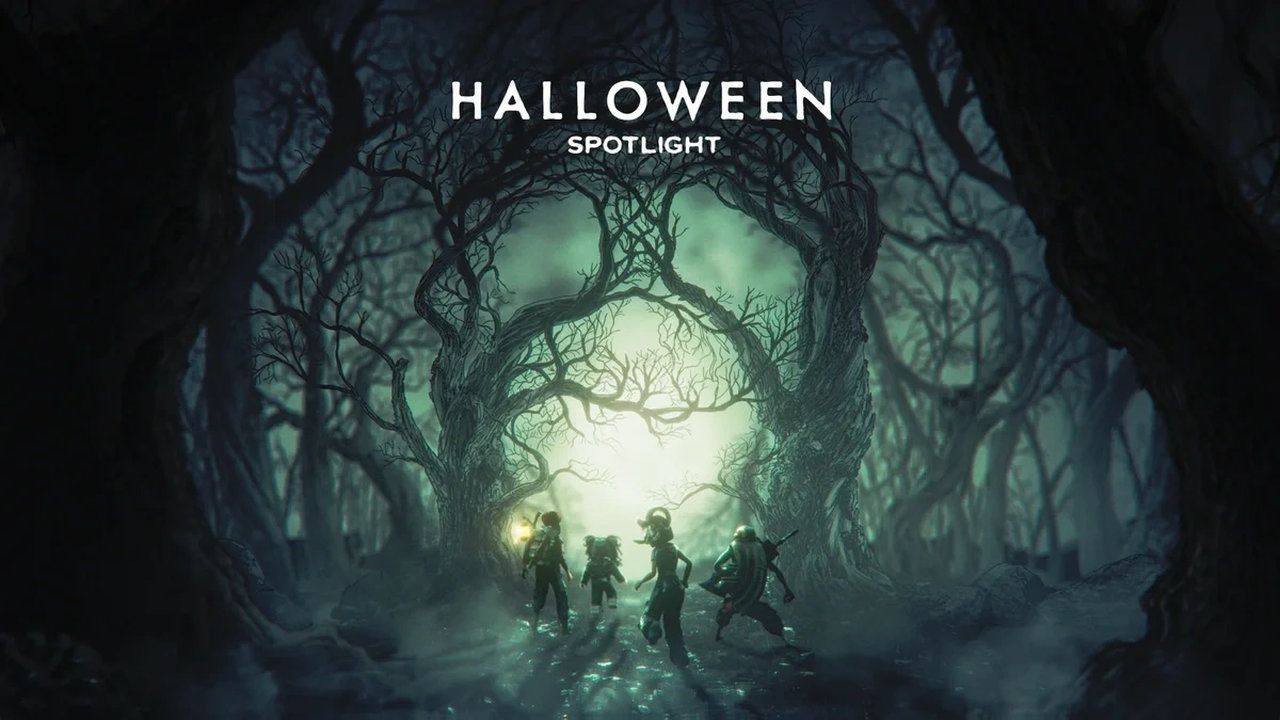
Roblox’s official announcement describes The Hollow as a multi-night event with quests and avatar rewards. Check the official event announcement and the official The Hollow experience page for the current event context and instructions.

Safe checks to try before submitting a report
- Confirm the account. Make sure the badge, quest progress, and item claim are being checked on the same Roblox account.
- Read the reward card again. Check the exact requirement and whether it calls for a separate claim button or a return to the event hub.
- Finish the experience properly. Wait for the end-of-round or quest-completion screen and let the progress indicator update before leaving.
- Check the right place. A wearable UGC item may appear in the matching Avatar/Customize category rather than in an experience’s backpack. A badge is not the same thing as a wearable item.
- Reconnect once, not endlessly. Leave and rejoin the official experience once, then refresh the relevant inventory view. Repeated clicks are unlikely to help if the problem is server-side.
- Capture evidence. Save the reward name, error message, badge or quest proof, approximate time and time zone, device, and the steps that led to the failure. Hide private account information.

How to report a persistent claim failure
Use Roblox’s official support route or the relevant experience’s official reporting channel. Include the item name, badge ID if applicable, the time the claim failed, and screenshots that show the issue clearly. Do not share your password, authentication code, session cookie, or payment details with anyone offering to fix a reward. Avoid unofficial claim tools and “free Robux” pages.
You can also follow the original community reports directly: ticket and item-grant report and Ao Oni UGC claim report. Check the newest replies for updates rather than assuming an older post reflects the current state.
Is Roblox The Hollow claim bug confirmed?
The careful answer is that individual claim and ticket-credit problems have been reported on the Developer Forum. The reports reviewed here do not prove a platform-wide outage, establish how many players are affected, or confirm a fix timeline. Treat the issue as a reported event-reward problem unless Roblox or the experience developers publish a broader confirmation.
Frequently asked questions
Why are The Hollow tickets not updating?
A recent player report describes tickets not updating after a badge was earned. Check the account, objective requirements, and the latest event-hub instructions. The public report does not establish one cause that applies to everyone.
Why can I not claim a Hollow UGC item even though I have the badge?
A badge may confirm progress without completing a separate claim interaction. Check the exact item requirement, return to the hub if prompted, and make sure you are using the same account.
Has Roblox confirmed a widespread The Hollow outage?
The reports cited here document individual problems, but they do not by themselves confirm a platform-wide outage or quantify the number of affected players.
What should I include in a bug report?
Include the reward name, exact error, badge or quest proof, approximate timestamp, device, and steps to reproduce. Remove passwords, authentication codes, and other private information from screenshots.
Can I use a third-party site to claim the missing reward?
No. Use Roblox and official experience channels. Never provide your password, session cookie, or verification code to an unofficial reward or recovery site.
Bottom line: The Hollow ticket and UGC claim failures are documented in recent community reports, but their full scope remains unconfirmed. Check requirements carefully, preserve evidence, and use official support channels instead of trusting a guaranteed “fix.”






