

Quick answer: Complete the requirement shown in The Hollow’s official event hub or linked experience, then use the event’s claim button if one appears. After claiming, check the relevant category in your Roblox Avatar/Customize inventory. If a reward is missing, verify the account, quest requirements, and whether a separate claim step is required. Not every reward appears in a game’s backpack.
Updated October 21, 2026 · For U.S. players · By Shivam Das
Roblox’s official announcement says The Hollow opens at 2 p.m. Pacific on October 22, 2026. Players can continue collecting rewards until noon Pacific on November 2. The event features a changing maze and nine horror-game characters across nine nights; completing quests earns exclusive UGC and other rewards. Check the live event interface for each item’s exact requirements instead of relying on guesses from older event guides. Read Roblox’s official The Hollow announcement.
How to claim The Hollow UGC rewards
- Open the official event entry. Start from Roblox’s official announcement or an event link shown inside Roblox. Avoid copycat hubs and external “free Robux” pages.
- Read the reward requirement. Check the exact task in the hub or linked experience. A reward may require finishing a quest, earning a badge, reaching a checkpoint, or completing a separate claim step. Follow the instructions shown for that specific item.
- Complete the linked quest. Enter the experience through the event portal or official link when possible. Wait for the progress update or completion message before leaving.
- Return to the hub. If the interface displays a reward counter, claim station, or claim button, finish that step. Quest completion and reward claiming are not always the same action.
- Confirm the claim. Look for a success message or a completed reward state. If the interface says the reward is earned but not claimed, follow the remaining on-screen instruction.
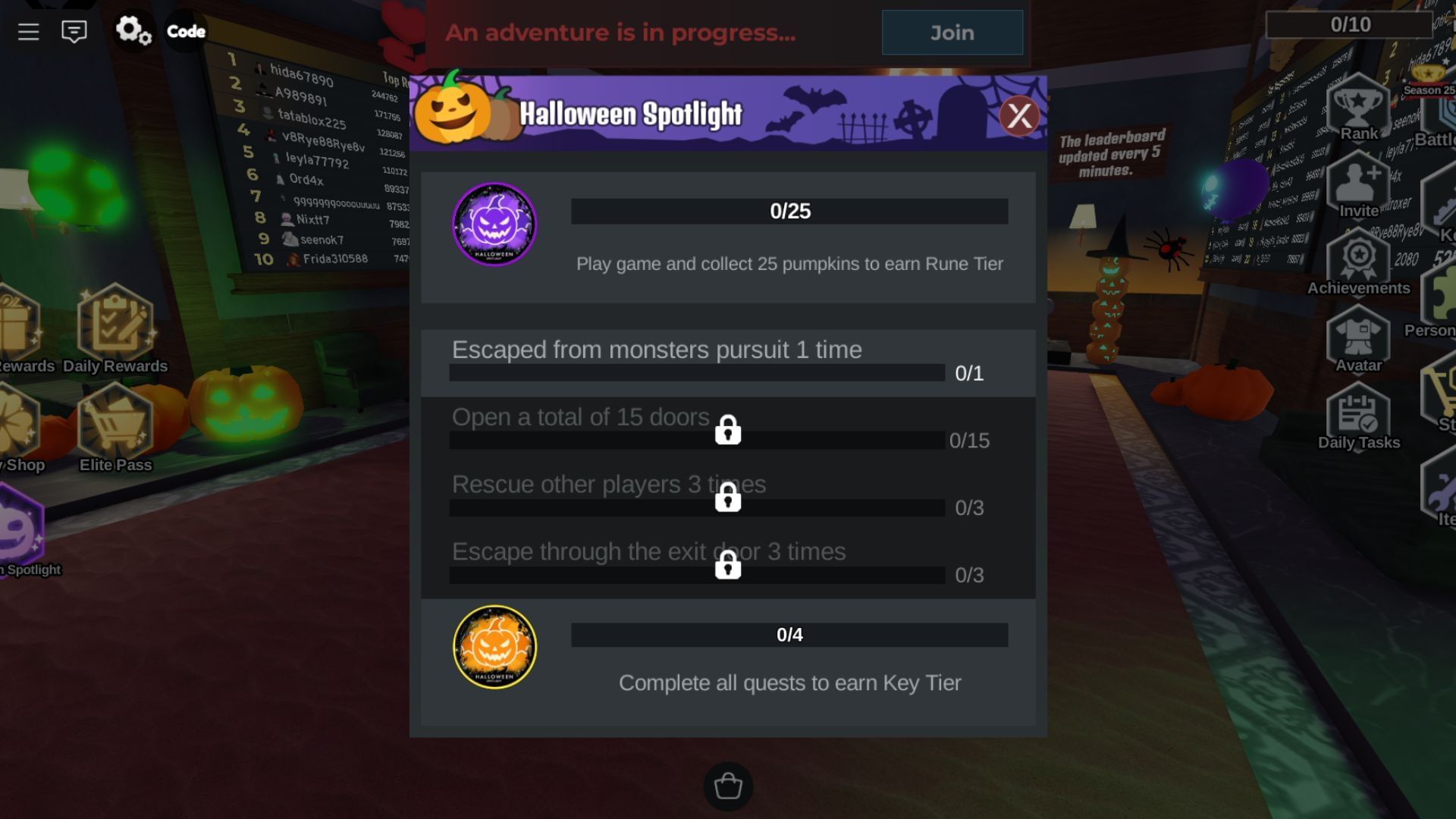
Where should the reward appear?
Identify the type of reward first. A wearable UGC accessory should be checked in your Roblox avatar customization and inventory tools. An in-game tool, currency, or quest item may exist only inside that experience. A profile frame, background, or subscription benefit may have its own setting rather than appearing as a wearable accessory.
- Wearable accessory: Open Roblox Avatar or Customize and check the matching category, such as head, face, neck, shoulder, back, or waist accessories.
- Clothing: Check the appropriate clothing category rather than the accessories list.
- Experience-specific item: Reopen that game and inspect its quest panel, backpack, or reward menu.
- Badge: Check your profile’s badges separately. A badge can confirm progress, but it does not always mean a separate UGC item has been claimed.
- Profile frame or theme: Follow the event’s own instructions. Roblox says active Roblox Plus subscribers receive an exclusive profile frame and background for The Hollow and can keep the event theme beyond the finale.
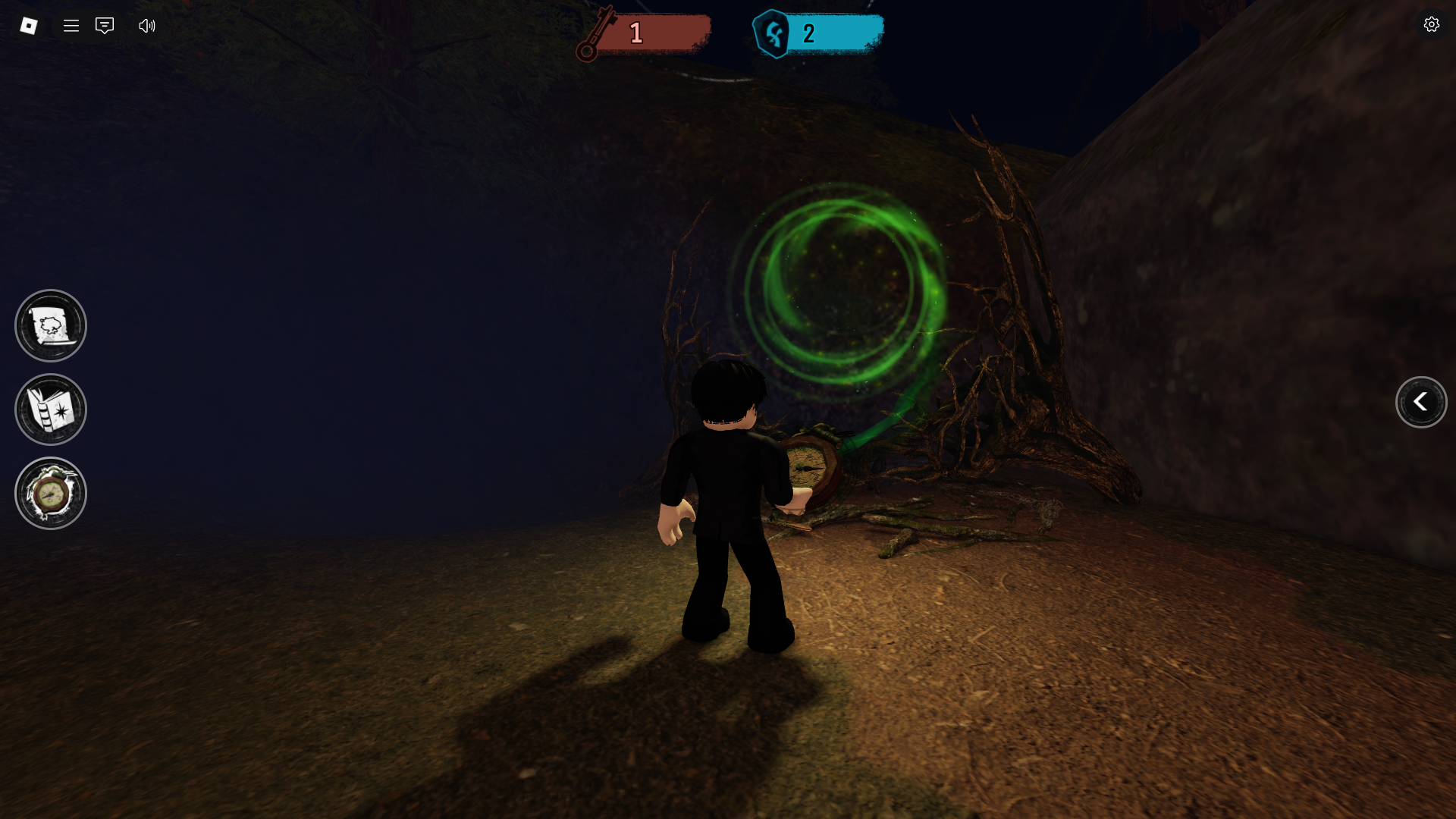
Reward missing? Try these checks
- Check the account. Make sure you completed the quest and are viewing inventory on the same Roblox account.
- Re-read the requirement. Some objectives require a final interaction or a return to the hub. Look for any unfinished step in the progress screen.
- Refresh once. Close and reopen Avatar/Customize or refresh the inventory. Avoid repeatedly clicking claim while the interface is processing.
- Check the right category. A back accessory may not be listed under hats, and a badge is not the same as an accessory.
- Consult official support. Roblox says promotional and contest items are awarded only when their conditions are met. Read Roblox Support’s guide to promotional and contest items.
- Contact Roblox Support if it remains missing. Include your username, the experience and item name, approximate completion time, and a screenshot of the success screen. Never share your password, authentication codes, or session cookies.
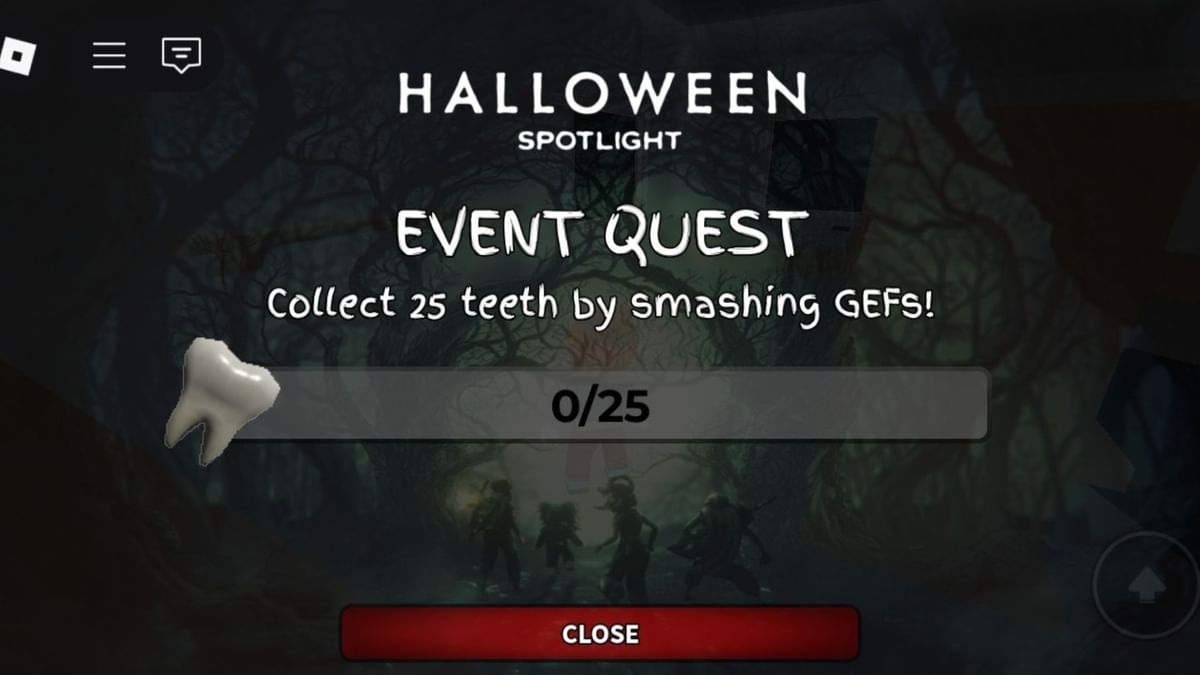
What Roblox has confirmed about The Hollow
Roblox says The Hollow features nine horror-game characters across nine nights. Players explore a changing maze, search for clues, and evade monsters; quests award exclusive UGC and other rewards. The live finale begins on October 31, and reward collection continues until noon Pacific on November 2. Eligibility and age access can vary by region, so check the official event hub for item requirements and availability. Official event details.
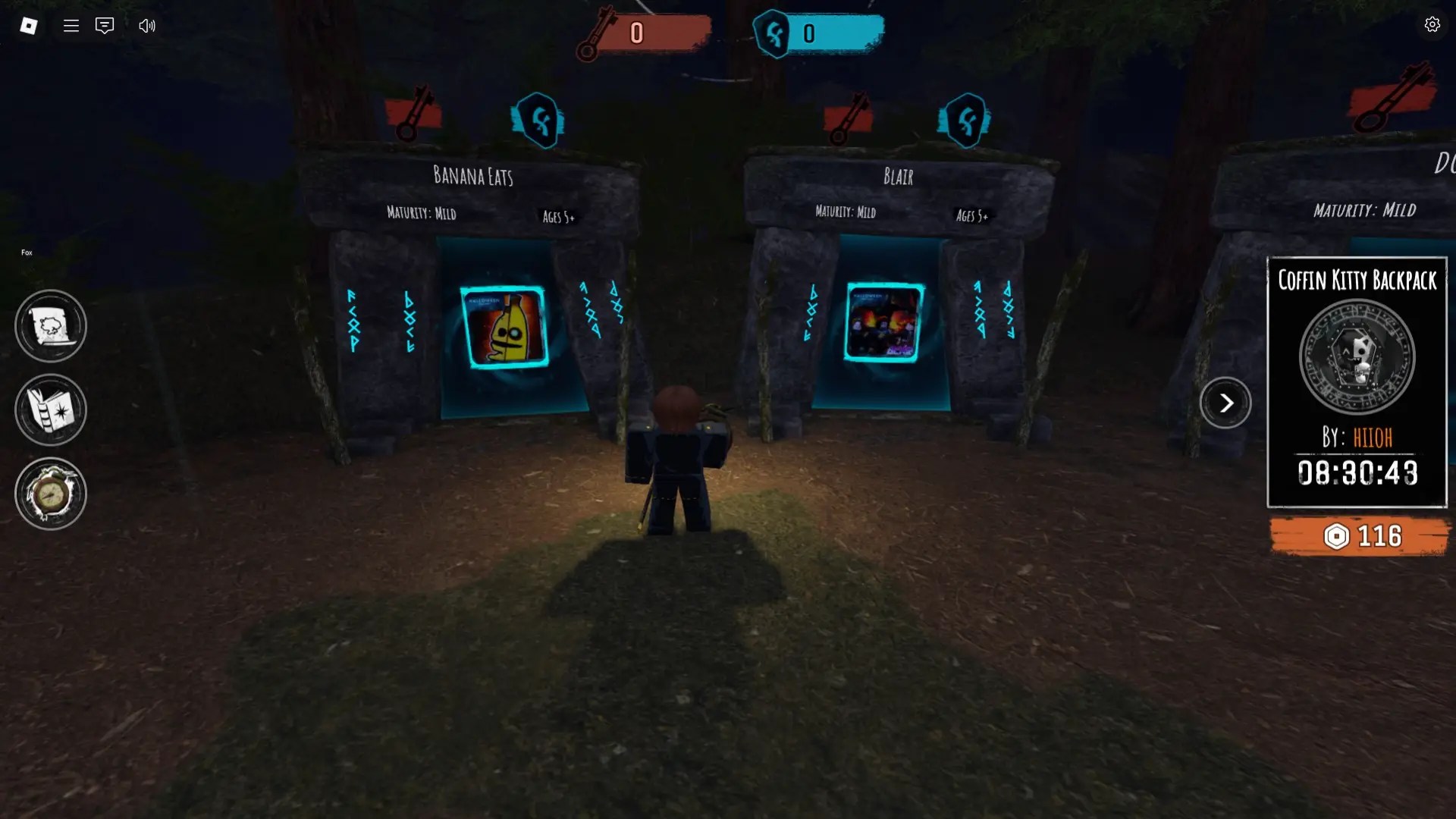
Official Roblox announcement
Roblox’s original teaser introduced The Hollow and its October 22 date. Read the newsroom announcement for the latest details and visit Roblox’s official X account for updates.
you’ve met them before. but not like this. 10.22.26
— Roblox (@Roblox) Official Roblox account
Frequently asked questions
How do I claim The Hollow UGC items?
Complete the requirement shown in the official event hub or linked game, then return to the hub and press a claim button if one is provided. Check the success message before leaving.
Where do The Hollow rewards go after claiming?
Check wearable UGC in the matching category of your Roblox Avatar/Customize inventory. Badges, in-game items, and profile benefits may appear in different places.
Why is my Roblox UGC reward not showing?
Confirm the correct account, finish every required step, complete any separate hub claim, and check the correct category. Refresh the inventory and consult Roblox Support if it remains missing.
Does earning a badge automatically give me the item?
Not always. Follow the reward’s specific instructions; some events require a separate claim even after a quest or badge is complete.
When does The Hollow stop giving rewards?
Roblox says players can continue collecting rewards until noon Pacific on November 2, 2026. Check the live event hub for any item-specific deadline.
Is it safe to use a third-party UGC claim website?
Do not enter your Roblox password, authentication code, or session cookie on a third-party reward page. Use Roblox and linked experiences to complete event tasks.
Editorial note: Images in this article are genuine screenshots or promotional images from Roblox’s 2025 Halloween Spotlight and are labelled as historical examples. They are not represented as The Hollow 2026 gameplay screenshots. Confirm reward steps in the live event interface.






