

Updated October 22, 2026 | For U.S. players | By Shivam Das
Quick answer: Roblox has officially announced an exclusive item launcher for active Roblox Plus subscribers during The Hollow, allowing them to gift items to other players. That official feature is not, by itself, evidence of an exploit. As of this article’s publication, we have not verified a reproducible, independently documented exploit that lets players bypass eligibility, duplicate items, or claim gifts they are not entitled to. Treat viral “working exploit” claims as unconfirmed unless Roblox or credible evidence establishes what actually happened.
The distinction matters on launch day. A real gifting feature can generate confusing clips, failed transfers, misleading screenshots, and claims that a normal interface is a “glitch.” This guide separates the confirmed feature from the rumors, explains what evidence would be useful, and gives players a safer way to report a suspected bug.
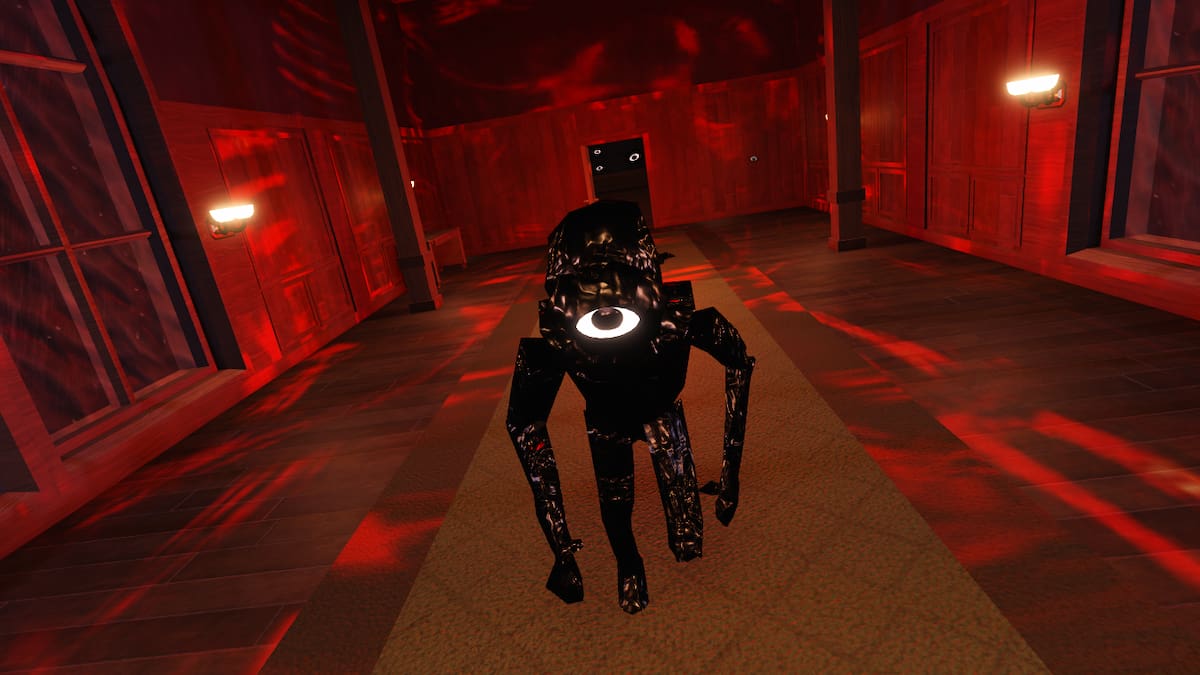
What Roblox has actually confirmed
Roblox’s official announcement says The Hollow opens on October 22, 2026, with early hub access for active Roblox Plus subscribers at noon Pacific Time and general event access at 2 p.m. Pacific Time. The announcement describes an exclusive item launcher that Plus subscribers can use to gift items during the event. It also says subscribers can keep the event’s profile theme beyond the finale. Access and age eligibility may vary by region.
That is the confirmed baseline. The announcement does not say that users can duplicate items, bypass payment or eligibility rules, generate unlimited gifts, or access other accounts. Those are separate claims and need separate evidence. A video showing the launcher opening, a gift being sent, or an animation replaying does not prove an exploit.
Read Roblox’s official The Hollow announcement and compare any claim against the published feature description.
Official source: Roblox describes The Hollow as a nine-monster, nine-night survival event and identifies the item launcher as a Plus gifting feature. The announcement does not confirm an exploit.
Why item-launcher “exploit” posts can be misleading
Launch-day clips often leave out important details: whether the sender has an active subscription, whether an item is eligible for gifting, whether the recipient actually received it, or whether the clip was edited. A failed action may be a server delay or a restriction rather than a security flaw. A duplicated animation is not the same thing as a duplicated inventory item.
Before sharing a claim, ask four questions:
- Can it be reproduced? Is there a clear sequence of steps, rather than a short clip with missing context?
- Is the result real? Does the recipient’s inventory or transaction history show the item, rather than only an animation?
- Are the conditions known? Does the clip explain subscription status, item eligibility, region, device, and timing?
- Is there independent confirmation? Has Roblox acknowledged the issue, or have multiple credible reports documented the same behavior?
What Plus users should do if gifting fails
If the launcher does not work as expected, do not repeatedly click through a suspected bug or try to force a transaction. Close and reopen Roblox, check the official event and support notices, and confirm that the account meets the published eligibility conditions. If the problem continues, record the time, device, error message, and steps that led to the failure.
Do not download “launcher fix” files, browser extensions, executors, or scripts advertised in social posts. Never provide passwords, two-step verification codes, session cookies, or remote access to someone promising to unlock gifting. A legitimate support process should not require your login secrets.
How to document and report a suspected exploit
- Capture the full screen, including the relevant interface and any error message. Avoid cropping away details needed to understand what happened.
- Write down the date and time with time zone, platform, device, and the exact steps immediately before the issue.
- Describe the observed result without guessing at the cause. For example, say “the gift confirmation appeared twice” rather than “items duplicated” unless the inventory confirms duplication.
- Do not publish another player’s private information. Blur usernames or other details when they are not necessary to demonstrate the bug.
- Submit the report through Roblox’s official support or reporting channels. Do not test the issue on other users or attempt to obtain items you are not entitled to receive.
What would count as stronger evidence?
A credible report would show the complete sequence, explain the account and item conditions, and demonstrate a measurable unauthorized result. Independent confirmation from Roblox or a reproducible report from trusted researchers would carry more weight than a reposted screenshot. Until that evidence exists, the responsible description is “unverified claim,” not “confirmed exploit.”
This does not mean every report is false. It means readers should avoid treating an allegation as fact before the evidence supports it. If Roblox publishes a fix or a confirmed issue report, this article should be updated with the exact statement and date rather than repeating an unsourced rumor.

Frequently asked questions
Does Roblox Plus include an item launcher in The Hollow?
Roblox’s official announcement says active Roblox Plus subscribers can use an exclusive item launcher to gift items during The Hollow event.
Is the Hollow item launcher exploit confirmed?
We have not verified a reproducible exploit from the sources reviewed for this article. Treat social posts alleging duplication or eligibility bypass as unconfirmed unless reliable evidence or an official Roblox statement confirms the specific issue.
Can free users receive a gift?
The official announcement describes the launcher as a Plus subscriber feature for sending gifts. It does not establish every recipient restriction, so check the live interface and official instructions rather than assuming all items or accounts are eligible.
What should I do if an item appears twice?
Check the inventory and transaction details, capture the relevant screens, and report the behavior to Roblox. Do not try to repeat or exploit the issue to obtain extra items.
Should I install a script to unlock the launcher?
No. Avoid third-party scripts, executors, extensions, and files claiming to unlock event features. They may compromise your account or device.
Where can I verify The Hollow details?
Start with Roblox’s official newsroom announcement and the Roblox Developer Forum announcement. Use official support channels to report a suspected bug.
Sources and image notes
- Roblox Newsroom: The Hollow announcement
- Roblox Developer Forum: The Hollow announcement
- Roblox Support: Roblox Plus
Image note: The five in-body images are contextual images of Roblox horror characters or historical Halloween avatar art. They are not represented as screenshots of the 2026 Hollow item launcher or proof of an exploit. Each image includes a source link. Reuse rights should be checked with the relevant rights holder.
Author: Shivam Das






