

For U.S. Roblox players · October 23, 2026 · By Shivam Das
Quick answer: Roblox has confirmed that The Hollow adds a new maze and monster each day, but its public announcement does not specify the exact daily reset minute. As of this check, we could not independently verify a player-measured universal reset time. Treat any precise minute posted without a timestamped before-and-after check as unconfirmed.
Day 2 status: Roblox’s event opened to the public on October 22 at 2 p.m. Pacific (5 p.m. Eastern). October 23 is the second calendar day of the event in U.S. time zones. The official event announcement confirms daily changes, but it does not publish a reset clock time or guarantee that every server switches at the same minute.
Is The Hollow’s Day 2 maze reset time confirmed?
No exact reset minute is listed in Roblox’s official announcement. Roblox says a different monster appears each day for nine days and that players enter a maze to search for clues while avoiding the monster. That confirms a daily change, not the exact minute when the change rolls over.
Roblox’s public event page also lists creator livestream events, including a Seek event on October 23. A livestream time is not the same thing as the maze reset time, so players should not use the stream start as proof that the maze resets at that moment.
- Public launch: October 22, 2026, at 2 p.m. PT / 5 p.m. ET.
- Day 2: October 23, 2026, in U.S. local event coverage.
- Daily maze and monster change: Confirmed by Roblox.
- Exact reset minute: Not stated in the official announcement.
- Universal server-by-server timing: Not independently verified for this report.
Primary sources: Roblox Newsroom: The Hollow Halloween survival event, Roblox Developer Forum announcement, and The Hollow’s Roblox experience page.
How to measure the reset in your own server
If you want an exact minute rather than a rumor, use a simple repeatable check. This method records what happened in one server; it does not automatically prove that every server worldwide reset at the same time.
- Record the server and time zone. Use U.S. Eastern or Pacific time and write down the date. Keep the server identifier or region if the game displays one.
- Capture the starting state. Take a screenshot or short recording of the maze, monster, objective board, and any visible event-day label.
- Stay in the same server briefly. Watch for an in-game announcement, monster swap, objective refresh, teleport, or maze change. Do not assume a changed monster alone proves the whole maze reset.
- Record the first visible change. Note the timestamp from your device and keep the recording so another player can check the sequence.
- Rejoin and compare. If safe to do so, enter a fresh server and check whether it shows the same event state. Different results may mean a staggered rollout, a server update delay, or an observation error.
- Repeat the test. One observation gives a local result, not a global reset schedule. Compare independent, timestamped observations before reporting a shared reset minute.
Reporting template: “Observed change at [time and time zone] on [date], in [server/region if visible]. Before: [state]. After: [state]. Evidence: [recording or screenshots]. This confirms my observation, not necessarily every server.”
Why players may report different reset times
Different reports do not automatically mean someone is lying. Players may be in different time zones, enter different servers, confuse a creator livestream with a reset, or notice a visual change after it has already begun. A device clock can also differ from the game’s server clock.
For that reason, a post saying “reset at exactly 12:00” is not enough by itself. Look for a recording that shows the clock, the event state before the change, and the state afterward. If the evidence only shows a new monster, describe it as a monster-change observation rather than proof of a complete maze reset.
Event images: participating monsters, not reset-time evidence
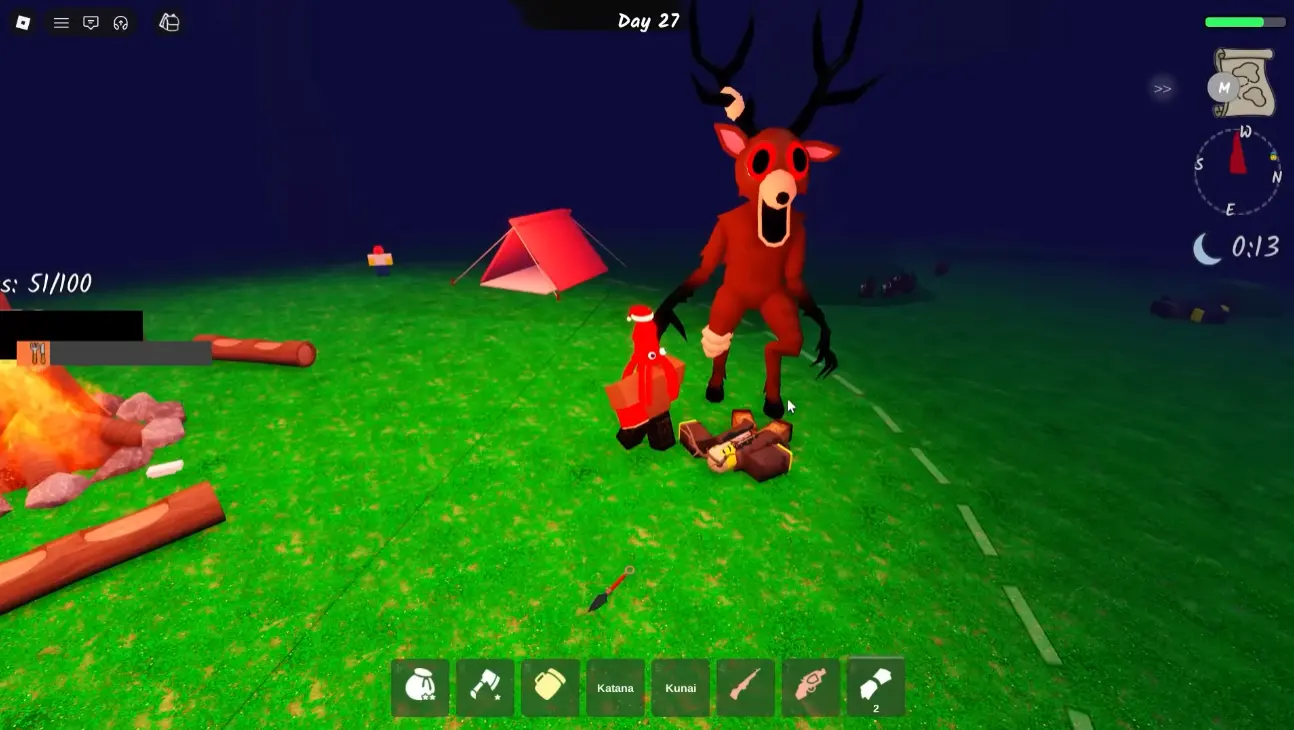
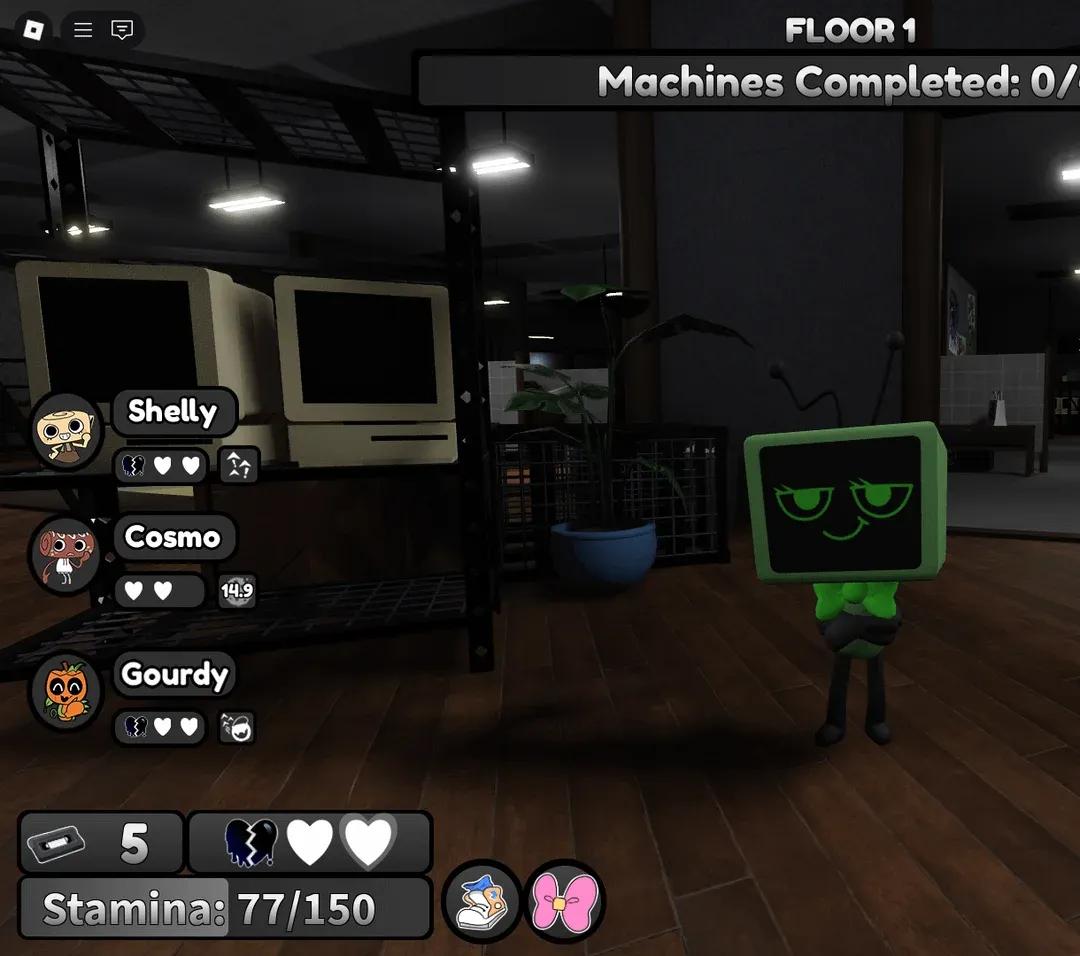
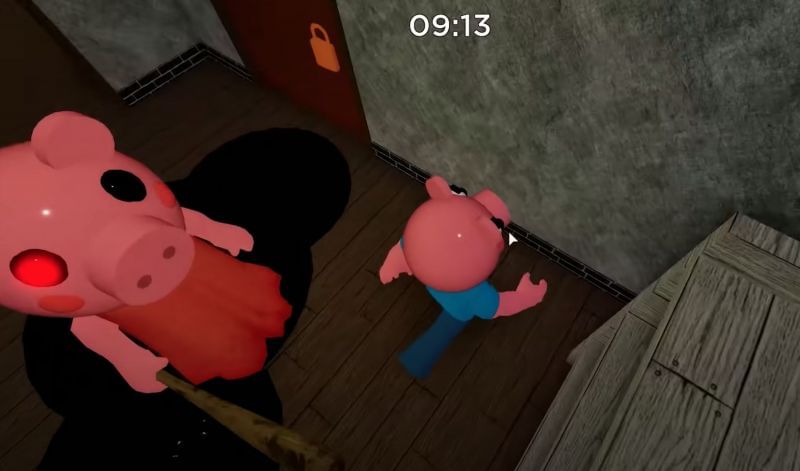
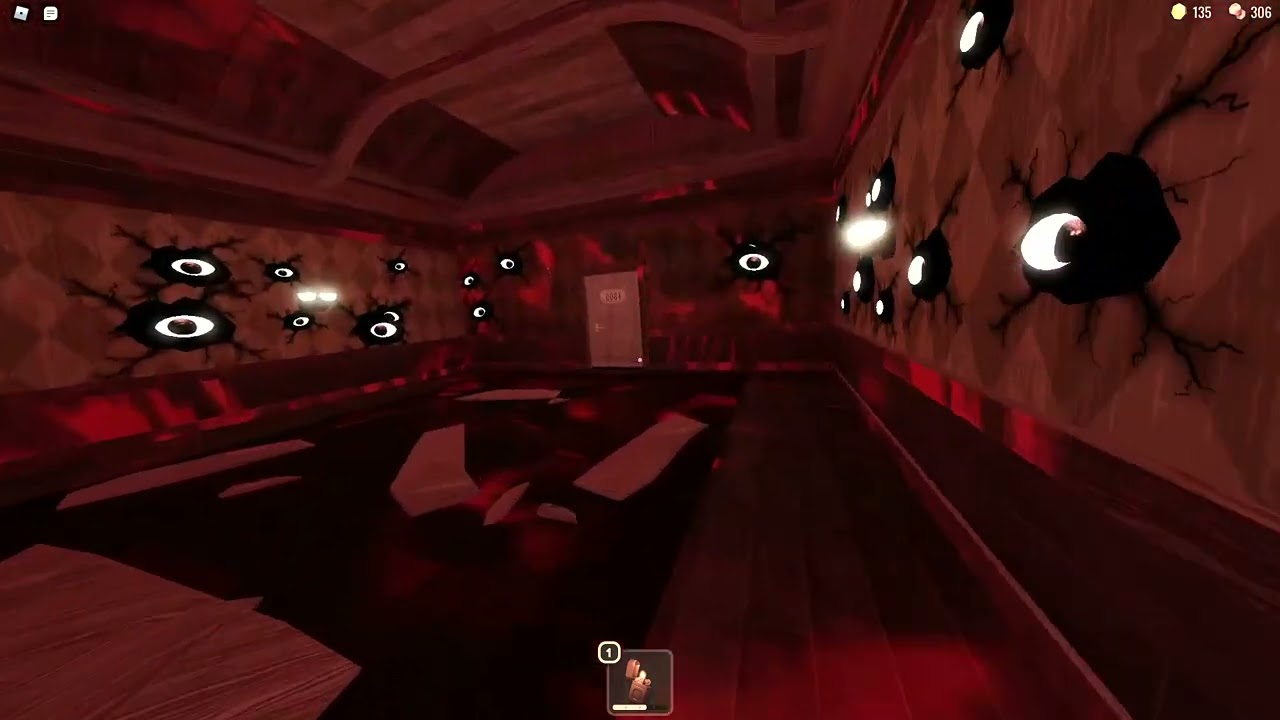
The images below are credited screenshots from coverage of the participating Roblox horror games. They provide visual context for The Hollow’s lineup; they are not screenshots of the current Day 2 maze and do not prove a reset time.

Official event page and social updates
Use Roblox’s event page and official announcements as the primary sources for schedule changes. Community clips can help document what players see in a server, but the timestamp and in-game state need to be visible before a clip can support an exact reset-time claim.
Open The Hollow on Roblox · Roblox on X · Official Developer Forum post
Frequently asked questions
What exact minute does The Hollow reset on Day 2?
Roblox’s official announcement confirms daily maze and monster changes but does not state an exact reset minute. We could not independently verify a universal minute, so this article does not invent one.
Does the Seek livestream time prove the reset time?
No. A creator livestream schedule is a separate event listing. It is not confirmation of when the maze or monster changes.
Can the reset happen at different times in different servers?
That possibility should be checked rather than assumed. Compare timestamped recordings from multiple servers and report whether they match before claiming a universal schedule.
What evidence is needed to confirm a reset?
A timestamped recording showing the state before and after a maze, objective, or monster change is stronger than a text post. Record the time zone and identify what changed.
When does The Hollow event end?
Roblox says the live finale is on October 31 and reward collection continues until November 2 at noon Pacific. Check the official announcement for updates.
Related Roblox coverage
For more context, read our The Hollow Night 2 Monster Behavior Changes Players Are Reporting Live, our The Hollow start date and confirmed event details, and our confirmed list of The Hollow’s nine participating games. These articles cover event context; none should be treated as proof of an exact reset minute unless they include timestamped evidence.
Bottom line
The Hollow is designed to change daily, but an exact Day 2 maze reset minute is not published in the official announcement and has not been independently established here. Do not mistake a livestream start or a single player’s observation for a confirmed global reset. Record the before-and-after state, include the time zone, and compare independent evidence before treating any exact minute as confirmed.
Author: Shivam Das
Editorial standard: No unverified reset minute or fabricated player measurements are presented as fact. Context images are sourced and labeled as references rather than current event proof.






