

Updated October 19, 2026. The next major Violence District Halloween update is listed for Saturday, October 24. If you want to be ready for The Butcher X Halloween, the smartest preparation is to learn the current match loop, save your in-game currency until the new shop is visible, and verify every event reward in the live game instead of trusting unconfirmed leaks.
Quick answer: Before the event, play a few survivor and killer rounds, practise generator timing and pallet use, clear space in your routine for the launch window, and avoid spending currency on items you do not need. The official Violence District Roblox page currently lists the upcoming event date. A third-party event tracker reports a 5:00 a.m. Pacific Time start, but check the in-game countdown on launch day in case the displayed time changes.
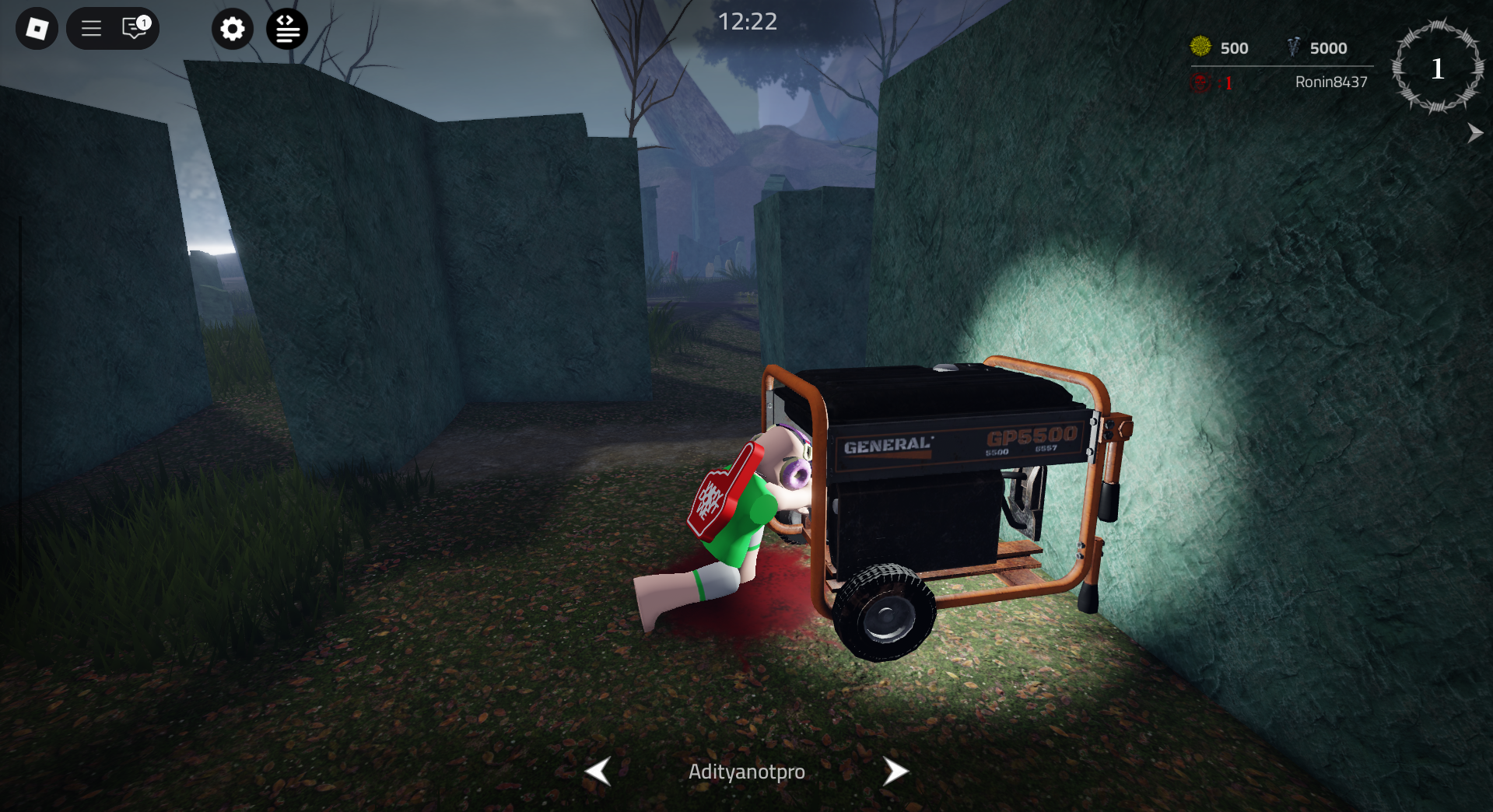
What is confirmed about The Butcher X Halloween?
The Roblox experience listing advertises an upcoming event on October 24. A recent community post says the planned update may include The Butcher, a Halloween event, ranked mode, a user-interface overhaul, a new map, an item, perks, skins and quality-of-life changes. Treat that feature list as community-reported information unless the developers confirm it in the game or on an official channel; details can change before release.
Violence District describes itself as an asymmetrical horror game in which five survivors work toward objectives while one killer hunts them. The experience page also warns that the game is in alpha and that bugs and changes should be expected. That matters for preparation: do not assume old guides, perk values or map routes will remain exactly the same after a major update.
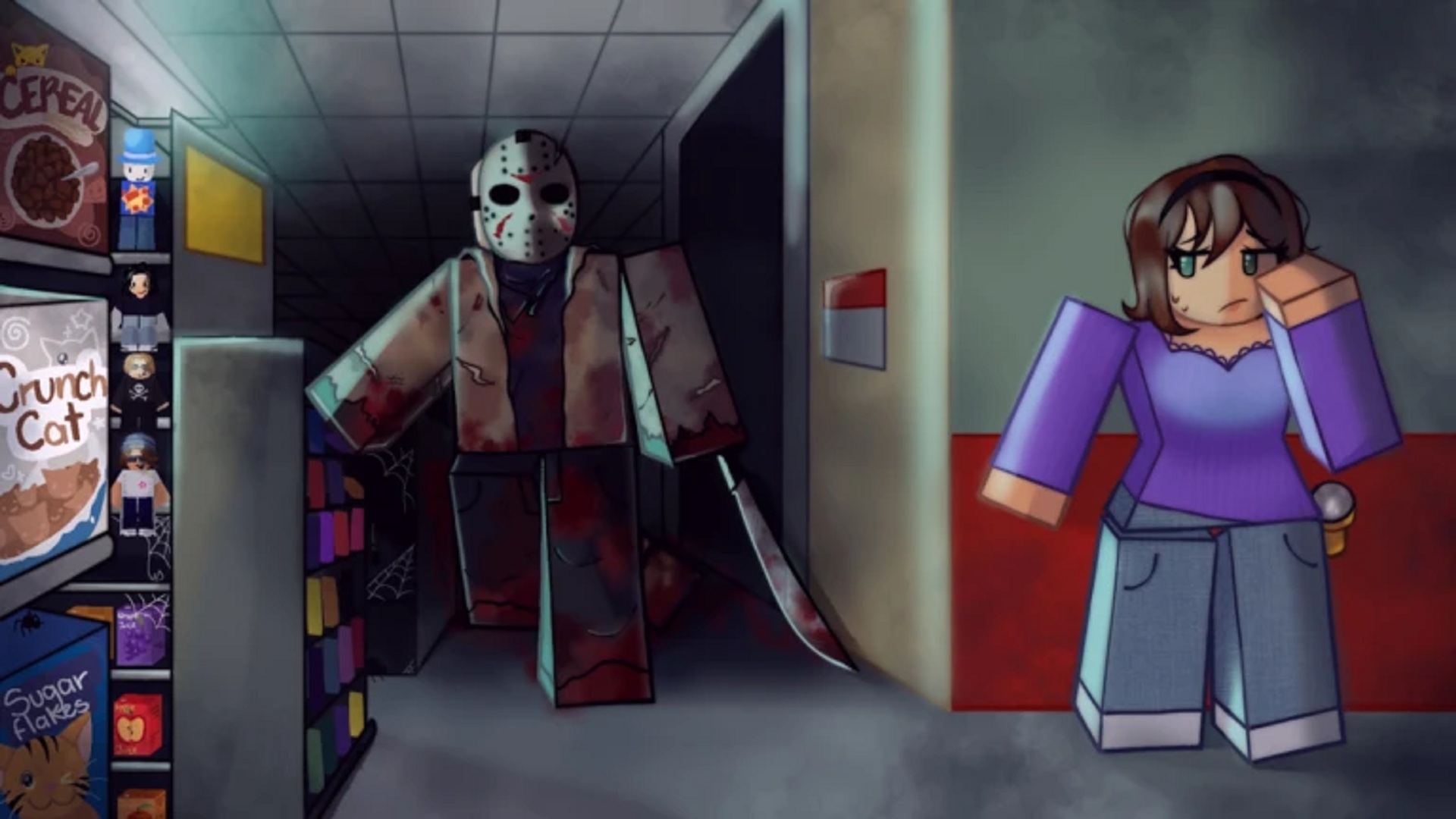
The Butcher event prep checklist
1. Practise survivor objectives before launch
Start matches by locating a generator and repairing while keeping your camera moving. A missed skill check can create noise and draw the killer toward your position, so learn when to continue a repair and when to rotate away. Spread out when possible; if every survivor groups around one objective, a single chase can stall the whole team.

2. Stop wasting pallets early
Pallets are limited chase resources. Dropping one while the killer is far away may give up a useful escape route without buying much time. Wait until the killer commits to the approach, then use the stun window to move toward another loop or break line of sight. Practise looking at your exit route before the chase gets close.

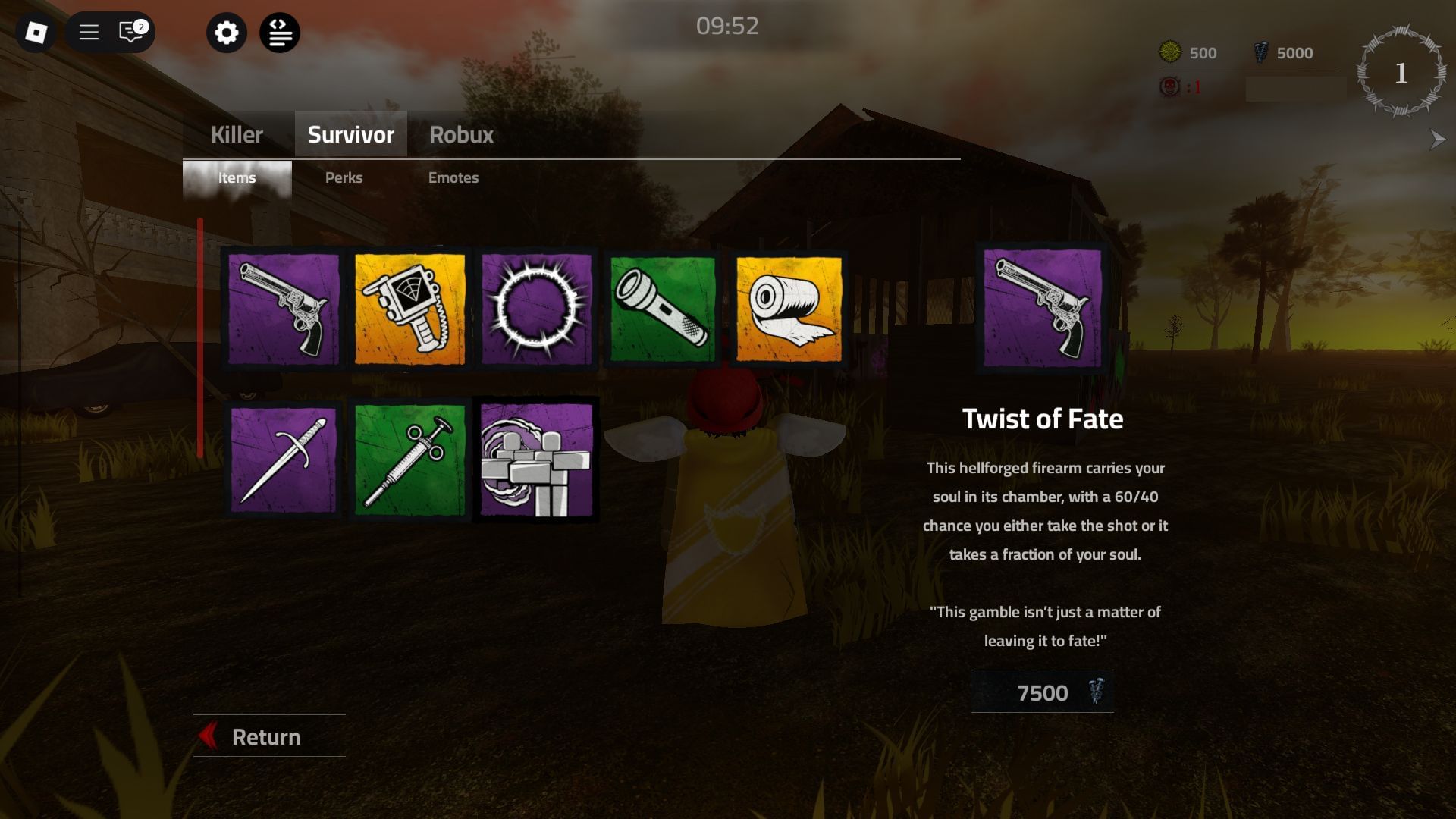
3. Learn both roles and save currency
Try at least one match as survivor and one as killer so you understand how the other side creates pressure. Before the update, avoid buying a cosmetic or item solely because a third-party post claims it will become rare. The event shop, currency costs and reward rules should be checked in-game after the update goes live. Keep your Roblox login details private: a real event should not require you to enter your password on an unrelated website.
4. Prepare your setup and launch-day plan
- Update Roblox before the event window and restart the app if the game does not load correctly.
- Check the official experience page and the in-game countdown rather than relying on a copied countdown from an old post.
- Allow extra time for full servers, patches or temporary matchmaking issues.
- Take a screenshot of any event task or reward requirement you want to track, but do not share account details or private server links publicly.
- After launch, read new item and perk descriptions before spending currency; a UI overhaul can move familiar menus.
What should players do when the event goes live?
- Open the official game page and confirm that the event or update is available.
- Read the event objectives and reward descriptions before starting a long session.
- Complete one low-risk match first to learn whether the interface, items or objectives changed.
- Record the exact requirements for limited rewards; do not assume a reward is free or permanent until the game says so.
- If a task appears bugged, capture the error and use the developer’s official bug-report route rather than downloading unofficial fixes.
Community post and update tracking
The post below is a community discussion about the upcoming update, not a substitute for a developer announcement. Use it as a lead, then confirm the final feature list through the official Roblox experience page or the game’s verified community channels.
The Butcher X Halloween — community discussion
Frequently asked questions
When does the Violence District Butcher Halloween event start?
The official Roblox experience listing currently points to Saturday, October 24, 2026. A third-party tracker reports 5:00 a.m. Pacific Time. Confirm the countdown shown in Roblox before planning around an exact minute.
Is The Butcher confirmed as a new killer?
A recent community post lists The Butcher among the planned features, but players should wait for an official in-game or developer confirmation before treating every reported detail as final.
Will the event have free skins or limited rewards?
The community-reported feature list mentions new skins, but exact rewards, costs and eligibility have not been confirmed by the sources checked for this guide. Check the event menu after launch.
Should I spend my currency before October 24?
If you are saving for the event, hold off on nonessential purchases until the event shop and its costs are visible. There is no verified guarantee that a specific item or currency will be required.
What is the safest way to find the real update?
Use the official Violence District Roblox page and announcements linked by the developers. Never enter your Roblox password on third-party code, reward or event websites.
Sources and verification notes
- Official Violence District experience page on Roblox — game description and listed event date.
- Bloxodes Violence District event tracker — third-party timing reference.
- Community discussion about The Butcher X Halloween — unconfirmed feature list.
Editorial note: This guide distinguishes the event date shown on Roblox from features reported by community members. Event details can change, so this page should be checked again after the update launches.
Author: Shivam Das






