

Quick answer: If Roblox The Hollow disconnects you or sends you out of the event hub, reopen Roblox through the official app or website, check the experience status, and rejoin from the official event entry. Before repeating a quest, verify whether its progress was saved. Do not assume a disconnect erased everything—or that every action was recorded.
The Hollow is scheduled to open at 2 p.m. Pacific Time on October 22, 2026, with Roblox Plus subscribers able to enter the hub earlier at noon PT. Roblox says the event features nine horror experiences and a different monster across nine nights. On a high-traffic launch, players may encounter slow loading, failed joins, or a temporary disconnect. Roblox has not published a Hollow-specific recovery procedure, so the safest approach is to use standard account and connection troubleshooting rather than trust unofficial “fix” links.
First, work out what “kicked out” means
Different errors need different fixes. If Roblox closes entirely, the app may have crashed. If you see a connection or join error, the network or server may be involved. If you return to the Roblox home screen without an error, the session may simply have ended. If Roblox displays a moderation or account notice, do not treat it as a routine connection problem—read the notice and follow the official appeal or support route if appropriate.
- App closed or froze: Reopen Roblox and check whether the device has an app update waiting.
- Join failed: Check your connection, then retry from the official event or experience listing.
- Loading screen never finishes: Wait briefly, close the stalled session, and try once more before repeatedly tapping Join.
- Account or moderation message: Read the exact message and use Roblox’s official support resources.
How to rejoin The Hollow safely
1. Reopen Roblox from an official source
Launch the official Roblox app or type the Roblox website address yourself. Open The Hollow from Roblox’s own event listing or a verified official announcement. Avoid search ads, unofficial “server repair” tools, and third-party reward pages that ask for your password, session cookie, verification code, or a download.
2. Check whether Roblox is having a wider issue
Before changing your device settings, check Roblox’s official status page and announcements. If a platform-wide incident is underway, reinstalling the app or changing several settings is unlikely to solve the underlying outage. Wait for the service to recover and follow the status updates.
3. Check your connection without overcorrecting
Switch between Wi-Fi and mobile data only if you can do so safely and your data plan allows it. Pause large downloads or streaming on the same network. If other apps are also offline, troubleshoot the connection first. Avoid using unknown VPNs or network “boosters” that ask you to install certificates or hand over account information.
4. Restart the app, then the device if needed
Fully close Roblox rather than leaving a frozen session running in the background. Reopen it and retry. If the app still crashes, restart the device and check for official app or operating-system updates. Reinstalling should be a later step, not the first reaction—especially if you do not know your account login details.
Will a disconnect erase your quest progress?
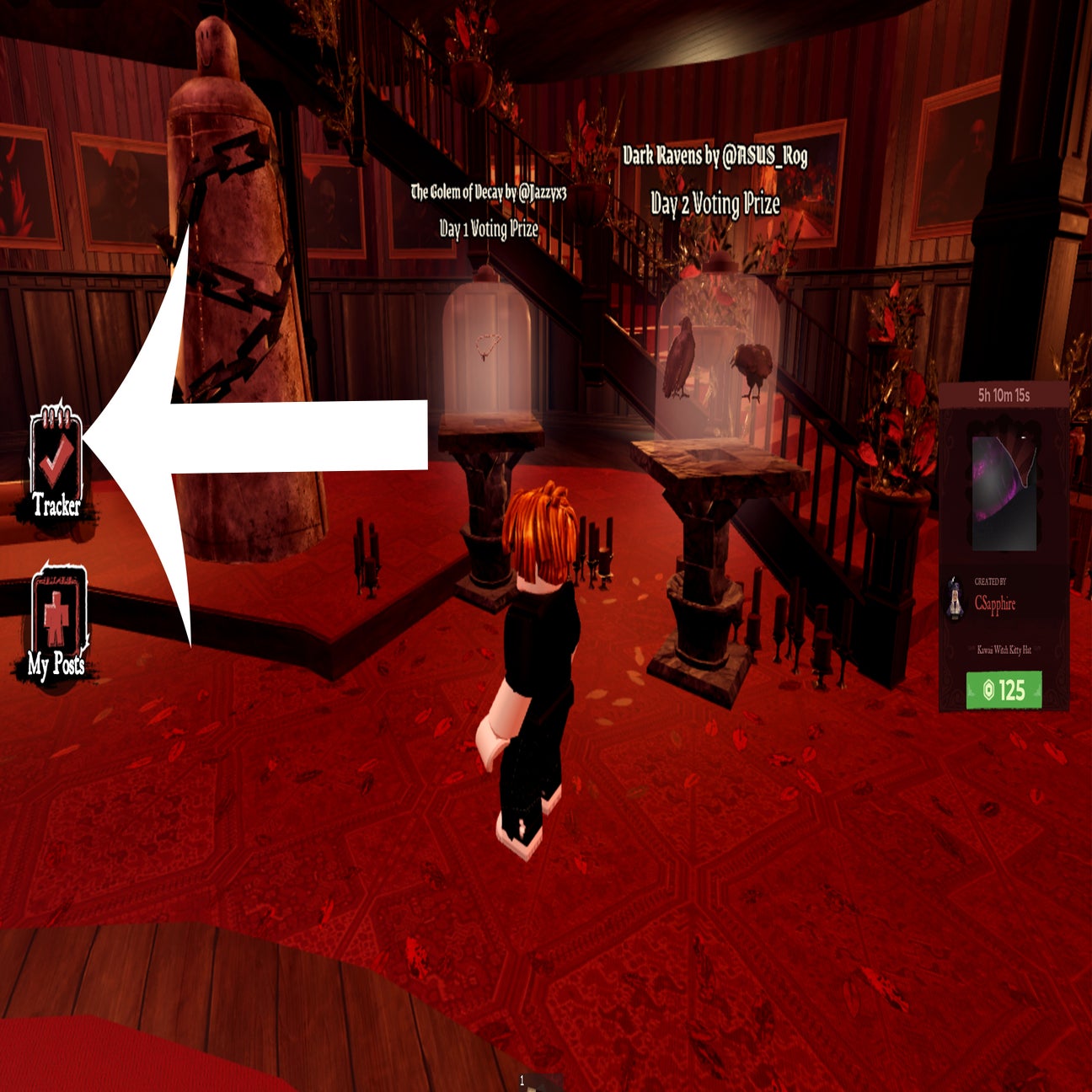
Do not assume either outcome. Progress can depend on the specific objective and how the experience records completion. After rejoining, inspect the live event hub and the relevant game’s quest screen. Look for a completion badge, counter, claim button, or other confirmation actually shown by the game. If the task still appears incomplete, reread its instructions before repeating the entire objective.
If you completed something just before the disconnect, give the tracker a short moment to refresh. Then leave and re-enter once through the official route if needed. If the same task repeatedly fails to register, record the error text and the experience name so you can report the issue clearly to Roblox or the game’s developer.
What to do if the hub keeps kicking you out
- Check the official Roblox status page and any current service notice.
- Confirm Roblox is updated from the official app store or Roblox website.
- Close other apps or downloads that may be using substantial bandwidth or memory.
- Try one clean rejoin from the official event listing.
- Write down the exact error, device type, approximate time, and the action that triggered it.
- If the issue continues, contact official Roblox Support or the experience developer. Never share your password, one-time code, or session cookie.
Launch-hour checklist for US players
- Sign in before launch and confirm you can access your account.
- Use Roblox’s official event entry, not a copied link from a random post.
- If the hub fails, check service status before repeatedly reconnecting.
- After every important objective, verify that the game records completion.
- Keep your device charged and close unnecessary apps if performance is poor.
- Do not buy an item or pay a third party to “restore” lost progress.
Official sources and social updates
Roblox’s official announcement says The Hollow opens at 2 p.m. PT on October 22, 2026, with early hub access for active Roblox Plus subscribers at noon PT. It describes a nine-night survival event and says rewards are tied to completing quests. For updated instructions, start with the official Roblox Newsroom announcement, the Roblox service status page, and Roblox’s official website.
Follow official Roblox social announcements for event notices, but treat community clips as tips—not proof that a particular workaround is safe or that progress will be restored. An embedded social post can disappear or change, so the linked official announcement remains the more dependable reference.
Follow @Roblox for official event announcements and updates about The Hollow.
— Roblox on X
Frequently asked questions
What should I do first if The Hollow kicks me out?
Reopen Roblox through the official app or website, check Roblox service status, and rejoin through the official event listing. Check your quest tracker before repeating an objective.
Will I lose all my progress if I disconnect?
Not necessarily. Progress depends on the task and how the experience records completion. Rejoin and verify the live tracker instead of assuming it saved or erased everything.
Should I reinstall Roblox right away?
No. First restart the app, check service status, test your connection, and install any official updates. Reinstall only if simpler troubleshooting fails and you know how to access your account again.
How can I tell whether the problem is Roblox or my internet?
Check Roblox’s official status page and see whether other apps or websites are also having connection problems. A wider outage points to a service issue; problems limited to one device may need local troubleshooting.
Where can I report a persistent The Hollow bug?
Use official Roblox Support or the affected experience developer’s official support channel. Include the error message, device, approximate time, and steps that reproduce the problem. Never include passwords or verification codes.
Is there a guaranteed fix for launch-hour disconnects?
No universal fix can be guaranteed because disconnects can have different causes. Checking service status, reconnecting safely, and verifying progress are the most practical first steps.
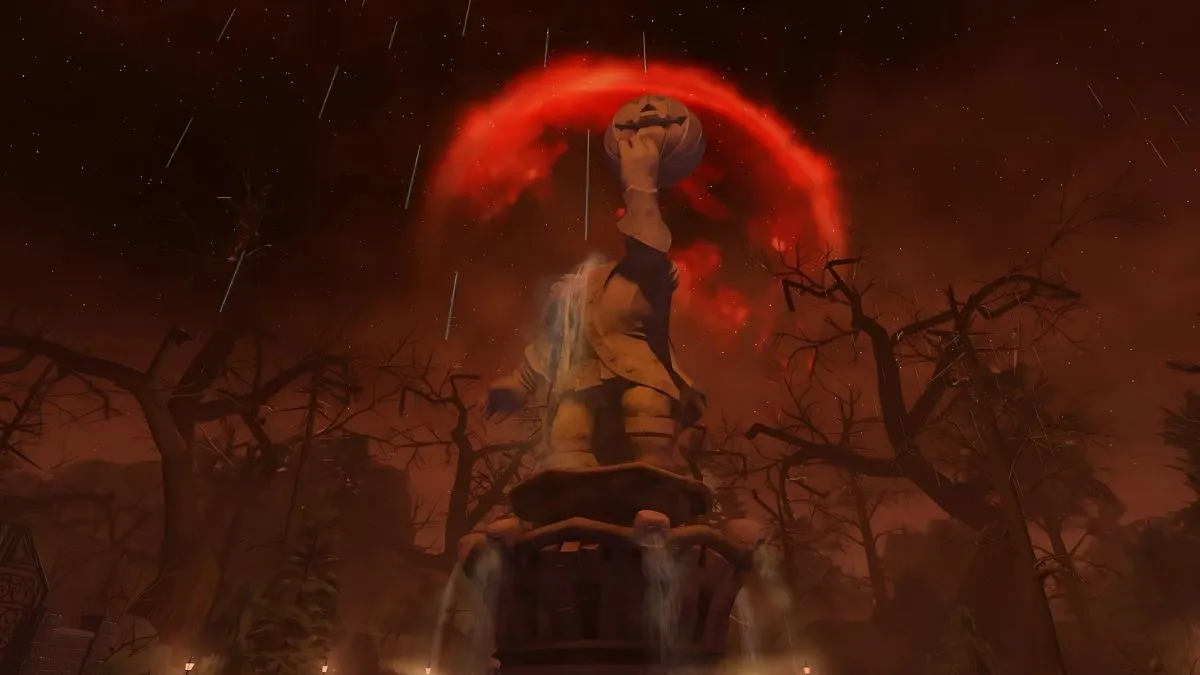
Editorial note: This guide distinguishes official event information from general troubleshooting advice. The images are from earlier Roblox Halloween coverage and are labeled as historical context, not as screenshots of The Hollow 2026.






