

For U.S. Roblox players · Updated October 20, 2026 · By Shivam Das
Quick answer: If The Hollow opens at the widely reported 11:00 a.m. Pacific time on Thursday, October 22, be signed in a few minutes early, open Roblox’s official event listing, read the live rules, and start with one clearly listed experience. The October 22 date is reported in current coverage, but the exact opening time and event mechanics should still be checked against Roblox’s own live announcement. Do not treat rumors about quests, rewards, or a full game roster as confirmed until they appear in the official hub.
First, confirm the time instead of trusting a countdown
Coverage of The Hollow points to Thursday, October 22, 2026, and some current guides report an 11:00 a.m. PDT start. However, reports are not a substitute for the live Roblox event page. Before planning your day around the hour, check the official Roblox app or website and any announcement linked from Roblox’s verified social accounts.
If 11:00 a.m. Pacific is the live start time, the U.S. conversions are:
- 11:00 a.m. Pacific (PDT) — California, Washington, Oregon and other Pacific-time locations
- 12:00 p.m. Mountain (MDT)
- 1:00 p.m. Central (CDT)
- 2:00 p.m. Eastern (EDT) — New York, Florida and other Eastern-time locations
These are time-zone conversions of the reported launch hour, not an independent guarantee that the event will open at that exact minute. If the official listing shows a different time, follow that listing.
Your 10-minute pre-launch checklist
- 10 minutes before: Sign in through the official Roblox app or website. If you need a password reset or verification step, do it before launch time.
- Check the event source: Open the official Roblox event listing or follow a link from Roblox itself. Avoid search ads, shortened links, “early access” pages, and sites promising free Robux.
- Read the rules before joining: Look for the listed experiences, how progress is tracked, any entry requirements, and whether a reward has its own separate objective.
- Choose one first task: Start with an experience directly linked from the event hub. Do not jump between rumored games just because their Halloween updates look related.
- Check your progress: After finishing the first objective, return to the event hub and confirm that the game or quest actually registered before spending more time.
What to do if the event does not appear at 11:00 a.m.
Do not assume your account is broken or that you missed a limited reward. A launch may roll out gradually, a listing may update late, or the reported time may be wrong. Try this order:
- Refresh the official event page once and reopen the Roblox app.
- Check Roblox’s official status page if the app, login, or experience launch is failing.
- Look for a new post from Roblox or the relevant game developer before trying a workaround.
- Wait a few minutes and check again rather than repeatedly reinstalling the app or entering your credentials on another site.
- If an in-game objective fails to register, capture the error message and contact the experience’s official support channel.
Do not confuse a same-day update with The Hollow
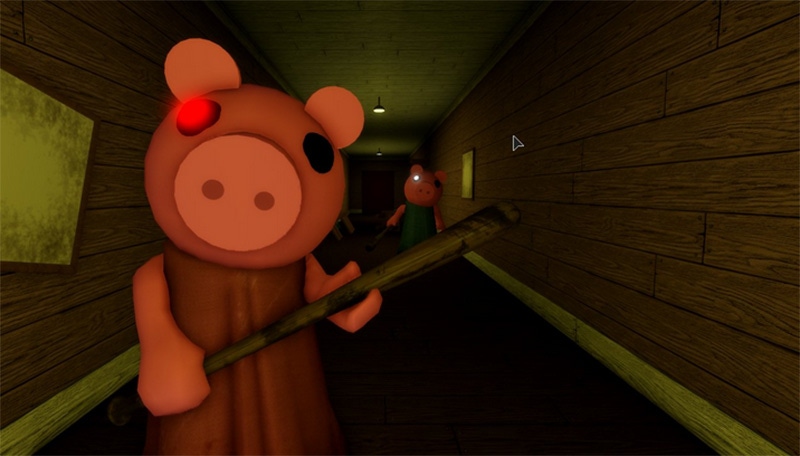
Several Roblox experiences can release Halloween content around the same time without every update belonging to the platform event. For example, a game’s own seasonal map, shop, or limited-time quest is not proof that it contributes to The Hollow. Count a game as part of the event only when it is linked from the live event hub or its developer clearly confirms participation.
That distinction also applies to rewards. Do not assume a familiar item, currency, badge, or quest from an earlier Roblox Halloween event will return in 2026. Check the live reward tile and its requirements before grinding.
Five mistakes to avoid on launch day
- Believing a “free Robux” claim: Roblox does not provide free Robux generators. Never share your password, browser cookies, or one-time verification codes.
- Trusting leaked reward lists: Treat unverified screenshots as rumors until the event or developer confirms them.
- Grinding before checking progress: Verify that the task counts in the official hub before repeating it.
- Assuming every reward is free: Read the item details and price carefully. Do not spend Robux because a countdown makes you feel rushed.
- Leaving everything until the final day: Once the real objectives and deadlines are visible, prioritize limited-time tasks and revisit the official hub for changes.
For account safety, read Roblox’s official account-safety guidance and its warning about free Robux generators.
A practical launch-day schedule
| When | What to do |
|---|---|
| 10:50 a.m. PDT | Sign in, confirm the date and time on Roblox’s official listing, and check for an announcement. |
| 11:00 a.m. PDT, if confirmed | Open the live event hub and read its instructions before choosing a game. |
| First 15 minutes | Complete one clearly listed objective and verify that progress registers. |
| After the first task | Review reward requirements and decide which confirmed objectives are worth your time. |
| If the hub is unavailable | Check official updates and service status; do not follow unofficial access or reward links. |
For more preparation, see our pre-launch checklist for The Hollow, our U.S. Roblox Halloween schedule, and the U.S. time-zone guide.
Frequently asked questions
Does The Hollow definitely start at 11:00 a.m. PDT?
Current third-party coverage reports that time, but players should verify the live Roblox event listing or official announcement before treating it as final. The event date is October 22, 2026; the exact hour should be confirmed at launch.
What time is 11:00 a.m. PDT in New York?
If the reported time is correct, 11:00 a.m. PDT is 2:00 p.m. EDT in New York on October 22, 2026.
What should I do first when The Hollow opens?
Open the official event hub, read the rules and reward requirements, choose one experience linked from the hub, and verify that your progress registers before moving on.
What if The Hollow is not visible at launch time?
Refresh the official listing, reopen Roblox, check official service updates, and wait for a verified announcement. Avoid unofficial “unlock” links or pages asking for account credentials.
Are these images screenshots of The Hollow 2026?
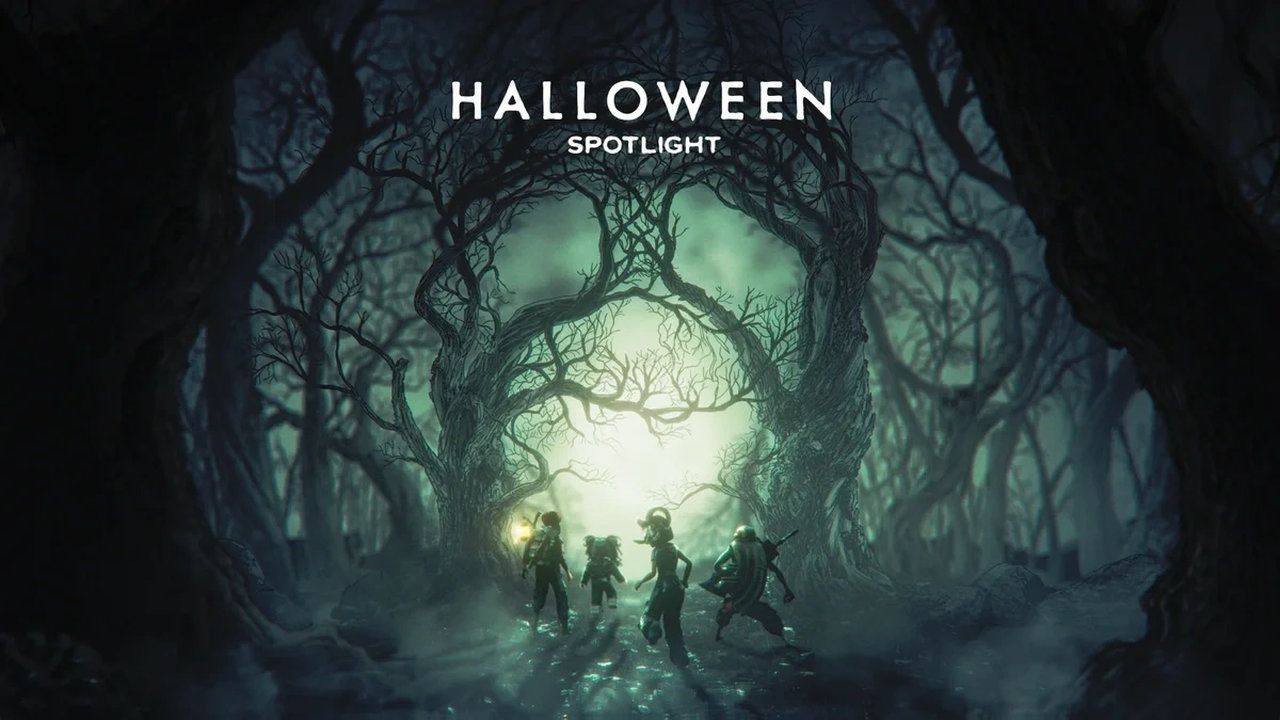
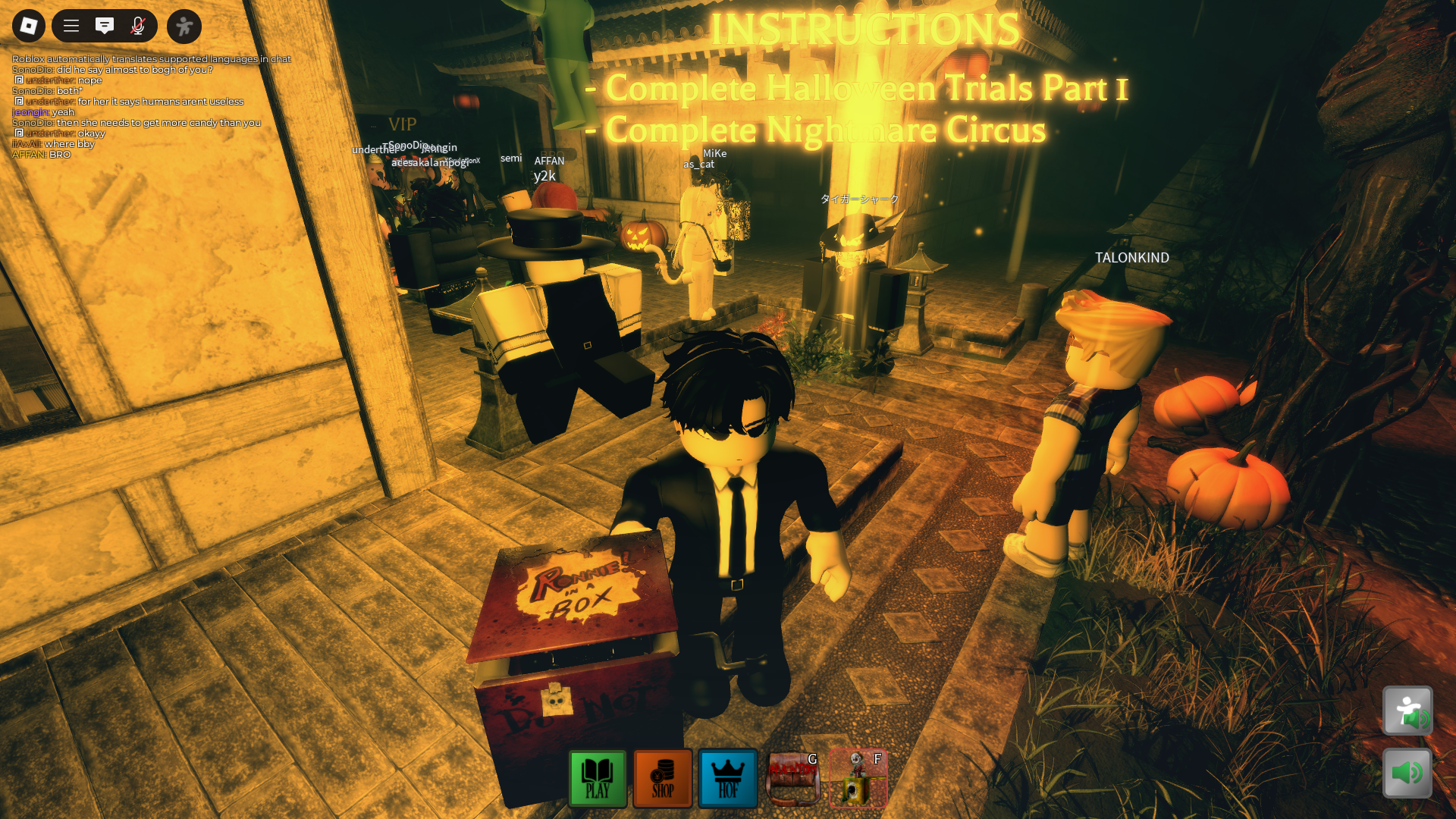
No. The images are clearly captioned as historical Roblox Halloween artwork or general horror-game context. They are not presented as confirmed 2026 event footage.
Editorial note: This guide was prepared on October 20, 2026. The launch-time references are attributed to current reporting and should be checked against Roblox’s live announcement. By Shivam Das.






