

Quick answer: As of October 24, 2026, Roblox players have reported The Hollow rewards failing to claim even after earning badges, and some have also reported ticket totals not updating. These reports are real community reports, but Roblox has not published a confirmed universal fix. Before repeating a long quest, verify the badge and reward requirement, return to the official hub, try one fresh session, and save evidence if the claim still fails.
For U.S. players trying to collect The Hollow’s limited-time Halloween rewards, the frustrating part is that a completed task and a successfully claimed item are not always the same thing. Current reports describe two different symptoms: the ticket counter may stop increasing after a participating-game badge is earned, or a UGC reward may remain unavailable even when the player says the required badge is already on their account. Those symptoms may share a cause, but public evidence does not yet prove that they do.
What players are reporting today
Two threads on Roblox’s official Developer Forum describe claim problems posted on October 23 and discussed again on October 24. In one, a player said The Hollow stopped updating their ticket amount after a Bloxburg badge, and later DOORS and Flee the Facility badges did not unlock their associated claims. In another, a player reported that the Ao Oni Nightmare UGC claim was not working despite having the relevant badge; a reply said other players were seeing similar problems.
These reports establish that players have encountered the issue. They do not establish how many accounts are affected, identify a confirmed technical cause, or prove that every reward is broken. We could not verify a Roblox announcement confirming a single fix for all The Hollow claim errors.
Official bug reports to read
Ticket and item grant report: A player reported that ticket totals stopped updating after earning a Bloxburg badge, with later DOORS and Flee the Facility badges not unlocking their related rewards. Read the original Roblox Developer Forum report.
UGC claim report: A separate player said the Ao Oni Nightmare item would not claim even though the badge was present. A reply on the thread described similar problems with other badge rewards. Read the UGC claim report and replies.
What to try before replaying the quest
- Confirm the exact reward requirement. Open The Hollow from the official Roblox experience page and read the reward card. Check whether it asks for a badge, a quest objective, a separate claim action, or more than one condition.
- Verify the badge on the same account. Make sure the badge appears on the Roblox account you are using in The Hollow. If you play on multiple accounts, a badge on the wrong account will not prove the current account qualifies.
- Return to the hub and check the reward card again. Look for a changed status or a claim button. Do not assume that completing the outside experience automatically places the item in your inventory.
- Rejoin once. Leave The Hollow, open it again through the official listing, and check the ticket total and reward status. This may refresh a stale session, but it is not a guaranteed fix for a server-side problem.
- Check your inventory. If the game says the item was claimed, check the correct avatar inventory category before repeating the quest. Some players report that reward status and visible inventory can appear inconsistent, so capture the state before trying again.
- Keep evidence and report it. Save screenshots of the requirement, badge, ticket total and claim message. Include the experience name, device, approximate time and steps that reproduce the issue in a Roblox support request or the relevant Developer Forum thread.
What is confirmed about The Hollow—and what is not
- Confirmed by Roblox: The Hollow is a platform-wide Halloween survival event with nine horror-game monsters over nine nights, maze exploration, clues and quest rewards.
- Confirmed by public reports: Players have posted examples of ticket totals failing to update and UGC claims failing despite a reported badge.
- Not confirmed: A verified count of affected players, a single cause for all reports, or a universal workaround that fixes every claim.
- Not safe to assume: A green overall platform-status page means every in-game reward script is working. A platform can be available while a specific experience or claim flow has a bug.
The distinction matters because an official bug report is a starting point for investigation, not a final diagnosis. A missing badge, a delayed event update, a claim button that fails, and an inventory display issue can look similar to a player while requiring different fixes. The most useful report is one that records the exact sequence and can be reproduced.
Official event details and the reward deadline
Roblox’s October 21 announcement says The Hollow’s live finale is planned for October 31, 2026, and reward collection continues until noon Pacific Time on November 2. The announcement explains the event’s overall format, but it does not confirm the reported claim bug or provide a universal repair procedure. Check the current in-game reward card for each item’s exact requirements.
Read Roblox’s official The Hollow announcement · Open The Hollow by Roblox Presents.
Frequently asked questions
Is the Biter Fedora claim bug confirmed by Roblox?
We found public reports about The Hollow UGC claims and ticket progression, but not a Roblox statement confirming a Biter Fedora-specific failure or a universal fix. Check the live reward card and current official forum updates.
Why did I earn a badge but not receive the item?
The event may require a separate claim step, the hub may not have refreshed, or the reward flow may be failing. Confirm the exact requirement, verify the badge on the same account, return to the hub and rejoin once before repeating the quest.
Will rejoining fix missing Hollow tickets?
It can refresh a stale session, so it is a reasonable low-risk step. Public reports do not establish that rejoining fixes every ticket or UGC issue.
Are thousands of players affected?
No verified public count establishes that. Several player reports show that the problem has been encountered, but the number of affected accounts and the underlying cause remain unconfirmed.
Should I use a third-party claim-fix website or script?
No. Never share your password, verification code, browser cookie or account session, and do not install unofficial claim tools. Use Roblox’s official experience, support channels and Developer Forum instead.
Bottom line
If a Hollow reward will not claim, verify the requirement and badge, return to the hub, rejoin once and document the failure before replaying a long quest. Current reports are worth taking seriously, but the evidence does not yet support a guaranteed fix or a precise affected-player total. This article will distinguish new confirmed Roblox information from community reports as the situation changes.
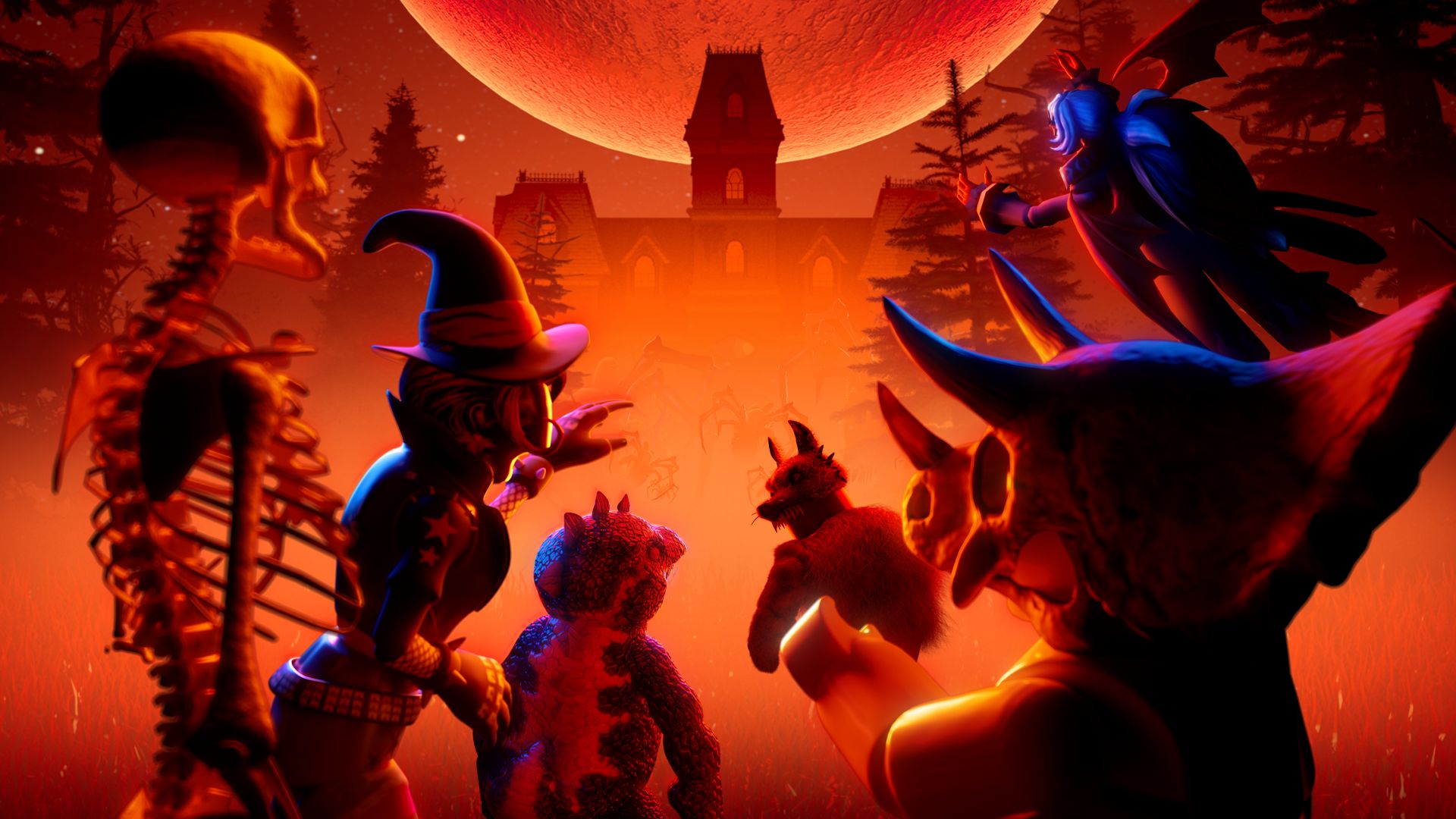
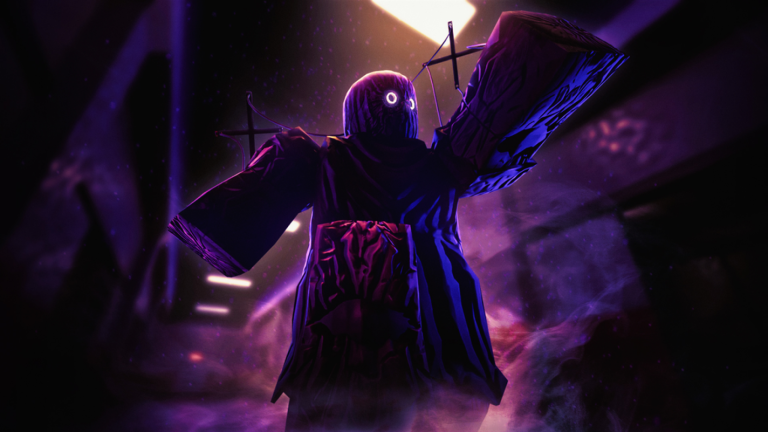
Reporting note: Updated October 24, 2026. Community bug reports are attributed to their original posters; gameplay thumbnails and seasonal artwork are labeled as context rather than direct evidence of the claim error. Author: Shivam Das.
Related Roblox guides
- Roblox The Hollow Ticket Claim Bug: Fixes to Try When Rewards Are Missing
- Roblox Status Green, but The Hollow Claim Errors Persist
- How The Hollow’s Shared Hub, Clues and Mazes Work






