Quick answer: The new Halloween walk and pose options in Dress to Impress are worth checking out if you want your runway presentation to match a spooky outfit. But do not spend your in-game cash just because a pack is new: preview the animation, test it with your outfit, and check the live shop for its current price and availability first.
The Halloween update launched on October 17, 2026, and the seasonal event is scheduled to run through November 7 at 4 p.m. UTC. The update includes new cosmetics and a refreshed seasonal experience, while some older Halloween movement options are returning. Individual items can have different unlock rules, so the in-game shop is the final source for what you can buy on your account.

What is new about the Halloween walk and pose packs?
Walk packs change how your avatar moves between poses and while presenting a look. Pose packs provide specific stances or gestures for the runway. They do different jobs: a walk helps establish a character’s movement and mood, while a pose creates a deliberate moment for the judges and other players to see the outfit.
Recent coverage of the 2026 Halloween update reports a new walk pack and a new runway pose pack, alongside returning Halloween walk options. The older Ghost, Nightmare, and Possessed walks are useful reference points for players who want a supernatural style, but their current availability should be checked in the live game rather than assumed from an older guide.
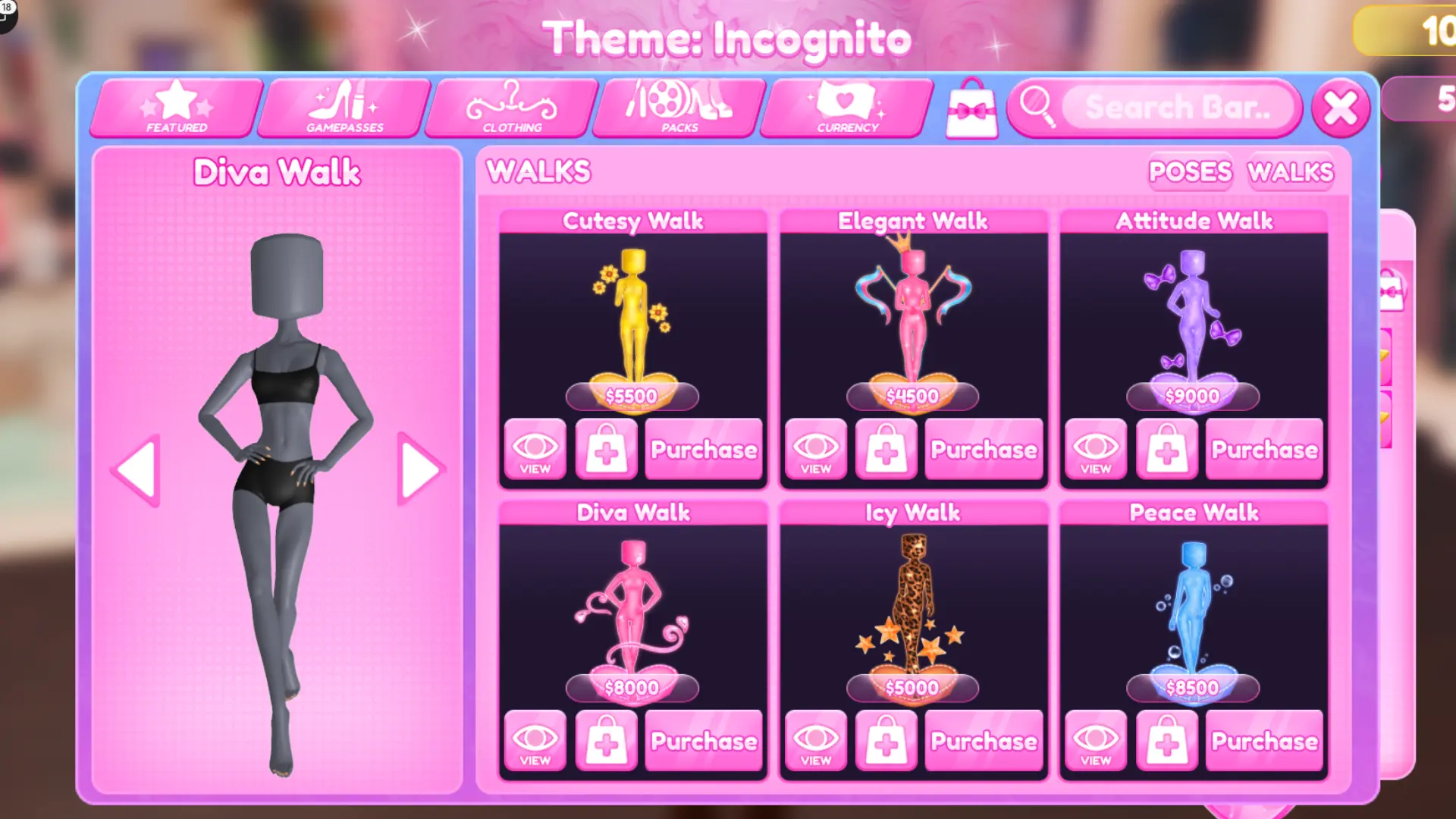
Are the new packs worth your in-game cash?
Our take: preview first, buy second. A movement pack can make a strong outfit feel more complete, but it does not replace the outfit itself. If your look already has a clear silhouette, color palette, and theme, the right animation can add personality. If the movement hides a skirt, blocks an accessory, or clashes with the theme, the purchase may not improve your runway result.
- Worth considering: You regularly play runway rounds, build themed characters, and know which animation style fits your looks.
- Wait before buying: You are saving cash for clothing or another item you use more often.
- Try a limited-time pack quickly: If the live shop labels it as seasonal, preview it and check the expiry information before deciding.
- Do not assume it is exclusive: Returning items and new items can appear together during seasonal updates.
How to preview a walk or pose pack before buying
- Join the official Dress to Impress experience on Roblox.
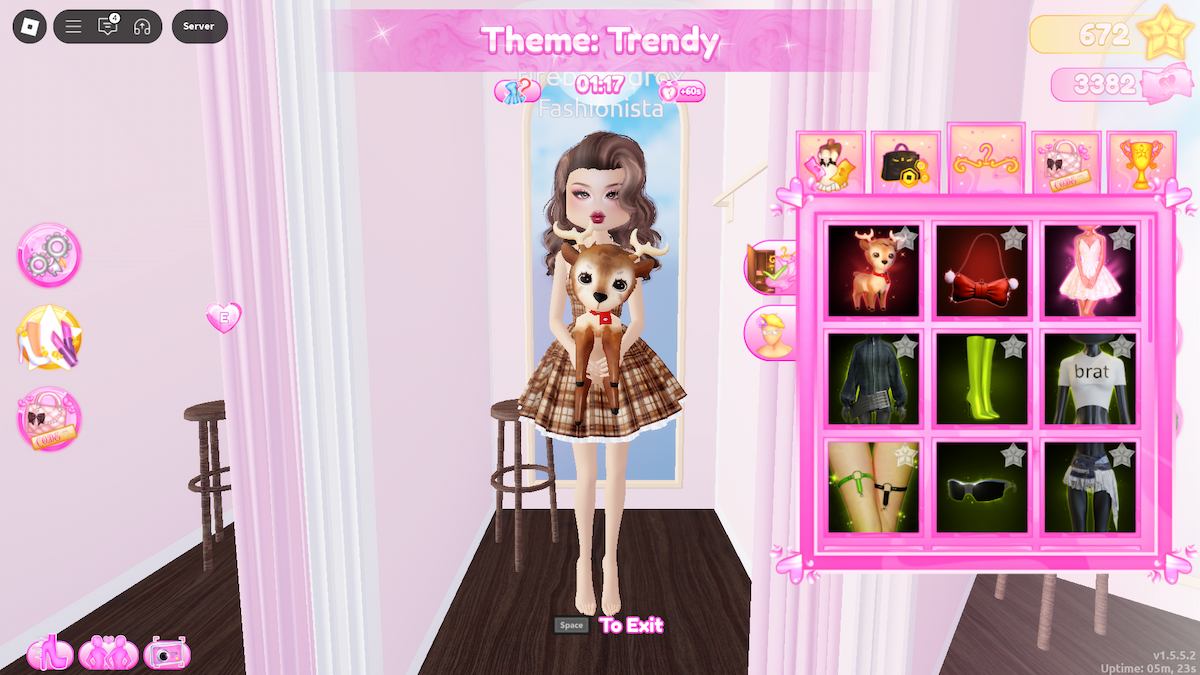
- Open the dressing booth or pose menu and find the walk and pose sections.
- Select the pack and use its preview option if one is available.
- Test the animation with the outfit you intend to wear, including large skirts, wings, hats, props, and handheld accessories.
- Check the price, currency type, and availability shown in your current game before purchasing.
- After equipping it, try the movement in Freeplay or a low-pressure round before relying on it for a themed competition.
Which animation style works best for Halloween outfits?
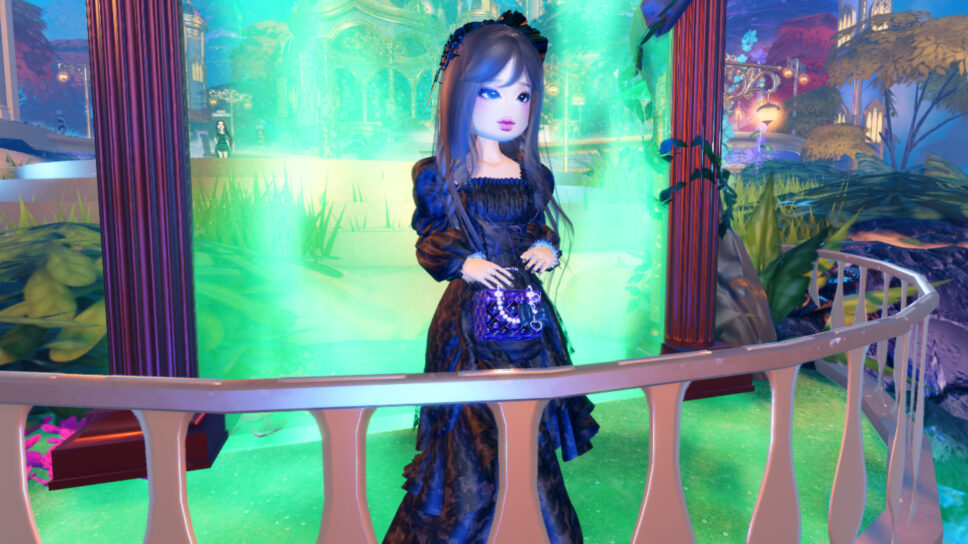
For a ghost, witch, vampire, or haunted-doll look, a slow or unusual walk can reinforce the character concept. A dramatic pose can work well for a final runway moment, particularly when it leaves the outfit’s main details visible. For a cute, elegant, or glamorous costume, a controlled walk may fit better than a deliberately chaotic animation.
Think of the animation as the finishing touch. Pick one that supports the outfit’s story, then check whether it makes the avatar’s silhouette easier to read. A pose that looks impressive in the preview may be less effective if it hides the sleeves, shoes, wings, or a signature accessory during the actual round.
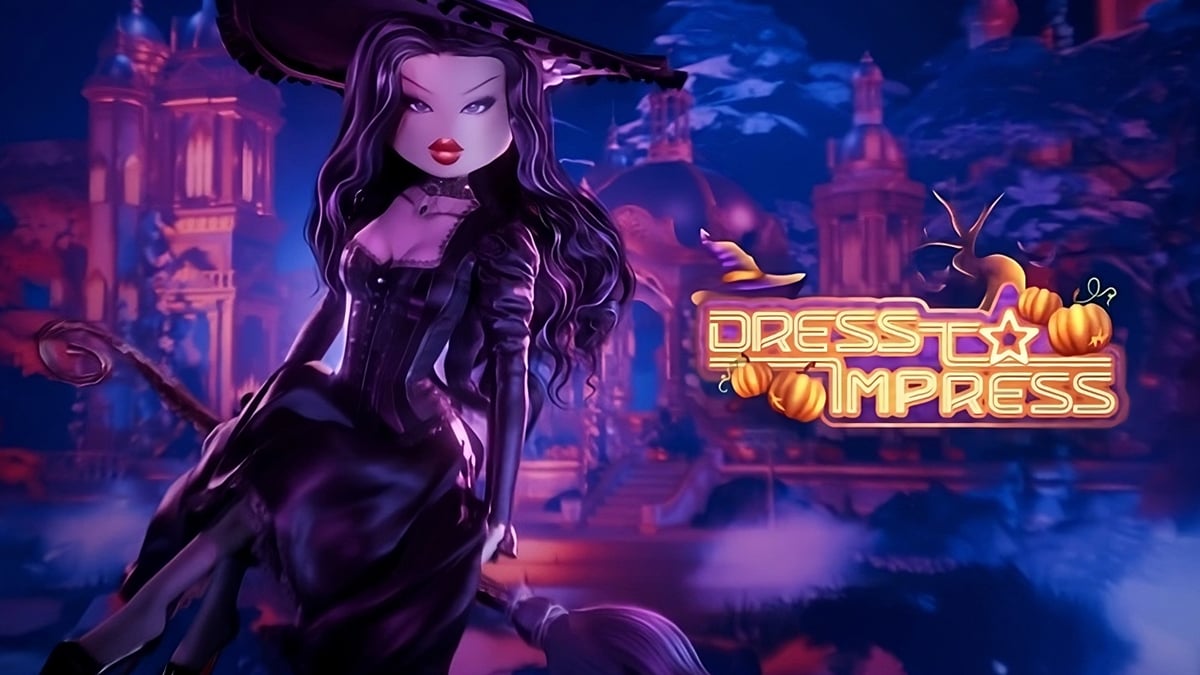
What players are saying about the Halloween update
Community posts are useful for spotting questions about availability and player reactions, but they are not a substitute for the live shop. Some players may see different items depending on the update state, account progress, or whether a limited-time item has returned. Verify the item name and purchase option in your own session before spending currency.
DTI Halloween update is here — community discussion
Official Halloween update video
For developer context, watch the official Dress To Impress Halloween Update Q&A. It is a preview and discussion, so use the current game interface for final item availability and exact purchase details.
If the embedded player does not load, watch the Halloween Update Q&A on YouTube.
Related Dress to Impress guides
- Dress to Impress Halloween: Ghost Hunting and Tarot Card Tips
- Dress to Impress New Makeup and Hairstyles: What’s Free vs. Paid?
- Dress to Impress: Tales of the Dark King Trailer and Release
Frequently asked questions
Are the new Dress to Impress walk and pose packs worth buying?
They can be worth it if you regularly use runway animations and the style matches your outfits. Preview the pack first and compare its value with other items you want.
Where do I find walk packs in Dress to Impress?
Open the official game and look in the dressing booth or pose menu for the walk and pose options. Menu placement can change after updates.
Are the Halloween walk and pose packs free?
Do not assume they are free. Check the current in-game shop for each pack’s price, currency, and unlock conditions.
Will the Halloween packs stay available after the event?
Seasonal availability can change. Check any timer or event notice shown in the live game, and do not rely on an older screenshot to determine whether an item is still on sale.
Can a pose pack improve my runway score?
A pose can help communicate a theme, but it does not guarantee votes or a higher score. Outfit quality, theme fit, and how clearly other players can see the look still matter.
Reporting note: Item names, prices, and availability may change during live updates. This guide distinguishes current update reporting from older reference screenshots; confirm purchase details in the official game.