

For U.S. players · Updated October 17, 2026 · By Shivam Das
Quick answer: Prioritize Roblox Halloween events by checking which windows are still open, completing tasks with clear deadlines, and claiming rewards before leaving. Do not assume every experience shares one timer or reward system. Event schedules can change, so the current game page and in-game event board should outrank old screenshots or reposted social-media claims.
Halloween updates are rolling out across separate Roblox experiences. Trying to finish everything in one session can waste time, especially when events overlap. Use this checklist to pick the games you care about, verify the current details, and avoid spending Robux or chasing rewards based on unconfirmed posts.
Your final priority checklist
- Check the official experience page first. Confirm the event card, date, local time, and any developer announcement before joining.
- Resolve launch conflicts. Listings for October 17 put Steal An Egg and Dress To Impress at 11 a.m. Eastern, FischFright 3 at noon Eastern, and 99 Nights in the Forest at 1 p.m. Eastern. If you missed a start, verify whether the event is still active instead of assuming the reward window has closed.
- Do deadline-sensitive quests before long grinds. Read the in-game quest board and note tasks that require multiple steps, another player, or a specific area.
- Claim and verify each reward. Check the inventory, badge page, event tracker, or reward screen before switching games.
- Keep repeatable farming in its place. Set a time limit for fishing, currency collection, or other open-ended objectives so one game does not consume the whole weekend.
- Check codes and prices in-game. A code in an older video may have expired, and a promotional preview does not prove an item is free.
Which games should you check first?
Steal An Egg: confirm access and event requirements
Check whether the Halloween Dimension is accessible in your server and read the current event instructions. Record egg names, drop odds, boss rewards, or schedules only when they are visible in the live game or clearly confirmed by developers. Avoid third-party “free egg” links and never trade account access for a promised reward.
Read our Steal An Egg Halloween Dimension guide for related coverage.
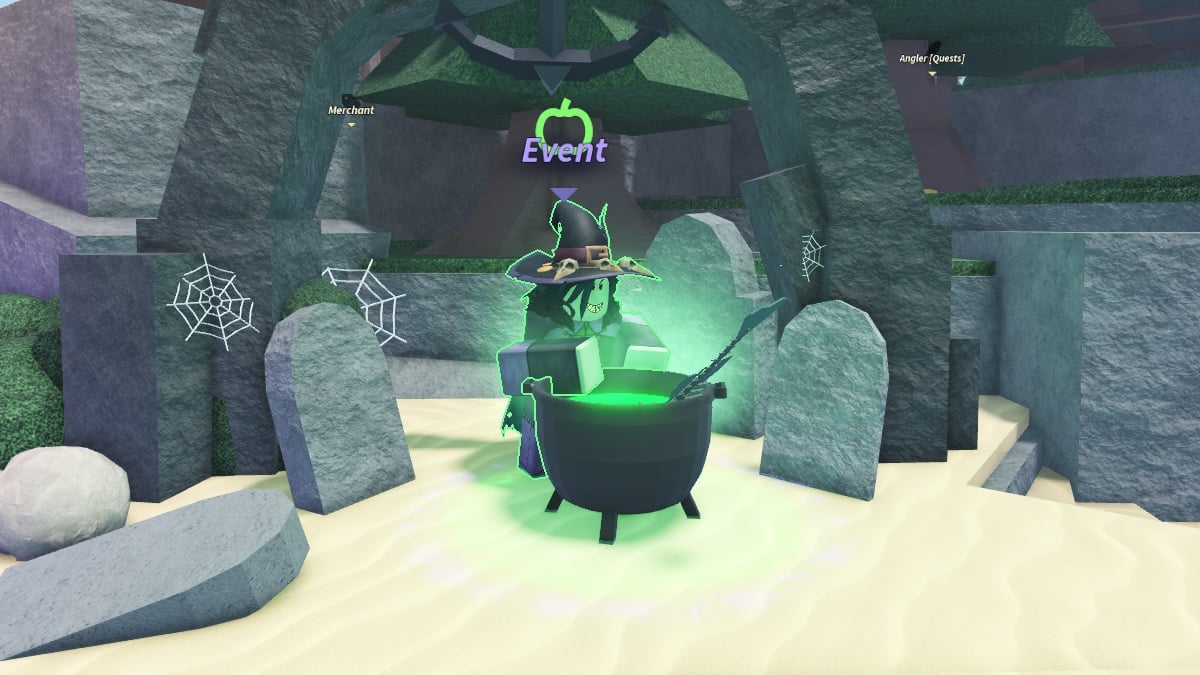
Dress To Impress: check quests before spending
Open the current event menu, review the quest steps, and inspect the shop before buying a pass or cosmetic. Older screenshots cannot confirm 2026 prices, item availability, or which rewards are free. If event windows overlap, choose the reward you value most and return to the other experience afterward.
Our Dress To Impress Halloween guide offers more context.
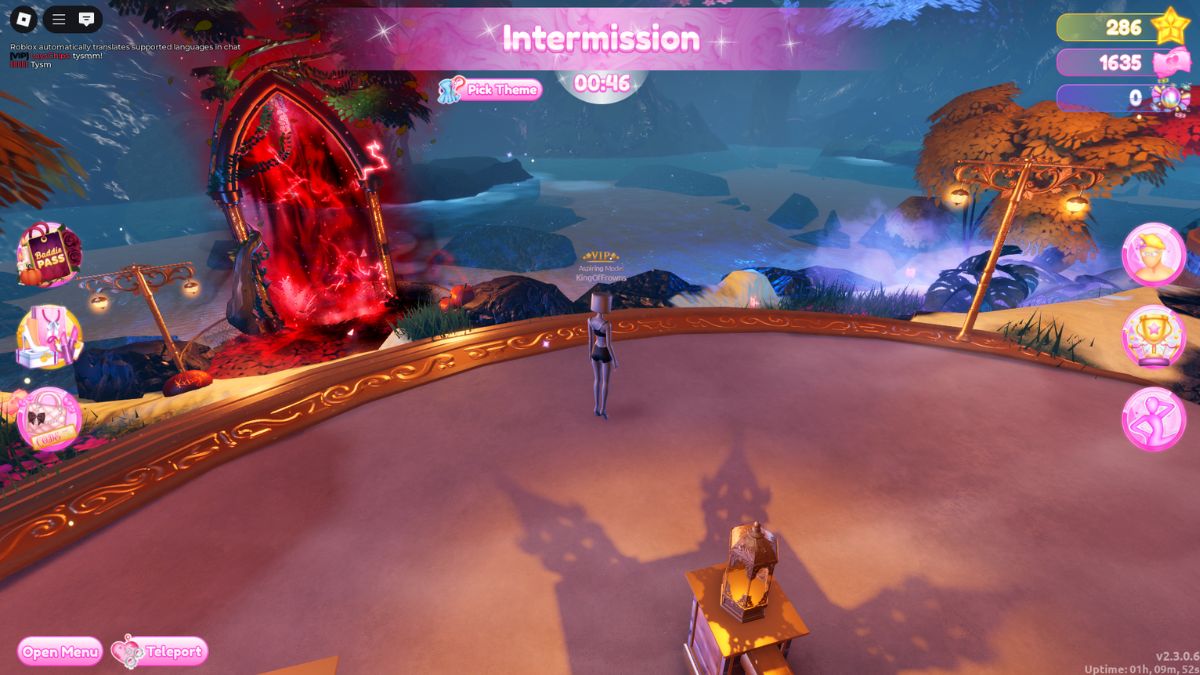
FischFright 3: check the event board and collection progress
Look at the event NPC, bestiary or collection progress, and visible reward requirements. Before following a route from a social post, make sure it matches the current version. Treat unlisted fish, rods, codes, and reward claims as unverified until the live experience or a reliable current developer announcement confirms them.
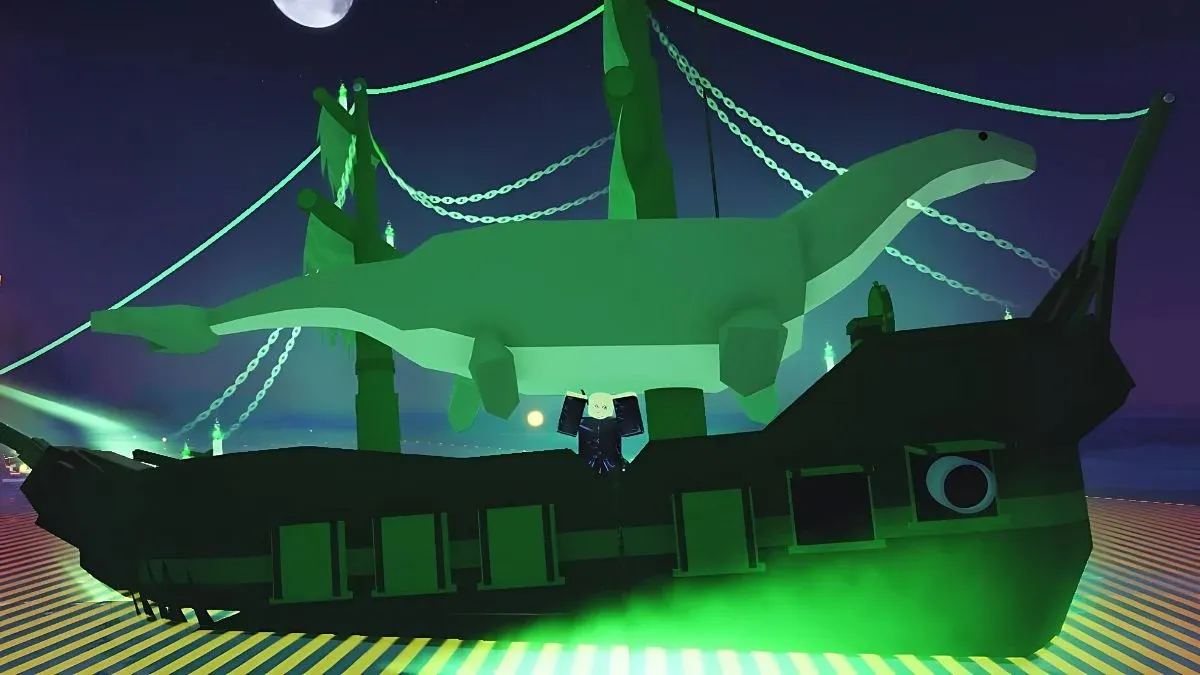
99 Nights in the Forest: follow the live quest instructions
The Halloween Begins listing is a reason to check the experience, not proof that every rumored class, hidden reward, or drop rate is real. Read the in-game instructions, note any preparation needed, and verify the reward appears before switching servers.

RIVALSWEEN, Evade, Adopt Me, and other events
Check each experience’s official page and in-game event panel. Social-media countdowns may use another time zone, and reposted screenshots can remain online after an event changes. Prioritize activities that are available now and match the rewards you actually want.

A practical 30-minute plan
- Minutes 0–5: Check official event pages and confirm which activities remain open.
- Minutes 5–10: Choose one priority and read its quest requirements and timer.
- Minutes 10–25: Complete a short objective or make measurable progress toward a limited-time reward.
- Minutes 25–30: Claim the reward, verify it registered, and note unfinished tasks.
If an event is unavailable, try a fresh server and check the newest developer announcement. Do not assume refreshing can restore an expired reward. Never share your password, authentication code, or account cookie to claim an item.
What about The Hollow?
Pre-weekend coverage points to an October 22, 2026 start, but the complete participating-game lineup and reward list were not officially confirmed in the sources reviewed for this guide. Treat lists naming DOORS, Piggy, or other experiences as speculation unless Roblox or the relevant developer confirms participation directly.
Use the Roblox Newsroom and each game’s own Roblox page for current announcements. Our post-event reward checklist covers what to do after a session.
Frequently asked questions
What should U.S. players prioritize this weekend?
Check which event windows are open, finish limited-time tasks with clear deadlines, and claim rewards before leaving. Choose based on your favorite game and available time.
Are all Roblox Halloween events part of one shared event?
No. Individual experiences run their own schedules, quests, and rewards. A platform-wide promotion is separate from each game’s own event details.
Can I trust a social post listing a secret reward or code?
Verify it against the current game or an official developer announcement. Old screenshots, reposted codes, and edited clips may refer to a previous season or be inaccurate.
How do I know whether I received a reward?
Check the reward screen, inventory, badge page, or quest tracker. If it does not appear, review the current instructions before assuming it was granted.
Is The Hollow’s full lineup confirmed?
Do not treat the complete lineup as confirmed until Roblox or participating developers announce it directly. Separate official announcements from community predictions.
Editorial note: Event schedules and interfaces can change. The images in this guide are from earlier seasons and are labelled as illustrative references, not verified screenshots of the 2026 event. Check the live experience for current requirements.


