

Updated October 24, 2026: Grow a Garden’s next Halloween event window is listed as Ghoul Garden 2, not Ghoul Garden 3. The official Roblox event listing describes new activities, returning spooky weather, new pets and plants, rewards, and quality-of-life changes. This guide separates those confirmed promises from item prices and reward details that still need to be checked in the live game.
Quick answer: Start by entering the Ghoul Garden, checking the live event menus, and building a steady Candy Corn loop before spending on expensive pets or cosmetics. If you are returning from Part 1, re-check stock and prices instead of assuming last week’s shop is unchanged.

What actually launched today?
The official event schedule lists Ghoul Garden 2 for October 24 through October 31, with the start scheduled for 20:30 UTC (4:30 p.m. Eastern and 1:30 p.m. Pacific on October 24). The listing confirms the broad update themes but does not name every new item or publish complete prices and drop rates. The safest day-one approach is to treat the live Roblox event panel and in-game item descriptions as the final authority.
Be careful with search results that say “Ghoul Garden 3.” Some event trackers use that phrase for a weekly rotation, while the official listing currently labels the October 24 window “Ghoul Garden 2.” A headline or video title is not proof that a third phase has officially launched. Start from the official Grow a Garden experience page and inspect its current event card.
First-day checklist: do these before spending Candy Corn
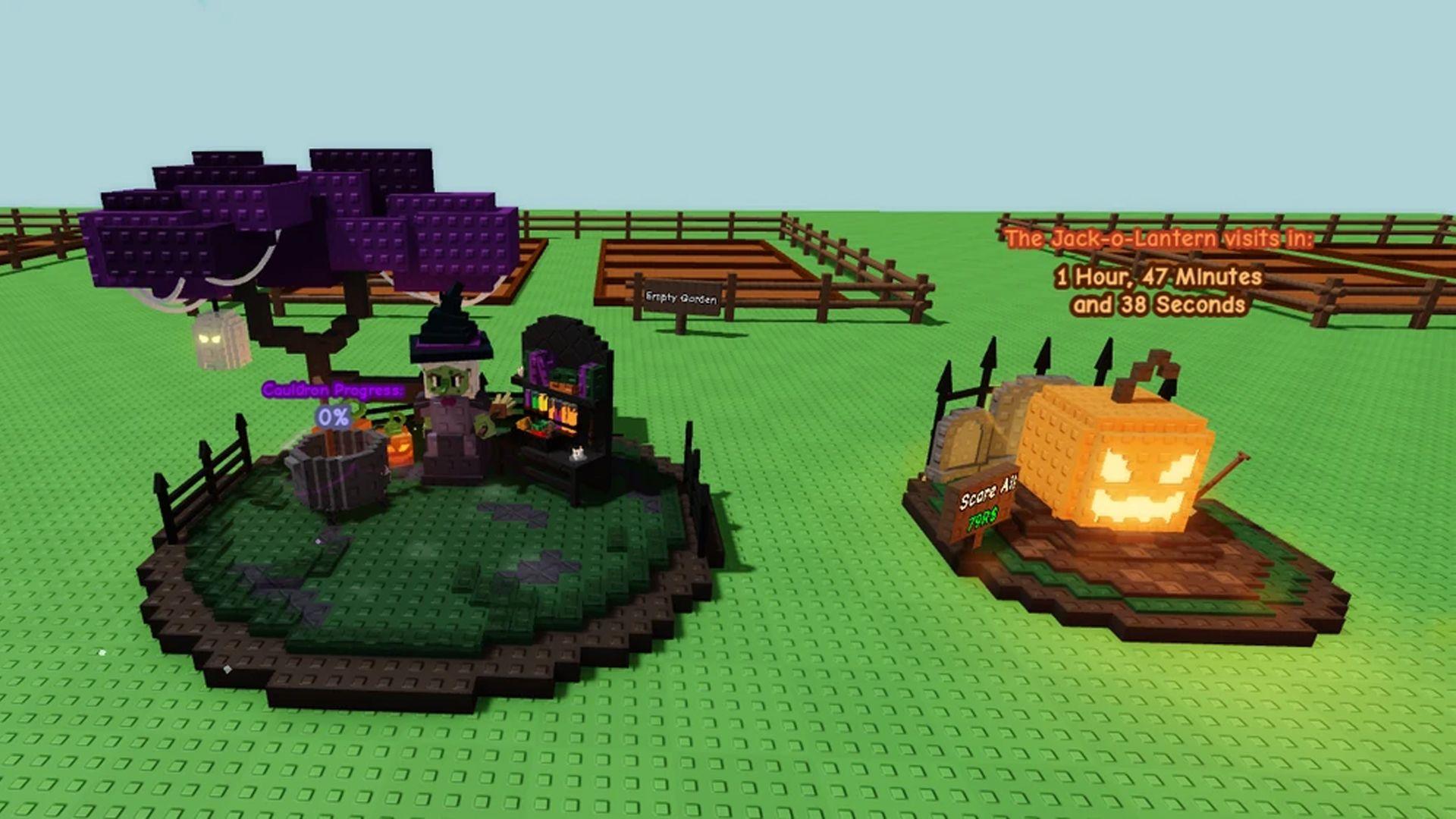
- Enter the event garden. Switch to the Halloween garden from the in-game garden selector or event route. Confirm that the seasonal interface and event shops have loaded before planting.
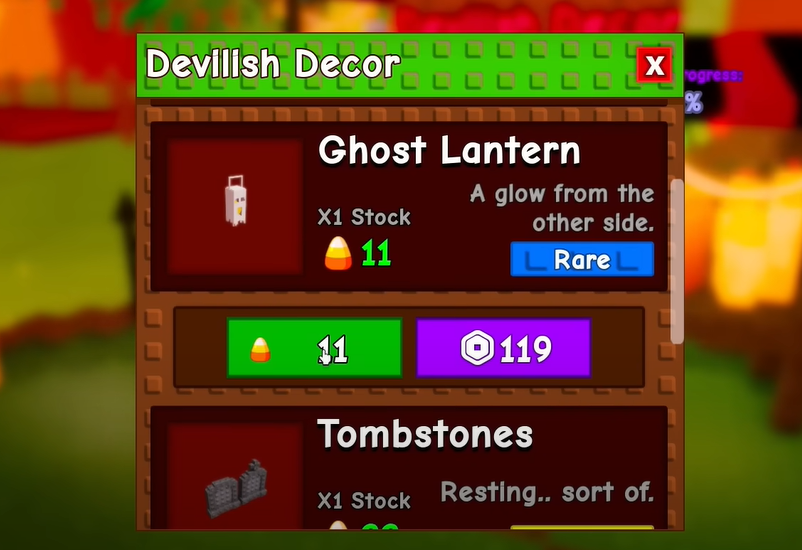
- Read each shop’s live stock and price. Check seeds, pets, gear and cosmetics separately. Restocks, availability and prices shown in older screenshots may not match the current session.
- Start with low-cost Halloween seeds. Plant a small batch, harvest it, and sell it at the event’s designated sales point to build your Candy Corn balance. Reinvest rather than spending your entire first payout on a cosmetic.
- Check the community activity. If Witch’s Brew or another shared activity is available in your current version, read its on-screen instructions and contribute crops you can spare. Do not rely on unverified drop-rate claims.
- Track limited rewards. If a reward has a countdown, screenshot or note that timer. The item’s own in-game timer is more useful than a generic event-end date on a third-party guide.
Which rewards should you prioritize?
Best first investment: a repeatable Candy Corn route. A sustainable crop-and-sell loop helps you afford later rewards without guessing how much currency you will need. Buy only enough starter seeds to keep production moving, then scale up as your balance grows.
Best free-progress target: repeatable event tasks. If the Black Cat task or another crop hand-in is present in your current event version, compare its requirements with your harvest. Complete the easiest available set first, and keep track of any reward shown directly in the task UI. Community guides describe Haunted Seed Packs as a reward from the Black Cat’s crop sets, but check that the task is available and the payout is unchanged in your live session.
Wait before chasing a costly pet. Some third-party guides list expensive pets and specific Candy Corn prices, but the official event announcement does not confirm a complete price table. Before committing, compare the live price with how quickly you can earn currency. A rare pet is not automatically the best first-day purchase if it consumes the budget you need to keep farming.
How to earn Candy Corn efficiently
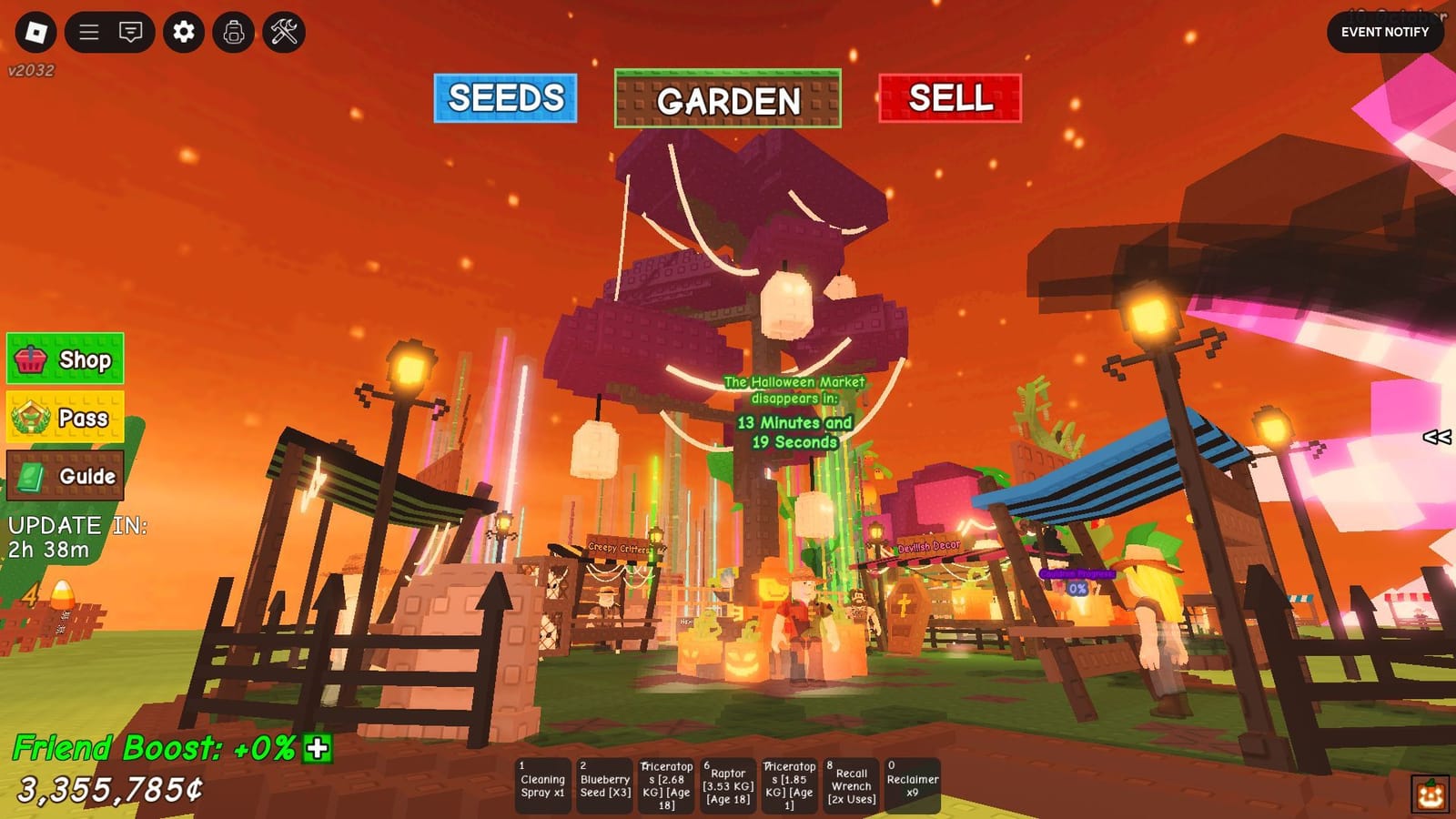
- Keep the loop short. Plant, harvest and sell in batches you can manage rather than letting a large patch sit unharvested.
- Use higher-value crops strategically. If a shared cauldron or contribution activity is live, check whether crop quality affects its meter before donating rare harvests. Never assume a specific payout unless the current game displays it.
- Do not mix up currencies. Candy Corn belongs to the Halloween event economy. Do not assume it converts to your regular garden currency or carries over after the event.
- Recheck the shop after the update settles. Busy launch windows can bring confusion about stock, timers or newly added items. Refresh the menu and rejoin only if the game appears stuck.
What is confirmed—and what is not?
The official Roblox event listing confirms the Ghoul Garden 2 window and describes new activities, returning spooky weather, new pets, plants and rewards. That is the reliable baseline. The exact new item list, live prices, pet rarity odds and any reward rotation should be verified in-game before a guide presents them as facts.
Some community guides publish precise numbers for Haunted Eggs, individual pets, Candy Corn costs and reward odds. Those details may be useful leads, but they are not all stated in the official announcement. Treat them as provisional unless the current item description, event UI or a reproducible test confirms them.

Fixes if the new event does not appear
- Return to the official Grow a Garden page and confirm you opened the correct experience.
- Leave and rejoin a fresh server if the event area or menu fails to load.
- Check whether the event card has updated and whether your game client is current.
- If a task completes but its reward does not appear, capture the task, your balance and the time, then report it through Roblox’s official support or the developer’s official channels. Avoid repeated purchases while the claim is uncertain.
For more Roblox Halloween coverage, see our guide to The Hollow ticket and missing-reward issues and our The Hollow shared-hub guide.
FAQ
Did Grow a Garden Ghoul Garden 3 officially start on October 24, 2026?
The official event listing available for this date labels the scheduled update “Ghoul Garden 2.” Some trackers or headlines may use different numbering, so verify the event card inside the official Roblox experience before calling it Part 3.
What should I claim first?
Start with rewards you can earn through repeatable tasks and a steady Candy Corn route. Check live requirements and payouts before spending on expensive items.
Are all the item prices and pet odds confirmed?
No. The official announcement confirms the update’s broad features, not a complete price list or drop-rate table. Use the live shop and item descriptions as the final reference.
When does Ghoul Garden 2 end?
The event listing currently shows the window running through October 31, 2026 at 20:00 UTC. If a specific item has its own countdown, follow that timer in-game.
Reporting note: This guide distinguishes the official event schedule from community-reported item details. Recheck the live game before making a currency or Robux purchase.






