

For U.S. players · Updated October 24, 2026 · By Shivam Das
Quick answer: Biter is officially part of Roblox’s nine-night The Hollow Halloween event, but Roblox has not published a verified, fixed Biter-floor relic route or a universal floor-reset time. To avoid missing a free reward, enter the official hub, check the active floor and quest panel, solve the relic puzzle shown in your own run, return to the elevator after collecting the relic, then verify the reward and any linked quest in the hub. Treat exact room-by-room Biter routes circulating online as unconfirmed until they match the live game.
The Biter floor is worth preparing for, especially if you are trying to collect every free Halloween reward before the event closes. The key is separating what Roblox has confirmed from what players are still figuring out. This guide gives you a practical claim checklist without inventing puzzle steps that have not been verified.
What is confirmed about the Biter floor?
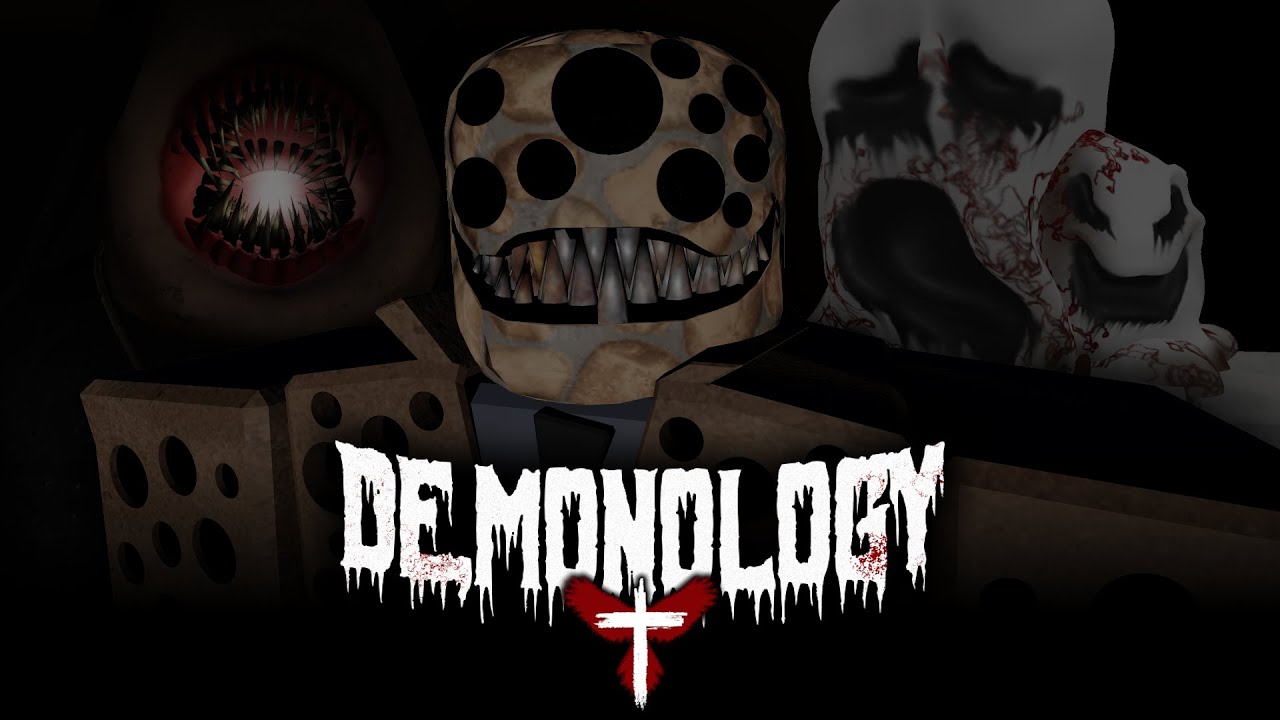
Roblox’s October 21 announcement describes The Hollow as a platform-wide Halloween survival event with nine horror-game monsters appearing across nine nights. Its official lineup names Biter from Demonology. Players explore a maze, search for clues, evade the monster, and complete event quests for avatar items and other rewards. The event’s live finale is scheduled for October 31, and Roblox says rewards can still be collected until noon Pacific time on November 2.
What the official announcement does not provide is a detailed Biter maze map, guaranteed relic coordinates, or a fixed reset time that applies to every server. The creator livestream schedule can help you track event activity, but a stream time is not proof that a floor unlocks or resets at that exact minute. Check the live elevator and quest board in-game before planning around a countdown.
Official sources: Roblox’s The Hollow announcement · The Hollow on Roblox · Demonology on Roblox.
How to claim the free relic: safest route checklist
- Join the official hub. Open The Hollow from the Roblox experience page rather than a shortened link shared in chat. Check the event’s current floor and quest objective before entering.
- Read the floor objective first. Look for the relic, clue, puzzle, or return-to-elevator instruction displayed in your current run. Do not assume the Biter floor uses the same layout as Floor 1 or Floor 2.
- Search in a deliberate pattern. Clear one corridor or section at a time, mark memorable landmarks mentally, and avoid repeatedly checking the same rooms. If the layout changes between runs, treat old screenshots as hints rather than guaranteed coordinates.
- Complete the puzzle as shown in your server. Follow the actual visual clues and interaction prompts. If a guide tells you to rotate objects or activate switches, confirm those objects are present before following it.
- Pick up the relic and return to the elevator. Do not leave immediately after solving a puzzle if the game still shows a relic pickup or exit objective. Confirm that the floor marks the objective as complete.
- Finish the linked quest, if one is shown. The event can connect hub progress with quests in participating experiences. A relic pickup alone may not mean every badge or avatar item has been granted.
- Check the reward in the hub. Return to the plaza or reward display, look for the item’s claim prompt, and verify your inventory or badge page. If it is missing, capture the quest state before retrying.
Before the next reset: five things to do now
- Check your current progress. Screenshot the active quest and any relic or reward counter before switching servers.
- Keep a record of the exact error. If the relic disappears, the elevator does not register, or a badge fails to arrive, note the time, device, server, and objective text.
- Rejoin once, carefully. If progress appears stuck, return to the hub and rejoin the official experience once. Avoid repeating the same failed run indefinitely without checking whether the quest state changed.
- Do not spend Robux to fix a claim issue. A missing quest reward is not proof that a paid item or third-party service is required. Never share your password, cookie, or account token with someone promising a fix.
- Return before the event deadline. Roblox lists November 2 at noon Pacific as the final reward-collection cutoff. Do not confuse that overall deadline with an unverified per-floor reset timer.
What if the relic or reward does not appear?
First, check whether the floor objective actually completed. A puzzle that looks solved may still require a final interaction, relic pickup, elevator return, or a separate quest in the linked experience. Next, check the hub’s reward display and your Roblox inventory or badge list. Allow a short moment for the experience to update, then rejoin once if the claim still looks stuck.
If the reward remains missing, document the issue and report it through Roblox’s official support or the experience’s official community channels. Include a screenshot or short recording that shows the objective, the completed action, and the missing reward. Do not present a single player’s report as proof that the issue affects every server, and do not assume that a visual item preview means the item has been granted.
Can you trust Biter relic routes posted on social media?
Use them as leads, not guarantees. A cropped screenshot may come from another floor, an earlier test session, or a different point in the event. Give more weight to a continuous recording that shows the floor label, the puzzle, the relic pickup, and the completed objective in one run. Even then, check whether the route still works in your server before relying on it near a deadline.
There is an important difference between the confirmed event format and a player-discovered route. Roblox confirms Biter is one of the event monsters; it has not publicly documented every Biter-floor interaction. This guide therefore avoids claiming exact room coordinates or an exact reset minute that cannot be verified from the official announcement.

Official links and related Roblox guides
- Open The Hollow on Roblox
- Read Roblox’s official event announcement
- Open Demonology on Roblox
- Biter Fedora: what is confirmed
- Biter Fedora claim bug reports and troubleshooting
- Biter creator stream: U.S. time and what to expect
Frequently asked questions
Is the Biter-floor relic free?
The Hollow is presented by Roblox as an event where players complete quests to earn exclusive avatar items and rewards. Check the active quest and reward display in the official hub to confirm the exact item and requirements for your run; do not assume an unverified social post accurately describes every condition.
What time does the Biter floor reset?
Roblox has not published a verified universal Biter-floor reset time in its event announcement. The creator livestream schedule is not the same thing as a confirmed floor reset. Use the live in-game elevator and quest panel as your source of truth.
Do I need Roblox Plus to claim the relic?
Roblox’s announcement describes Plus early access and separate Plus benefits, but does not say that the Biter relic itself requires Plus. Check the actual in-game requirement before assuming a subscription is needed.
What should I do if I collected the relic but got no reward?
Confirm the floor objective completed, return to the hub, check the reward display and your inventory or badge list, then rejoin once if needed. If it still fails, save evidence and report the issue through official channels. Never give your account credentials to a third-party “claim fixer.”
When does The Hollow reward window end?
Roblox says players can continue collecting rewards until noon Pacific time on November 2, 2026. That is the overall event collection deadline, not proof of an earlier Biter-floor reset.






