

Quick answer: Roblox’s The Hollow is on Night 2 on Friday, October 23, 2026, in Pacific Time, with Seek from DOORS listed as the featured monster for the day. Roblox confirms that the event uses a changing maze, clues, and a different monster across nine nights. However, Roblox has not published a detailed Night 2 behavior-change log, so claims that Seek has a confirmed new attack pattern should be treated as player observations—not official patch notes—until verified in the live hub.
For U.S. players jumping into The Hollow tonight, the most useful approach is to separate what the event officially confirms from what a single server or clip appears to show. Lighting, maze layout, other players, latency, and the angle of a recording can make familiar behavior look new.
What is confirmed for Night 2?
Roblox’s official announcement describes The Hollow as a platform-wide survival event with a new maze and monster each day. The nine announced characters come from established Roblox horror experiences. The current event listing identifies Seek, the pursuing entity from DOORS, for Night 2. The event’s live hub is the best place to check the active objective and any instructions that may have changed.
- Confirmed: The Hollow is a shared survival hub with daily maze challenges, clues, monsters, and quest rewards.
- Confirmed: Seek is associated with Night 2 in the published event schedule.
- Not confirmed by an official change log: exact new chase speed, detection range, attack timing, or a universal AI update.
Sources: Roblox’s official The Hollow announcement and the official The Hollow experience page.
Which behavior changes are worth checking in a live server?
If Seek seems more aggressive tonight, test one variable at a time before concluding that its behavior changed for everyone. These are practical observations to compare—not claims that a new mechanic has been confirmed.
1. Chase start and warning cues
Watch for the exact moment a chase begins and note whether a visual or audio cue appears before movement. If you have a clip, replay it and compare the cue with the moment the monster starts pursuing. A delayed cue can also be caused by frame drops or network latency.
2. Turns, corners, and line of sight
Notice whether Seek follows the same route around corners or appears to keep tracking players after they leave its view. Maze geometry can make pursuit feel different from run to run. Record the same type of turn more than once before calling it a consistent change.
3. Distance and escape timing
Do not rely on a single player’s estimate of how close the monster was. Start from a clear landmark, note when the chase begins, and compare how long it takes to reach a safe turn or checkpoint. Different routes and player movement can change the result without any server-side adjustment.
4. Audio, visibility, and crowded servers
Sound effects can be harder to interpret when voice chat, other players, or device audio settings interfere. Likewise, a crowded server can make a chase look less predictable. If a behavior appears only once, check another server before treating it as a confirmed event-wide change.
How to survive Seek while you verify reports
- Read the active quest first. The live hub’s current instructions should take priority over older guides or social clips.
- Learn the maze before sprinting. Use visible landmarks and remember turns; panic-running makes it harder to tell whether the monster changed or you took a different route.
- Keep moving when pursuit is clear. Avoid stopping in narrow passages to inspect menus or read chat.
- Compare more than one run. A repeated pattern across separate attempts is stronger evidence than one surprising encounter.
- Protect your account. Do not use “free reward” sites asking for passwords, session cookies, or verification codes.
What player reports can—and cannot—prove
A short clip can show what happened in one encounter, but it cannot by itself prove that all servers received a behavior update. Stronger evidence includes multiple recordings from different players, the same trigger and result repeated in separate runs, and a developer or Roblox announcement describing the change. Until that evidence is available, describe a clip as an observation rather than a confirmed patch.
We could not independently verify a universal Night 2 monster-AI change from an official patch note at the time of writing. This article therefore does not assign a new chase speed, detection radius, or attack mechanic to Seek. If Roblox or the experience team publishes a clear update, this report should be revised to reflect it.

Where to check for reliable updates
Use the official The Hollow game page to enter the experience and review its live details. For event-wide dates, participating monsters, and reward deadlines, check Roblox Newsroom. Community videos and social posts can be useful evidence, but check their upload date and make sure they show The Hollow 2026 rather than an older Halloween event.
For more coverage, read our Roblox The Hollow shared hub guide and The Hollow start-time and event overview.
Frequently asked questions
Which monster appears on Night 2 of Roblox The Hollow?
The published schedule identifies Seek from DOORS for Night 2. Check the live hub in case Roblox updates the schedule.
Has Roblox confirmed that Seek’s behavior changed on Night 2?
We could not verify an official patch note confirming a universal behavior change. Treat reports as observations until repeated testing or an official update supports them.
How can I tell whether a monster change is real?
Repeat the same route or trigger across multiple runs, compare recordings from separate servers, and look for an official developer statement. One clip alone is not enough to establish an event-wide change.
Where should I enter The Hollow?
Use the official Roblox experience listing: The Hollow on Roblox. Avoid unofficial reward links that request account credentials.
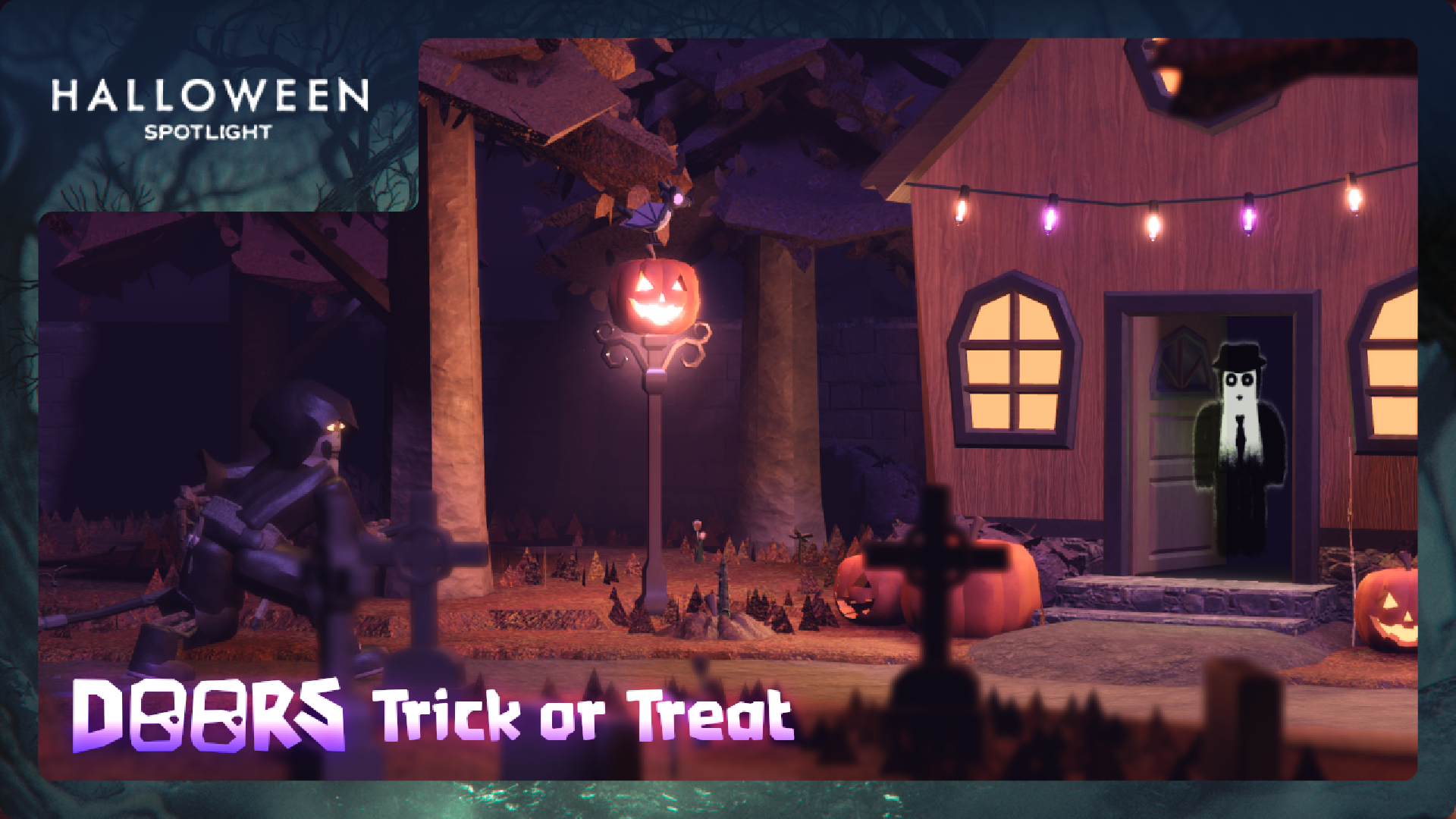
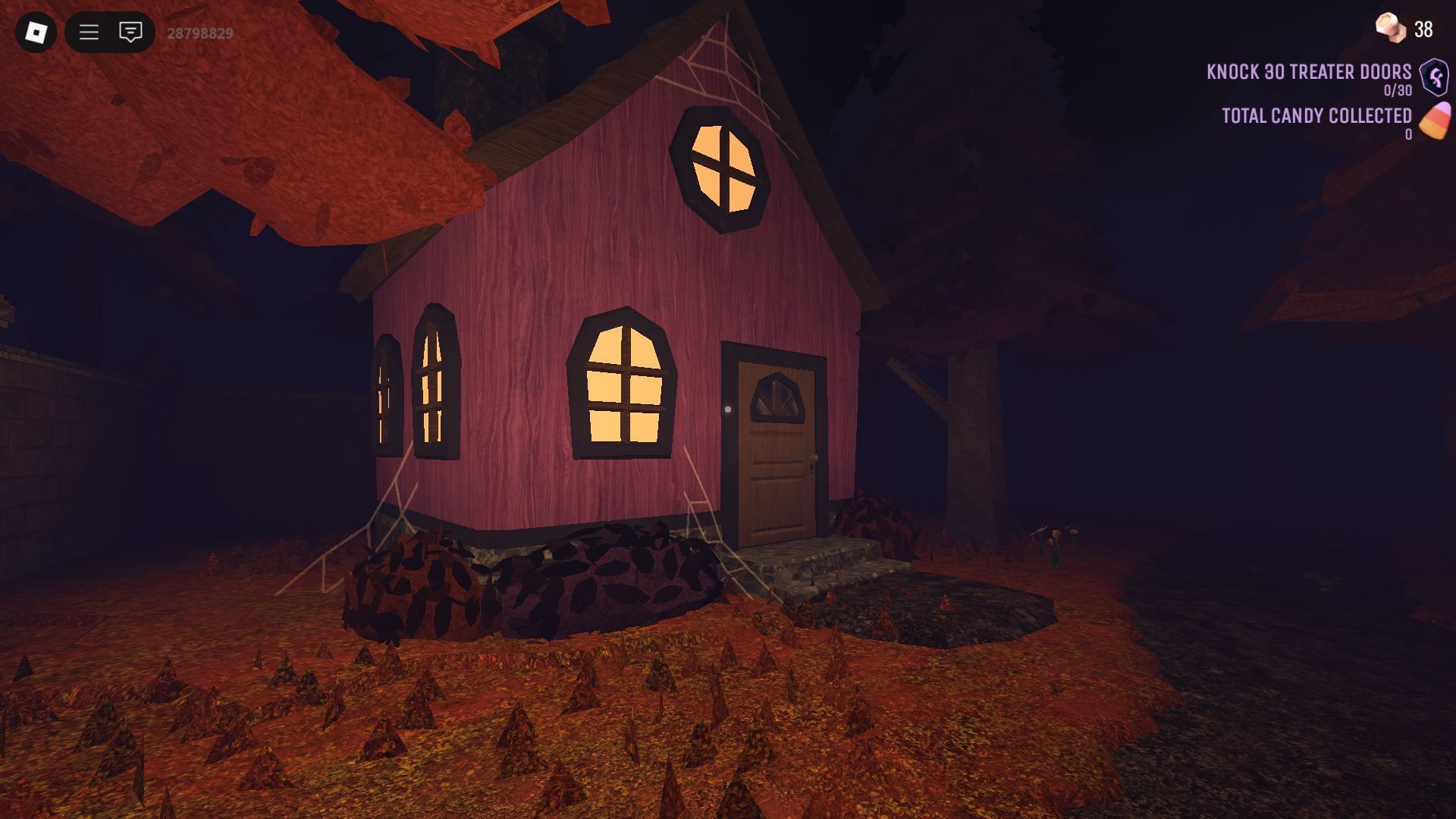
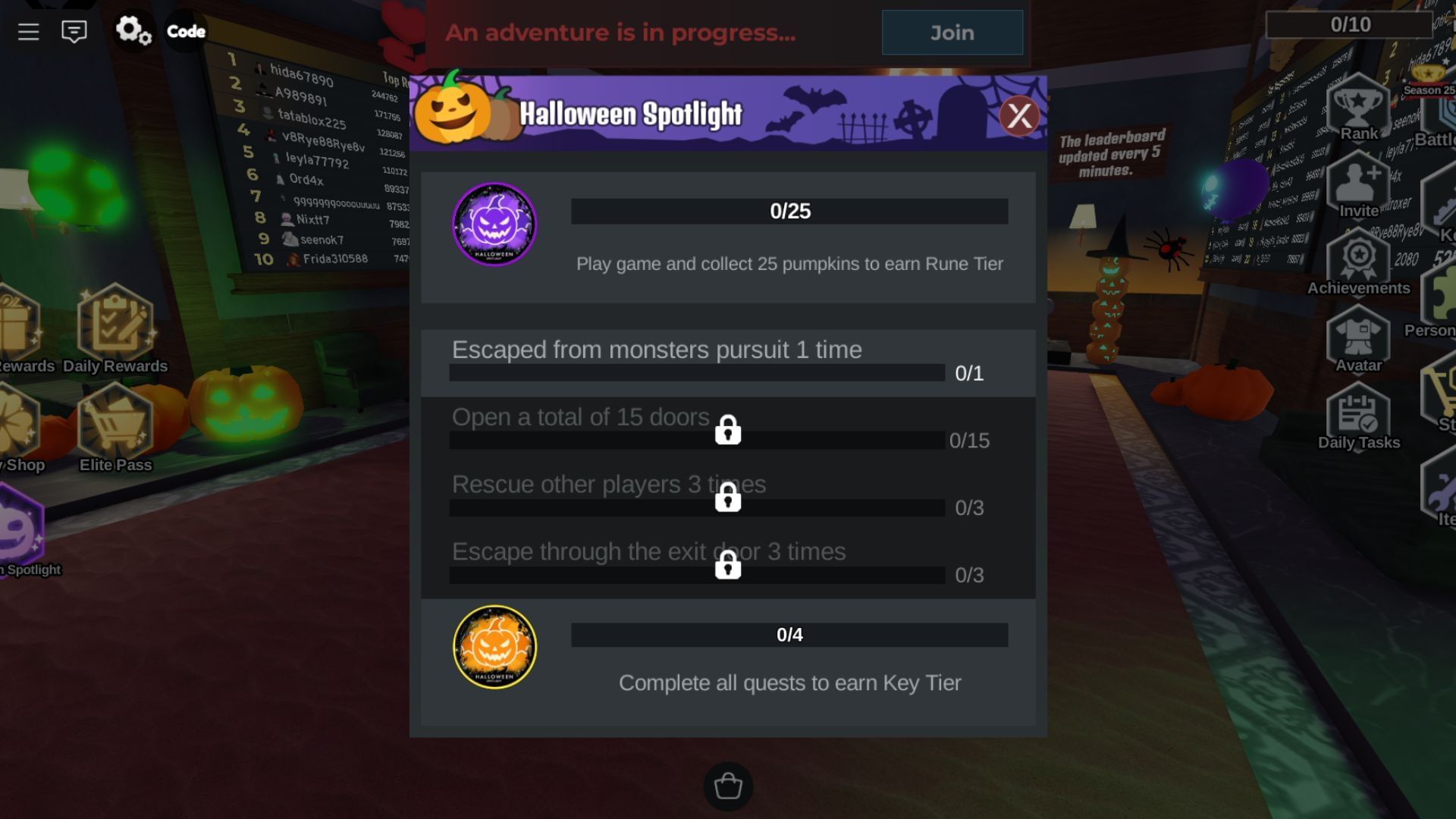
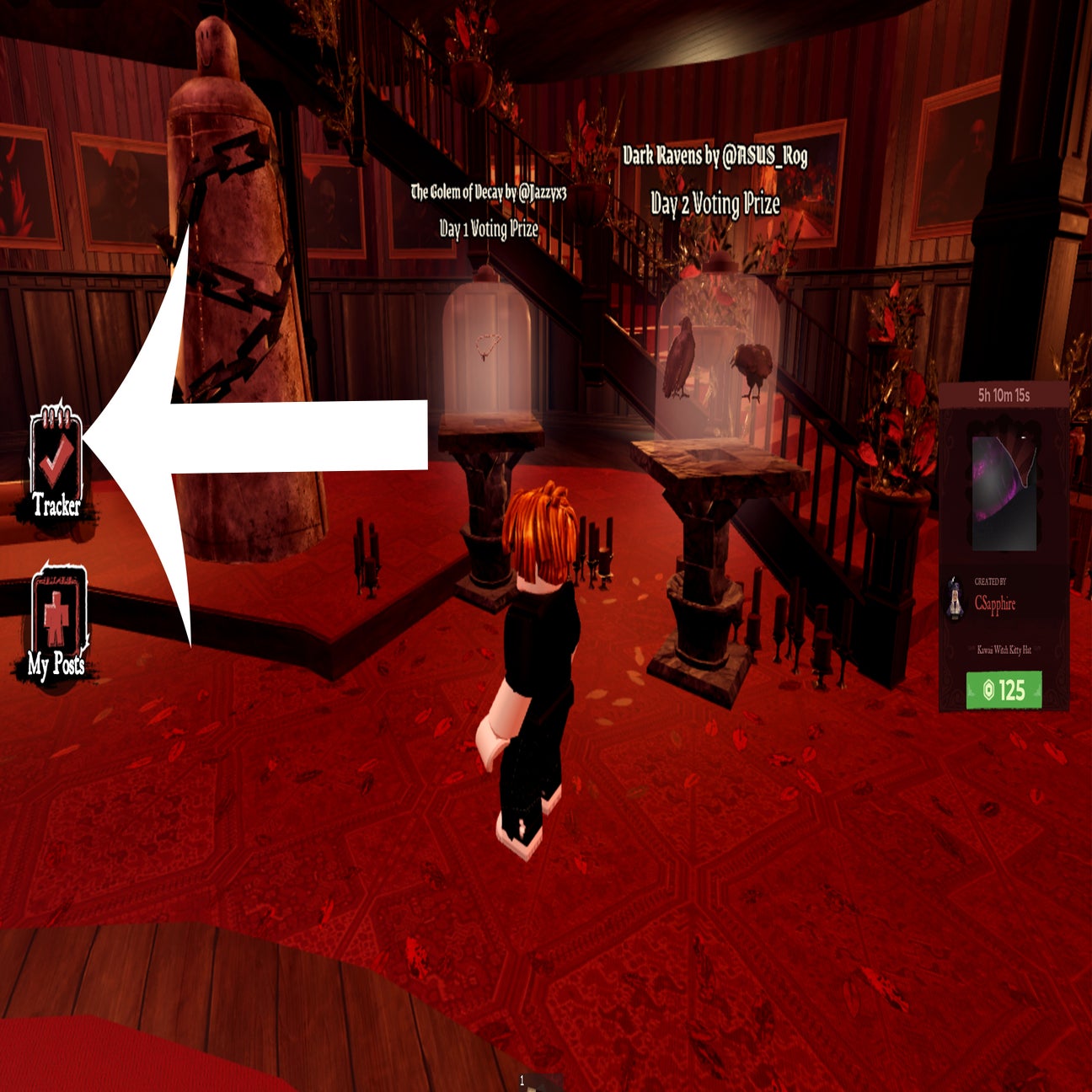
Editorial note: Images in this article are from earlier Roblox Halloween experiences and are explicitly labeled as historical visual context. They are not presented as current The Hollow 2026 screenshots. This report distinguishes official event information from unverified player observations.






