

For U.S. players · Updated October 21, 2026
Roblox’s official announcement says The Hollow opens at 2 p.m. Pacific Time on Thursday, October 22, with Roblox Plus subscribers getting hub access at noon PT. A big launch can bring login errors, long waits, failed teleports, or a game that loads for one friend but not another. None of that automatically means the event has been canceled. This practical backup plan helps you check what is actually broken, protect your account, and avoid wasting the launch window.
Quick answer: If The Hollow will not load, check Roblox’s official status page first, then retry the Roblox app or website, test one other experience, and switch networks only if it is safe to do so. Avoid repeatedly buying items, clicking unofficial “server fix” links, or sharing your password while systems are unstable.
1. Check whether Roblox is having a wider outage
Start with the official Roblox status page. Look for incidents affecting website access, authentication, game joining, avatar services, or other platform systems. If Roblox reports an active incident, repeatedly reinstalling the app is unlikely to solve a platform-side problem. Save the incident page and check it again before retrying.
If the status page shows everything operational, that is useful evidence—but it does not prove every experience or region is working perfectly. A new event hub can still have a localized issue or a temporary capacity problem.

2. Use this five-minute troubleshooting order
- Check status first. If an incident is active, wait for an update instead of changing multiple device settings.
- Test one ordinary Roblox experience. If other experiences also fail to join, the issue may be broader than The Hollow. If they work, the event hub or its teleport path may be the problem.
- Restart the app or browser once. Fully close Roblox, reopen it, and use the official experience link. Avoid repeatedly tapping Join, which can create more confusing error states.
- Check the connection. If it is safe and practical, compare Wi-Fi with a trusted mobile connection. Do not use a public or unfamiliar network to enter account credentials.
- Update only through official stores. If Roblox asks for an update, use the official app store or Roblox website. Do not install unofficial launchers, “FPS unlocker fixes,” or files advertised as event access patches.

3. If only The Hollow fails, do not assume your rewards are lost
A failed teleport or loading screen is not proof that a quest has been forfeited. First, note what happened: the time, the error wording, whether the hub opened, and whether the problem happened before or after a quest completed. If Roblox later restores access, check the event’s own quest or reward interface before repeating a task.
Do not promise yourself that progress is saved until the game confirms it. If a reward appears missing after services recover, capture a screenshot and contact Roblox Support through its official help channel. Include the experience name, approximate time, and a concise description; never include your password, authentication code, or session cookie.

4. Make a backup plan for the launch window
- Before 2 p.m. PT: Sign in early, check updates, charge your device, and bookmark the official status page. Roblox Plus subscribers can try the announced noon PT hub access, but early access does not guarantee zero queues.
- If the hub is crowded: Wait a few minutes between attempts, read any in-experience notice, and avoid spamming Join. Use the time to review the event’s official rules and the checklist in our first 10 minutes of The Hollow guide.
- If the event time changes: Follow Roblox’s official announcement rather than a repost or countdown on an unrelated site. Our The Hollow timing backup guide covers how to plan around a changed start time.
- If you only have one or two hours: Do not spend the entire session troubleshooting. Recheck official status, try again once after a short wait, and return when the platform reports recovery.
5. Avoid these common launch-night mistakes
- Do not trust “secret server” links that ask you to log in outside Roblox.
- Do not share your password, verification codes, browser cookies, or account recovery details with anyone offering a fix.
- Do not buy a Plus subscription or an avatar item solely because a stranger claims it will bypass queues or restore a broken server.
- Do not assume every failure is your device. Check the status page and test another experience before making major changes.
- Do not repeatedly claim or purchase an item when a transaction looks stuck. Check your account and transaction history first, then contact official support if needed.
What is officially confirmed about The Hollow?
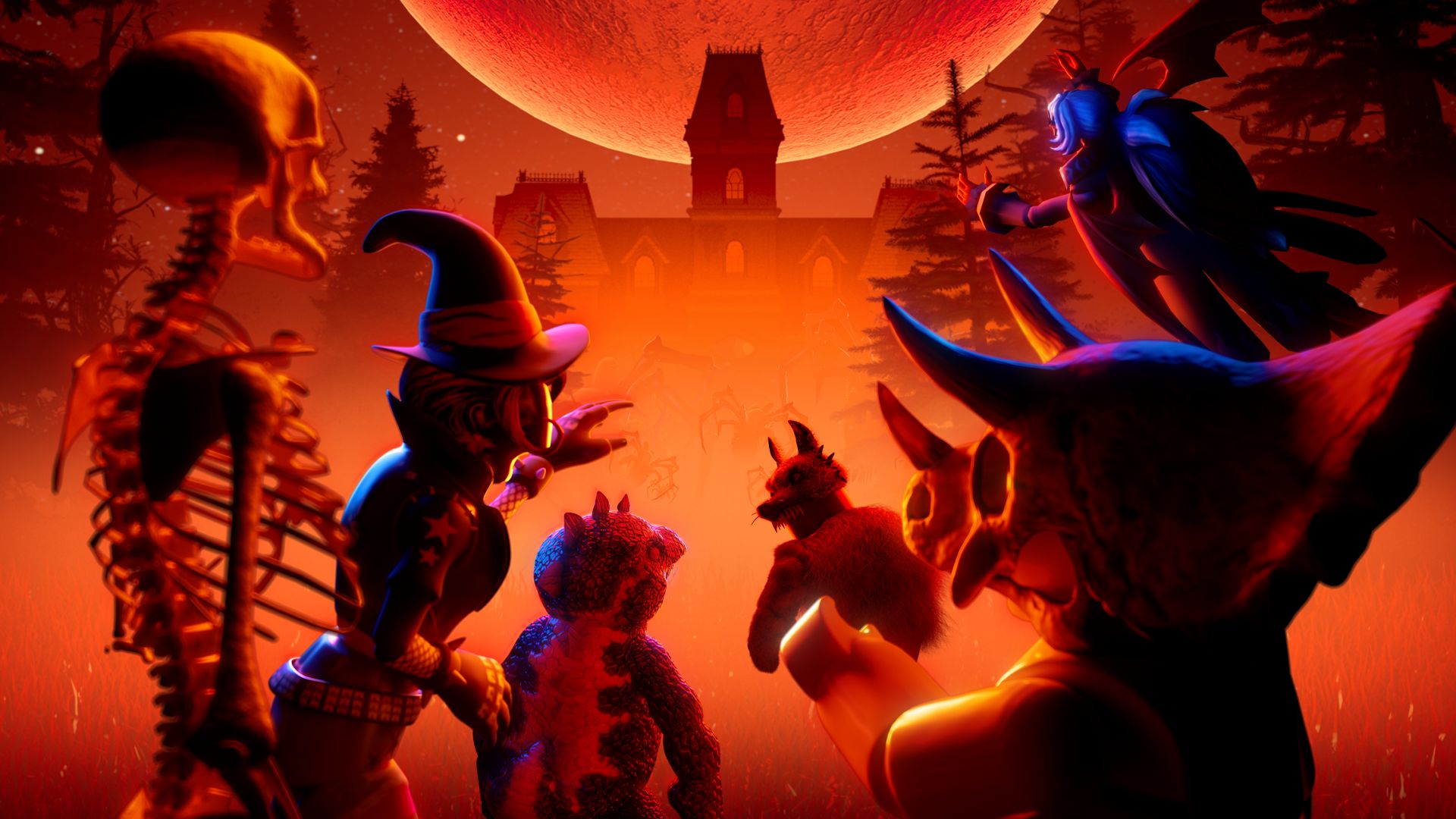
Roblox’s October 21 newsroom announcement says The Hollow begins October 22 at 2 p.m. PT, with early hub access for active Roblox Plus subscribers at noon PT. Roblox says the event includes nine horror-game monsters across nine days, a live finale on October 31, and reward collection through noon PT on November 2. These published details establish the planned schedule; they do not guarantee uninterrupted service or prove that any specific outage will happen.
Official reference: Roblox newsroom announcement for The Hollow. For platform incidents, use the Roblox status page; for account-specific problems, use Roblox Support.
Frequently asked questions
What time does The Hollow open for U.S. players?
Roblox announced 2 p.m. Pacific Time on October 22, 2026. Active Roblox Plus subscribers are scheduled to get hub access at noon PT. Check Roblox’s official event information for any later changes.
What should I do if Roblox is down at launch?
Check the official status page, avoid unofficial fixes, and retry after Roblox reports recovery. If only The Hollow fails while other experiences work, the issue may be specific to the event hub.
Will I lose The Hollow rewards if the server crashes?
Not necessarily, but do not assume progress is saved or lost without checking the event interface after service returns. If a completed reward is still missing, document the issue and contact official support.
Should I reinstall Roblox if The Hollow will not load?
Not as the first step. Check status, test another experience, restart Roblox once, and verify your connection. Reinstallation is a later troubleshooting option only if evidence points to a local app problem.
How can I tell a real outage update from a scam?
Use Roblox’s official status page, newsroom, and support channels. Avoid third-party pages asking for passwords, verification codes, cookies, downloads, or payment to “unlock” event access.
Reporting note: This guide is a preparedness checklist, not a claim that Roblox is currently experiencing an outage. Event timing and access details are based on Roblox’s published October 21 announcement.






