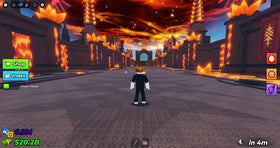
Quick answer: On Sunday, October 18, 2026, US Roblox players should prioritize events with a live in-game timer or limited reward, then choose one or two games that match their play style. Check the official experience page and in-game event board before assuming an event is still active, a reward is free, or a deadline has not changed.
Halloween updates arrive on separate schedules across Roblox experiences. There is no single universal checklist, and yesterday’s launch does not prove that every activity or reward is available today. The most useful Sunday plan is to verify first, focus second, and spend Robux only after checking the exact requirement.
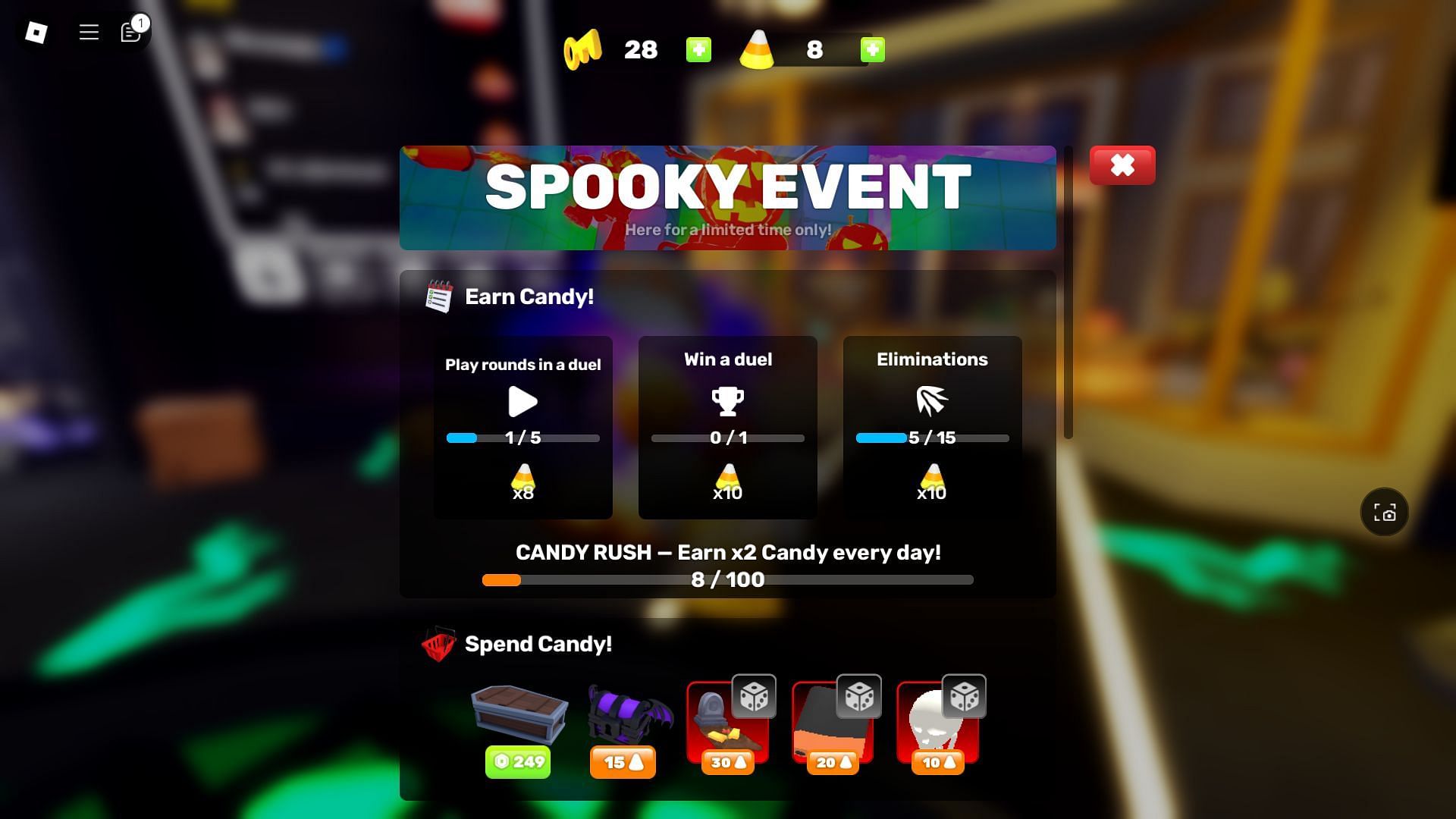
1. First priority: check events with live timers
Start by opening each experience from its official Roblox page. Look for a countdown, event panel, quest tracker, or end date. A social post or screenshot can help identify an event, but the live game is the better source for whether the activity is available on your account and server.
- Dress To Impress: check the Halloween event board, available activities, pass tiers, and the current shop before grinding currency.
- Fisch: inspect the FischFright 3 area and the current quest or bestiary tracker.
- 99 Nights in the Forest: read the live event prompt and coordinate roles before a long survival run.
- Adopt Me: verify the task, item cost, and trading details in-game.
- RIVALS: check the current challenge tracker and whether the reward is still claimable.
2. Best Sunday picks by player type
Dress To Impress: fashion and limited cosmetics
Choose Dress To Impress if you enjoy styling outfits, runway rounds, and seasonal cosmetics. Read the requirement on each item before spending event currency. Do not assume a past-season item, old price, or leaked list applies to the current Halloween update.
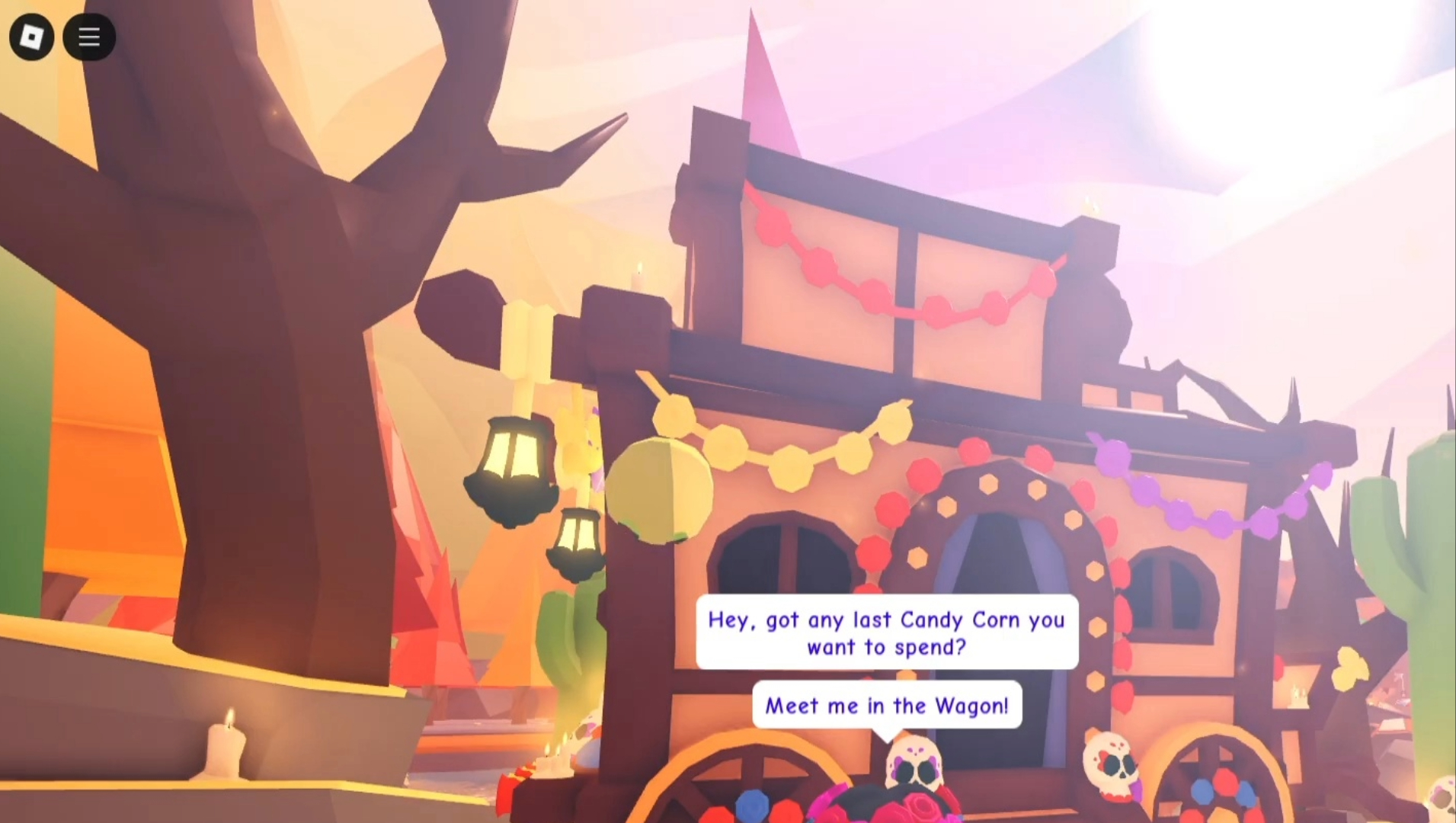
FischFright 3: exploration and collecting
Fisch suits players who prefer exploring, fishing, and collecting. Find the event area and read the current task text before following a farming route. If a reward, mutation, or code is not shown in the live game or a reliable developer announcement, treat it as unverified.
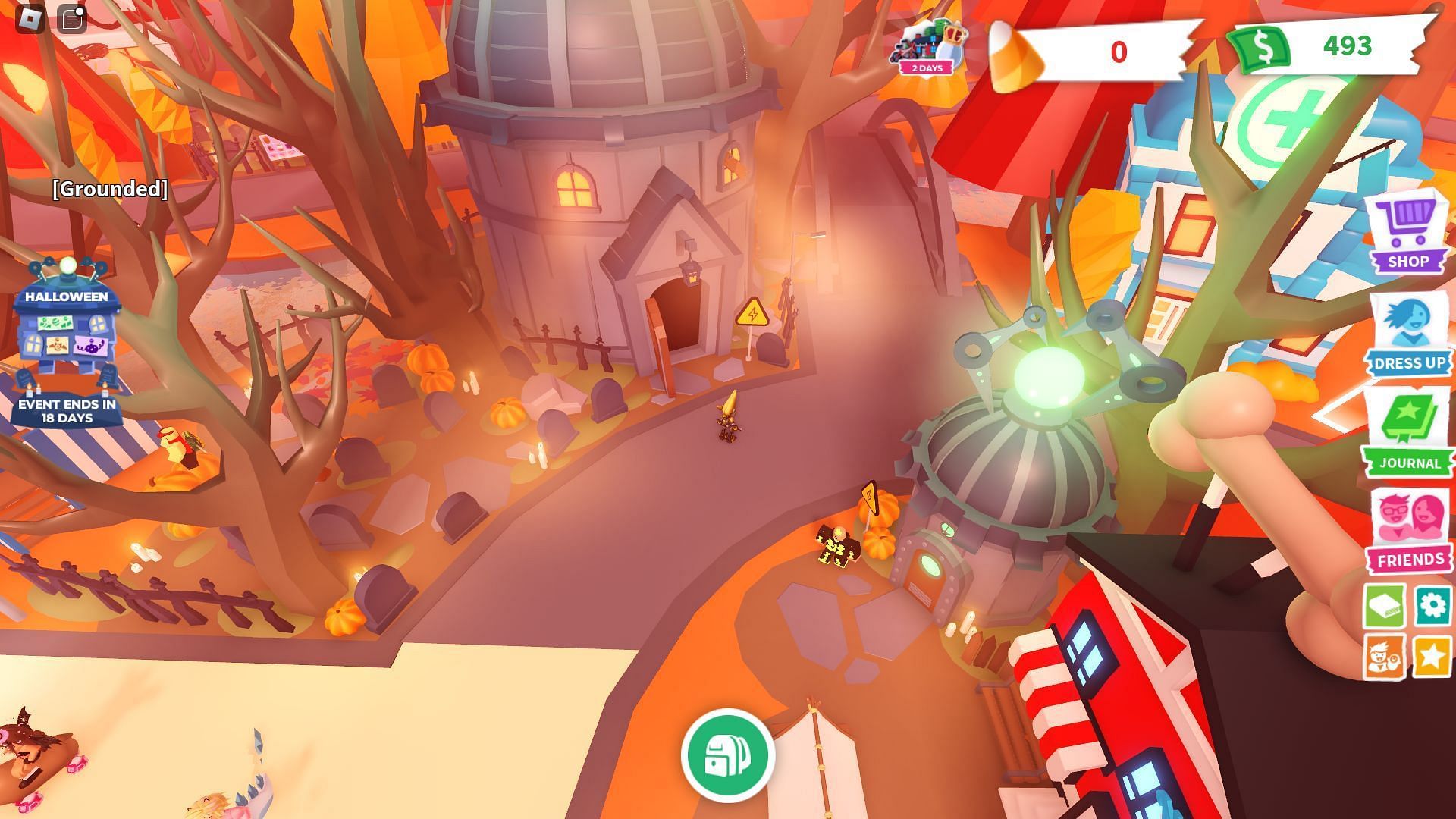
99 Nights in the Forest: survival and teamwork
Pick 99 Nights in the Forest if your group prefers co-op survival. Agree on roles, check which objectives are shared, and verify that a reward has appeared before leaving. Avoid third-party pages that ask for your Roblox password or authentication code.
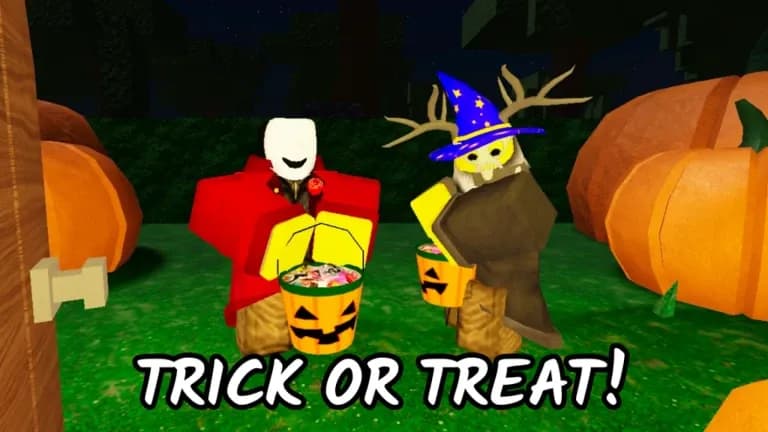
Grow a Garden: check the event board before farming
For Grow a Garden, inspect the Ghoul Garden event board and any visible countdown or contribution requirement. Record your starting currency or progress, complete one objective, then check whether the game credited the reward. Do not assume an event timer shown in an older screenshot is current.
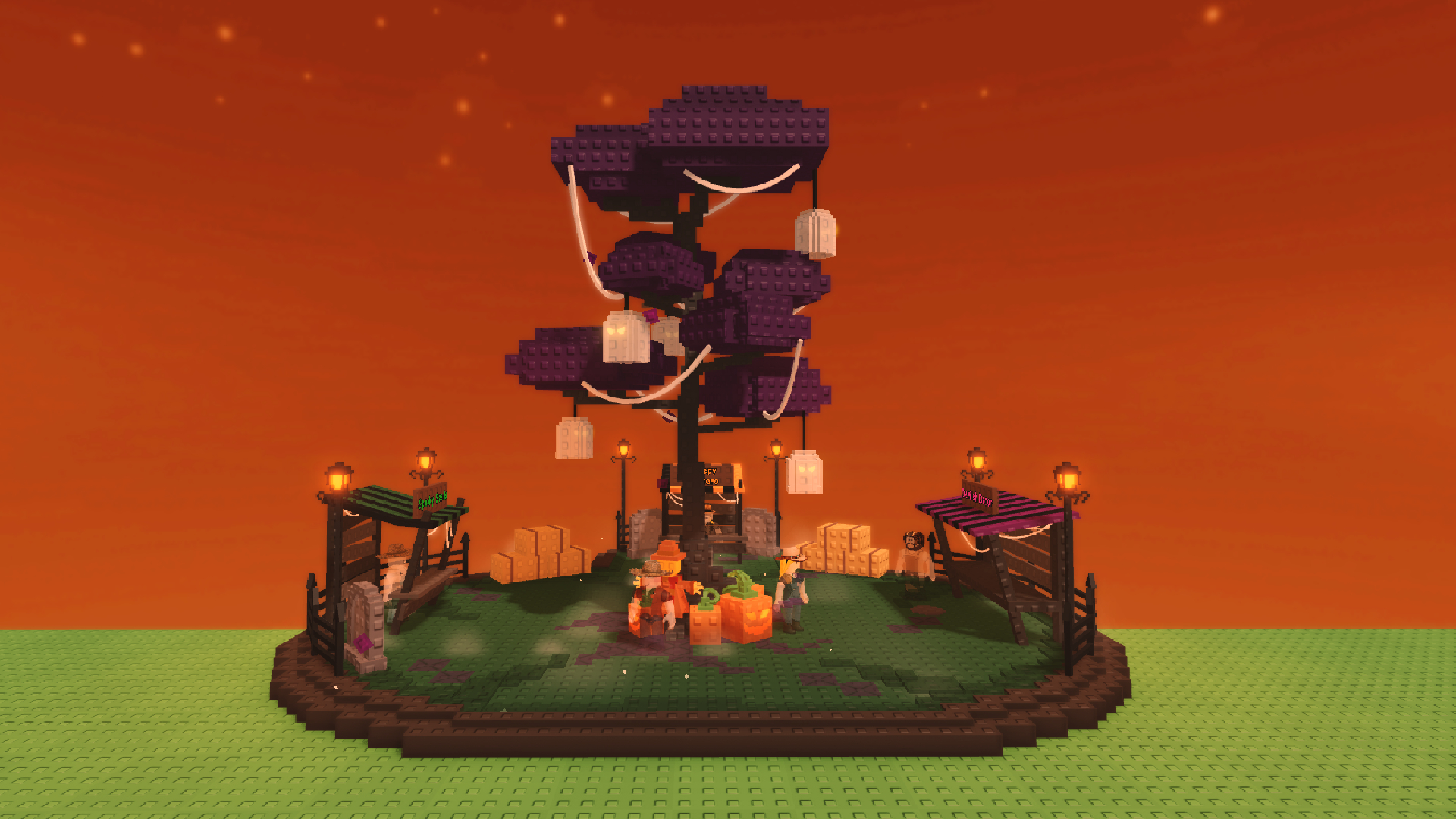
3. A practical Sunday checklist for US players
- Verify the live listing. Open the official Roblox experience page and check its current event information.
- Choose one main goal. Pick a quest, collection target, outfit, or challenge instead of trying to finish every game.
- Check the reward conditions. Confirm whether an item needs a quest, event currency, a badge, or a purchase.
- Claim and verify. Check your inventory, badge list, or quest tracker before leaving the server.
- Use a fresh server if needed. If an announced update does not appear, rejoin and check official notices rather than relying on a random countdown.
- Protect your account. Never enter your password or authentication code on a third-party free-reward page.
What is confirmed—and what still needs checking?
Official Roblox experience pages and developer announcements are the strongest places to confirm a game’s event listing. Community posts can provide useful leads, but a player’s screenshot or rumour is not enough to confirm every reward, price, spawn rate, or participation claim. Roblox’s own official blog and announcement channels are useful for platform-level news; game-specific mechanics should be checked with the experience’s developers.
For more coverage, read our Roblox Halloween events priority checklist, free Halloween rewards guide, and FischFright 3 rewards guide.
Official updates
Use the official Roblox experience pages linked above for the latest event status. Community discussion can help surface questions, but it should not replace a developer announcement or the live in-game event panel.
Open Roblox · Roblox official announcements
Frequently asked questions
What should I play on Roblox on Sunday, October 18, 2026?
Choose based on your preferred activity: Dress To Impress for fashion, Fisch for exploration, 99 Nights in the Forest for survival, Adopt Me for pet collecting, or RIVALS for competitive matches. Check the live event panel before you start.
Are all Roblox Halloween rewards free?
No. Requirements differ by game. Some rewards may be earned through quests or event currency, while others may require a purchase. Read the exact in-game requirement before spending.
Can I trust a social media post that promises a free limited item?
Not by itself. Verify the item and claim method on the official experience page or inside the game. Never share your password or two-factor authentication code.
What if an event or reward is missing from my server?
Check the current experience listing and developer announcements, then rejoin a fresh server. Updates can roll out at different times, and older screenshots may show a previous version.
Should I try to finish every Halloween event today?
Not necessarily. Prioritize the events with a verified deadline or the rewards you care about most. A focused session makes it easier to complete objectives and confirm that rewards were credited.
Updated October 18, 2026. Image captions identify historical or illustrative gameplay where appropriate; they do not claim that older screenshots prove current 2026 mechanics. Event schedules and rewards can change, so verify them in the live experience.