

Quick answer: Roblox’s new in-experience makeup creation tools are available only in experiences whose developers have implemented them. As of October 17, 2026, Roblox’s official announcement points players to the Roblox Avatar Creator demo to try the new workflow. Roblox has not published a complete public list confirming every game that supports it, so players should not assume that popular experiences such as Steal An Egg or Adopt Me have the editor unless the game itself shows it.
There are two different things that often get called the “Roblox makeup feature”: makeup items you equip from the Avatar Marketplace, and the newer tools that let players create makeup from inside a participating game. Knowing the difference is the quickest way to avoid joining a game expecting a creator that is not there.

Which Roblox games support in-experience makeup creation?
The most reliable answer is to separate what Roblox has officially demonstrated from what has not been confirmed. Roblox’s October 15, 2026 developer announcement says experience creators can now build tools that let players make, preview, purchase, and save custom makeup, eyelashes, and eyebrows directly inside their own experiences. The announcement recommends trying the feature in Roblox’s Avatar Creator demo.
| Experience or category | What is confirmed | What players should do |
|---|---|---|
| Roblox Avatar Creator demo | Roblox identifies it as the demo for trying in-experience avatar creation, including makeup. | Start here to test the workflow and check current availability. |
| Avatar Marketplace / Customize | Roblox has a separate Makeup category for browsing and equipping makeup items. | Use Marketplace or Customize for existing items; this is not proof that a game has a create-your-own editor. |
| Steal An Egg | No official confirmation was found that this experience has implemented the new in-experience makeup creator. | Check its current menus and official update notes before expecting the editor. |
| Adopt Me | No official confirmation was found that this experience has implemented the new in-experience makeup creator. | Look for an in-game makeup creation option or a developer announcement; do not confuse avatar cosmetics with an in-game editor. |
| Other Roblox experiences | Support depends on each developer implementing the tools. Roblox has not provided a complete public directory of participating games. | Check the game description, recent update notes, and the experience’s own menus. |
This table is intentionally conservative. A game may support ordinary avatar items without offering tools to create new makeup inside that experience. Likewise, a game’s lack of a public announcement does not prove the feature will never arrive; it means the support could not be verified from the official information available at publication time.
Marketplace makeup vs. the new makeup creator
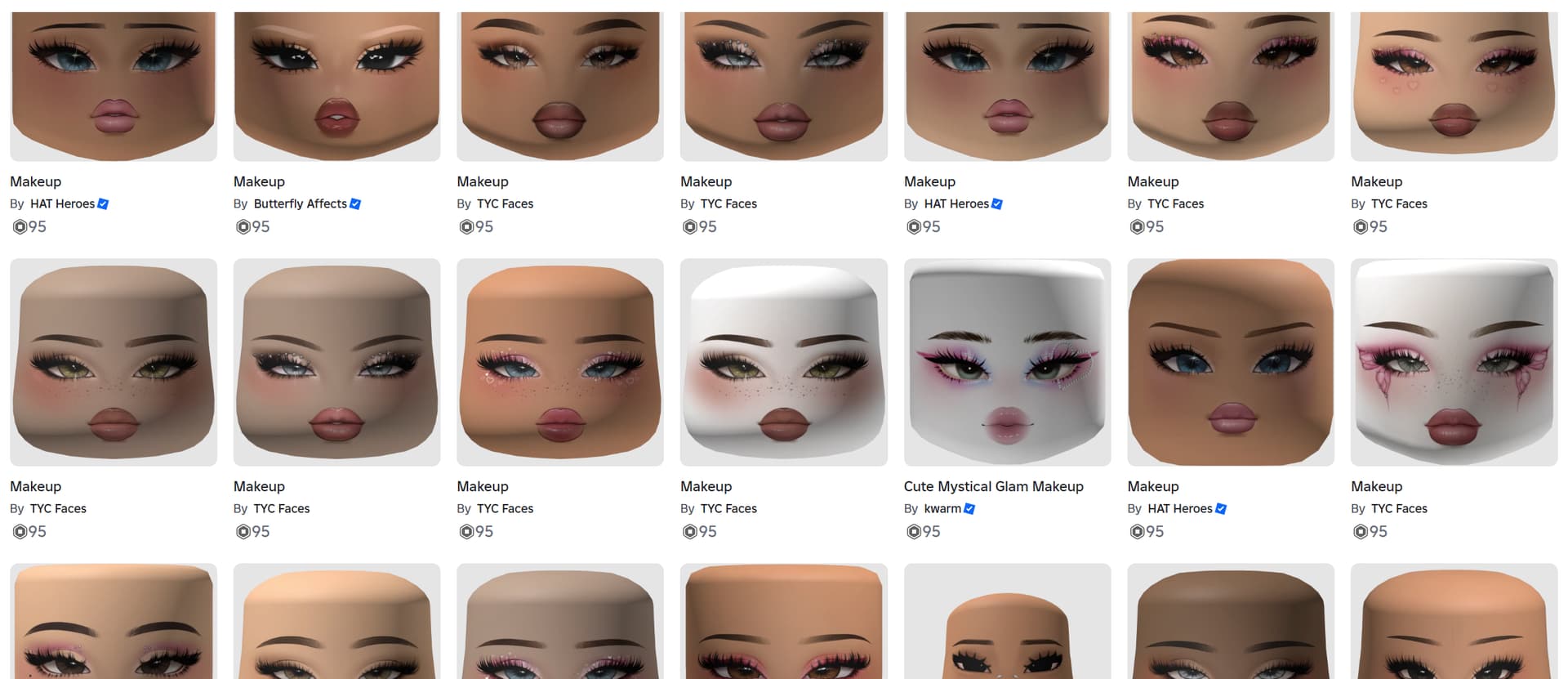
Marketplace makeup is a cosmetic item you find, try on, and equip through Roblox’s avatar customization tools. Roblox introduced Makeup as a Marketplace category in March 2026, covering eyes, lips, face makeup, eyebrows, eyelashes, and complete looks. These items can help you change your avatar’s style across compatible experiences.
In-experience makeup creation is a different workflow. A developer builds an editor into a specific game, allowing players to paint or assemble a new look while seeing how it fits their avatar. The experience may offer brushes, layered effects, real-time preview, and a confirmation flow. These tools are not switched on automatically in every game just because Roblox launched the feature at platform level.
Roblox’s current developer documentation says in-experience makeup creation supports R15 characters with MeshPart heads. That technical requirement matters to developers and helps explain why support cannot be assumed for every avatar setup or every experience.
How to check whether a game has the feature
- Start with Roblox’s Avatar Creator demo. Roblox’s developer announcement points to this experience as the place to try the new creation flow. If it is unavailable or its interface changes, check Roblox’s official announcement and Creator Hub documentation for the latest route.
- Open the game’s avatar or customization area. Look for a makeup editor, face-paint tool, creation prompt, or an option to build a new look. A store page that only sells cosmetics is not the same thing.
- Check the experience’s latest update notes. Developers may explain whether the feature is available to all players, limited to certain servers, or still being tested.
- Preview before confirming. Check how the makeup sits on your avatar and whether the result is compatible with your head. Do not confirm a purchase until you have reviewed the displayed cost and terms.
- Check your inventory afterward. Roblox says eligible creations made through the new flow can be saved to the player’s inventory after the creation and purchase process, subject to validation and moderation.

What happens to makeup you create?
Roblox’s October 15 announcement says eligible creations can be saved to a player’s inventory. The same announcement says in-experience creations are for personal use: they cannot be resold, traded, or listed on the Marketplace. Creations must also pass Roblox’s validation and moderation checks. A design that fails moderation may not be published, so players should avoid spending until they understand the on-screen flow and its requirements.
Depending on the experience, creation may require an eligible account subscription, avatar-creation tokens, or a purchase prompt. The game’s own flow should show the applicable requirements. Do not assume the editor is free just because you can open it, and do not trust third-party sites promising a shortcut to unlock it.


What about Steal An Egg, Adopt Me, and Halloween games?
For players checking the new feature during Halloween weekend, the safest rule is simple: treat a game as unsupported until its own interface or an official developer update confirms otherwise. We could not verify an official announcement saying that Steal An Egg or Adopt Me has implemented the new makeup-creation tools. That does not mean those games cannot add them later; it means a claim that they already support the editor would be premature.
Keep three questions separate: Can your avatar wear Marketplace makeup? Does the experience load that avatar appearance correctly? And can you create and save new makeup from inside that game? These are different capabilities. A “yes” to the first question does not automatically answer the other two.
Official announcement and useful links
Read Roblox’s October 15, 2026 announcement about in-experience makeup creation and the official Creator Hub guide. For the broader Marketplace system, see Roblox’s Avatar Makeup launch announcement.
For related coverage, read our step-by-step guide to creating custom makeup on Roblox, our explainer on whether Roblox makeup works in every game, and our guide to Steal An Egg and Adopt Me compatibility.
Frequently asked questions
Which Roblox game officially demonstrates the new makeup creator?
Roblox’s October 15, 2026 developer announcement points players to the Roblox Avatar Creator demo. Check the live experience and official documentation because availability and menus can change.
Can I create makeup in every Roblox game?
No. The new in-experience creation tools must be implemented by each experience’s developers. Marketplace makeup and in-game makeup creation are separate features.
Does Steal An Egg support the new makeup feature?
We could not verify an official confirmation that Steal An Egg has implemented the new in-experience makeup creator as of October 17, 2026. Check its latest official updates and in-game menus.
Does Adopt Me support the new makeup feature?
We could not verify an official confirmation that Adopt Me has implemented the new in-experience makeup creator as of October 17, 2026. Existing avatar cosmetics do not prove that the game includes its own creation editor.
Can I trade or resell makeup I create inside a game?
No. Roblox says in-experience makeup creations are for personal use and cannot be resold, traded, or listed on the Marketplace.
Which avatars are supported?
Roblox’s current developer documentation says in-experience makeup creation supports R15 characters with MeshPart heads.
Is the feature free?
Do not assume so. Depending on the experience and item type, the flow may involve creation tokens or a purchase. Review the in-game prompt before confirming.
Bottom line
Roblox’s new makeup creator is real, but it is not a universal button that appears in every experience. The official starting point is Roblox Avatar Creator; for other games, wait for a clear in-game option or a developer announcement before treating support as confirmed. We will update this guide when Roblox or individual experience teams publish verifiable compatibility details.
By Shivam Das
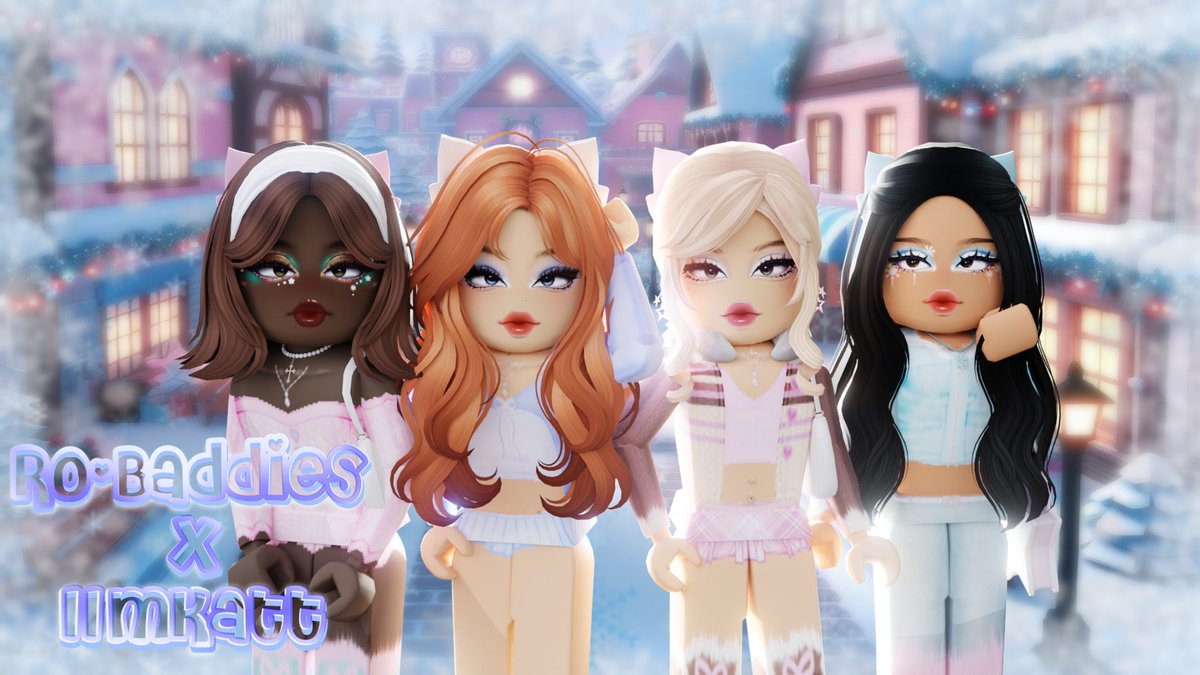
Roblox avatar makeup roadmap context and examples shared by the community.
View this post on X






