
Updated October 26, 2026 · By Shivam Das
Quick answer: Roblox's official status dashboard currently lists major services as operational, but that does not rule out lag, failed joins, or bugs inside a specific experience such as The Hollow. Check the official status page, test another experience, and record your own symptoms. Scattered player reports are useful signals—not proof that all Roblox servers or a U.S. region are down.
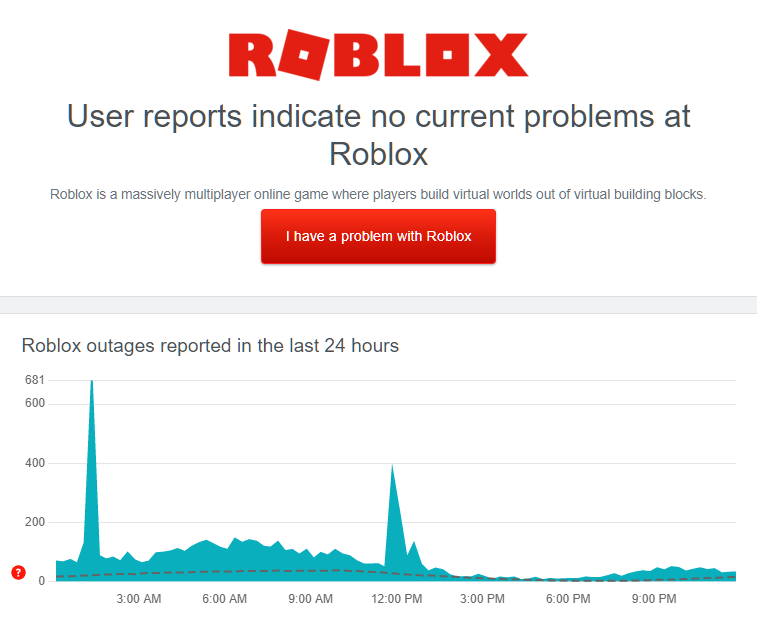
Table of Contents
- Current Roblox status
- Platform outage vs. event-specific issue
- How to identify the problem
- Troubleshooting checklist
- Playing during peak hours
- How to report a bug
- Frequently asked questions
Current Roblox status: what is confirmed
When checked on October 26, 2026, Roblox's official status page showed its major service groups as operational, including website and mobile access, games, player services, avatar systems, asset delivery, data stores, and game joining. This is the best first check for a broad platform incident, but a green status page cannot guarantee every experience, server, device, or internet provider is working perfectly.
Player reports are another signal. Third-party outage trackers can show complaint spikes, and the Roblox Developer Forum has recent posts about The Hollow-related issues, including reports of floors that may soft-lock players, stacked user interfaces, and UGC claim problems. These are user-submitted reports—not a confirmed platform-wide outage—and do not prove every player is affected or that server load is the cause.
This guide therefore does not claim that Night 5 has a verified coast-to-coast outage. Check the live status before playing, watch for event-specific bugs, and record what actually happens in your session. If Roblox reports degraded performance, follow its incident updates. If the platform stays green but one floor or quest fails, report that specific behavior.
Live checks: Roblox Status and The Hollow official experience.
Platform outage vs. The Hollow-specific issue
The Hollow is Roblox's Halloween survival event, with a shared hub, changing mazes, and monsters from nine horror experiences. Roblox says players search for clues, evade monsters, and complete quests for exclusive UGC and other rewards. The live finale is scheduled for October 31, and rewards remain claimable until noon Pacific Standard Time on November 2.
Because the event combines a hub, quest progress, and links to participating experiences, different failures can look similar but have different causes. A player may be unable to join Roblox; another may join the platform but fail to teleport; a third may enter the maze but see no quest progress. Do not automatically describe all three as a server outage.
- Platform-wide access problem: The website, app, or multiple unrelated experiences fail. Check official status and wait for updates.
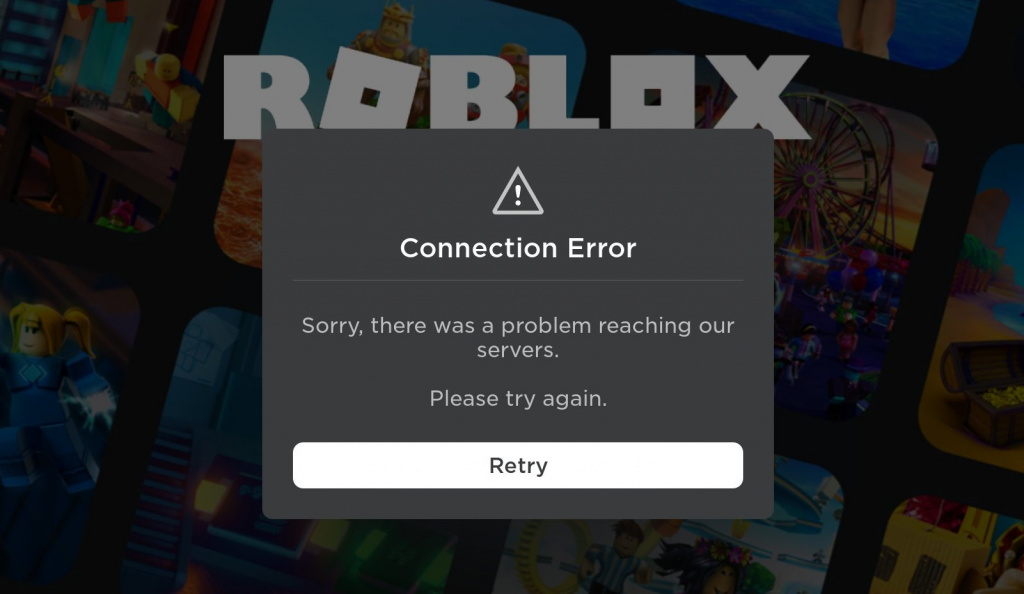
- Join or teleport failure: Roblox opens, but one experience or transfer fails. Retry once, test another game, and note the error code.
- Lag or rubber-banding: Your avatar moves late or snaps back. Network latency, device performance, or the experience server may be involved.
- Quest or reward not registering: Gameplay continues but a badge, ticket total, or UGC claim does not update. Save the objective wording and time, then recheck the quest panel.
- UI or floor soft-lock: A menu blocks another menu or an interaction stops responding. Record the exact sequence rather than assuming a full platform outage.
The Roblox Developer Forum bug-report category is useful for monitoring community reports. They remain individual reports unless Roblox confirms a wider incident or publishes a fix.

How to identify the problem you're seeing
Before changing settings, answer three questions: Can you open Roblox? Can you join a different experience? Does the issue happen only after entering The Hollow or completing a particular quest? These checks help distinguish platform access trouble from a local connection issue or event-specific bug.
If Roblox opens but one game will not load, test another experience and check the status dashboard. If multiple games fail and the dashboard shows an incident, waiting may be more useful than repeatedly rejoining. If other games work but a Hollow floor is stuck, the problem may be limited to that experience or quest flow; that still does not prove the exact technical cause.
For lag, check whether the problem is frame-rate stutter or network delay. Lowering graphics settings may improve rendering on a struggling device, while delayed interactions can persist even on a powerful computer if the connection is unstable. Note whether the issue happens on Wi-Fi, starts in crowded areas, or appears only after a specific interaction.

A practical troubleshooting checklist
- Check official status. Visit status.roblox.com and read component details, not just a social post saying Roblox is down.
- Capture the error. Note the error code, local time and time zone, and experience name. Keep private account details out of screenshots.
- Test another experience. Record whether other games work; this helps narrow the issue.
- Rejoin once through Roblox. Leave the stuck server and re-enter from the official experience page. Repeated joining may not help during a broad incident.
- Check your connection. Pause large downloads, move closer to the router, or compare with a trusted alternative connection if available.
- Reduce graphics load. Lower in-game graphics and close unnecessary apps if the game stutters. This cannot fix a platform outage or server-side quest bug.
- Verify quest progress. Reopen the hub or quest panel before repeating a long task. If the status is unclear, capture it and wait briefly.
- Use official software only. Update Roblox through the official app store or installer. Avoid unofficial clients, scripts, executors, and “server booster” downloads that request account access.
Roblox Support's outage guidance notes that incidents can delay joining experiences and cause lag or delayed virtual-purchase delivery. It recommends monitoring status and trying again after a short wait when service is affected.

How to play during peak hours without wasting a run
Busy hours can make problems more noticeable, but the sources checked for this guide do not prove that a particular U.S. coast is performing worse during The Hollow's fifth night. Avoid claims such as “East Coast servers are broken” unless reliable current evidence supports them.
- Open the event hub and read the objective before starting a long run.
- Note the quest's current state so you can tell whether progress changed.
- Avoid switching experiences mid-task unless the game says progress is saved.
- Use a stable connection and pause downloads competing for bandwidth.
- If playing with friends, agree on a simple plan before starting interactions.
- Return to the hub after the run and verify the quest or reward before logging off.
The official experience page lists a server size of 20 players. That is the listed capacity of an individual server, not a measure of total concurrent players or proof of overload. A server cap alone cannot establish the cause of lag or a failed quest.
How to report a bug with useful evidence
If the problem persists after a reasonable retry, include your device and operating system, connection type, time and time zone, exact steps, and any visible error code. State whether other Roblox experiences worked at the same time. For a quest issue, quote the objective and say whether the completion or claim indicator changed.
Use the Developer Forum bug-report category for technical reports and Roblox Support for account or support cases. Search for an existing report before creating another. Never publish passwords, authentication codes, account cookies, or payment details.
Do not pay a third-party website or share your account to “force” a reward through. Roblox says The Hollow rewards are earned by completing event and participating-experience quests; the official announcement does not endorse external claim generators or unofficial scripts.
Sources and live checks
- Roblox Status — current service status and incident history.
- Roblox Newsroom: The Hollow — official event format, lineup, finale, and reward deadline.
- The Hollow official experience — current event hub.
- Roblox Developer Forum bug reports — community-submitted reports.
- Roblox Support outage guidance — official troubleshooting advice.
Frequently asked questions
Are Roblox servers down right now?
At the time this article was checked on October 26, 2026, Roblox's official dashboard listed its major services as operational. Status can change, so check it directly before assuming an outage.
Is The Hollow Night 5 having a confirmed server outage?
The sources checked do not establish a verified platform-wide Night 5 outage or a confirmed East Coast-versus-West Coast performance gap. Event-specific bug reports are not proof that every server is affected.
Why does The Hollow lag if Roblox status is green?
A green dashboard does not guarantee every experience is issue-free. Lag can come from device performance, network latency, a particular server, or a game-specific bug. Test another experience and note the symptoms.
What should I do if The Hollow freezes during a quest?
Capture the quest wording and any error, rejoin once through Roblox, then check whether progress registered. If it repeats, report the steps and time instead of replaying a long task without knowing whether progress saved.
Does lowering graphics fix server lag?
It may improve frame rate on a device that struggles to render the game. It will not fix a service incident, packet loss, or a server-side quest problem.
Where should I report a Roblox event bug?
Use the Developer Forum bug-report category for technical issues and Roblox Support for account cases. Include device details, time zone, error code, and reproducible steps without exposing credentials.
When do The Hollow rewards stop being claimable?
Roblox says rewards remain collectible until noon Pacific Standard Time on November 2, 2026. Finish outstanding objectives early and verify each item in the official event interface.

