

Quick answer: If you can only play Roblox The Hollow on weekends, you may still have time to catch up: Roblox says reward collection remains open until noon Pacific Time on November 2, 2026. The event is built around nine monsters and nine nights, but Roblox’s official announcement does not fully spell out every individual quest’s reset rules. Start from the live event hub, check each available floor and reward requirement, and prioritize unfinished quests instead of assuming a missed weekday means a reward is permanently lost.
Updated October 26, 2026 · For U.S. players · By Shivam Das
Can you catch up in The Hollow if you only play on weekends?
The short answer is: check the floors and reward panels currently available in your own game. Roblox’s official announcement says The Hollow introduces a new maze and monster each day across nine nights, with quests awarding exclusive UGC and other rewards. Roblox also says players can continue collecting rewards until noon Pacific on November 2. A current third-party walkthrough reports that each day has a dedicated floor that can be completed later before the deadline, but Roblox’s newsroom announcement does not independently document every floor’s replay rules.
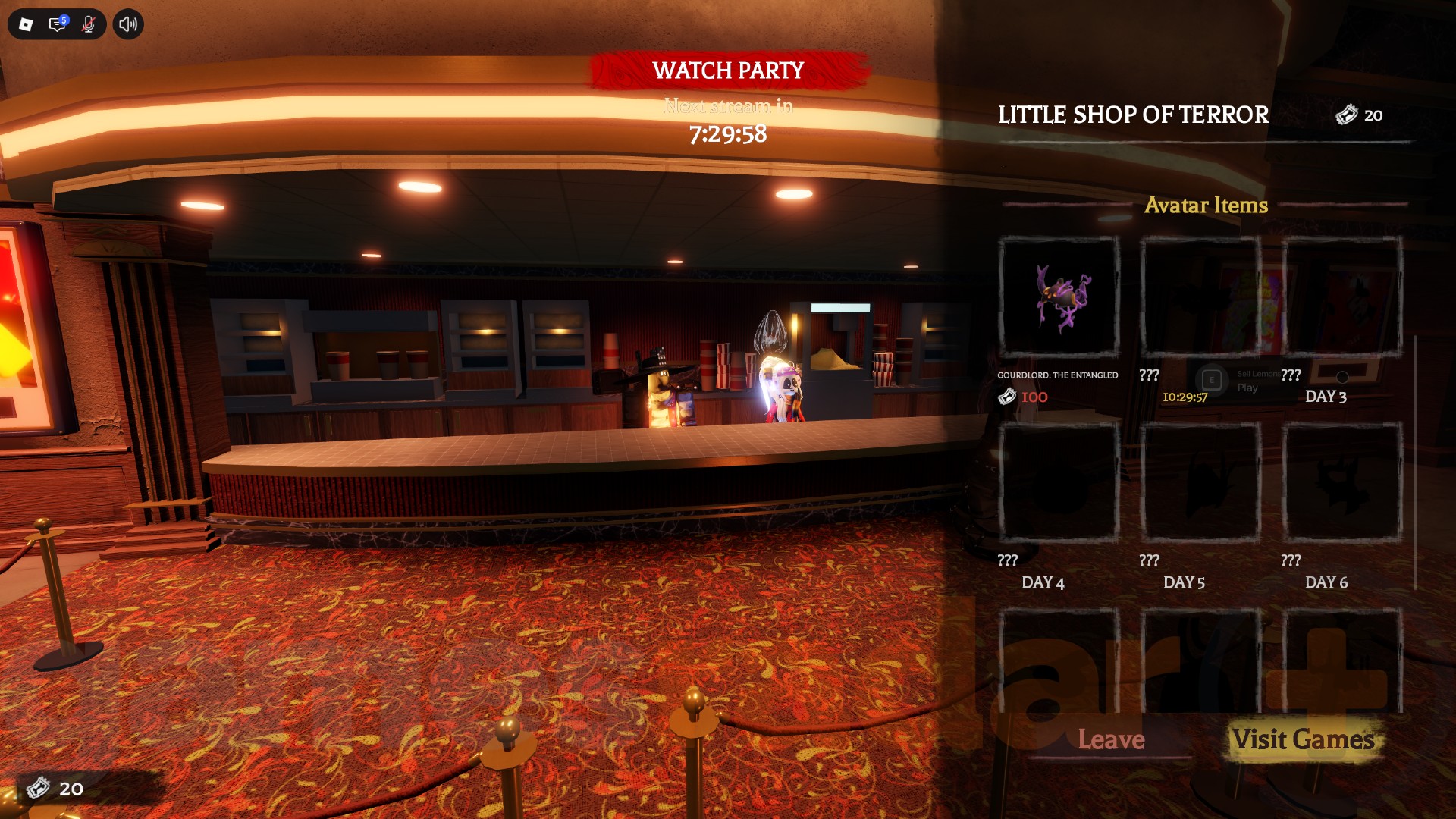
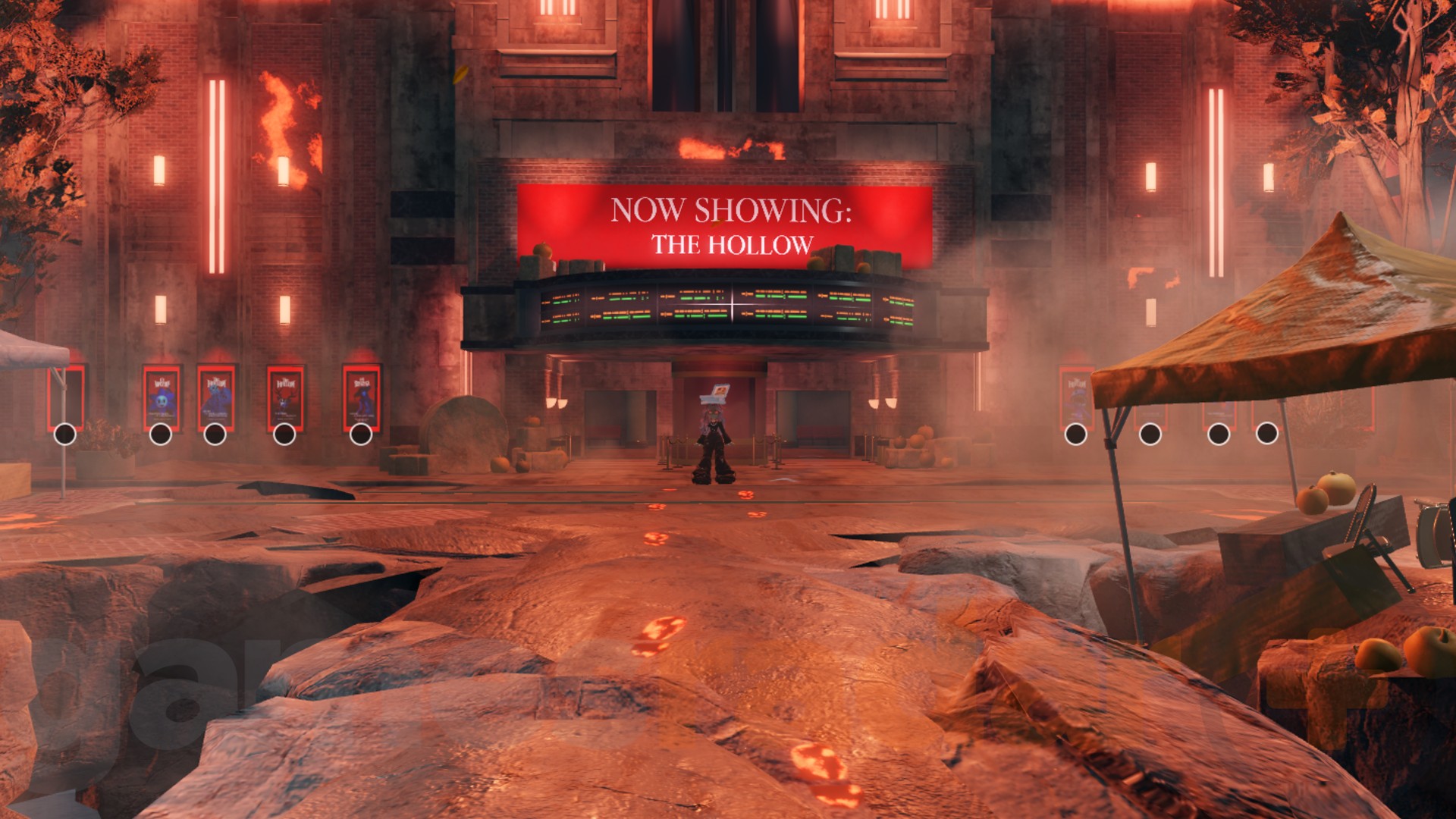
That distinction matters if your playtime is limited. Do not treat a calendar graphic or a creator livestream date as proof that a particular floor has disappeared. Open the official The Hollow experience on Roblox and inspect the active floor list, quest status, and reward requirements before deciding what to play.
A weekend-only catch-up plan for U.S. players
1. Start with a two-minute progress audit
Before entering a maze, check which rewards are already earned, which quests are incomplete, and whether any item still needs a separate claim. A badge, a ticket payout, and a wearable avatar item are not always the same thing. If the hub shows an unfinished claim step, finish that before repeating a challenge.
2. Prioritize quests with the clearest deadline
Write down the rewards you actually want and the requirements shown in-game. Start with any limited-time quest or reward whose countdown is shortest, then move to longer challenges. Avoid spending your whole session repeating a quest that the hub already marks complete.
3. Keep a simple checklist between sessions
Use a note on your phone or computer with three columns: floor or participating game, requirement completed, and reward claimed. Take a screenshot of a completed objective if the game appears not to register it. This gives you a practical record if you return on Saturday or Sunday and cannot remember which step was left unfinished.
4. Recheck ticket quests in participating experiences
The Hollow is connected to participating Roblox experiences. Roblox confirms that players can earn event rewards by completing quests, and guides report ticket rewards for tasks in participating games. Open the event hub’s current participating-game list and follow the requirement shown there; do not assume every Halloween activity in Roblox contributes tickets to The Hollow.
5. Leave time to claim and verify rewards
Do not use your final few minutes only to finish a puzzle. Return to the hub if the quest asks you to, complete any visible claim interaction, and check whether the reward is marked earned. If a badge appears but the item does not, check the relevant avatar inventory category and reopen the hub once before repeating the entire challenge.
What if you missed the first few nights?
Missing a weekday session does not automatically prove you have lost every reward. Roblox’s published deadline allows reward collection to continue until noon Pacific on November 2, 2026, but the exact status of a specific floor or item should be checked in the live game. Some event guides report that earlier floors remain replayable; treat the live hub as the final check for what your account can still complete.
Here is a useful decision rule:
- Floor still available: follow its current objective and finish the run before moving on.
- Quest complete, reward not claimed: look for a separate claim action in the hub or reward menu.
- Ticket total looks wrong: confirm the participating-game badge or quest, return to The Hollow, and recheck the counter. A single refresh or rejoin may help with a stale display, but it is not a guaranteed fix.
- Reward is no longer shown: check the official event page and Roblox announcements before trusting a repost or third-party claim page.

Weekend play on mobile or PC: what should you change?
The best device is the one on which you can read clues, control your character reliably, and stay connected. On mobile, make sure the screen is not obscured by chat or interface elements and use a stable Wi-Fi connection when possible. On PC, keep the game window responsive and avoid running downloads or heavy background tasks during a maze run. These are general play-quality tips, not special event requirements published by Roblox.
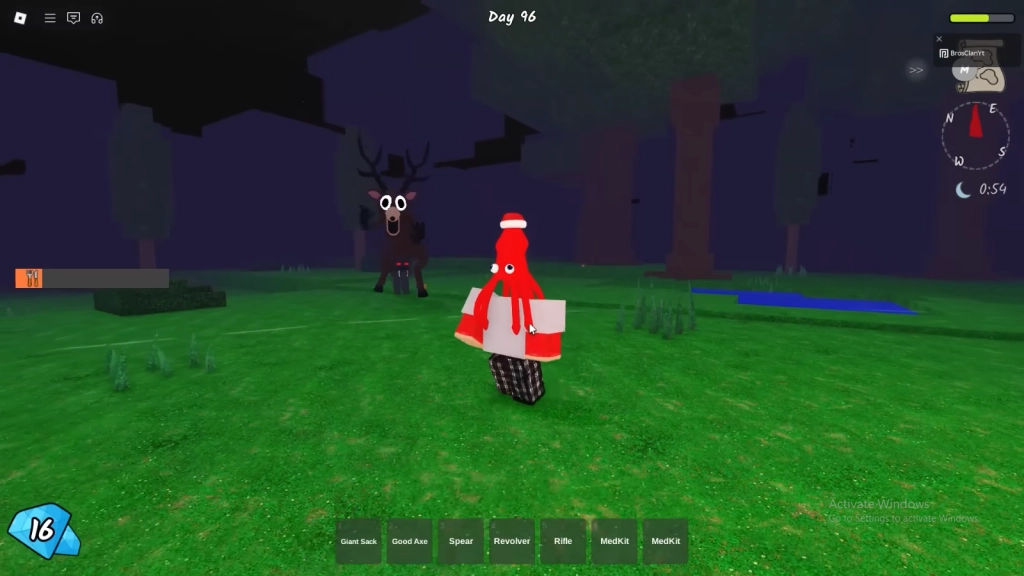
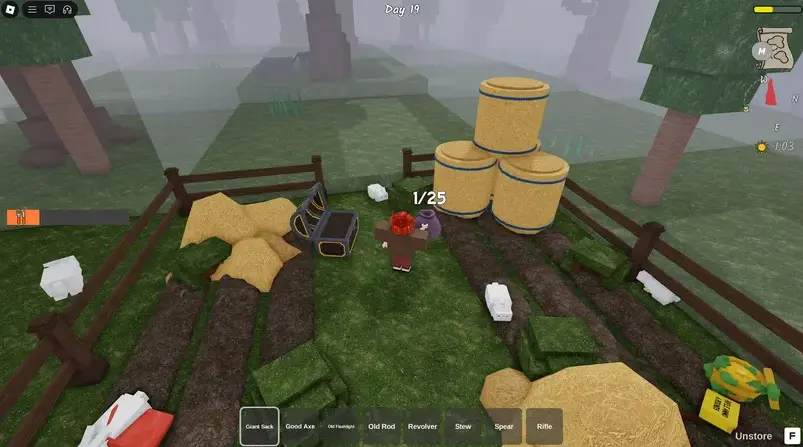
For players who also spend time in other survival experiences, remember that progress in a separate game does not necessarily complete a Hollow floor. The Hollow hub or its participating-game panel should explicitly show which quest and reward are connected.
How to avoid wasting a short weekend session
- Open the official Hollow hub first and review the current quest and reward panels.
- Pick one priority reward before starting a run.
- Read the current floor’s objective rather than relying on a guide for another night.
- Finish the full objective and return to the hub if instructed.
- Confirm the reward state and ticket total before leaving.
- Record what remains so your next session starts with the next unfinished task.
Official event facts and the deadline
Roblox’s October 21 newsroom announcement confirms that The Hollow is a platform-wide Halloween survival event featuring nine horror-game monsters over nine nights. Players explore a changing maze, search for clues, evade monsters, and complete quests for exclusive UGC and other rewards. The event’s live finale is planned for October 31, and Roblox says reward collection continues until noon Pacific Time on November 2, 2026. Availability and age access may vary by region.
For your own weekend plan, the practical deadline is not just the finale stream. Check the reward collection deadline and the individual requirement displayed in the live hub. A stream ending does not necessarily mean every reward closes at the same moment.
Frequently asked questions
Can I complete earlier The Hollow floors on the weekend?
Some current guides report that earlier floors can be revisited before the event deadline, but Roblox’s newsroom announcement does not detail every replay rule. Check the floor list and quest panel in the live hub to confirm what is available to your account.
When does The Hollow stop awarding rewards?
Roblox says players can continue collecting rewards until noon Pacific Time on November 2, 2026. Check the live event for any item-specific requirement or change.
Do I lose a reward if I miss a day?
Missing a day does not, by itself, establish that a reward is permanently lost. Check whether the relevant floor remains available and whether the quest still appears in the event hub.
Why did my badge register but my tickets did not?
Check the hub again, verify that you completed the exact participating-game quest, and rejoin once if the counter appears stale. Player reports can indicate a possible issue, but they do not establish that every account has the same bug or that rejoining always fixes it.
Is Roblox Plus required to catch up?
Roblox says active Roblox Plus subscribers received early hub access and extra perks. The general event announcement describes quest rewards for players, but each item’s current requirements should be checked in the live hub.
Where can I verify The Hollow’s rules?
Start with Roblox’s official event announcement and the live The Hollow experience. Use third-party guides as supporting information, not as a substitute for your in-game quest status.
Sources and related Roblox guides
- Roblox Newsroom: The Hollow Halloween survival event
- Roblox Developer Forum announcement
- GamesRadar+: The Hollow event guide and reward overview
- Vervado: How to claim The Hollow UGC and find it in inventory
- Vervado: Troubleshooting missing tickets and reward claims
Editorial note: Event-wide dates and mechanics are based on Roblox’s public announcement. Exact floor availability, quest progress, and item claim steps can change and should be confirmed in the live experience. Related-game screenshots are clearly identified and are not presented as The Hollow gameplay.
Roblox’s official The Hollow announcement on X
