

By Shivam Das · Updated October 23, 2026 · For U.S. Roblox players
Quick answer: There is no verified public timetable showing the exact queue length for The Hollow by U.S. region or hour. For Day 2, your best practical bet is to avoid the biggest synchronized play windows—especially immediately after school/work and right after a new daily objective is announced—and try a quieter local morning or later evening instead. These are planning suggestions, not measured guarantees; check the live experience before you set aside time.
Roblox announced that The Hollow is a shared Halloween survival event with a new maze and monster each day across nine nights. Public access began at 2 p.m. Pacific on October 22, while active Roblox Plus subscribers received hub access from noon Pacific. Roblox has not published official coast-by-coast queue statistics or promised a queue-skipping benefit. That means a responsible Day 2 guide should help you test access intelligently—not invent wait times.
Best times to try The Hollow on Day 2
Roblox has not released an official low-traffic schedule, so treat these as sensible windows to test rather than guaranteed queue-free times. Player traffic can differ by school calendars, time zone, device, server availability, and creator livestreams.
- U.S. weekday morning: If your schedule allows, try before the main after-school and after-work period in your own time zone. Fewer people may be trying to join at once, but this is not a measured Roblox queue forecast.
- Midday on the U.S. West Coast: This can be worth testing before the evening rush. Check the event’s current objective first so you do not join just before a change you wanted to see.
- Later evening: If the first attempt is crowded, wait a little and try once more later instead of repeatedly leaving and rejoining. The best window can shift when creators stream or a new task draws attention.
- Avoid the announcement spike: A newly revealed monster, reward, or daily clue can send many players to the hub at the same time. If you are not chasing the first-minute discovery, wait until that initial wave settles.

How to tell a real queue from a loading or connection problem
A slow join does not automatically mean the whole Roblox platform is down. First check Roblox Status, which tracks platform components such as Games and Game Join. A green status is useful context, but it cannot guarantee that every experience, device, or connection is working perfectly.
- Read the message on screen. A queue or loading screen is different from a connection error or a frozen client. Note the exact message before you retry.
- Check the official status page. Look for an incident affecting Games or Game Join. Refresh it if the problem continues.
- Try one other experience. If another Roblox experience loads normally while The Hollow does not, the problem may be specific to the event experience or its current load.
- Make one careful retry. Return through the official Roblox experience listing and try again after the client responds. Rapid repeated retries may not improve your place in line.
- Record a persistent error. Take a screenshot showing the error and approximate time, then use Roblox Support’s guidance if you need help.

Five-minute preparation checklist before joining
- Update Roblox from the official app store or launcher, if an update is available.
- Sign in to the account you intend to use and confirm that the official event experience opens.
- Close large downloads or streams if your connection is struggling; keep your device charged.
- Read the current quest text and note the actual objective before following a community route.
- Choose one goal for the session, then check that progress registers before switching servers.
- Do not use third-party “queue bypass,” “free UGC,” or reward-generator pages that ask for your password, one-time code, or session cookie.
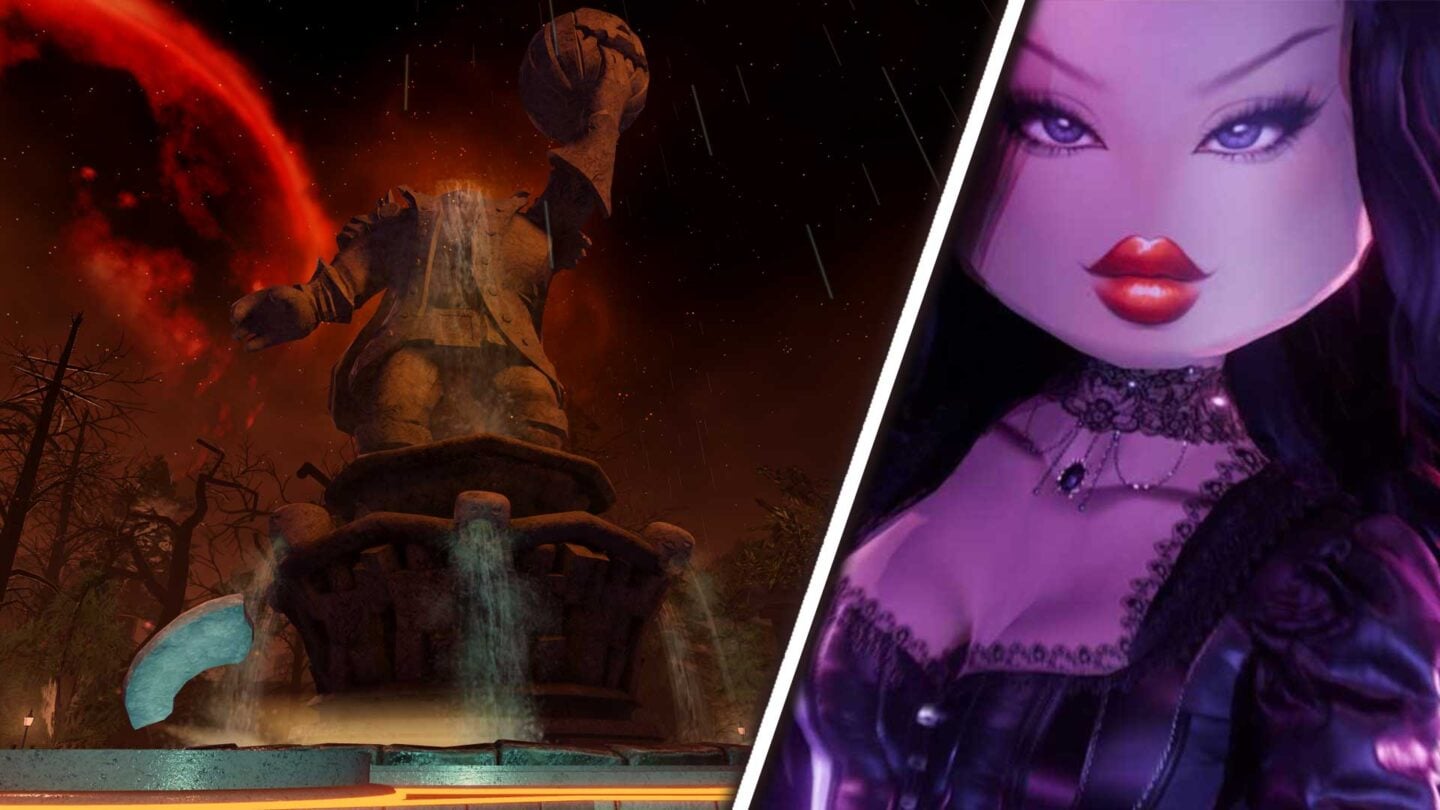
Does Roblox Plus guarantee a shorter queue?
No such guarantee appears in Roblox’s public announcement. Roblox says active Plus subscribers can access the hub two hours before public opening and receive certain Plus-specific benefits, including an item launcher for gifting. Early access is not the same as a published promise to skip queues or receive better quest rewards. Do not subscribe solely because an unofficial post claims it will guarantee instant entry.
For event details and timing, read Roblox’s official announcement for The Hollow. For reward inventory checks, see our Roblox UGC claiming guide. Our Day 1 queue preparation guide covers launch-day basics; Day 2 may behave differently, so re-check the live status and current objective.
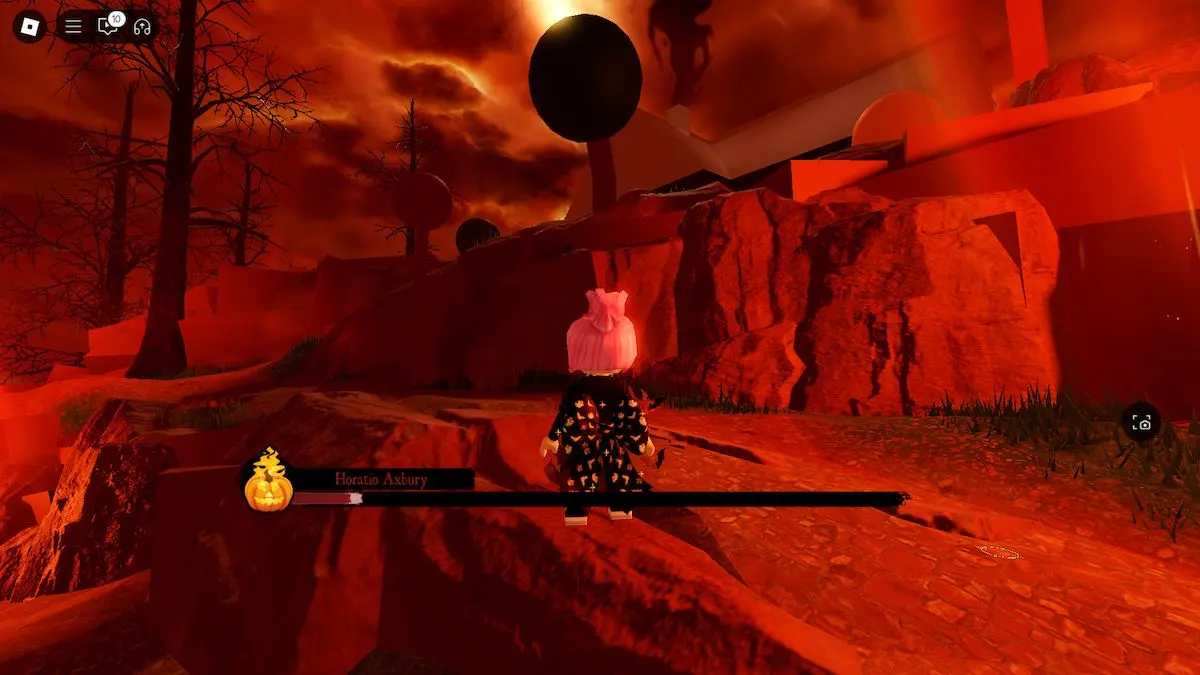
What is confirmed—and what is not
- Confirmed by Roblox: The Hollow is a shared survival event with daily mazes, clue searching, monsters, quests, UGC rewards, a live finale on October 31, and reward collection through noon Pacific on November 2.
- Not published in the official announcement: exact queue times by U.S. region, the quietest hour, guaranteed queue-free entry, or a promise that Plus bypasses queues.
- Best practice: test a quieter local window, check Roblox Status, and rely on the in-game task text rather than a copied screenshot from a previous Halloween event.
Frequently asked questions
What is the best time to enter The Hollow on Day 2?
Roblox has not published a verified low-traffic timetable. Try a local morning or a later evening window outside the largest announcement and after-school rushes, then compare your own experience. These are suggestions, not guaranteed queue predictions.
Are there confirmed queue times for East Coast and West Coast players?
No official region-by-region queue-time table was found in Roblox’s event announcement. Avoid treating unsourced screenshots or individual wait reports as representative measurements.
Does Roblox Plus skip The Hollow queue?
Roblox confirms early hub access for active Plus subscribers, but its announcement does not guarantee queue skipping or faster matchmaking.
What should I do if The Hollow will not load?
Check Roblox Status, read the error message, try another experience to compare, and make one careful retry. If the issue persists, capture the error and consult official Roblox Support.
When does The Hollow reward collection end?
Roblox says players can continue collecting rewards until noon Pacific Time on November 2, 2026. Check the live hub for any item-specific requirements or deadlines.
Reporting note: Queue recommendations here are practical scheduling suggestions, not live measurements. Historical images are clearly labeled and are not presented as screenshots of The Hollow 2026.






